Virtual reality events promise immersive experiences that captivate audiences, but the technology behind these activations requires specialized expertise. Professional VR support services bridge the gap between ambitious event visions and flawless technical execution, ensuring your investment in virtual reality delivers maximum impact without the stress of managing complex equipment.
What VR Support Services Include: Beyond Equipment Delivery
VR support services transform hardware rentals into managed experiences. While some providers drop off headsets and leave, comprehensive support covers equipment configuration, content loading, attendee onboarding, real-time troubleshooting, and experience optimization based on your event goals.
Professional VR support extends far beyond basic equipment delivery. Full-service providers manage every technical aspect of your VR activation, from initial planning through post-event analytics. This comprehensive approach ensures your team can focus on engaging attendees rather than troubleshooting technical issues.
Pre-Event Support: Planning and Configuration
Content selection and licensing based on audience demographics forms the foundation of successful VR events. Support teams analyze your attendee profile to recommend experiences that resonate with your specific audience. For a medical conference, this might mean anatomical visualization tools, while a retail activation could feature virtual showrooms. Support providers maintain libraries of pre-licensed content and handle usage rights negotiations for custom experiences.
Network requirements assessment and connectivity planning prevents day-of connectivity failures. VR support technicians evaluate venue infrastructure, calculating bandwidth needs based on headset count and experience types. They coordinate with venue IT teams to establish dedicated networks, configure firewalls for cloud-based content, and implement failover systems for critical applications. This planning includes mapping dead zones, positioning wireless access points, and establishing backup connectivity through mobile hotspots.
Space layout optimization for VR stations maximizes both safety and throughput. Support specialists create detailed floor plans showing optimal headset placement, considering factors like tracking sensor overlap, cable management, and emergency egress paths. They calculate minimum play areas based on experience requirements—6×6 feet for stationary experiences, up to 10×10 feet for room-scale interactions—and design traffic flow patterns that prevent collisions between active users and waiting attendees.
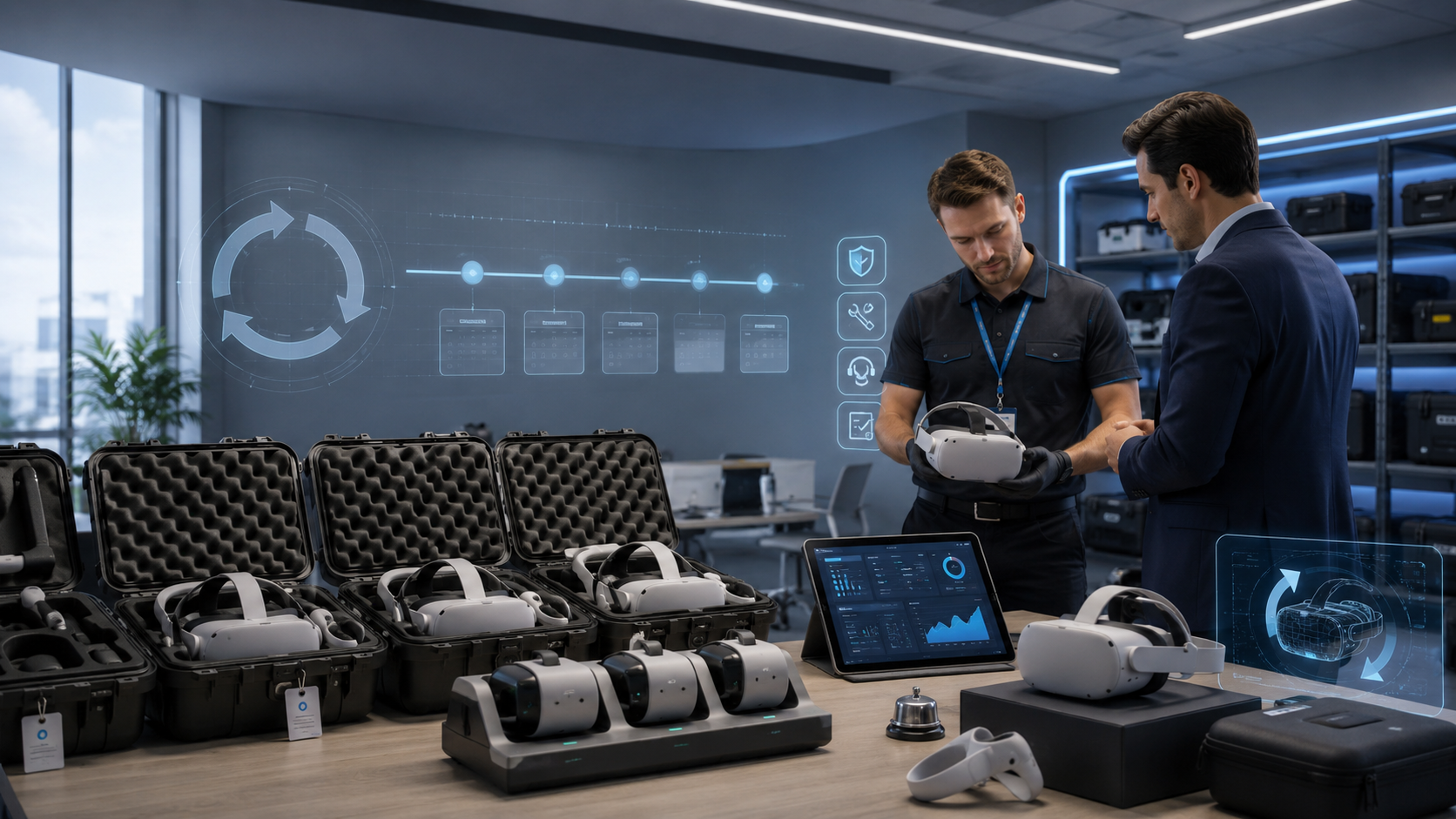
Backup equipment provisioning and contingency planning protects against hardware failures. Professional support services maintain 20-30% spare inventory on-site, including extra headsets, controllers, and tracking sensors. They develop escalation protocols for common failure scenarios, pre-configure replacement units with your content, and establish swap procedures that minimize downtime. This planning extends to power backup systems, spare batteries for wireless equipment, and redundant content delivery methods.
Day-Of Technical Support: Setup Through Breakdown
Equipment sanitization and charging station management ensures every attendee receives a clean, fully powered headset. Support technicians implement medical-grade cleaning protocols between users, using UV-C sanitization systems or alcohol-based wipes approved by headset manufacturers. They manage charging rotations to maintain continuous availability, monitoring battery levels through centralized dashboards and swapping units before power depletion affects experiences.
Boundary setup and safety zone configuration creates secure play spaces that prevent injuries and equipment damage. Technicians use laser measurement tools to establish precise play areas, marking boundaries with physical barriers or floor tape. They configure guardian systems within each headset, setting virtual walls that appear when users approach physical limits. For multi-station setups, they ensure adequate buffer zones between play areas and adjust tracking systems to prevent interference between adjacent stations.
Attendee onboarding and comfort adjustment protocols maximize user satisfaction and minimize motion sickness. Support staff guide first-time users through interpupillary distance adjustments, ensuring sharp visuals that reduce eye strain. They demonstrate controller functions, explain safety features, and provide comfort tips like focusing on stationary objects if nausea occurs. Experienced technicians recognize signs of VR fatigue and proactively suggest breaks or experience modifications.
Real-time troubleshooting for tracking issues and software crashes keeps experiences running smoothly. Support technicians monitor system performance through diagnostic tools, identifying tracking drift, frame rate drops, or application freezes before users notice problems. They maintain decision trees for common issues—recalibrating sensors for tracking loss, clearing cache for performance degradation, or force-restarting frozen applications. Advanced support includes remote access capabilities for software fixes without interrupting active sessions.
Experience Management Support
Session timing and rotation management for high-volume events optimizes throughput while maintaining quality experiences. Support teams implement queue management systems that balance wait times with experience duration, using digital displays to show estimated wait times and sending SMS notifications when turns approach. They adjust session lengths based on crowd density, shortening experiences during peak periods while extending them during lulls to maximize engagement.
Multi-user synchronization for team experiences enables collaborative VR sessions that strengthen group dynamics. Technicians configure network protocols that minimize latency between headsets, ensuring synchronized experiences where participants see each other’s actions in real-time. They manage voice communication systems, establish team assignments, and coordinate simultaneous launches that begin experiences for all participants simultaneously.
Data capture and analytics setup for lead generation transforms VR interactions into measurable business outcomes. Support services integrate experience platforms with CRM systems, capturing user interactions, dwell times, and preference indicators. They configure heat mapping to show where users focus attention, track completion rates for different experience segments, and generate real-time dashboards showing engagement metrics that inform on-the-fly adjustments.
Custom branding integration within VR environments reinforces your message throughout the virtual experience. Technical teams embed logos, color schemes, and marketing messages within VR environments, ensuring brand consistency across physical and virtual touchpoints. They configure start screens with company messaging, integrate product placements within experiences, and create branded transition screens between experience segments.
Support Service Models: Choosing Your Level of Assistance
VR support ranges from basic phone assistance to dedicated on-site technicians. Your choice depends on event complexity, staff technical comfort, and risk tolerance for technical issues during the activation.
Self-Service with Remote Support
Video setup guides and pre-configured equipment enable technically confident teams to manage their own VR activations. Providers ship equipment with QR codes linking to step-by-step video tutorials covering unboxing, setup, and basic troubleshooting. Headsets arrive pre-loaded with your selected content, eliminating complex installation procedures.
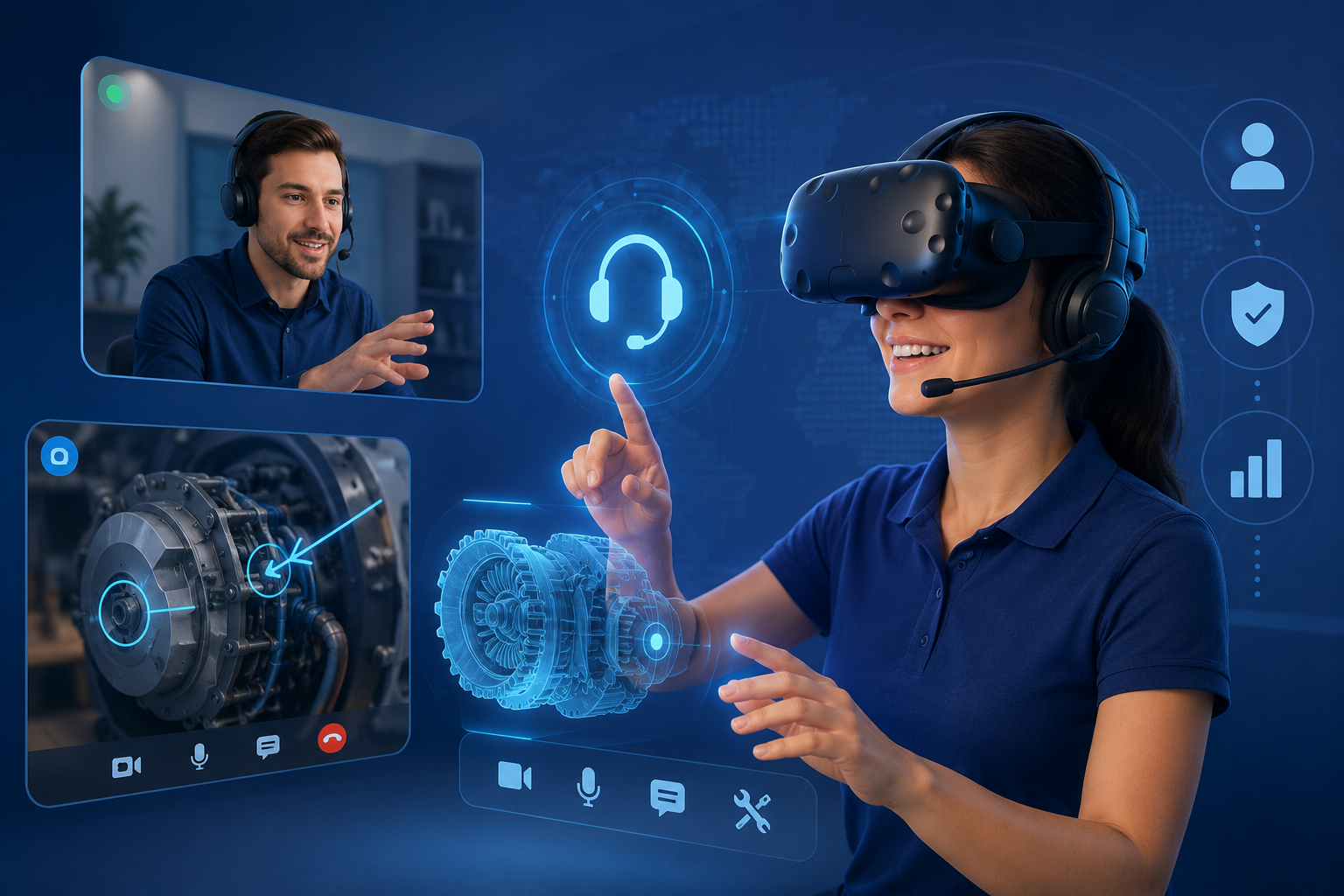
Phone and video support during business hours provides backup when self-service resources prove insufficient. Support teams offer screen-sharing sessions to diagnose issues remotely, walking your staff through solutions while they handle physical adjustments. Response times typically range from 15-30 minutes during standard business hours, with some providers offering extended hours for evening events.
Best for small gatherings, tech-savvy hosts, and budget-conscious events where the stakes for technical failure remain manageable. Company team-building sessions with 5-10 headsets, small client demonstrations, or internal training workshops benefit from this cost-effective approach. The model works when you have at least one technically confident team member who can follow guided troubleshooting steps.
Typical cost structure for self-service support ranges from $0-50 per headset per day, often bundled with rental fees. This includes access to support portals, standard business hours phone support, and basic setup documentation. Additional charges may apply for extended hours support ($75-150/hour), expedited response guarantees, or custom setup guides for unique configurations.
Hybrid Support: Setup Plus Standby
Professional setup and training for your staff combines expert installation with knowledge transfer. Support technicians arrive 2-4 hours before events to configure equipment, then train your team on basic operations, common troubleshooting procedures, and emergency protocols. They provide laminated quick-reference cards and ensure at least two staff members feel confident managing the experience.
Remote monitoring and priority support queue maintains a safety net throughout your event. Technicians access diagnostic dashboards that show headset status, network performance, and error logs in real-time. Your calls bypass standard queues, connecting directly to technicians familiar with your setup who can provide immediate guidance or dispatch on-site support if needed.
Best for corporate events with internal event teams who want professional setup without full-time technical staffing. Trade show booths with dedicated booth staff, corporate training sessions with HR facilitators, or marketing activations with brand ambassadors benefit from this balanced approach. The model provides professional polish during critical setup phases while controlling ongoing support costs.
Handoff protocols between support and your team establish clear responsibility boundaries. Support technicians document equipment status, provide emergency contact procedures, and establish escalation triggers that warrant additional assistance. They create event runbooks showing common scenarios your team might encounter, with step-by-step resolution procedures and decision points for calling backup support.
Full White-Glove Service
Dedicated technician throughout entire event eliminates technical concerns from your team’s responsibilities. Professional VR technicians arrive early for setup, remain on-site throughout your activation, and handle complete breakdown afterward. They manage all technical aspects while your team focuses entirely on attendee engagement and business objectives.
Complete management from setup to breakdown includes every technical detail of your VR activation. Technicians handle equipment transportation, unboxing, configuration, testing, operation, troubleshooting, cleaning, packing, and return shipping. They coordinate with venue staff for power and network access, manage crowd flow around VR stations, and adapt experiences based on real-time attendee feedback.
Best for high-stakes activations, trade shows, and C-suite events where technical failures carry significant consequences. Product launches with press coverage, investor demonstrations, major conference exhibitions, or CEO keynote integrations demand flawless execution that white-glove service ensures. The investment proves worthwhile when technical issues could damage brand reputation or derail critical business opportunities.
Dedicated technicians handle all technical operations including headset configuration, software updates, user onboarding, comfort adjustments, troubleshooting, cleaning protocols, and performance optimization. Event staff responsibilities focus on greeting attendees, managing registration, explaining experience context, gathering feedback, and facilitating business conversations that VR experiences enable. This clear division allows each team to leverage their core competencies.
Common VR Support Scenarios and Solutions
Every VR event encounters predictable challenges. Understanding common support scenarios helps you choose the right service level and prepare contingency plans.
Trade Show and Exhibition Support
Booth integration and power management in convention centers requires careful coordination with venue regulations and infrastructure limitations. Support technicians calculate total power draw including headsets, computers, and charging stations, ensuring requirements stay within booth power allocations. They specify appropriate circuit distributions to prevent overloads, position equipment to minimize trip hazards, and implement cable management systems that meet fire code requirements.
Lead capture system integration with VR experiences transforms booth visits into qualified prospects. Technical teams configure VR platforms to capture user data at natural interaction points—before starting experiences, at decision branches within content, or upon completion. They integrate with badge scanning systems to pre-populate user information, connect to marketing automation platforms for immediate follow-up, and generate analytics showing which experience elements drive strongest engagement.
Managing high-volume traffic and equipment turnover requires systematic approaches to crowd flow and equipment cycling. Support teams implement reservation systems that manage queues while maintaining booth energy, using digital displays to show wait times and collecting phone numbers for text notifications. They establish rapid turnover protocols—sub-30-second cleaning procedures, pre-staged headsets ready for immediate swap, and staggered experience start times that maintain continuous activity.
Overnight equipment security and charging protocols protect investments while ensuring morning readiness. Technicians establish secure storage procedures using lockable cases or restricted-access storage rooms, implementing check-in/check-out logs that track equipment movement. They create charging stations with numbered slots matching headset inventory, using timer-controlled power strips that begin charging cycles to achieve full power just before morning sessions.
Corporate Training and Workshop Support
Multi-headset synchronization for group training enables cohort-based learning where all participants share simultaneous experiences. Support technicians configure master control stations that launch experiences across multiple headsets simultaneously, ensuring all trainees begin modules together. They establish voice communication channels for instructor guidance during experiences and implement screen mirroring systems that display participant views for group discussion.
Progress tracking and completion verification documents training compliance and skill development. Technical teams configure learning management system integrations that automatically record module completion, time spent in training, and assessment scores. They establish unique user profiles that track progress across multiple sessions, generate certificates upon completion, and provide detailed analytics showing knowledge retention patterns.
Content updates and version management ensures training materials remain current with policy changes or procedure updates. Support services establish update protocols that push new content versions to all headsets simultaneously, maintaining version logs that document what content each trainee experienced. They implement rollback procedures for problematic updates and establish testing protocols that validate new content before deployment.
Accessibility accommodations and alternative input methods ensure inclusive training experiences for all employees. Technicians configure subtitle systems for hearing-impaired users, adjust color contrast for visual impairments, and implement alternative control schemes for mobility limitations. They provide seated experience options, one-handed controller configurations, and voice command alternatives that maintain training effectiveness while accommodating diverse needs.
Brand Activation and Marketing Event Support
Custom content deployment and brand integration creates cohesive brand experiences that reinforce marketing messages. Support teams load custom-developed brand experiences, ensuring proper rendering of corporate colors, logos, and design elements. They configure start screens with campaign messaging, integrate product demonstrations within virtual environments, and establish consistent brand touchpoints throughout user journeys.
Social media capture and sharing setup amplifies event reach beyond physical attendees. Technical teams configure mixed reality capture systems that composite users into virtual environments, creating shareable moments that showcase both the person and the experience. They establish automated upload systems that send branded videos to participants’ phones, integrate hashtag overlays, and provide QR codes for instant social sharing.
Crowd management and queue optimization maintains energy while managing wait times. Support services implement virtual queue systems where attendees register for time slots while exploring other activations, sending notifications when their turn approaches. They design spectator viewing areas with external displays showing live VR feeds, creating engaging experiences for waiting attendees while managing flow efficiently.
Weather contingencies for outdoor activations protect equipment while maintaining experience availability. Technicians specify weather-resistant equipment options, establish threshold conditions requiring protection measures, and develop rapid breakdown procedures for sudden weather changes. They provide tent or canopy specifications that shield equipment from sun and rain while maintaining adequate ventilation for heat dissipation.
Support Service Pricing: Understanding Cost Structures
VR support pricing varies by service model, event duration, and location. Most providers bundle basic support with rentals, then offer tiered upgrades for enhanced assistance.
Bundled vs Unbundled Support Pricing
What’s typically included in rental base price varies by provider but generally covers basic phone support, setup guides, and pre-configured equipment. Standard bundles include business hours technical support, access to online resources, basic cleaning supplies, and return shipping labels. Most providers include one technical support incident within base pricing, with additional issues triggering hourly charges.
Common add-on support services and rates expand assistance based on specific needs. On-site setup assistance typically costs $500-1,500 depending on equipment quantity and complexity. Dedicated technicians range from $75-150 per hour or $600-1,200 per day. Premium support packages with guaranteed response times add 20-30% to base rental costs. Custom content loading, network configuration, and integration services bill at professional service rates of $125-200 per hour.
Hidden costs including travel, overtime, and holiday surcharges can significantly impact total support expenses. Travel fees for on-site support include mileage ($.50-1.00 per mile), accommodation for distant events, and per diem expenses. Overtime rates typically apply 1.5x after 8 hours and 2x for work beyond 12 hours. Weekend and holiday support commands 25-50% premiums. Rush setup requests with less than 48 hours notice often trigger expedite fees of $250-500.
Volume discounts for multi-day or recurring events provide savings for larger commitments. Multi-day events often receive 10-20% discounts on daily support rates after the first day. Recurring monthly activations might qualify for 15-25% reductions. Annual support contracts for regular events can reduce per-event costs by 30-40% compared to ad-hoc booking.
ROI Calculation for Support Services
Downtime cost analysis reveals lost engagement opportunities that justify support investments. Calculate potential attendee interactions per hour multiplied by your conversion value. For a trade show generating $500 average deals with 20% conversion rates, each lost hour of VR engagement costs approximately $600-800 in missed opportunities, quickly exceeding daily technician costs.
Staff productivity gains from professional support free your team for revenue-generating activities. Internal staff managing VR equipment typically spend 30-40% of event time on technical tasks rather than attendee engagement. Professional support eliminates this drain, allowing sales teams to focus on qualified leads. For a $50,000 salary employee, recovering 3 hours of selling time during a one-day event saves approximately $75 in labor costs while enabling additional revenue generation.
Risk mitigation value for high-stakes events protects against reputation damage and opportunity costs. Consider the impact of VR failures during investor presentations, press events, or C-suite demonstrations. The cost of negative press coverage, social media criticism, or lost investor confidence far exceeds premium support investments. Insurance alone doesn’t address immediate reputation impacts that professional support prevents.
Support impact on attendee satisfaction scores drives long-term value beyond immediate conversions. Events with dedicated VR support average 4.6/5.0 satisfaction ratings compared to 3.8/5.0 for self-managed activations. Higher satisfaction correlates with increased brand recall, social sharing, and future engagement. The lifetime value improvement from superior experiences justifies support premiums for brand-focused activations.
Selecting a VR Support Service Provider
Not all VR rental companies offer equal support capabilities. Evaluate providers based on response times, technical expertise, equipment redundancy, and experience with your event type.
Essential Support Capabilities
24/7 availability vs business hours only determines support accessibility during your specific event schedule. Providers offering round-the-clock support maintain global support centers or follow-the-sun coverage models. This proves essential for multi-day conferences, evening galas, or international events crossing time zones. Business hours support suffices for standard corporate events but leaves gaps for evening or weekend activations.
Geographic coverage and response time guarantees affect service reliability in your event location. National providers maintain technician networks in major markets, offering 2-4 hour response times in metro areas. Regional providers might offer deeper expertise in specific markets but lack coverage for multi-city tours. Verify whether response guarantees apply to your venue location and understand escalation procedures for remote locations.
Technician certifications and platform expertise indicate support quality and problem-resolution capabilities. Look for providers whose technicians hold manufacturer certifications for specific headset platforms. Enterprise-focused providers often maintain Microsoft HoloLens or Magic Leap certifications, while consumer event specialists might emphasize Oculus or HTC Vive expertise. Certified technicians resolve issues 40% faster than generalists.
Equipment replacement and backup inventory policies determine recovery speed from hardware failures. Leading providers maintain 20-30% spare inventory on-site for immediate replacement. Verify whether backups come pre-configured with your content or require setup time. Understand replacement authorization procedures—whether technicians can swap equipment immediately or need approval that delays resolution.
Questions to Ask Support Providers
Support escalation procedures and response commitments reveal how providers handle critical issues. Request documented escalation paths showing Level 1 through Level 3 support tiers, typical resolution times for each severity level, and after-hours contact procedures. Ask for service level agreements specifying response times, resolution targets, and remedies for missed commitments.
Experience with your specific industry or event type predicts likely support effectiveness. Request case studies from similar events, including attendee counts, technical configurations, and challenges encountered. Industry-specific experience matters—healthcare demonstrations require HIPAA compliance knowledge, while retail activations need point-of-sale integration expertise. Ask for references from comparable clients.
Insurance coverage and liability terms protect against equipment damage and attendee injuries. Verify general liability coverage of at least $1-2 million, equipment protection covering full replacement value, and errors and omissions insurance for technical failures. Understand your responsibilities versus provider coverage, particularly for attendee injuries or equipment damage from negligent use.
Post-event data delivery and reporting capabilities determine analytics value from your VR activation. Confirm what metrics providers capture—session times, completion rates, interaction patterns—and delivery formats. Some providers offer real-time dashboards during events, while others provide post-event reports after 3-5 business days. Verify data ownership rights and privacy compliance for attendee information.
Frequently Asked Questions
Do I need on-site VR support for a corporate event?
On-site support becomes essential when managing more than 5 headsets, serving C-suite attendees, or running mission-critical demonstrations. Corporate events benefit from professional technicians who handle setup complexities, manage equipment hygiene between users, and resolve issues without disrupting business proceedings. The investment typically pays for itself through improved attendee experience and freed staff productivity.
What happens if VR equipment fails during my event?
Professional support providers maintain 20-30% backup inventory on-site for immediate replacement. Technicians diagnose issues within minutes, swap failed components with pre-configured replacements, and transfer user progress when possible. Without support services, equipment failures mean lost engagement opportunities until replacement units arrive, typically 24-48 hours later.
Can VR support staff train my team to run experiences?
Most support providers offer training packages that prepare your staff for basic operations. Training typically covers headset adjustment, experience launching, basic troubleshooting, and hygiene protocols. However, your team won’t achieve the proficiency of dedicated technicians, making hybrid support models ideal when you want staff involvement without full technical responsibility.
How many support technicians do I need per VR station?
One technician effectively manages 4-6 VR stations for standard experiences, or 8-10 stations for simple, seated content. High-throughput events benefit from 1:4 ratios enabling rapid turnover, while training workshops might use 1:8 ratios since groups move together. Premium experiences with complex interactions or extensive onboarding require 1:2 or even 1:1 ratios.
Is remote VR support sufficient for trade shows?
Remote support rarely suffices for trade show environments where immediate issue resolution affects lead capture and brand perception. The combination of high visitor volume, competition for attention, and technical complexity of convention center environments demands on-site support. Remote assistance works for backup escalation but shouldn’t serve as primary support for trade show activations.
What’s included in basic VR rental support?
Basic rental support typically includes phone assistance during business hours, online setup guides, pre-configured equipment with your selected content, and return shipping materials. Most providers include one or two support incidents within base pricing. Basic support excludes on-site assistance, custom configuration, real-time monitoring, and dedicated technician time.
Can support services handle custom VR content?
Professional support services regularly deploy custom content, though complexity affects pricing and lead times. Simple 360-degree videos or branded experience modifications deploy easily, while complex interactive applications might require additional testing and configuration time. Provide custom content at least 48 hours before events to allow proper testing and backup preparation.
Do VR support services include content licensing?
Some providers bundle content licensing with support packages, particularly for standard business applications like soft skills training or virtual tours. Custom or premium content typically requires separate licensing arrangements. Support providers can facilitate licensing negotiations and ensure proper rights management, but specialized content costs usually bill separately from technical support.
Professional VR support services transform ambitious virtual reality visions into flawless event executions. The right support level whether self-service, hybrid, or white-glove depends on your event’s complexity, audience expectations, and risk tolerance for technical issues.
Investment in appropriate support pays dividends through improved attendee satisfaction, increased staff productivity, and protection against costly technical failures. As VR technology becomes increasingly central to memorable event experiences, professional support services ensure your investment delivers maximum impact without the burden of managing complex technical requirements.
Ready to elevate your next event with professional VR support? Contact our team to discuss your specific requirements and receive a customized support package recommendation. Our experienced technicians stand ready to transform your virtual reality activation from a technical challenge into a memorable success.