Why Content-Included VR Headsets Matter for Business Deployments
When businesses deploy VR for events, training, or activations, the hardware is only half the equation. Content licensing, app installation, device management, and compatibility testing can turn a simple VR deployment into an IT project. Content-included headset packages eliminate this complexity by bundling curated experiences with rental hardware, letting teams focus on outcomes rather than setup.
The distinction between hardware procurement and content management often catches businesses off-guard. While consumer VR users can browse app stores at leisure, enterprise deployments require synchronized content across dozens or hundreds of devices, often with limited setup time and non-technical staff managing the experience.
The Hidden Costs of Sourcing Content Separately
Enterprise licensing fees for VR apps often require annual contracts starting at $5,000-$50,000, even when you only need access for a three-day conference. These contracts typically include minimum seat requirements that force you to pay for more licenses than you’ll use. A single high-quality training simulation can cost $500-$2,000 per headset annually, making short-term deployments prohibitively expensive.
IT hours spent installing, updating, and managing content across device fleets compound quickly. Each Meta Quest headset takes 15-30 minutes to configure with business content, including account creation, app downloads, and permission settings. For a 20-headset deployment, that’s 10 hours of IT time before considering updates, troubleshooting, and post-event cleanup.
Compatibility issues between headset models and content platforms create additional friction. An experience built for Quest 2 might not run properly on Quest Pro, while Pico-exclusive content won’t work on HTC devices at all. These incompatibilities often surface during events, when there’s no time for troubleshooting.
The content discovery challenge affects even experienced VR managers. Finding business-appropriate experiences requires sifting through consumer-focused app stores, reading reviews for professional use cases, and often purchasing content blindly to evaluate its suitability. Many businesses waste thousands on content that seems promising but proves inappropriate for their audience or use case.
How Preloaded Content Accelerates Time-to-Deployment
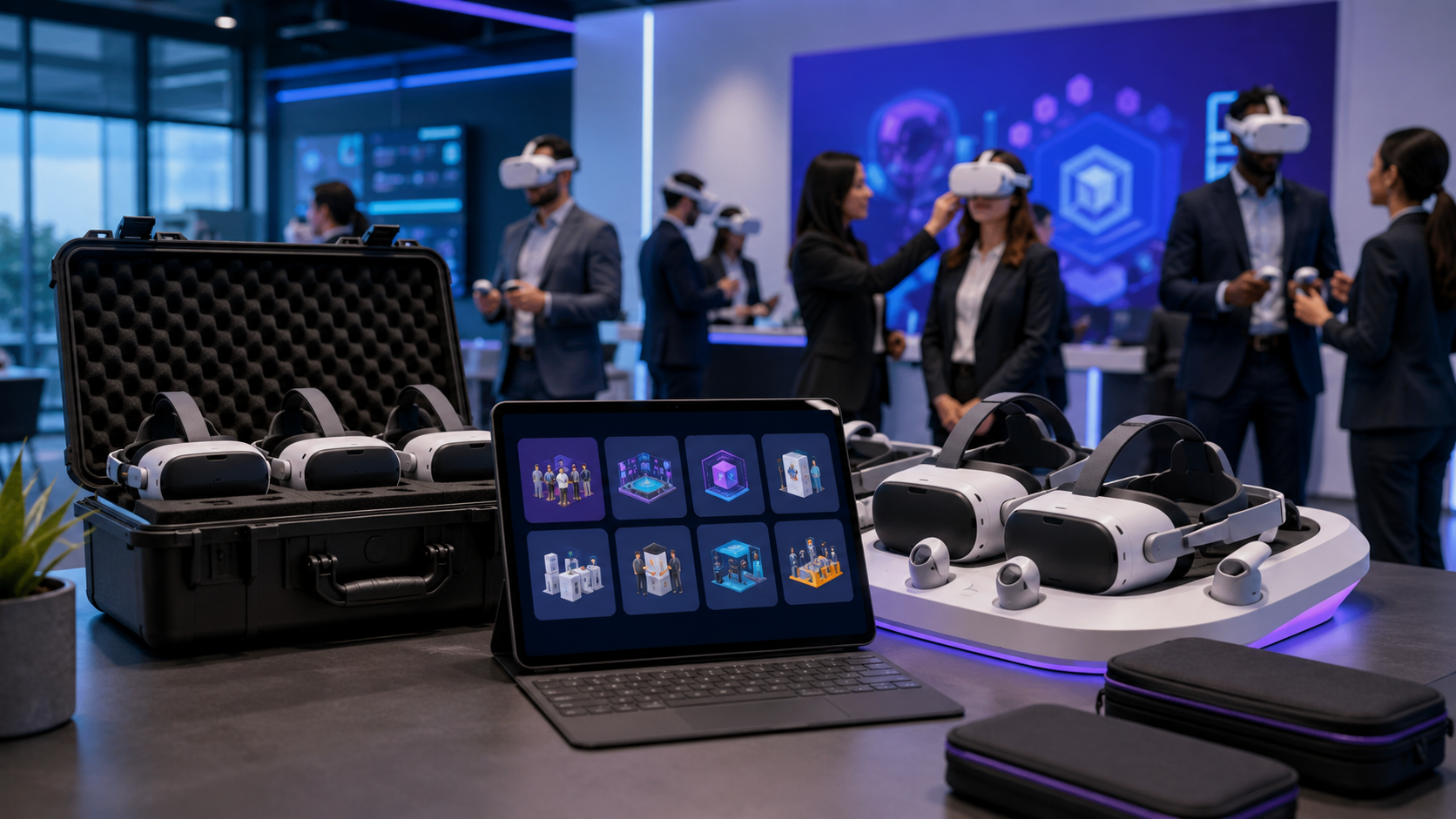
Headsets arrive event-ready with experiences already installed, tested, and configured for immediate use. Instead of spending days preparing devices, your team can focus on attendee experience, logistics, and achieving business objectives. This plug-and-play approach transforms VR from a technical challenge into a turnkey solution.
No app store navigation or account management required means non-technical staff can manage deployments confidently. Rental providers handle the complexity of enterprise accounts, content licenses, and device associations behind the scenes. Your team simply powers on headsets and guides users through pre-selected experiences.
Content vetted for business appropriateness and technical stability eliminates surprises during events. Rental providers test content combinations to ensure they work together without conflicts, verify performance across different headset models, and remove any inappropriate or buggy experiences from their catalog.
Support included for content troubleshooting during events provides crucial backup when issues arise. Rental providers maintain direct relationships with content developers and can often resolve problems remotely or provide immediate workarounds, preventing minor glitches from derailing your entire activation.
Types of Content Included with Business VR Headset Packages
Business VR content falls into distinct categories based on use case. Understanding what’s typically included helps you evaluate whether a package meets your needs or requires customization.
Training and Simulation Content
Soft skills modules address the human side of professional development. Presentation training applications like VirtualSpeech place users on stage facing realistic audiences, complete with distractions and difficult questions. Difficult conversation simulators from companies like Strivr help managers practice delivering feedback, handling terminations, or addressing harassment complaints in psychologically safe environments. Leadership scenarios test decision-making under pressure, with branching narratives that respond to user choices.
Safety simulations prevent real-world accidents through risk-free practice. Hazard recognition modules train workers to spot OSHA violations in virtual job sites, while emergency response simulations rehearse evacuation procedures or first aid protocols. Equipment operation training lets employees practice with expensive or dangerous machinery before touching actual hardware. These simulations track performance metrics, identifying knowledge gaps before they become safety incidents.
Technical training applications accelerate skill development for complex procedures. Assembly procedure modules guide workers through multi-step processes with spatial instructions overlaid on virtual components. Maintenance workflow training teaches troubleshooting sequences for equipment repair, while quality inspection simulations develop pattern recognition for defect identification. These applications often include assessment modes that verify competency before workers perform actual tasks.
Onboarding experiences immerse new hires in company culture from day one. Virtual office tours familiarize remote employees with headquarters they may never visit, while role-specific orientations explain job responsibilities through interactive scenarios rather than PowerPoint slides. Culture immersion modules communicate values and expectations through storytelling, making abstract concepts tangible and memorable.
Event and Entertainment Experiences
Multiplayer games for team building and networking transform standard corporate mixers into memorable shared experiences. Applications like Rec Room or BigScreen enable groups to compete in virtual sports, solve escape room puzzles together, or watch presentations in virtual theaters. These shared experiences create natural conversation starters and break down hierarchical barriers that inhibit networking at traditional events.
Virtual venue tours and destination previews bring distant locations to your event space. Hotels use VR to showcase properties to event planners, while tourism boards transport trade show visitors to faraway destinations. These experiences go beyond 360-degree photos, incorporating spatial audio, interactive hotspots, and guided narration that conveys atmosphere better than any brochure.
360-degree video experiences for brand storytelling immerse audiences in your narrative. Documentary-style content places viewers inside factories, laboratories, or field operations, building emotional connections with your brand’s mission. These experiences work particularly well for cause marketing, letting donors experience the impact of their contributions firsthand.
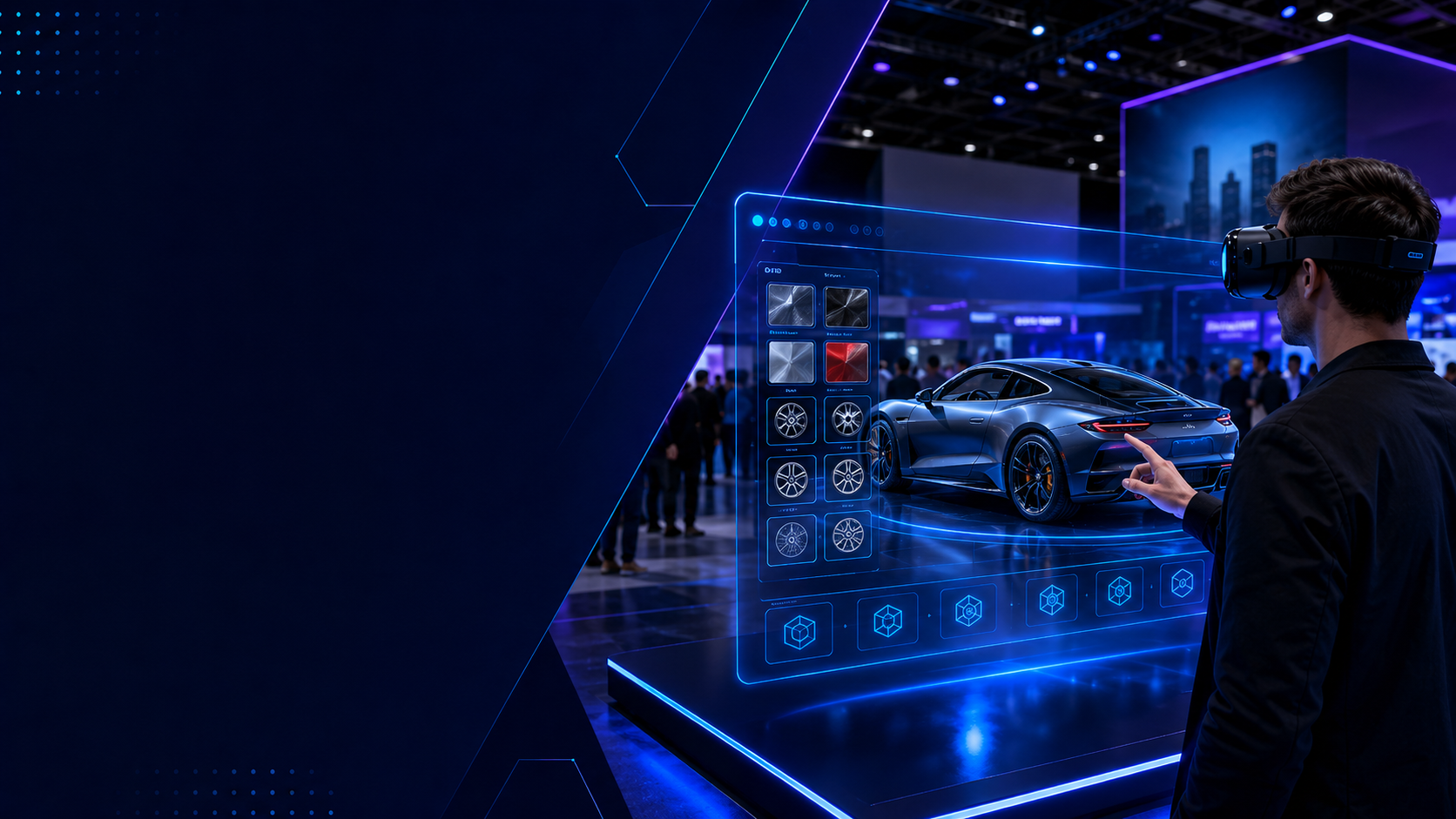
Interactive product demonstrations and configurators let customers explore complex products impossible to transport to events. Automotive companies showcase vehicle interiors and customization options, while B2B manufacturers demonstrate industrial equipment operation. These applications often include multiplayer modes, allowing sales representatives to guide customers through features in shared virtual spaces.
Sales and Marketing Applications
Product visualization tools for complex B2B products overcome the limitations of traditional sales materials. Instead of showing static CAD drawings, sales teams can place full-scale industrial equipment in virtual environments, demonstrating operation sequences and maintenance procedures. Customers can inspect products from any angle, see internal components through x-ray views, and understand scale relationships impossible to convey through traditional media.
Virtual showroom experiences for remote selling extend your reach beyond physical locations. Fashion brands create virtual boutiques where buyers can examine fabrics and construction details, while furniture manufacturers let designers place products in virtual room settings. These applications often integrate with CRM systems, tracking which products generate interest and how long users engage with different features.
Data visualization platforms for presenting analytics transform spreadsheets into spatial experiences. Financial data becomes three-dimensional landscapes where trends emerge as topographical features, while network security platforms visualize threat patterns as interactive node graphs. These tools help executives grasp complex relationships that get lost in traditional presentations.
Custom brand experiences for trade show activations differentiate your booth from competitors. Instead of passive displays, visitors actively participate in your brand story through gamified experiences, virtual factory tours, or product launch reveals. These activations generate longer dwell times, deeper engagement, and more qualified leads than traditional booth attractions.
Rental Packages: What’s Preloaded vs What You Add
VR rental providers typically offer three content configurations: fully preloaded packages for common use cases, semi-custom packages where you select from a content menu, and bring-your-own-content rentals where the provider handles only hardware and setup.
Standard Preloaded Packages by Industry
Healthcare packages address specific medical training and patient care scenarios. Patient empathy training places healthcare workers in the position of patients experiencing various conditions, from macular degeneration to autism spectrum disorders. Surgical planning applications let surgical teams review patient-specific anatomy before procedures, while therapy applications provide controlled exposure therapy for phobias or PTSD treatment. These packages often include HIPAA-compliant data handling and patient privacy protections.
Manufacturing packages focus on operational efficiency and safety. Assembly training modules cover common manufacturing processes like welding, painting, and quality control inspection. Safety protocol simulations rehearse lockout/tagout procedures, confined space entry, and chemical handling. Equipment familiarization experiences introduce workers to new machinery before it arrives on the factory floor, reducing commissioning time and preventing costly mistakes during initial operation.
Retail packages enhance both customer experience and employee training. Virtual shopping applications let customers browse expanded inventory beyond physical store constraints, while product customization tools enable real-time visualization of options and upgrades. Store layout planning software helps managers optimize merchandising before moving physical inventory. Employee training modules cover customer service scenarios, point-of-sale operations, and loss prevention procedures.
Real estate packages streamline property marketing and design processes. Property tour applications showcase listings to remote buyers, complete with virtual staging and renovation visualizations. Architectural visualization tools let clients walk through buildings before construction begins, while design collaboration platforms enable real-time changes during client meetings. These packages often include measurement tools, material libraries, and lighting simulations that help clients make informed decisions.
Adding Custom Content to Rental Packages
Side-loading proprietary training modules developed internally requires coordination between your development team and the rental provider. Most providers can install Unity or Unreal Engine applications built to standard VR frameworks, though some charge additional fees for custom content installation. Provide APK files for Quest devices or executable files for PC-VR setups at least one week before your event to allow for testing and troubleshooting.
Installing client-specific brand experiences or product demos follows similar protocols but often requires additional configuration. Brand experiences might need specific user accounts, API connections to product databases, or custom controller mappings. Rental providers typically request a technical requirements document outlining these dependencies, along with test builds to verify compatibility with their hardware fleet.
Mixing preloaded content with custom applications requires careful planning to prevent conflicts. Some applications monopolize system resources or change device settings that affect other content. Work with your rental provider to establish a content load order and test the complete package on a subset of devices before full deployment. Document any specific launch sequences or settings adjustments required between applications.
Content testing and validation before event deployment prevents day-of surprises. Request that rental providers complete a full run-through of all content on the exact hardware configuration you’ll receive. This testing should verify that all content launches properly, performs adequately, and returns to a home menu without requiring device restart. For critical deployments, consider scheduling an on-site test day with a subset of rental equipment.
Standalone Headsets vs PC-Tethered: Content Availability Differences
The type of VR headset determines what content you can access. Standalone headsets like Meta Quest 3 run mobile-optimized experiences from their built-in app stores, while PC-tethered headsets access more graphically intensive content but require gaming laptops at each station.
Standalone Headset Content Libraries
Meta Quest for Business provides the most extensive enterprise catalog among standalone platforms. The business app store includes dedicated sections for training, collaboration, and wellness applications, with content from established enterprise vendors like Strivr, Immerse, and ENGAGE. Meta’s App Lab also offers access to experimental business applications not yet ready for full store release. However, businesses must navigate Meta’s account requirements and device management policies, which change frequently and can complicate large deployments.
Pico 4 Enterprise targets business users exclusively, eliminating consumer content that might distract from professional use cases. The platform emphasizes streaming capabilities, allowing businesses to run PC-quality content on standalone headsets through local network connections. Pico’s content library focuses heavily on training and simulation, with strong representation from Chinese and European developers often absent from Meta’s platform. The trade-off is a smaller overall content selection and limited availability in some geographic regions.
HTC Vive Focus 3 positions itself as the premium standalone option for businesses requiring maximum flexibility. The device supports both native standalone content and PC streaming through Vive Business Streaming, providing access to both mobile and desktop VR libraries. Vive’s business platform includes advanced device management tools and priority support, though the content library remains smaller than Meta’s ecosystem. Many businesses choose Vive for custom application deployment rather than off-the-shelf content.
Content limitations affect all standalone headsets due to mobile processor constraints. Complex physics simulations, photorealistic graphics, and large-scale multiplayer experiences often require simplification for mobile VR. Training simulations might use lower-polygon models, reduce texture quality, or limit the number of simultaneous interactive objects. These limitations rarely affect training effectiveness but can impact marketing applications where visual fidelity matters.
PC-VR Content Ecosystems
SteamVR offers the largest content library but requires careful curation for business use. The platform includes thousands of VR applications ranging from professional CAD tools to consumer games. While Steam doesn’t offer business-specific categorization, many enterprise applications like Gravity Sketch, Tilt Brush, and Noda distribute through the platform. Businesses must evaluate content individually for appropriateness and often need to disable Steam’s social features to maintain professional environments.
Viveport Business provides a curated subscription service designed specifically for enterprise use. The platform offers unlimited access to a rotating catalog of business-appropriate content for a flat monthly fee per headset. Content categories include creativity tools, training simulations, and wellness applications, all vetted for professional settings. The subscription model works well for businesses that need variety but can’t justify purchasing individual licenses for occasional use.
Custom Unreal Engine experiences deliver the highest visual fidelity for brand activations. These bespoke applications leverage desktop graphics cards to render photorealistic products, complex particle effects, and detailed environments impossible on mobile hardware. Automotive manufacturers use Unreal Engine to showcase vehicles with accurate material properties and lighting, while architecture firms create walkable buildings with every surface texture precisely reproduced. The development cost for custom Unreal experiences typically starts at $50,000 but delivers unmatched visual impact.
The trade-off between graphics quality and deployment complexity affects every PC-VR decision. Each station requires a VR-ready laptop or desktop costing $1,500-$3,000, plus cables, mounting solutions, and additional power management. Setup time increases from minutes to hours per station, and technical issues multiply with each additional component. For permanent installations or high-stakes demonstrations, PC-VR delivers superior results. For portable deployments or large-scale events, standalone headsets prove more practical despite visual compromises.
Content Licensing Models for Business VR Deployments
Understanding how VR content licensing works helps you evaluate the true cost of content-included packages versus sourcing licenses separately. Rental packages often bundle short-term licenses that would be expensive to procure individually.
Per-Seat vs Site Licensing
Per-seat licenses charge for each headset running the software simultaneously. A training application might cost $50 per month per device, meaning 20 headsets cost $1,000 monthly regardless of actual usage. This model works well for small deployments or pilot programs but becomes expensive for large events. Some vendors offer bulk discounts at 10, 50, or 100 seats, though these still require annual commitments that don’t align with short-term needs.
Site licenses provide unlimited headsets at one physical location for a flat fee. A conference center might pay $5,000 monthly for unlimited VR training stations, making this model cost-effective for high-volume deployments. However, site licenses typically restrict content to a single address, complicating multi-location events or roadshow activations. Some vendors interpret “site” broadly to include entire campuses, while others limit coverage to individual buildings.
Concurrent user licensing counts simultaneous users rather than total installations. A 10-user concurrent license allows unlimited installations but only 10 people using the software simultaneously. This model works well for training programs where employees rotate through VR stations throughout the day. The challenge lies in managing user sessions to prevent lockouts when concurrent limits are reached.
Rental packages handle licensing transparently by building costs into daily rates. A typical rental might include $50-$100 per day in content licensing fees within a $200-$300 daily headset rental. This bundling eliminates license procurement, negotiation, and management overhead while providing flexibility to scale up or down based on event needs. Rental providers maintain master agreements with content vendors, accessing volume discounts individual businesses couldn’t negotiate.
Content Rights and Usage Restrictions
Commercial use rights differ significantly from educational licensing. Many VR applications offer discounted or free educational licenses that explicitly prohibit commercial use, including corporate training. Using educational licenses for business purposes violates terms of service and can result in legal action. Always verify that content licenses permit your intended use case, particularly for revenue-generating activities like paid training programs or customer experiences.
Geographic restrictions on certain content complicate international deployments. Some applications are licensed only for specific countries due to content rights, export controls, or local regulations. A training simulation licensed for US use might not be legally deployable at your European offices. Rental providers familiar with these restrictions can suggest alternative content for international events or secure appropriate regional licenses.
Recording and streaming permissions for hybrid events require explicit authorization. Many VR applications prohibit screen recording or streaming to protect intellectual property. If you plan to broadcast VR sessions to remote audiences or record training for later review, verify these rights before your event. Some content vendors offer streaming licenses for additional fees, while others prohibit broadcasting entirely.
Data privacy considerations for training content affect compliance requirements. Training applications that track performance metrics, record user interactions, or store personal information must comply with GDPR, CCPA, and other privacy regulations. Understand what data applications collect, where it’s stored, and how to request deletion. Rental providers should provide data processing agreements outlining their privacy practices and your responsibilities as a data controller.
Evaluating Content Quality and Business Appropriateness
Not all VR content is suitable for professional settings. When evaluating headset packages with included content, assess both technical quality and alignment with your business context.
Content Evaluation Criteria
Production quality encompasses graphics fidelity, audio design, and user interface polish. Professional content should maintain consistent frame rates without stuttering, provide clear audio narration or spatial sound, and present intuitive interfaces that don’t require extensive training. Watch for placeholder graphics, text-to-speech narration, or confusing menu systems that suggest rushed development. High-quality business content feels as polished as consumer entertainment, even if the subject matter is utilitarian.
Accessibility features determine whether all attendees can participate fully. Look for applications offering subtitles for hearing-impaired users, comfort settings to reduce motion sickness, and seated play options for mobility-limited participants. Color-blind modes, adjustable text size, and multiple language support expand your potential audience. Applications lacking basic accessibility features may exclude valuable participants and create legal liability under ADA requirements.
Content duration should match your event schedule and attention spans. A five-minute brand experience works well for trade show traffic, while 20-minute training modules suit workshop settings. Longer experiences risk participant fatigue and equipment queue backups. Verify whether content can be paused and resumed or must be completed in single sessions. Some applications offer variable-length modes, adapting to available time.
Branding alignment evaluates whether content can be customized or white-labeled. Some applications allow logo placement, color scheme adjustments, or custom welcome screens that reinforce your brand identity. Others lock all branding elements, potentially confusing attendees about who’s providing the experience. For customer-facing deployments, ensure content doesn’t promote competitors or include inappropriate advertising.
Testing Content Before Your Event
Request demo headsets with content preloaded for stakeholder review at least three weeks before your event. This timeline allows for content changes if stakeholders identify issues. Have decision-makers experience the content firsthand rather than watching videos or reading descriptions. VR’s impact can’t be fully evaluated without direct experience, and stakeholder buy-in improves when executives try applications themselves.
Run pilot sessions with small groups representing your target audience. Recruit 5-10 participants matching your event demographics and observe their interactions with the content. Note confusion points, technical difficulties, and emotional responses. Collect both immediate reactions and follow-up feedback after participants have time to reflect. These pilots often reveal issues invisible to VR-familiar team members.
Gather feedback on motion comfort and accessibility across diverse users. What feels comfortable to young gamers might nauseate older executives. Test content with participants prone to motion sickness, using comfort ratings to identify problematic experiences. Document which comfort settings improve experiences and prepare recommendation cards for sensitive users. Consider removing content that consistently causes discomfort, regardless of its other merits.
Verify content works reliably without internet connection, especially for venue deployments with uncertain connectivity. Many applications require internet for initial authentication but run offline thereafter. Others stream content continuously and fail without broadband connections. Test complete offline operation by disconnecting headsets from WiFi after setup. Document any content requiring persistent internet and ensure your venue can provide adequate bandwidth.
Implementation Checklist for Content-Included VR Rentals
Once you’ve selected a VR headset package with appropriate content, successful deployment requires coordination between your team and the rental provider. This checklist ensures nothing falls through the cracks.
Pre-Event Content Preparation
Confirm content list and versions with rental provider two weeks before delivery. Content updates between testing and deployment can introduce bugs or change user interfaces. Request specific version numbers for all applications and verify these match what you tested. Lock content versions to prevent automatic updates that might break compatibility or change functionality. Document any custom configurations or settings that differ from defaults.
Request content guides or instruction cards for attendees to minimize staff training burden. Professional rental providers should supply quick-reference cards showing controller layouts, basic navigation, and troubleshooting steps for each application. These guides should use screenshots from actual content rather than generic VR instructions. Print extra copies for staff members who will assist participants.
Verify language options for international audiences match attendee demographics. Many applications default to system language settings, which might not match user preferences. Test language switching procedures and document whether changes require app restart or affect saved progress. For multilingual events, consider grouping headsets by language to simplify management.
Test any custom content on the exact headset model you’re renting one week before the event. Hardware differences between Quest 2, Quest Pro, and Quest 3 can affect performance and compatibility. What runs perfectly on your development hardware might struggle on rental units. Request that rental providers test custom content on their specific hardware configuration and firmware version.
Day-of Content Management
Designate content coaches to guide users through experiences rather than leaving participants to navigate alone. Assign one coach per 4-6 headsets for optimal support ratios. Coaches should complete all content themselves before the event and understand common sticking points. Provide coaches with escalation procedures for technical issues beyond their expertise.
Have backup content ready if primary experiences have issues. Technical problems, unexpected content updates, or participant reactions might require content changes mid-event. Identify alternative experiences that serve similar purposes and ensure they’re preloaded on all devices. Document switching procedures so any team member can implement contingency plans.
Monitor headset batteries as some content drains power faster than others. Graphically intensive applications can deplete batteries in 90 minutes, while simple training modules might last four hours. Create a rotation schedule that ensures headsets charge between sessions. Keep 20% of your headset fleet charging at any time to maintain continuous availability.
Collect content feedback for post-event optimization using structured surveys. Ask specific questions about content clarity, engagement, technical performance, and learning outcomes. Track which content generates the most positive responses and which causes frustration or confusion. Share aggregated feedback with rental providers to improve future packages and inform content curation decisions.
Frequently Asked Questions
Can I add my own content to a rental headset package?
Most rental providers accommodate custom content with advance notice. Submit your content at least one week before delivery for testing and installation. Providers typically charge $25-$50 per headset for custom content installation, though some include this service for larger rentals. Ensure your content is properly signed and packaged for the target platform—APK files for Quest, executable installers for PC-VR.
What happens if preloaded content doesn’t work during my event?
Professional rental providers include technical support and contingency planning. They should provide direct phone support during your event hours and remote access tools for troubleshooting. Many providers preload backup content that can be activated if primary applications fail. Always test a complete headset immediately upon delivery and report any issues before your event begins.
Do content-included rentals cost more than hardware-only rentals?
Content-included packages typically add 20-40% to base hardware rental costs but provide greater value than sourcing content separately. A hardware-only rental might cost $150 per day, while a content-included package costs $200-$250. Purchasing equivalent content licenses independently could cost $500-$2,000 per headset for annual licenses you’ll use once.
Can attendees download additional content during the event?
Rental providers usually lock devices to prevent unauthorized downloads that could introduce malware, inappropriate content, or licensing violations. If you need flexibility to add content during your event, discuss this requirement upfront. Some providers offer supervised downloading services where their technicians install vetted content on request.
How do I know if content will cause motion sickness?
Look for comfort ratings provided by content developers or rental providers. Applications with smooth locomotion, rapid camera movements, or vehicle simulations carry higher motion sickness risk. Choose content with teleportation movement, stationary experiences, or comfort options like peripheral vignetting. Test content with motion-sensitive individuals before your event and prepare alternative experiences for affected participants.
Are content licenses transferable between different headset brands?
Most VR content licenses are platform-specific and non-transferable. A Quest application license won’t work on Pico or Vive devices, even if the same application exists on multiple platforms. This limitation makes rental packages particularly valuable, as providers maintain licenses across platforms and can match content to available hardware without additional procurement.
Conclusion
VR headset packages with preloaded content transform complex technical deployments into turnkey business solutions. By bundling appropriate experiences with configured hardware, these packages eliminate the hidden costs, compatibility challenges, and time investments that derail VR initiatives.
The choice between content-included rentals and DIY content management ultimately depends on your team’s technical expertise, deployment frequency, and budget structure. For most businesses running periodic VR activations, the operational efficiency of preloaded packages far outweighs the premium pricing.
Success with VR content packages requires careful evaluation of your use case, thorough testing with your target audience, and close coordination with experienced rental providers. Focus on content quality and appropriateness rather than quantity, ensuring every preloaded experience serves a clear business purpose.
As VR technology matures and content libraries expand, the value proposition of bundled packages will only strengthen. Businesses that master the selection and deployment of content-included VR rentals gain competitive advantages in training effectiveness, event engagement, and customer experience innovation.
Ready to explore VR headset packages with content for your next business deployment? Contact specialized VR rental providers who understand enterprise requirements and can match preloaded content to your specific objectives. Request demonstration units to evaluate content quality, test with stakeholders, and ensure your VR investment delivers measurable business impact.