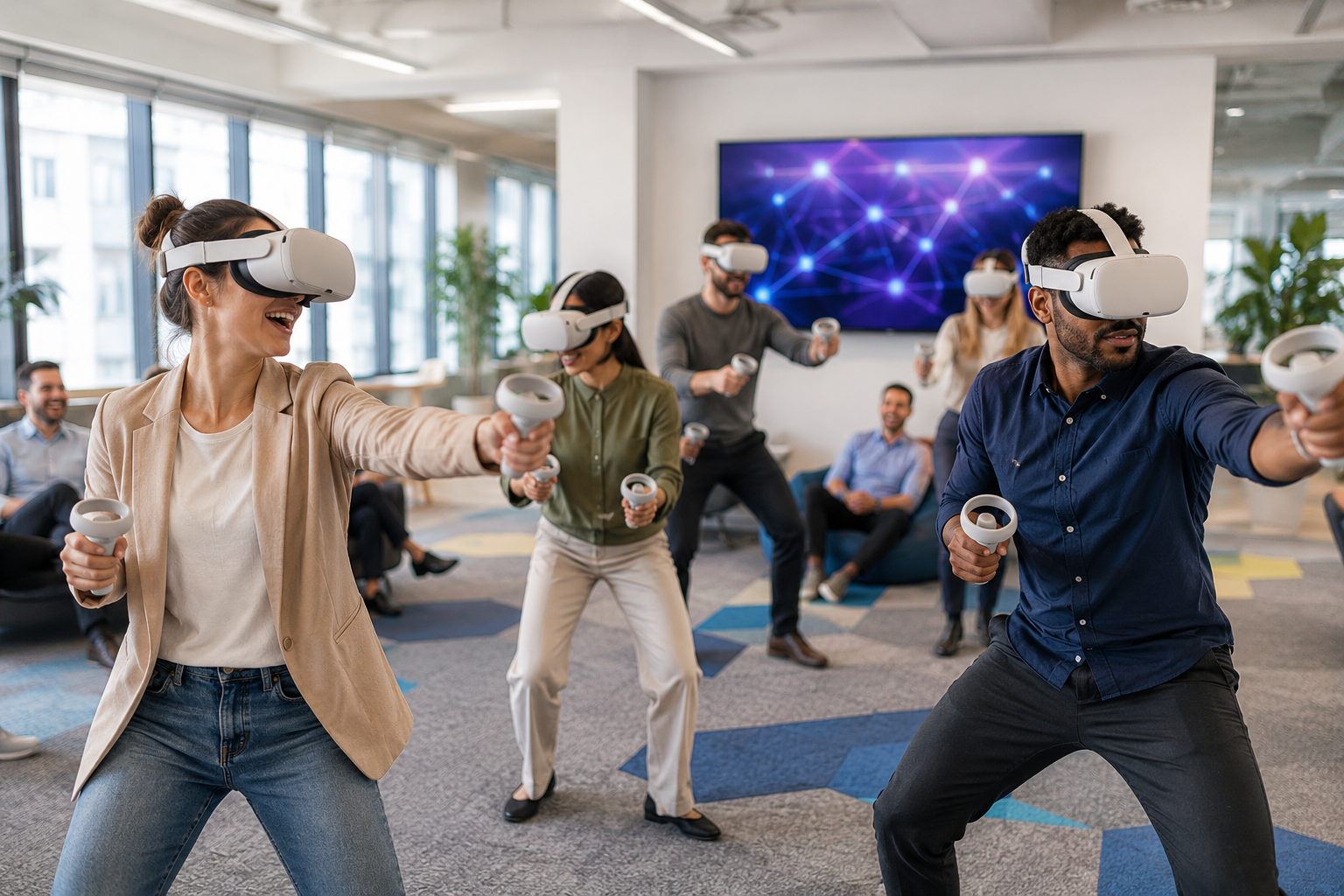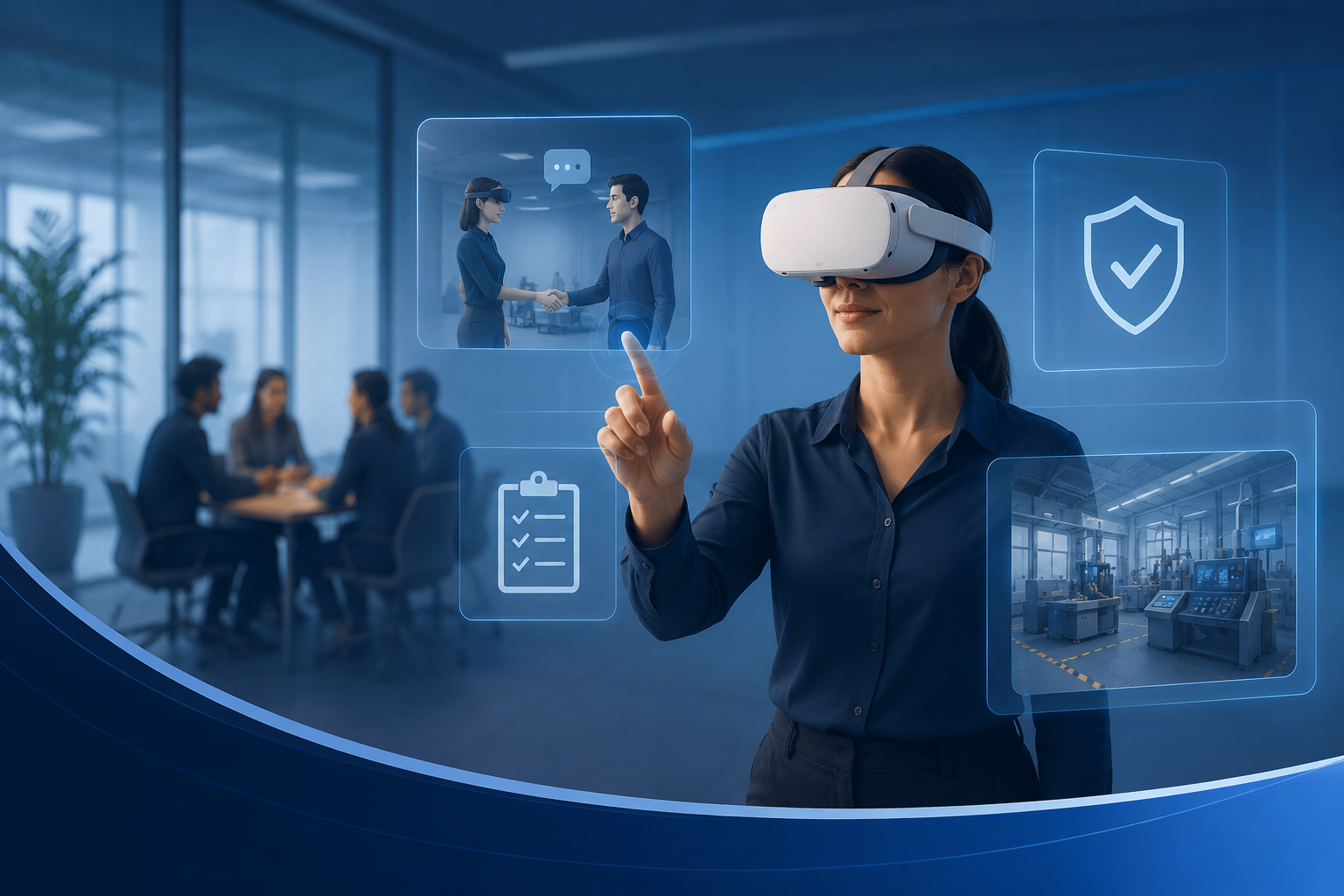
Virtual reality onboarding transforms traditional orientation programs by placing new hires inside immersive, interactive experiences that simulate real work environments, company culture, and job-specific scenarios. Unlike passive video training or classroom sessions, VR onboarding creates memorable first impressions while accelerating time-to-productivity through hands-on practice in risk-free virtual environments.
What Is VR Employee Onboarding and Why Companies Are Adopting It
The Shift from Traditional to Immersive Onboarding
Companies implementing VR-based onboarding programs report 75% higher retention rates compared to traditional classroom training, with new hires completing required modules 4x faster than conventional e-learning approaches. PwC’s 2022 study found that VR-trained employees were 275% more confident in applying learned skills and completed training in one-quarter of the classroom time.
Remote employee orientation presents unique challenges that VR directly addresses. New hires working from home miss crucial cultural immersion and struggle to connect with distributed teams. VR onboarding bridges this gap by creating shared experiences regardless of physical location. Walmart trained over 1 million associates using 17,000 VR headsets across 4,700 stores, standardizing onboarding quality while eliminating regional training variations.
Accenture onboards 150,000 new employees annually through VR experiences that simulate their physical offices, allowing remote workers to navigate virtual recreations of actual workspaces. Bank of America uses VR to prepare call center employees for difficult customer interactions, reducing time-to-proficiency from 6 weeks to 4 weeks. These implementations demonstrate VR’s capacity to maintain consistency across global operations while personalizing experiences for individual learning speeds.
Core Benefits for HR Teams and New Hires
Standardized experiences across all locations and time zones eliminate the variability inherent in trainer-led sessions. Every employee receives identical information delivered with consistent quality, ensuring compliance requirements are met uniformly. HR teams can update content centrally and deploy changes instantly across the entire organization.
Trainer time reduction averages 40-60% when VR handles foundational content delivery. Subject matter experts focus on advanced topics and personalized coaching rather than repeating basic information. Travel costs disappear when trainers no longer visit satellite offices, with some organizations saving $200,000+ annually on instructor travel alone.
Information retention increases dramatically through experiential learning. VR onboarding participants score 40% higher on knowledge assessments 90 days post-training compared to traditional methods. The immersive nature triggers emotional responses that cement memories more effectively than passive content consumption.
High-risk job training becomes safe and repeatable in virtual environments. New manufacturing employees practice equipment operation without production line disruption. Healthcare workers rehearse emergency procedures without patient risk. Construction crews identify safety hazards without entering dangerous zones. These risk-free repetitions build muscle memory and confidence before real-world application.
VR Onboarding Use Cases by Industry and Role Type
Different industries leverage VR onboarding for distinct training needs, from manufacturing safety protocols to retail customer service simulations. Understanding your specific use case helps determine the right VR content, equipment specifications, and program duration.
Manufacturing and Industrial Safety Training
Equipment operation simulations allow new operators to master complex machinery controls without halting production lines. Honeywell’s VR training reduces equipment operation errors by 65% during the first month of employment. Virtual forklift operation, crane control, and assembly line procedures provide unlimited practice opportunities without wear on actual equipment.
Hazard recognition scenarios place employees in virtual factories where they identify and respond to safety violations. Tyson Foods uses VR to train workers on proper knife handling and ergonomic movements, reducing workplace injuries by 20% among new hires. Emergency response drills simulate fires, chemical spills, and equipment failures, allowing employees to practice evacuation procedures and emergency protocols repeatedly.
OSHA compliance modules ensure consistent safety standard communication across facilities. Virtual lock-out/tag-out procedures, confined space entry protocols, and personal protective equipment usage become interactive experiences rather than checkbox exercises. Employees demonstrate competency through VR assessments that track hand movements and decision sequences.
Healthcare and Medical Facility Orientation
Hospital layout familiarization reduces the anxiety new healthcare workers experience navigating complex medical facilities. Cleveland Clinic’s VR orientation allows nurses to explore virtual recreations of actual hospital floors, learning locations of supply rooms, medication dispensaries, and emergency equipment before their first shift.
Patient interaction protocols come alive through simulated bedside scenarios. New staff practice introducing themselves, explaining procedures, and responding to patient concerns in culturally sensitive ways. These simulations include diverse patient avatars exhibiting various emotional states, preparing healthcare workers for real-world interpersonal dynamics.
Medical equipment training in VR eliminates the need to remove devices from clinical service. Nurses practice operating infusion pumps, ventilators, and monitoring systems through virtual interfaces matching actual equipment. Johnson & Johnson reduced medical device training time by 35% while improving competency scores through VR-based equipment familiarization.
Retail and Customer Service Scenarios
Store layout orientation helps retail employees memorize product locations, backroom organization, and point-of-sale positions before entering physical stores. Verizon’s VR onboarding includes virtual store walkthroughs where new hires practice finding products and accessing inventory systems, reducing floor training time from two weeks to three days.
Customer interaction simulations prepare employees for challenging service situations. Virtual customers present complaints, ask complex questions, and exhibit various personality types. Employees practice de-escalation techniques, product recommendations, and upselling strategies in consequence-free environments. KFC uses VR to train employees on food preparation procedures, reducing training time from 25 minutes to 10 minutes per task.
Point-of-sale training occurs without processing actual transactions or handling real money. New cashiers practice scanning items, applying discounts, processing returns, and managing cash registers through virtual interfaces. These simulations include time pressure and customer impatience factors that mirror real checkout experiences.
Corporate Office and Remote Team Integration
Virtual office tours orient remote employees to physical headquarters they may rarely visit. Deloitte’s VR onboarding includes photorealistic office recreations where remote workers explore meeting rooms, collaboration spaces, and amenity locations. This spatial familiarity reduces anxiety when remote employees eventually visit in person.
Company culture immersion experiences convey organizational values through interactive storytelling. New hires participate in virtual scenarios demonstrating company principles in action. They witness virtual colleagues modeling desired behaviors and make decisions that reflect cultural norms. These experiences create emotional connections to company values that traditional presentations cannot achieve.
Team collaboration tool training embeds new hires in simulated meetings using actual software interfaces. Employees practice screen sharing, virtual whiteboarding, and breakout room navigation without disrupting real meetings. Microsoft found that VR-based collaboration training reduced the time needed for new employees to effectively participate in virtual meetings by 50%.
Renting vs. Buying VR Equipment for Employee Onboarding Programs
The decision between renting and purchasing VR headsets for onboarding depends on your hiring frequency, budget constraints, IT support capabilities, and program scale. For most companies running quarterly or monthly onboarding cohorts, rental packages provide flexibility without the burden of hardware management, updates, and storage.
When VR Rental Makes Sense for Onboarding
Cohort-based onboarding with 5-50 new hires at once creates perfect rental scenarios. Companies hiring in waves can rent exact headset quantities for specific periods, avoiding idle equipment between sessions. A technology firm onboarding 20 engineers quarterly needs headsets only 12 weeks annually, making ownership inefficient.
Seasonal hiring spikes strain owned equipment inventories. Retailers adding 100+ holiday workers cannot justify purchasing VR headsets used only during Q4. Distribution centers experiencing summer volume increases rent additional units for temporary workforce expansion. These fluctuating needs make rental flexibility invaluable.
Testing VR onboarding effectiveness before full commitment requires minimal investment through rentals. Organizations can pilot programs with 5-10 headsets for one month, gathering feedback and measuring results before deciding on broader implementation. This try-before-you-buy approach eliminates the risk of purchasing equipment that doesn’t meet expectations.
Multi-location onboarding becomes logistically simple with rental providers shipping directly to each site. HR teams avoid managing equipment transfers between offices, tracking shipments, or maintaining regional inventories. Rental companies handle logistics, ensuring headsets arrive pre-configured and ready for immediate use.
Cost Comparison: Rental Economics vs. Purchase TCO
Upfront investment differences are stark: $0 for rentals versus $400-1,000 per headset for purchases. A 20-headset deployment requires $8,000-20,000 initial capital for ownership, while rental costs spread across operational budgets. This preservation of capital allows investment in content development or facilitator training instead.
Hidden ownership costs accumulate quickly beyond purchase price. Storage requires climate-controlled space costing $50-100 monthly for 20 headsets. Annual maintenance and repairs average $50-75 per device. Software licenses run $10-30 monthly per headset. IT support time for updates, troubleshooting, and configuration consumes 2-4 hours weekly at $75-150 hourly rates.
Scalability advantages become apparent during unexpected hiring surges. Owned equipment creates hard capacity limits, forcing sequential training sessions or rushed hardware procurement. Rental providers maintain large inventories, accommodating sudden increases with 48-hour notice. One pharmaceutical company scaled from 10 to 75 headsets for acquisition integration without capital approval delays.
Technology refresh cycles render purchased equipment obsolete within 18-24 months. New headset generations offer improved resolution, comfort, and battery life that enhance training effectiveness. Rental customers automatically receive latest models, while owners face depreciation and replacement decisions. The Meta Quest 2 to Quest 3 transition exemplifies how quickly specifications advance.
Setup Support and Technical Considerations
Pre-configured devices arrive with onboarding content already installed, eliminating IT setup time. Rental providers handle app installation, account creation, and WiFi configuration before shipping. HR teams unbox ready-to-use headsets without technical expertise requirements.
On-site setup assistance ensures smooth first sessions. Experienced technicians help arrange training spaces, optimize tracking systems, and brief facilitators on equipment operation. This support proves invaluable for non-technical HR teams launching VR programs independently.
Troubleshooting support during sessions prevents disruption when issues arise. Rental providers offer phone and video assistance, walking facilitators through common problems. Advanced issues trigger next-day replacement shipments, maintaining program continuity. This safety net allows HR teams to focus on participant experience rather than technical problem-solving.
Device sanitization between cohorts follows medical-grade protocols. Rental companies professionally clean and disinfect equipment using UV-C chambers and antimicrobial solutions. Fresh face cushions and straps accompany each rental, ensuring hygienic experiences for every participant.
Selecting the Right VR Hardware and Content for Onboarding
Choosing appropriate VR equipment and experiences for employee onboarding requires balancing ease of use for first-time VR users with the sophistication needed for effective training. Focus on standalone headsets with intuitive controls and curated content libraries that align with your training objectives.
Recommended VR Headsets for Corporate Onboarding
Meta Quest 3 delivers standalone simplicity with advanced hand tracking capabilities. The 2064×2208 per-eye resolution provides crisp text readability essential for training materials. Pancake lenses reduce headset bulk while maintaining a 110-degree field of view. The Snapdragon XR2 Gen 2 processor handles complex training simulations without external computers. Battery life extends to 2.5 hours of continuous use, sufficient for most onboarding sessions.
Pico 4 Enterprise includes business-focused features like centralized device management and kiosk mode. The 2160×2160 per-eye resolution matches Quest 3 clarity while offering superior weight distribution through rear-mounted battery design. Enterprise support includes dedicated account management and extended warranties. The included Pico Business Suite simplifies content deployment across multiple headsets simultaneously.
HTC Vive Focus 3 prioritizes comfort during extended training sessions through premium materials and adjustable design. The 2448×2448 per-eye resolution leads the standalone category. Swappable batteries enable continuous operation during all-day onboarding events. The magnesium alloy frame dissipates heat effectively, reducing discomfort during lengthy modules. Enterprise features include advanced tracking for larger training spaces and robust device management tools.
Field of view impacts immersion levels, with 110-120 degrees providing optimal presence without causing peripheral distortion. Resolution determines text clarity and visual fidelity, requiring minimum 2000×2000 per eye for professional training content. Battery life considerations depend on session structure, with 2-hour minimums supporting most onboarding schedules.
Onboarding Content Libraries and Custom Experiences
Off-the-shelf training modules from established providers accelerate program launch. Immerse offers language learning and soft skills development with AI-powered conversation partners. Strivr specializes in retail and hospitality scenarios with Walmart and Verizon-proven content. Virti provides healthcare-specific modules covering patient interaction and clinical procedures. These platforms include analytics dashboards tracking individual progress and identifying knowledge gaps.
Custom 360-degree office tours capture actual workspace environments using specialized cameras. New hires explore facilities at their own pace, clicking hotspots for additional information about departments, amenities, and policies. These tours particularly benefit remote employees who may not visit physical offices for months.
Scenario-based soft skills applications develop interpersonal capabilities through branching narratives. Employees navigate difficult conversations with virtual colleagues, practicing conflict resolution and feedback delivery. These experiences adapt based on user choices, providing personalized learning paths that address individual development needs.
Combining VR experiences with traditional materials creates comprehensive onboarding journeys. VR modules handle experiential learning while documents cover detailed policies and procedures. Learning management systems track completion across both mediums, ensuring nothing gets missed. This hybrid approach leverages VR’s engagement advantages while maintaining familiar reference materials.
Accessories and Comfort Considerations
Hygiene covers and disposable face cushions maintain sanitation standards for shared devices. Silicone covers wipe clean between users while providing sweat resistance during active training scenarios. Disposable cushions eliminate cross-contamination concerns, particularly important during cold and flu seasons. Budget $2-3 per participant for hygiene supplies.
Prescription lens adapters accommodate employees wearing glasses without compromising headset fit. Magnetic inserts from companies like VR Lens Lab snap into headsets, eliminating the need to wear glasses underneath. These adapters prevent lens scratching while improving comfort for extended wear. Organizations should maintain multiple prescription strengths or offer custom ordering options.
Charging stations keep multiple headsets powered throughout training days. 10-port USB hubs with 60W+ per port capacity charge headsets between sessions. Dedicated charging cabinets provide secure storage while maintaining devices at full battery. Consider one charging port per headset plus 20% spare capacity for accessories.
Casting devices display participant views for group discussions and troubleshooting. Chromecast Ultra or Apple TV units mirror headset screens to monitors or projectors. This visibility helps facilitators guide struggling participants and enables group debriefs of individual experiences. Budget one casting device per training room.
Planning and Executing Your First VR Onboarding Session
Successful VR onboarding requires careful session planning, from scheduling and space setup to facilitator training and contingency planning. Start with a pilot program of 3-5 new hires to refine your process before scaling to larger cohorts.
Pre-Session Logistics and Setup
Space requirements demand 6×6 feet minimum per participant to prevent collisions during room-scale experiences. Mark boundaries with tape or foam mats providing tactile warnings when users approach edges. Remove furniture creating trip hazards and cover mirrors that interfere with tracking systems. Overhead lighting should be bright but diffused to optimize inside-out tracking performance.
WiFi bandwidth needs multiply with simultaneous headset connections. Each device requires 25-50 Mbps for streaming content and cloud saves. A 10-headset session demands 500 Mbps dedicated bandwidth. Configure a separate network SSID for VR equipment to prevent competition with other office traffic. Test bandwidth during peak usage times to identify potential bottlenecks.
Device preparation timelines begin 24 hours before sessions. Charge all headsets to 100% the evening prior. Pre-load training content to avoid download delays during sessions. Create user accounts and configure comfort settings for average interpupillary distances. Test each headset’s tracking and controller responsiveness. This preparation prevents technical delays that frustrate participants and waste valuable onboarding time.
Participant communication should address motion sickness concerns and accessibility needs. Send pre-session emails explaining what to expect and recommending light meals beforehand. Include warnings about motion sickness potential and options to take breaks. Request notification of visual impairments, mobility limitations, or other conditions requiring accommodation. Provide alternative training methods for employees unable to use VR.
Facilitating the VR Onboarding Experience
Introduction scripts for first-time users should normalize initial disorientation while building excitement. “You’re about to enter a completely new world of learning. The first few minutes might feel unusual as your brain adjusts, but within 5 minutes, you’ll feel natural in the virtual environment.” Demonstrate controller basics and guardian boundaries before launching content.
Comfort breaks every 20-30 minutes prevent fatigue and motion sickness. Use timers to enforce breaks even when participants feel fine. Encourage hydration and eye exercises during pauses. Monitor for signs of discomfort including excessive sweating, swaying, or frequent headset adjustments. Remove anyone showing distress symptoms immediately.
Progress monitoring through administrative dashboards reveals struggling participants requiring additional support. Track module completion rates, assessment scores, and time spent in specific sections. Identify users repeatedly failing objectives or spending excessive time on simple tasks. Provide one-on-one assistance without disrupting the broader group’s flow.
Common troubleshooting includes tracking loss from inadequate lighting or reflective surfaces. Controller drift occurs when batteries run low or Bluetooth interference exists. App crashes often resolve through headset restarts. Maintain a spare headset for quick swaps when problems persist. Document recurring issues for vendor support escalation.
Post-Session Follow-Up and Reinforcement
In-VR surveys capture immediate feedback while experiences remain fresh. Embed rating scales and open-response questions directly in VR environments. Ask about comfort levels, content clarity, and technical difficulties. This immediate feedback proves more accurate than delayed email surveys with lower response rates.
Session recordings and key takeaways provide reference materials for future review. Export completion certificates and assessment scores to learning management systems. Create summary documents highlighting main concepts covered in VR modules. Share video captures of exemplary performance for peer learning. These materials reinforce VR experiences through traditional mediums.
Follow-up module scheduling maintains momentum from initial sessions. Schedule refresher experiences at 30, 60, and 90-day intervals. Introduce advanced scenarios building on foundational concepts. Use spaced repetition to cement critical knowledge and skills. Track long-term retention compared to single-session training approaches.
HR onboarding checklist integration ensures VR completion receives proper documentation. Update employee files with VR module completion dates and scores. Include VR training in compliance reporting for regulated industries. Connect VR analytics to performance management systems for correlation analysis. This integration validates VR training as official professional development.
Measuring VR Onboarding Success and ROI
Quantifying the impact of VR onboarding requires tracking both immediate engagement metrics and long-term employee performance indicators. Establish baseline measurements from your traditional onboarding program to demonstrate improvement areas and justify continued investment.
Key Performance Metrics to Track
Time-to-productivity measurements compare days until new hires reach performance standards. VR-trained employees typically achieve productivity benchmarks 30-40% faster than traditionally trained peers. Track metrics like first sale completion, error rates, customer satisfaction scores, and supervisor assessments. Document the specific day each employee reaches predetermined competency levels.
Knowledge retention assessments at 30, 60, and 90-day intervals reveal training effectiveness durability. VR participants consistently score 25-40% higher on retention tests compared to traditional training methods. Design assessments testing both factual recall and situational judgment. Compare scores between VR and non-VR cohorts hired simultaneously.
New hire satisfaction metrics through Net Promoter Score surveys indicate onboarding experience quality. VR programs typically generate NPS scores 20-30 points higher than traditional approaches. Ask specifically about training engagement, confidence levels, and preparedness for role responsibilities. Track comments mentioning VR as a positive differentiator in the employment experience.
First-year retention rates provide ultimate validation of onboarding effectiveness. Companies using VR onboarding report 10-15% higher one-year retention compared to traditional methods. Calculate the cost savings from reduced turnover including recruitment, training, and productivity loss expenses. A 10% retention improvement for 100 annual hires saves $300,000+ at typical replacement costs.
Calculating Return on Investment
Trainer time savings multiply across every onboarding cohort. Calculate hours saved when VR delivers foundational content previously requiring live instruction. Include preparation, delivery, and follow-up time. At $75 hourly trainer costs, saving 20 hours per 10-person cohort equals $1,500 per session. Annual savings for monthly cohorts reach $18,000 from trainer efficiency alone.
Travel cost elimination provides immediate budget relief. Document flights, hotels, meals, and ground transportation previously required for trainer or trainee travel. One eliminated quarterly training trip saves $3,000-5,000. Multi-location companies save substantially more when trainers no longer visit satellite offices.
Error and accident reduction during initial employment periods reduces liability and rework costs. Manufacturing companies report 50-70% fewer safety incidents among VR-trained employees during their first 90 days. Healthcare organizations see 30% fewer medication errors from VR-trained nurses. Calculate incident costs including investigations, corrections, and potential litigation.
Scaling efficiency improves as hiring volume increases. Traditional training costs grow linearly with participant numbers due to trainer constraints. VR costs remain relatively flat after initial setup, improving per-employee economics at scale. A program training 50 employees annually might break even, while 200 employees generates 300% ROI.
Frequently Asked Questions
How many VR headsets do I need for employee onboarding?
Plan for one headset per 2-3 participants in a full-day onboarding session, allowing rotation through VR modules while others complete traditional activities. For simultaneous VR experiences, you’ll need one headset per participant plus 1-2 spares for technical issues. Most companies find 10-15 headsets sufficient for cohorts up to 20 people.
Can employees with motion sickness participate in VR onboarding?
Yes, with proper accommodations. Start with stationary experiences avoiding artificial locomotion. Limit initial sessions to 10-15 minutes, gradually increasing duration. Provide motion sickness wristbands and ensure adequate ventilation. Offer alternative training methods for severely affected individuals, approximately 5-10% of participants.
What’s the typical rental period for VR onboarding equipment?
Most companies rent for 1-2 week periods aligned with onboarding schedules. Monthly rentals offer better daily rates for ongoing programs. Quarterly agreements provide maximum flexibility with option to adjust quantities monthly. Annual contracts make sense only for continuous high-volume hiring.
How do I sanitize VR headsets between employee sessions?
Use UV-C sanitization boxes providing 99.9% pathogen elimination in 60 seconds. Alternatively, wipe surfaces with 70% isopropyl alcohol solutions, avoiding lenses. Replace face cushions between users or use disposable hygiene covers. Allow 5 minutes between users for complete sanitization procedures.
Can remote employees participate in VR onboarding from home?
Yes, through shipped headset programs. Rental providers deliver pre-configured devices directly to employee addresses. Include return shipping labels and clear instructions. Schedule virtual facilitator support during sessions. Ensure participants have adequate space and WiFi bandwidth at home locations.
What happens if VR equipment fails during an onboarding session?
Maintain 10-20% spare equipment for immediate replacement. Rental providers typically offer next-day replacement for defective units. Document serial numbers of problematic devices for vendor tracking. Have backup traditional training materials ready for worst-case scenarios.
How long should each VR onboarding module last?
Optimal module length ranges from 15-30 minutes for intensive training scenarios. First-time VR users should start with 10-minute introductory experiences. Build to longer sessions over multiple days. Total daily VR exposure shouldn’t exceed 2 hours to prevent fatigue.
Do I need IT support to run VR onboarding programs?
Standalone headsets require minimal IT involvement beyond initial WiFi configuration. Rental providers handle software installation and updates. Designate a tech-comfortable HR team member as VR champion for basic troubleshooting. Formal IT support becomes necessary only for custom content development or enterprise integration.
Conclusion
VR employee onboarding represents a transformative shift in how organizations welcome and train new team members. The technology’s ability to create standardized, engaging, and memorable experiences while reducing costs and accelerating time-to-productivity makes it invaluable for modern HR departments.
The rental model removes traditional barriers to VR adoption, eliminating capital requirements, technical complexity, and obsolescence risk. Organizations can launch pilot programs within weeks, scale based on results, and adapt to changing needs without long-term commitments.
Success requires thoughtful planning around content selection, session facilitation, and success measurement. Start small with focused use cases, gather feedback systematically, and expand based on demonstrated value. The combination of immersive technology and flexible deployment options creates unprecedented opportunities to revolutionize employee onboarding.
Ready to transform your employee onboarding with VR? Start with a pilot program using rented equipment to prove value before scaling. Contact VR rental providers for consultations on equipment selection, content curation, and implementation planning. Your next cohort of new hires could experience the future of workplace training, setting them up for accelerated success while positioning your organization as an innovative employer of choice.