What Makes VR Headsets Preloaded for Business Different
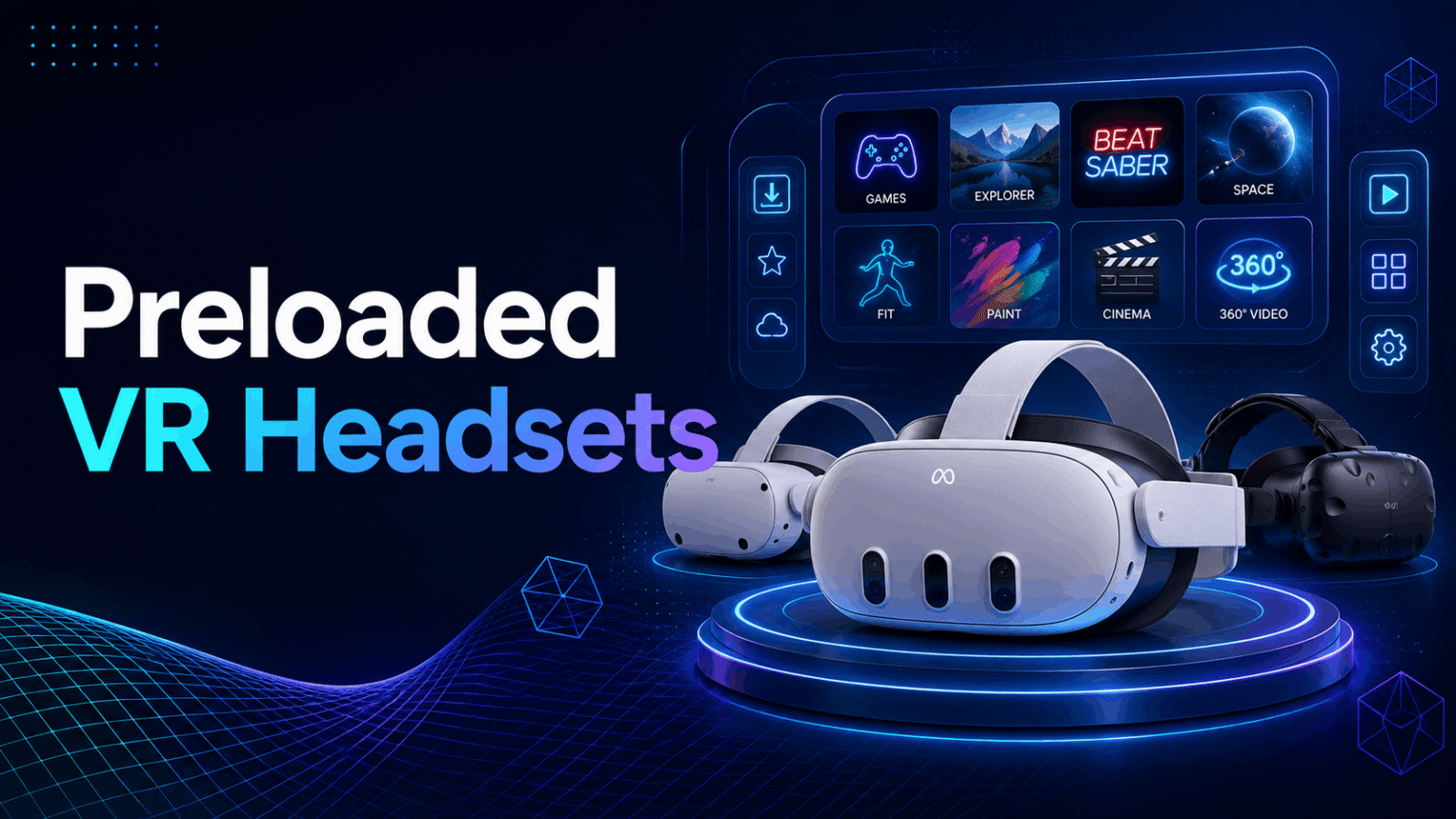
Preloaded VR headsets eliminate the single biggest deployment barrier for corporate events and training: content management complexity. Unlike consumer headsets that require individual app downloads, account creation, and IT configuration, business-preloaded packages arrive ready to use with curated experiences already installed, licensed for commercial use, and configured for multi-user deployment.
Preloaded Content vs. Self-Managed Apps
The distinction between preloaded business packages and self-managed consumer setups fundamentally changes deployment economics and reliability.
Commercial licensing included versus individual app purchases
Preloaded business packages include commercial usage rights for all installed content. A single training app might cost $2,000 for enterprise licensing when purchased separately, but comes included in rental packages at $200 per headset per day. Multi-app packages multiply these savings—five experiences could represent $10,000 in licensing fees alone.
Multi-headset synchronization for consistent experiences
Business preloaded systems use master configuration profiles pushed simultaneously to all devices. When 30 headsets need identical content for a training session, one configuration file deploys to all units in under 10 minutes. Self-managed setups require individual configuration of each device, taking 15-20 minutes per headset.
No WiFi dependency during events – content runs locally
Preloaded content operates entirely offline once installed. Corporate networks often block streaming protocols or limit bandwidth during large events. Local content eliminates buffering, connection drops, and the need for IT security clearances. A 50-person training session runs smoothly without any network infrastructure.
Elimination of app store account management across devices
Consumer app stores require individual accounts per device or complex enterprise account structures. Preloaded packages bypass app stores entirely. No password resets, no credit card management, no terms of service updates interrupting your event.
Business-Specific Content Libraries
Preloaded business packages feature purpose-built experiences unavailable in consumer app stores.
Training simulations for safety, soft skills, technical procedures
Industrial safety training includes confined space entry, lockout/tagout procedures, and hazard recognition scenarios. Soft skills modules cover conflict resolution, customer service interactions, and diversity training. Technical simulations replicate equipment operation, maintenance procedures, and troubleshooting workflows specific to industries like manufacturing, healthcare, and aviation.
Product visualization and 3D model viewers
CAD-compatible viewers display engineering models at actual scale. Automotive companies showcase vehicle interiors before production. Architecture firms present building designs in walkable environments. Medical device manufacturers demonstrate internal mechanisms impossible to show physically.
Brand experience apps for trade shows and activations
Custom-branded experiences place users inside product stories. Beverage brands transport visitors to ingredient origins. Fashion houses offer virtual runway shows. Technology companies demonstrate infrastructure at datacenter scale. Each experience runs 3-5 minutes, optimized for high booth traffic.
Team building and collaboration experiences
Multi-user environments connect distributed teams in shared virtual spaces. Problem-solving scenarios require coordinated action across headsets. Creative workshops enable simultaneous 3D design work. Social VR platforms facilitate natural conversation and presence for remote meetings.
Preloaded VR Rental Packages by Use Case
Different business scenarios require different preloaded content configurations. Rental providers curate specific packages based on deployment type, audience size, and interaction goals, ensuring the right experiences are ready to launch without additional setup.
Corporate Training Packages
Immersive learning modules for 5-50 simultaneous users
Training packages scale from small workshop groups to department-wide sessions. Each headset runs synchronized content, allowing instructors to guide entire classes through scenarios simultaneously. Packages include 10-15 training modules covering general safety, industry-specific procedures, and soft skills development.
Progress tracking and analytics dashboards included
Preloaded training systems capture completion rates, assessment scores, and time-in-experience metrics. Dashboard access provides real-time monitoring during sessions and detailed reports afterward. Integration with Learning Management Systems (LMS) transfers results directly to employee training records.
Customizable scenarios for company-specific procedures
Base training modules accept company-specific modifications. A forklift safety program incorporates your warehouse layout. Chemical handling training uses your actual SDS sheets. Customer service scenarios feature your product catalog. Customization typically requires 2-3 weeks lead time.
Offline-capable content for remote training locations
Training packages run entirely offline after initial setup. Remote facilities without reliable internet—offshore platforms, construction sites, rural locations—maintain full functionality. Content updates sync when connectivity becomes available but never interrupt active sessions.
Trade Show and Event Packages
High-throughput experiences optimized for 3-5 minute sessions
Trade show packages prioritize quick engagement over depth. Experiences feature immediate immersion, clear interaction prompts, and natural conclusion points. Auto-reset functions prepare headsets for the next user without staff intervention. Typical packages include 5-8 experiences suited to booth objectives.
Branded intro screens and custom splash pages
Every experience starts with company branding. Logo placement, color schemes, and messaging align with booth design. QR codes on splash screens link to landing pages for lead capture. Branded elements load locally, ensuring consistent presentation regardless of network conditions.
Queue management apps for crowd control
Integrated queue systems display wait times and manage user flow. Tablet-based check-in assigns visitors to available headsets. SMS notifications alert users when their turn approaches. Analytics track hourly throughput and optimize staffing levels.
Lead capture integration with event management systems
Preloaded packages connect to CRM platforms via API. User interactions generate qualified lead scores based on experience completion and engagement metrics. Contact information collected at check-in automatically populates marketing automation systems. GDPR-compliant data handling ensures regulatory compliance.
Sales and Product Demo Packages
CAD model viewers and 3D product configurators
Sales packages include professional visualization tools supporting STEP, IGES, and STL formats. Real-time rendering engines display complex assemblies with accurate materials and lighting. Annotation tools highlight features during guided presentations. Model libraries store unlimited product variants locally.
Virtual showroom environments
Preloaded showrooms recreate physical spaces or create impossible environments. Automotive showrooms display entire model lines in a single virtual space. Furniture retailers show room configurations with real-time customization. Industrial equipment manufacturers demonstrate machinery too large for physical transport.
Comparison tools for product variants
Side-by-side comparison modes display multiple configurations simultaneously. Specification overlays provide technical details without leaving VR. A/B testing tools track which features generate the most interest. Price calculators update in real-time based on selected options.
Export capabilities for customer follow-up
Sessions generate shareable outputs for post-meeting follow-up. 360-degree captures document custom configurations. PDF reports summarize selected options with pricing. Video recordings capture the entire VR session for internal review. Cloud storage links provide instant access to exported materials.
Hardware Specifications for Preloaded Business Headsets
Not all VR headsets support efficient preloading for business use. Standalone wireless headsets with sufficient onboard storage, enterprise management features, and multi-user modes provide the most reliable deployment platform for preloaded content packages.
Recommended Headset Models
Meta Quest 3 and Quest Pro with 128GB+ storage
Meta Quest headsets dominate business deployments due to extensive enterprise features. Quest 3 offers optimal price-performance at $499 with 128GB storage supporting 20-30 preloaded experiences. Quest Pro at $999 adds eye tracking and face tracking for advanced training scenarios. Both models support Meta for Business accounts enabling centralized management.
Pico 4 Enterprise with device management suite
Pico 4 Enterprise provides alternative ecosystem access at $899 per unit. Built-in kiosk mode locks devices to specific apps without additional software. Pico Business Suite enables remote deployment and monitoring. 256GB storage accommodates extensive content libraries. Direct customer support bypasses consumer channels.
HTC Vive Focus 3 with business warranty
Vive Focus 3 targets premium deployments at $1,300 with 2-year warranty coverage. Swappable batteries enable continuous operation during all-day events. Advanced tracking supports room-scale experiences without external sensors. VIVE Business AppStore provides curated enterprise content.
Storage requirements: 20-50GB for typical business package
Standard business packages consume 20-30GB including OS overhead. Training packages with video content require 30-40GB. Custom 3D model libraries may need 50GB+. 128GB models provide adequate headroom for quarterly content updates without deletion. 256GB models support year-round content accumulation.
Multi-Headset Management Features
Kiosk mode to lock users into specific apps
Kiosk mode prevents users from accessing system settings or unauthorized apps. Configuration profiles specify allowed experiences and disable home button functionality. Exit requires administrator PIN entry. Automatic app launch eliminates user navigation requirements.
Remote content pushing via MDM platforms
Mobile Device Management platforms deploy content to headset fleets simultaneously. ArborXR, ManageXR, and proprietary solutions support scheduled updates, usage monitoring, and remote troubleshooting. Content pushes occur during off-hours to avoid disrupting active sessions.
Batch configuration for identical setup across units
Master configuration files replicate exact settings across unlimited headsets. Wi-Fi credentials, play area boundaries, and comfort settings deploy in single operations. Version control ensures all devices run identical software builds. Rollback capabilities restore previous configurations if issues arise.
Usage analytics and session reporting
Preloaded business systems generate detailed usage metrics. Session duration, completion rates, and interaction patterns inform content optimization. Heat maps reveal areas of greatest interest. Aggregate data identifies training gaps and engagement opportunities.
Preloaded Content Deployment Logistics
Successfully deploying preloaded VR headsets at scale requires understanding the technical and operational requirements. From content updates to user onboarding, each step impacts the experience quality and ROI of your VR investment.
Setup and Configuration Timeline
2-3 weeks lead time for custom content preloading
Custom content requires development, testing, and deployment cycles. Initial assets need optimization for target hardware. Quality assurance testing across device samples ensures consistent performance. Batch deployment to rental inventory occurs 48 hours before shipping.
1-2 days for standard package configuration
Pre-existing content packages deploy within 24-48 hours. Provider inventory determines immediate availability. Configuration includes content installation, account provisioning, and functionality testing. Express options offer same-day setup for premium fees.
On-site setup: 15 minutes per headset for final checks
Arrival procedures include charge verification, lens cleaning, and content launch testing. Boundary setup adapts to venue dimensions. Audio levels adjust for ambient noise. Hygiene covers and straps accommodate user comfort preferences.
User onboarding: 2-3 minutes per participant
Efficient onboarding follows standardized scripts. Safety briefing covers physical boundaries and emergency stops. Controller introduction demonstrates primary interactions. Practice environments allow adjustment before main experience. Group onboarding via projection screens accelerates large sessions.
Content Update and Maintenance
Quarterly content refresh cycles for training programs
Training content requires periodic updates reflecting regulatory changes and procedural improvements. Quarterly cycles balance freshness with stability. Update windows coordinate with training schedules to minimize disruption. Version tracking ensures compliance documentation accuracy.
Event-specific updates 48 hours before deployment
Last-minute content modifications accommodate presenter changes and venue adjustments. 48-hour windows provide testing time while maintaining flexibility. Priority update services offer 24-hour turnarounds for critical changes. Backup content remains available if updates fail.
Remote update capabilities via WiFi when available
Cloud-connected headsets receive updates automatically when online. Staged rollouts test updates on subset devices before fleet-wide deployment. Bandwidth management prevents network saturation during large updates. Offline fallback ensures functionality without connectivity.
Fallback to USB sideloading for offline locations
USB deployment bypasses network requirements entirely. Update packages transfer via portable drives to offline sites. Batch scripts automate installation across multiple devices. Verification tools confirm successful deployment without internet access.
Cost Analysis: Preloaded Rentals vs. Self-Managed Hardware
The economics of preloaded VR headset rentals extend beyond hardware costs. When factoring in content licensing, IT support, and deployment time, preloaded packages often deliver better ROI for businesses running fewer than 20 VR events annually.
Rental Package Pricing Structure
$150-300 per headset per day with preloaded content
Daily rental rates vary by headset model and content complexity. Quest 3 packages start at $150/day for standard training content. Quest Pro with specialized applications reaches $250/day. Premium packages including custom content and on-site support approach $300/day.
Volume discounts for 10+ headsets
Bulk rentals reduce per-unit costs significantly. 10-headset packages typically receive 15% discounts. 25+ headsets qualify for 25% reductions. 50+ unit deployments negotiate custom pricing starting at $100/headset/day.
Multi-day and weekly rates available
Extended rentals offer substantial savings. 3-day rentals cost 2.5x daily rates. Weekly rentals equal 4x daily rates. Monthly arrangements drop to $1,500-2,000 per headset including support and updates.
Shipping and support typically included
Rental packages include round-trip shipping via overnight carriers. Technical support covers setup assistance and event-day troubleshooting. Replacement units ship immediately for hardware failures. Insurance coverage protects against damage and loss.
Hidden Costs of Self-Management
Commercial app licenses: $500-5000 per title
Enterprise software licensing scales with deployment size. Single-seat licenses start at $500 annually. Site licenses for unlimited devices reach $5,000. Specialized training simulations command $10,000+ for perpetual licenses. Annual renewals add 20-30% maintenance fees.
IT staff time: 20-40 hours initial setup
Initial deployment requires substantial IT investment. Account creation and device enrollment consume 8 hours. Content installation and testing add 12 hours. Documentation and training material development require 10 hours. Ongoing coordination with vendors extends timeline further.
Ongoing maintenance: 5-10 hours monthly
Monthly maintenance includes software updates, license management, and troubleshooting. Quarterly content refreshes require additional testing cycles. Hardware failures demand immediate attention during events. Staff training on new features adds recurring time investment.
Storage and transportation infrastructure
Permanent deployments need secure storage with charging capabilities. Professional cases cost $200-300 per headset. Charging stations add $500 per 10-unit capacity. Transportation requires dedicated vehicles or shipping accounts. Climate-controlled storage prevents battery degradation.
Selecting a Preloaded VR Rental Provider
Not all VR rental companies offer true preloaded packages. Many simply ship hardware and expect clients to handle content installation. Evaluate providers based on their content library depth, customization capabilities, and deployment support services.
Provider Evaluation Criteria
Size and relevance of preloaded content library
Leading providers maintain 100+ pre-licensed experiences across categories. Industry-specific content demonstrates domain expertise. Regular library updates indicate active curation. Content previews allow evaluation before commitment.
Custom content development capabilities
Full-service providers offer in-house development teams. Portfolio examples demonstrate quality and style range. Development timelines align with event schedules. Revision processes accommodate feedback efficiently.
Technical support during events
24/7 support hotlines provide immediate assistance. Dedicated account managers understand your specific deployment. On-site technicians available for premium packages. Remote diagnostic capabilities resolve issues without physical access.
Equipment redundancy and backup units
Professional providers ship 10-20% spare units automatically. Hot-swap procedures minimize downtime during failures. Overnight replacement guarantees ensure event continuity. Pre-configured backups match primary unit settings exactly.
Service Level Agreements
Guaranteed content functionality
SLAs specify 99.9% content availability during events. Preloaded content undergoes testing before shipping. Compatibility verification ensures hardware-software alignment. Performance benchmarks guarantee smooth operation.
Response time for technical issues
Tier 1 support responds within 15 minutes during business hours. Critical event issues receive immediate attention 24/7. Resolution targets specify 2-hour maximum for software issues. Hardware replacements ship within 4 hours of confirmation.
Replacement hardware availability
Providers maintain 20% inventory reserves for emergency replacements. Geographic distribution centers enable rapid delivery. Cross-shipping minimizes event disruption. Advance replacement options available for critical deployments.
Post-event data and analytics delivery
Analytics packages arrive within 48 hours of event conclusion. Raw data exports support custom analysis. Executive summaries highlight key metrics. Comparative benchmarks contextualize performance against industry standards.
Frequently Asked Questions
Can I add my own custom content to a preloaded VR headset rental?
Yes, most providers accept custom content with 2-3 weeks advance notice. Content must meet technical specifications for target hardware. Providers handle testing, optimization, and deployment. Additional fees typically range from $500-1,500 depending on complexity.
How many different experiences typically come preloaded on a business VR headset?
Standard packages include 8-12 experiences tailored to use case. Training packages feature 10-15 modules. Event packages offer 5-8 high-impact experiences. Storage permitting, up to 30 experiences can be preloaded on 128GB devices.
Do preloaded VR headsets require internet connection during use?
No, preloaded content runs entirely offline once installed. Internet connectivity enables remote monitoring and analytics collection but isn’t required for content playback. Updates download when connected but never interrupt active sessions.
What happens if preloaded content crashes during an event?
Professional preloaded packages include crash recovery mechanisms. Apps automatically restart within 10 seconds. Persistent failures trigger fallback content loading. Support hotlines provide immediate troubleshooting. Backup headsets replace failed units within minutes.
Can preloaded content be updated remotely after rental delivery?
Yes, when internet connectivity is available. Providers push updates through device management platforms. Updates schedule during off-hours to avoid disruption. Critical updates can deploy immediately with user confirmation. Offline locations receive updates via USB.
Are preloaded VR experiences branded with the rental company’s logo?
No, professional providers deliver white-label experiences. Your branding appears exclusively throughout the experience. Rental company identification limited to equipment labels. Custom splash screens and outro sequences reinforce your brand identity.
How do you ensure content consistency across 20+ preloaded headsets?
Master configuration profiles deploy identically to all devices. Checksums verify complete and accurate installation. Batch testing confirms synchronized performance. Version control systems track and manage updates across fleets.
What file formats are supported for custom preloaded content?
Standard Unity and Unreal Engine builds (.apk files) deploy directly. 360-degree videos support MP4 and MOV formats up to 8K resolution. 3D models accept FBX, OBJ, and glTF formats. WebXR experiences run through integrated browsers.
Conclusion
Preloaded VR headset packages transform complex VR deployments into turnkey solutions for businesses. By eliminating content management overhead, ensuring commercial licensing compliance, and providing offline-capable experiences, these packages enable organizations to focus on outcomes rather than technology logistics.
The decision between renting preloaded packages versus managing your own hardware depends on deployment frequency, technical resources, and content requirements. For most businesses running fewer than 20 VR events annually, preloaded rentals deliver superior ROI through reduced complexity, guaranteed functionality, and professional support.
As VR adoption accelerates across industries, preloaded packages will become the standard for corporate deployments. The combination of curated content, enterprise-grade hardware, and comprehensive support services removes barriers that previously limited VR to technical specialists.
Ready to deploy VR at your next event or training session? Contact a qualified VR rental provider to discuss your specific requirements. Request demo reels of available content, confirm hardware specifications meet your needs, and establish clear SLAs for support and replacement guarantees. With proper planning and the right preloaded package, your VR deployment will deliver memorable experiences that achieve measurable business objectives.