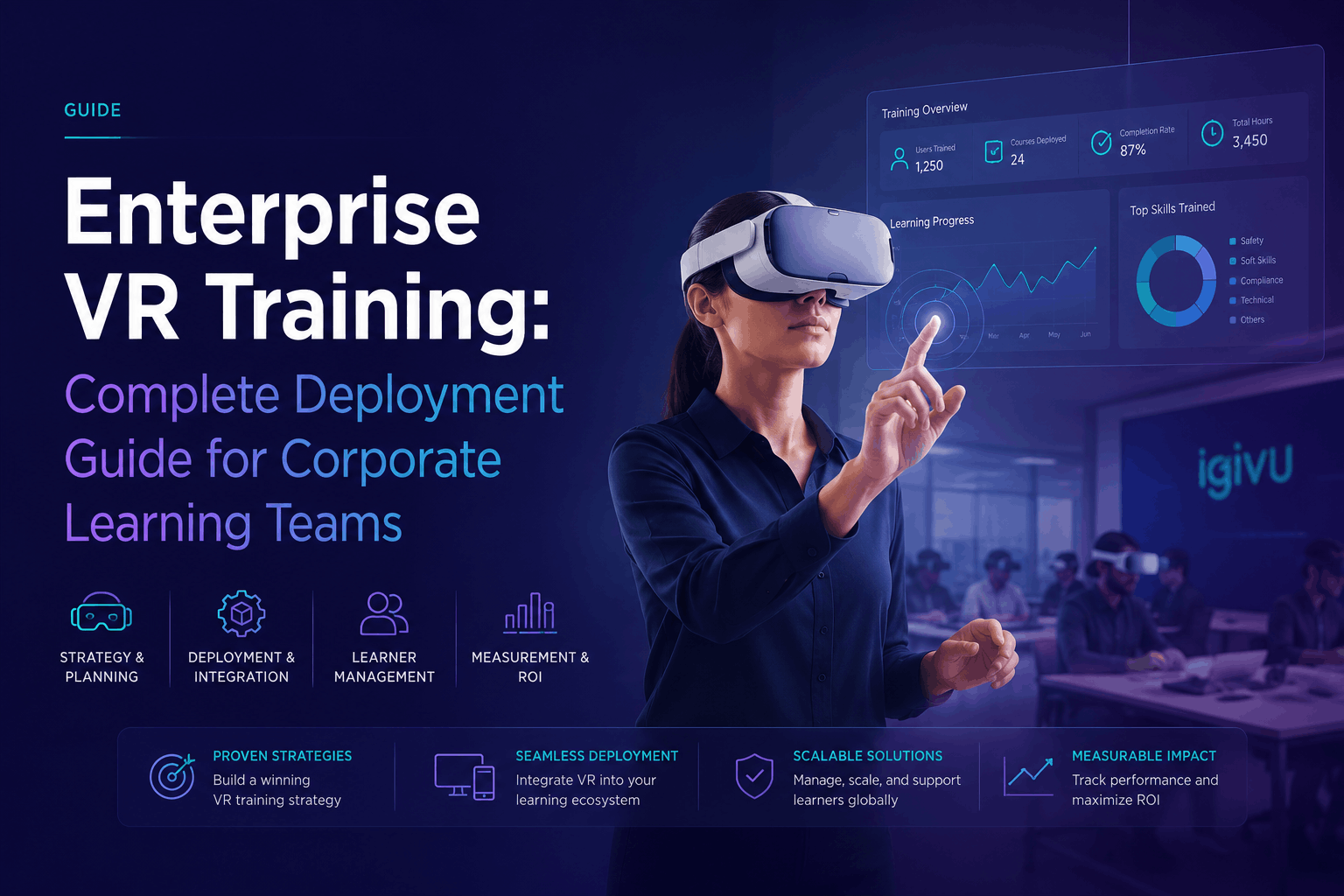
Enterprise VR training is revolutionizing corporate learning by offering immersive simulations that boost skill development, enhance knowledge retention, and lower training expenses at scale. This guide provides a comprehensive overview for Learning and Development (L&D) leaders and HR teams on how to effectively implement VR training, from building a business case to full-scale deployment.
What Enterprise VR Training Delivers: Business Outcomes and ROI Metrics
Virtual Reality (VR) training moves learning from passive observation to active participation. This shift delivers measurable improvements in safety, soft skills, technical procedures, and onboarding programs.
Quantified Business Impact Across Industries
Across various sectors, enterprise VR training has demonstrated significant, quantifiable results:
- Manufacturing and Industrial Safety: VR training in high-risk environments, such as mining, has been shown to reduce lost-time injury rates by as much as 43%. For industries where safety is paramount, VR allows employees to practice responding to hazardous scenarios in a controlled, risk-free setting.
- Healthcare: Medical professionals who train in VR can acquire skills faster and with fewer errors. VR simulations allow for the repeated practice of complex surgical procedures, leading to improved performance and patient outcomes.
- Retail and Hospitality: Companies like Walmart have used VR to train employees on customer service, new technologies, and situational awareness, resulting in a 30% increase in employee satisfaction and a 10-15% higher rate of knowledge retention compared to traditional methods.
- Technical Skills and Aviation: In aviation, VR has been used to significantly reduce training time for complex tasks. Boeing, for instance, cut training time by 75% for certain assembly and wiring tasks.
Cost Comparison: VR Training vs. Traditional Methods
While VR training can have a higher initial investment, it often proves more cost-effective than traditional methods over time, especially at scale.
- Travel and Facility Costs: VR eliminates the need for employees and trainers to travel for in-person sessions, saving on airfare, accommodation, and venue rentals.
- Instructor Time: Once a VR training module is developed, it can be deployed to thousands of employees with minimal need for live instructors, freeing up expert time for more critical tasks.
- Risk Reduction: Training for dangerous scenarios in VR removes the risk of injury to personnel and damage to expensive equipment, which can lead to significant cost savings.
- Scale Economics: The economic advantage of VR training increases with the number of employees. According to a study by PwC, VR training reaches cost parity with classroom learning at 375 learners and becomes 52% more cost-effective at 3,000 learners.
Enterprise VR Training Deployment Models: Rental, Purchase, and Hybrid Approaches
Choosing the right deployment model is crucial for the success of your VR training program. The decision to rent, purchase, or use a hybrid approach depends on factors like training frequency, the number of employees, content needs, and budget.
Rental-First Deployment for Pilot Programs
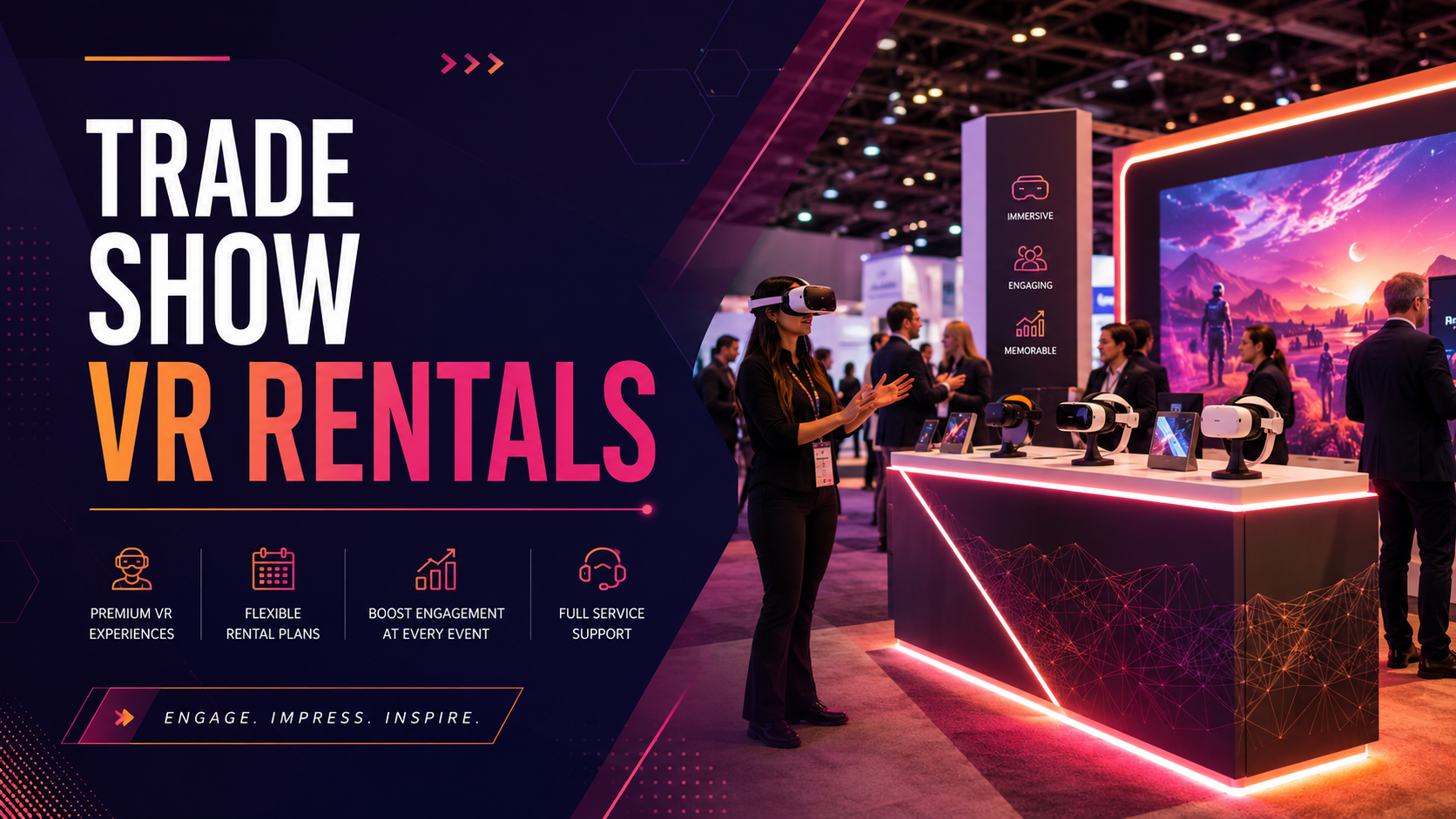
For organizations new to VR, a rental-first approach is often the most practical way to launch a pilot program.
- Pilot Program Structure: A typical 30-90 day pilot allows you to test the effectiveness of VR training with a small group (10-50 employees) before committing to a larger investment.
- Preloaded Content: Rental services can provide headsets pre-loaded with your chosen training content, enabling rapid deployment.
- Cost Predictability: Renting offers a predictable operational expense without a large capital outlay, with rental pricing often ranging from $75 to $120 per unit per day for bulk orders.
- Scalability: Rental models make it easy to scale from a small pilot to a larger rollout for hundreds of employees without managing hardware logistics.
Purchase Considerations for High-Frequency Training
If training is a daily or weekly requirement, purchasing VR hardware may be the more economical choice in the long run.
- Break-Even Analysis: For high-frequency training, the cost per use of purchased headsets drops significantly over time, making it more affordable than continuous rentals.
- IT Infrastructure: Purchasing requires your IT team to manage device setup, security, and maintenance. This includes ensuring adequate Wi-Fi coverage and creating secure charging and storage solutions.
- Content Management: Owning headsets necessitates a Mobile Device Management (MDM) platform to distribute and update training content across all devices.
- Hardware Refresh Cycles: Consider the lifespan of the hardware (typically 2-3 years) and plan for future upgrades to avoid obsolescence.
Hybrid Models: Strategic Rental and Ownership Mix
A hybrid model combines the benefits of both renting and owning equipment.
- Core Ownership with Rental Flexibility: An organization might own a core set of headsets at its main training facility and rent additional units for large-scale events or seasonal training needs.
- Multi-Location Strategy: For companies with multiple locations, owning headsets at high-traffic sites while renting for smaller, regional offices can be an effective strategy.
- Budget Optimization: This approach allows for a mix of Capital Expenditure (CapEx) for purchased hardware and Operating Expenditure (OpEx) for rentals, providing greater budgetary flexibility.
VR Training Hardware Selection for Enterprise Deployment
The hardware you choose is the foundation of your VR training program. Enterprise deployments require standalone wireless headsets that are easy to manage, secure, and scale.
Standalone Headsets for Enterprise Training
Modern standalone headsets offer the power and flexibility needed for corporate learning without being tethered to a PC.
- Meta Quest 3 and Quest Pro: These headsets are popular choices for enterprise use, offering high-resolution displays and mixed reality capabilities. The Meta Quest for Business platform provides tools for device management, app deployment, and user administration.
- Pico 4 Enterprise: Designed specifically for business applications, the Pico 4 Enterprise offers features like high-resolution displays, color passthrough, and a comfortable design for extended use. It is supported by the PICO Business Suite for enterprise-level management.
- HTC Vive Focus 3: This headset is another strong contender for enterprise training, known for its high-fidelity visuals and robust performance.
Content Distribution and Management Systems
A Mobile Device Management (MDM) platform is essential for managing a fleet of VR headsets.
- ArborXR and ManageXR: These are leading MDM platforms that allow administrators to remotely install and update content, manage device settings, and monitor usage.
- Preloaded vs. Cloud Streaming: For initial deployments, preloading content can be simpler. As you scale, cloud-based streaming and management offer more flexibility and control.
- Multi-User Synchronization: For collaborative training scenarios, ensure your hardware and platform support synchronizing multiple users in the same virtual environment.
- Offline Capabilities: In environments with limited or no Wi-Fi, the ability to use preloaded content offline is a critical feature.
Enterprise VR Training Content Strategy: Build, Buy, or License
The content is what drives the learning experience. Your content strategy will depend on your training goals, budget, and the specificity of your needs.
Off-the-Shelf VR Training Libraries
Several providers offer extensive libraries of pre-built VR training modules.
- Content Catalogs: Companies like Immerse, Strivr, and Transfr provide a wide range of content for soft skills, leadership, safety, and compliance training.
- Soft Skills Modules: Off-the-shelf content is particularly effective for soft skills training, such as public speaking, difficult conversations, and leadership development.
- Safety and Compliance: Pre-built modules for common safety procedures (e.g., forklift operation, hazard recognition) can be a cost-effective way to meet compliance requirements.
- Licensing Models: Pricing is typically on a per-seat or subscription basis, with costs ranging from $15-$50 per employee per module to $200-$500 per employee annually.
Custom VR Training Development
For company-specific procedures or highly specialized skills, custom content is often necessary.
- Development Costs: Custom VR training can range from $25,000 for a simple pilot to over $500,000 for a complex, enterprise-wide program.
- 3D Environments: Custom development involves creating realistic 3D models of your specific work environments and equipment.
- Branching Scenarios: For decision-making skills, custom content can include branching narratives where the user’s choices lead to different outcomes.
- Maintenance: Budget for ongoing updates and maintenance, which typically costs 15-20% of the initial development cost annually.
Hybrid Content Strategies
A hybrid approach combines the cost-effectiveness of off-the-shelf content with the specificity of custom modules.
- Core Library with Custom Add-ons: Use a licensed library for general skills and invest in custom development for your most critical, proprietary procedures.
- White-Labeling: Some providers allow you to customize their existing modules with your company’s branding and specific scenarios.
- Rapid Prototyping: Use template-based systems to quickly create and test new training scenarios before committing to full-scale custom development.
Implementation Roadmap: From Pilot to Enterprise-Wide Deployment
A phased approach to implementation ensures that your VR training program is effective, scalable, and aligned with your business objectives.
Phase 1: Pilot Program Design (Weeks 1-4)
- Stakeholder Alignment: Work with key stakeholders to define the business problem you are trying to solve and establish clear success metrics.
- Use Case Selection: Choose a training area where VR can have a significant impact, such as a high-risk safety procedure or a critical customer service interaction.
- Rental Package: Configure a rental package with preloaded content for your pilot participants.
- Baseline Measurement: Collect baseline data on employee performance before the VR training to measure improvement.
Phase 2: Pilot Execution and Measurement (Weeks 5-12)
- Training Logistics: Schedule training sessions and ensure facilitators are prepared to guide participants.
- Data Collection: Track performance metrics within the VR experience, such as completion rates, task accuracy, and decision-making.
- Participant Feedback: Gather qualitative feedback from participants to understand their experience and identify areas for improvement.
- ROI Calculation: Analyze the data to calculate the ROI of the pilot program and build a business case for a wider rollout.
Phase 3: Scaled Rollout Planning (Weeks 13-16)
- Deployment Model Selection: Based on the pilot results, decide whether to continue renting, purchase hardware, or use a hybrid model.
- Infrastructure Scaling: Ensure your IT infrastructure can support a larger number of devices.
- Change Management: Develop a communication plan to get employees excited about the new training and address any concerns.
- Trainer Certification: Create a “train-the-trainer” program to certify internal facilitators.
Phase 4: Enterprise Deployment (Ongoing)
- Phased Rollout: Deploy the program in phases, either by department or geographic location.
- Performance Monitoring: Continuously monitor performance data to optimize the training content and approach.
- Content Refresh: Plan for regular content updates and the addition of new training modules to keep the program relevant.
- Vendor Partnership: Maintain a strong relationship with your hardware, software, and content vendors to ensure long-term success.
Enterprise VR Training Support Infrastructure
A successful VR training program requires a robust support system that goes beyond the headsets and software.
IT Requirements and Network Considerations
- WiFi Bandwidth: Ensure your facilities have sufficient WiFi coverage and bandwidth to handle device setup, content downloads, and data syncing.
- Charging and Storage: Implement a secure and organized system for charging and storing the headsets when not in use.
- Security Protocols: Work with your IT security team to ensure that the devices and platform meet your company’s data privacy and security standards.
- LMS/HRIS Integration: Plan for how the VR training data will integrate with your existing Learning Management System (LMS) or Human Resources Information System (HRIS).
Trainer Development and Certification
- Facilitator Skills: VR facilitators need to be comfortable with the technology and skilled at guiding learners through the experience and leading post-session debriefs.
- Train-the-Trainer Program: Develop a program to train and certify internal staff to become VR training facilitators.
- Technical Troubleshooting: Trainers should be equipped to handle common technical issues that may arise during a session.
Vendor Support Models
- Managed Services: Some vendors offer managed services where they handle all aspects of deployment, from hardware setup to on-site support.
- On-Site and Remote Support: For large-scale rollouts, consider a vendor that offers on-site support. For ongoing needs, remote assistance and troubleshooting are essential.
- Service Level Agreements (SLAs): Establish clear SLAs with your vendors to ensure timely support and issue resolution.
Conclusion: The Future of Corporate Learning is Immersive
Enterprise VR training has moved beyond a niche technology to become a proven method for delivering impactful, scalable, and cost-effective corporate learning. By starting with a well-designed pilot program, choosing the right deployment model, and building a robust support infrastructure, L&D and HR leaders can successfully integrate VR into their training strategy. The data is clear: immersive learning leads to faster skill acquisition, higher retention rates, and improved on-the-job performance. The journey from a small pilot to an enterprise-wide deployment requires careful planning, but the return on investment—in terms of a more skilled, confident, and safer workforce—is substantial.
Ready to explore how VR training can transform your organization? Start by identifying a key training challenge and contact a VR solutions provider to design a pilot program that demonstrates the power of immersive learning.
FAQs
How much does enterprise VR training cost per employee?
The cost can vary significantly. Off-the-shelf content licenses can range from $15-$50 per employee for a single module to $200-$500 per employee for an annual subscription. Custom development costs are higher, but the per-employee cost decreases as you train more people.
What’s the minimum number of employees to justify VR training investment?
According to a PwC study, VR training reaches cost parity with traditional classroom training at 375 learners. For smaller groups, a pilot program using rented hardware is a good way to prove ROI before making a larger investment.
How long does it take to deploy VR training across a large organization?
A pilot program can be designed and executed in about 12 weeks. A full enterprise-wide deployment can take anywhere from 6 to 18 months, depending on the complexity of the content and the number of locations.
Can VR training integrate with existing LMS platforms?
Yes, most enterprise VR training platforms are designed to integrate with existing Learning Management Systems (LMS) using standards like SCORM and xAPI, allowing you to track completion and performance data alongside your other training programs.
What types of training work best in VR vs traditional methods?
VR is most effective for training that involves complex procedures, high-risk scenarios, or interpersonal skills. It excels where “learning by doing” is critical, such as for safety training, technical skills, and soft skills like leadership and sales. Traditional methods may be more suitable for simple knowledge transfer or policy updates.
How do you measure ROI on enterprise VR training programs?
ROI is measured by comparing the costs of the VR program to the benefits it delivers. Key metrics include time savings in training, reductions in error rates and accidents, increased productivity, and cost savings from eliminating travel and physical materials.
What are the IT security considerations for VR training?
Key considerations include device security, data privacy, and network security. Enterprise VR platforms offer features like Mobile Device Management (MDM), secure user authentication, and centralized control to help IT teams manage and protect the devices and data.
Should we rent or buy VR equipment for enterprise training?
Renting is ideal for short-term needs like pilot programs or specific events, as it offers cost predictability and removes the burden of hardware management. Buying is more cost-effective for long-term, high-frequency training programs where the cost per use will be lower over time.