What VR Architectural Visualization Actually Means for Business Deployments
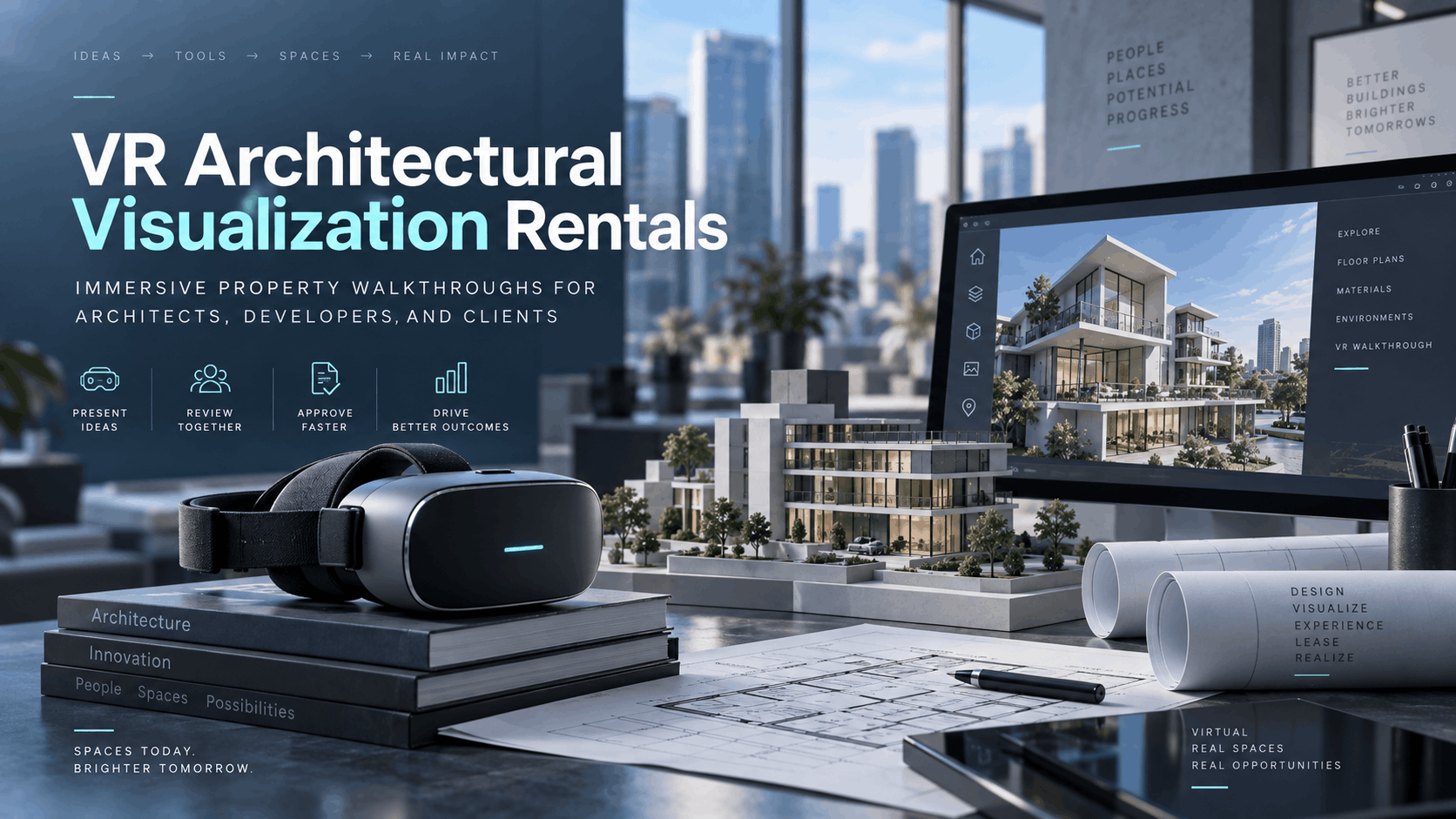
Virtual reality (VR) architectural visualization is the practice of placing a viewer inside a photorealistic or stylized 3D model of a building, space, or development before it is built or fully finished. For architecture firms, real estate developers, and property marketers, this means clients can “walk” through a penthouse, explore a commercial lobby, or tour a planned community using a VR headset. This technology allows them to experience scale, light, and spatial relationships that no rendering or floor plan can convey. The business case is not about the rendering software; it is about what happens when a prospective buyer, investor, or client puts on a headset at a sales event and experiences the property firsthand, closing the gap between a 2D plan and the lived-in experience.
The difference between a rendering and an immersive walkthrough
Static renderings and fly-through videos are passive—the viewer watches. VR walkthroughs are interactive, allowing the viewer to move through the space at their own pace, look around, and build a genuine spatial memory of the layout.
This creation of spatial memory and emotional engagement is measurably stronger in VR than in 2D media. A study by Nielsen found that VR experiences can generate a 27% higher emotional reaction compared to 2D content. This heightened engagement is why sales centers and investor presentations increasingly use headsets rather than just screens. The content loaded into the headset—the 3D environment—is separate from the hardware. IGIVU rents the hardware and can work with the files your architect or visualization studio has already produced.
Who uses VR architectural visualization in a business context
The application of VR in property is diverse and delivers tangible benefits across the industry:
- Real estate developers use VR for pre-sales and investor presentations for unbuilt properties, giving buyers the confidence to commit before construction is complete.
- Architecture and design firms present concepts to clients, allowing for better communication and fewer misunderstandings before construction begins.
- Commercial real estate brokers show prospective tenants unfinished or renovated spaces, accelerating leasing decisions.
- Property marketing teams activate sales centers, model home events, or trade show booths with immersive experiences that draw in crowds and capture qualified leads.
- Interior designers use VR to help clients make confident decisions on finishes, materials, and furniture layouts by allowing them to see options in a realistic, scaled environment.
- Construction companies demonstrate planned facilities to stakeholders or use VR for safety planning and training workers.
When to Rent VR Hardware Instead of Buying It
Most architecture firms and real estate marketing teams do not need a permanent VR lab. They need immersive experiences for specific, time-bound events: a sales launch weekend, an investor roadshow, a design review meeting, or a trade show appearance. Renting standalone wireless headsets for these moments is faster to deploy, cheaper than ownership, and eliminates the IT overhead of maintaining a hardware fleet that goes unused for long periods.
Use cases where rental outperforms ownership
- Sales center activations: A developer opening a sales center for a new residential tower might need 6-10 headsets loaded with a property walkthrough for a 3-month sales campaign. Renting avoids a significant capital purchase for a temporary need.
- Investor and stakeholder presentations: For a single high-stakes meeting, 4-8 pre-configured headsets can be delivered and ready to run without requiring your on-site staff to become IT experts.
- Trade shows and real estate expos: Portable, wireless headsets are perfect for busy expo floors, allowing staff to hand them to attendees without the constraints of cables, dedicated PCs, or complex setup.
- Design review sessions: Architecture firms can present multiple design options to a client board, with each headset loaded with a different scenario for easy comparison.
- Pop-up sales events and roadshows: Nationwide delivery means the same rental package can follow a development team across multiple cities, ensuring a consistent, high-quality presentation at every stop.
What standalone wireless headsets change about deployment
The advent of powerful, standalone wireless headsets like the Meta Quest 3 or Pico 4 Enterprise has revolutionized VR deployment for business.
- No tethered PC required: Each headset runs the visualization independently. This eliminates cable management, the need for a dedicated high-powered workstation per headset, and complex IT setup at the venue.
- Pre-loaded and ready to use: Headsets can be pre-loaded with your architectural content before shipping. They arrive at your event ready to power on and use, minimizing on-site configuration.
- Simultaneous, scalable experiences: Multiple headsets can run the same experience at the same time. This allows a sales team to walk several prospects through the property simultaneously, preventing bottlenecks.
- Battery life and session management: Planning for a full-day sales event is different from a two-hour investor meeting. A typical standalone headset offers about 2-3 hours of continuous use. For all-day events, a rental plan should include extra headsets or swappable batteries to rotate throughout the day, ensuring there’s always a charged device ready for the next client.
How to Prepare Your Architectural Content for VR Headsets
The most common question from firms new to VR is whether their existing 3D files can be used. The short answer is yes, but they require preparation. The content loaded into a standalone headset is a packaged VR application built from your 3D model—not the raw CAD or BIM file. Understanding this pipeline is key to planning timelines and coordinating with your visualization studio.
File formats and what your visualization studio needs to deliver
Standalone VR headsets run on mobile processors, which have performance constraints compared to high-end PCs. Therefore, 3D models must be optimized.
- Packaged Applications: Your visualization studio or a VR developer will convert and optimize your model into a packaged application (often an .apk file for Android-based headsets like the Quest). They won’t load the raw Revit or SketchUp file directly onto the device.
- Source Formats: Models from Revit, SketchUp, Rhino, 3ds Max, and projects from game engines like Unreal Engine can all be used as a source. However, preparing them for a mobile VR headset requires optimization techniques like polygon reduction, texture compression, and light baking to ensure a smooth, high-frame-rate experience.
- Export from Rendering Tools: If you use real-time rendering software like Enscape or Twinmotion, ask your studio if they can export a standalone VR package. Some of these tools support this natively, while others may require an intermediate step.
- Content Deadline: Plan to have your final, tested content package delivered to your rental provider at least 5-7 business days before your event. This allows time for the headsets to be loaded, tested, and shipped to your venue.
Interaction design: what level of interactivity makes sense for your use case
The level of user interaction should be tailored to your audience and goals.
- Passive Walkthrough: The viewer moves along a pre-set, cinematic path. This is the simplest to produce and offers the lowest technical risk. It’s highly effective for investor presentations where you want to control the narrative and ensure key features are highlighted.
- Free Exploration: The viewer uses a controller to move freely through the space. This model offers higher engagement and is ideal for sales centers where prospective buyers want to explore at their own pace and direct their own discovery.
- Hotspot-based Interaction: The viewer can look at and select points of interest (hotspots) to trigger events. This could include changing floor materials, swapping furniture sets, viewing pricing information, or seeing different design scenarios. This is the most complex to build but offers the highest utility for sales and design decisions.
Match the interaction model to your audience and the time you have for each session. A short trade show demo might benefit from a passive walkthrough, while a detailed client design review would be enhanced by free exploration and interaction.
Planning a VR Architectural Visualization Deployment: Logistics Checklist
Deploying VR at an event is an operational exercise. Success depends on smooth logistics. The headsets must arrive configured, charged, and loaded. Staff need to be comfortable handing them to guests, managing sessions, and handling battery swaps. This checklist covers the key variables for a flawless deployment.
Headset quantity and session throughput
- Calculate Headset Count: Determine how many prospects you need to guide through the experience per hour and the average session length. This dictates your minimum headset count. For example, a sales center expecting 30 visitors per hour with 5-minute sessions needs at least 3 headsets running simultaneously to avoid a queue (30 visitors/hr ÷ (60 min / 5 min/session) = 2.5 headsets, rounded up to 3).
- Plan for Backups: Always add 1-2 backup headsets to your order. This covers battery rotation during a long day and provides a fallback in case of any unexpected technical issues.
- Optimize for Throughput: For high-traffic trade shows, keep sessions short (2-3 minutes) to maximize the number of people who can experience the VR walkthrough.
Delivery, setup, and on-site support options
- Nationwide Delivery: IGIVU ships nationwide, delivering headsets to sales centers, hotel conference rooms, convention centers, or even construction site offices.
- Pre-configured for Simplicity: Headsets arrive ready to go. For basic deployments, no on-site IT setup is required. You simply power them on and launch the pre-loaded experience.
- Optional Event Support: For high-stakes launches or multi-day events, consider having a trained technician on-site. A technician can manage the hardware, swap batteries, assist guests, and troubleshoot any issues, freeing up your sales and marketing staff to focus on clients.
- Return Logistics: The rental period should cover your entire event timeline, including setup, the event itself, and teardown. Plan for the return shipping window and use the provided labels for easy returns.
Venue and space requirements
- Physical Space: While standalone headsets don’t need PCs, users still need a clear physical space. A seated experience is often safest and requires less space, especially in high-traffic areas like a trade show booth. For standing or walking experiences, ensure a clear area free of obstacles.
- Wi-Fi: Pre-loaded content does not require a Wi-Fi connection to run. However, if your VR application includes real-time data streaming or cloud-based features, a reliable and dedicated network connection is essential.
- Lighting: Be aware of the environment. Very bright, direct sunlight can sometimes interfere with the tracking sensors on certain headsets. Plan for an indoor or shaded setup to ensure optimal performance.
Measuring the Business Impact of VR Architectural Visualization
Deploying VR is a means to an end: faster decisions, higher conversion rates, and stronger client engagement. To measure the ROI, you must define your success metrics before the event.
Sales and conversion metrics
- Track Conversion Ratios: At sales events, monitor the ratio of participants who complete a VR session to those who submit a reservation or formal inquiry.
- Compare Close Rates: Analyze the close rates for prospects who used the VR walkthrough versus those who only saw traditional 2D renderings and floor plans. Studies have shown that VR can significantly increase the likelihood of closing a deal.
- Measure Time-to-Decision: Developers consistently report that VR-assisted presentations shorten the sales cycle. After an immersive experience, prospects have fewer questions about scale and layout, allowing them to make decisions more quickly. One study found VR can reduce a property’s time-on-market by 28-49%.
- Gather Qualitative Feedback: Use a simple tablet survey to collect feedback immediately after the VR session. Ask one or two questions about their experience and their impression of the property while the feeling is fresh.
Engagement metrics for trade shows and expos
- Count Sessions as Qualified Interactions: Each headset session represents a deeply engaged prospect, not just a passive passerby. Use session count as a key metric for booth engagement.
- Track Session Completion Rate: If a high percentage of users remove the headset before the experience ends, it may indicate that the content is too long or not engaging enough. This is valuable feedback for future events.
- Integrate Lead Capture: The moment of handing a headset to a prospect is a natural opportunity to scan a badge or capture their contact information, turning a “wow” moment into a qualified lead.
- Compare to Benchmarks: Compare booth traffic and lead volume to previous shows where VR was not used to quantify the uplift.
How to Get Started with a VR Architectural Visualization Rental
The fastest path to a successful VR deployment involves two parallel tracks: securing the hardware rental and preparing the content. Both should be initiated at least 2-3 weeks before your event.
Step-by-step deployment timeline
- Week 1: Plan & Inquire. Define your use case, estimate the headset quantity, and decide on the session format. Crucially, confirm with your visualization studio that they can deliver a packaged VR application for a standalone headset platform (like Meta Quest or Pico). Submit your rental inquiry to IGIVU with your event date, location, and headset count.
- Week 2: Content & Confirmation. Receive and review the VR application package from your visualization studio. Share the file with IGIVU for loading and testing on the rental headsets. Confirm your final delivery address and any on-site support requirements.
- Week 3: Delivery & Dry Run. The pre-loaded, configured headsets will ship to your venue, arriving 1-2 days before the event. Conduct a dry run with your on-site team. Brief them on basic session management, how to assist guests, and the battery swapping process.
- Event Day: Execution. Run the deployment. Focus on guiding guests, capturing lead data, and monitoring session counts. Rotate batteries as planned to maintain uptime.
- Post-Event: Return & Review. Pack the headsets using the provided materials and return them with the shipping label. Analyze your session data and conversion metrics against the benchmarks you set during the planning phase.
What to include in your rental inquiry
To get the most accurate quote and tailored advice, provide as much detail as possible:
- Event date and duration (single day, multi-day, or an ongoing sales center deployment).
- Venue location and full delivery address.
- Estimated number of headsets needed and the planned session length.
- The status of your content (e.g., “already prepared,” “in development,” or “need guidance”).
- Whether on-site technical support is required.
- Any specific headset platform requirements if your studio has already built the experience for a particular device.
FAQs
Can I use my existing Revit or SketchUp model for a VR headset rental deployment?
Yes, your existing models are the starting point. However, they cannot be loaded directly onto a headset. They must first be exported and optimized by a visualization studio or VR developer into a packaged application that can run on a standalone headset’s mobile processor.
How many VR headsets do I need for a sales center event?
Calculate your expected visitor traffic per hour and divide it by the number of sessions you can run per hour on one headset. For example, if your VR experience is 5 minutes long, one headset can handle 12 sessions per hour. If you expect 24 visitors per hour, you would need at least two headsets, plus a third for battery rotation and backup.
Do the headsets need Wi-Fi or an internet connection to run the architectural walkthrough?
No, if the content is pre-loaded onto the headsets, an internet connection is not required to run the walkthrough. This makes deployments in new construction sites or venues with unreliable Wi-Fi much simpler. A connection is only needed if your VR application is designed to stream content or pull real-time data from the cloud.
How far in advance do I need to book a VR rental for a property launch event?
We recommend booking at least 2-3 weeks in advance. This provides enough time for content testing, headset configuration, shipping, and a pre-event dry run to ensure everything goes smoothly.
What happens if a headset has a technical issue during my event?
IGIVU tests all hardware before shipping. We also recommend renting at least one backup headset for any event. For high-stakes events, our on-site technical support option provides an expert to manage all hardware, ensuring 100% uptime and peace of mind.
Can the same VR content be updated between events if the design changes?
Yes. Since the content is a software application, your visualization studio can issue an updated version. You would simply provide the new file to IGIVU to be loaded onto the headsets for your next rental.
Is VR architectural visualization suitable for outdoor sales events or construction site visits?
Yes, with some planning. Standalone wireless headsets are highly portable. However, for outdoor use, it’s best to operate in a shaded area like a tent or covered booth, as direct, bright sunlight can sometimes interfere with the headset’s tracking sensors.
What is the typical rental cost for VR headsets for an architectural visualization event?
Rental costs vary based on the number of headsets, rental duration, and level of service. A single headset might rent for $50-$100 per day. A full-service package for a corporate event with multiple headsets and on-site support can range from $1,500 to over $5,000. Contact IGIVU with your specific needs for a detailed quote.
Ready to bring your unbuilt property to life? Contact IGIVU today for a complimentary consultation and quote for your next client presentation or sales event.