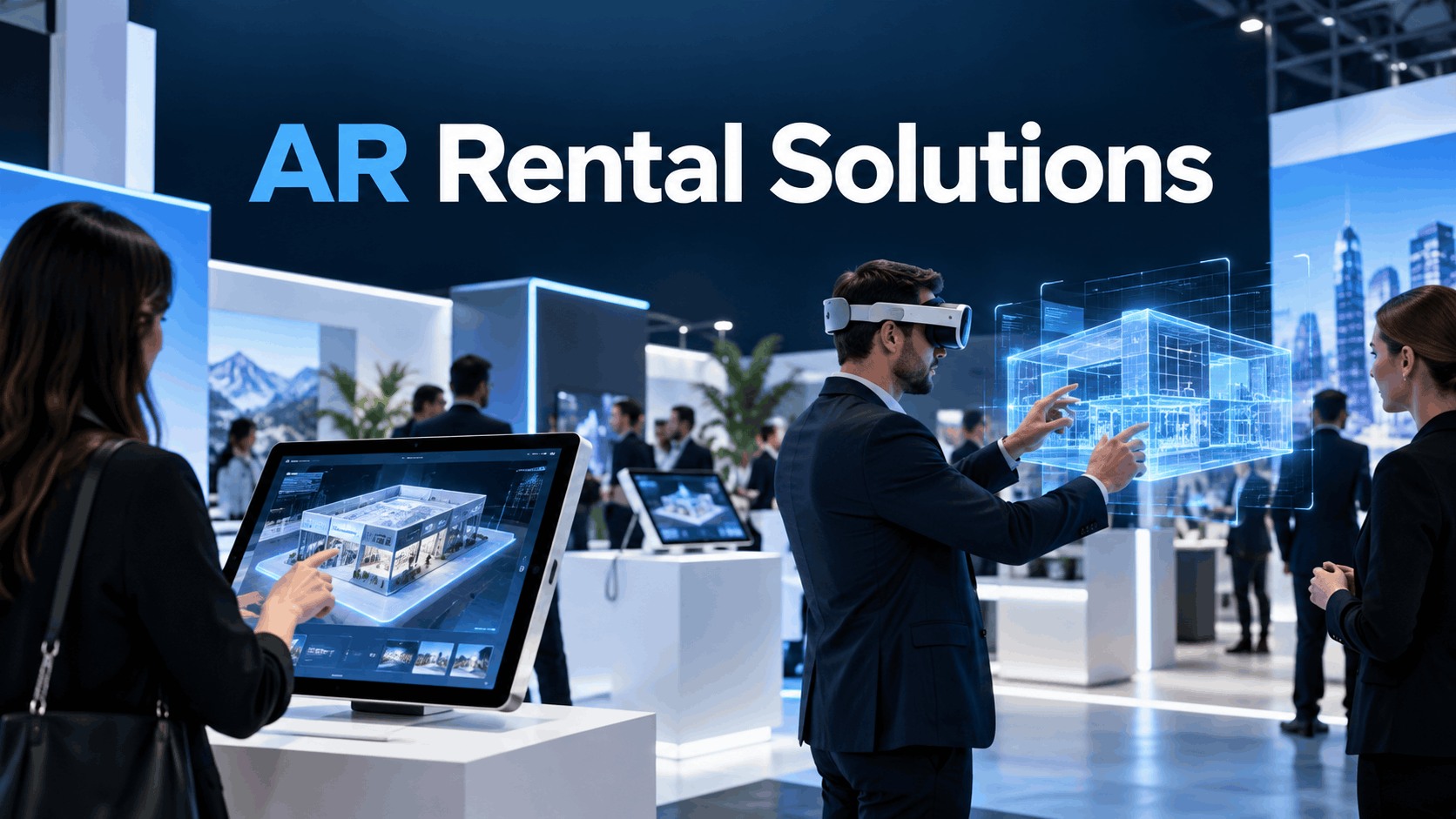
Augmented reality (AR) promises to transform business events from passive viewing experiences into interactive, memorable moments. For event managers and marketing leads, the question is no longer if AR is valuable, but how to deploy it effectively and within budget. This is where AR rental solutions come in, offering a practical path to leveraging this technology for trade shows, product launches, and brand activations.
However, the term ‘AR rental’ is not a monolith. It spans at least three distinct categories that differ dramatically in hardware, content needs, on-site logistics, and cost. Before evaluating vendors or committing budget, teams must first understand which category they are actually buying. This guide provides a deployment-focused framework for selecting the right format, vetting vendors, understanding costs, and executing a successful AR activation at your next event.
What AR Rental Solutions Actually Include
The operational requirements for a spatial AR headset demonstration are fundamentally different from a branded AR filter activation. Grounding your strategy in the correct deployment category is the first step toward a successful event.
AR Filter Activations (Smartphone and Tablet-Based)
This is the most accessible and high-throughput form of AR for events. These are branded augmented reality experiences delivered through a smartphone or tablet camera, typically via platforms like Instagram, Snapchat, or a web browser (WebAR). No headset is required; attendees simply use their own device or a provided tablet to interact with digital content overlaid on the real world.
- What the rental package typically includes: A pre-built or lightly customized AR filter, a branded kiosk or stand with a tablet, and sometimes an optional printer for photo takeaways. An on-site technician may also be included to assist guests.
- When this format makes sense: High-traffic trade show booths, consumer-facing brand activations, and any scenario where attendee dwell time is short (under 60 seconds). The goal is often social sharing and brand reach.
- Key limitation: The content is often based on templates. Fully custom filter development is a separate and significant cost and requires a longer timeline.
AR Headset Rentals (Spatial Computing Hardware)
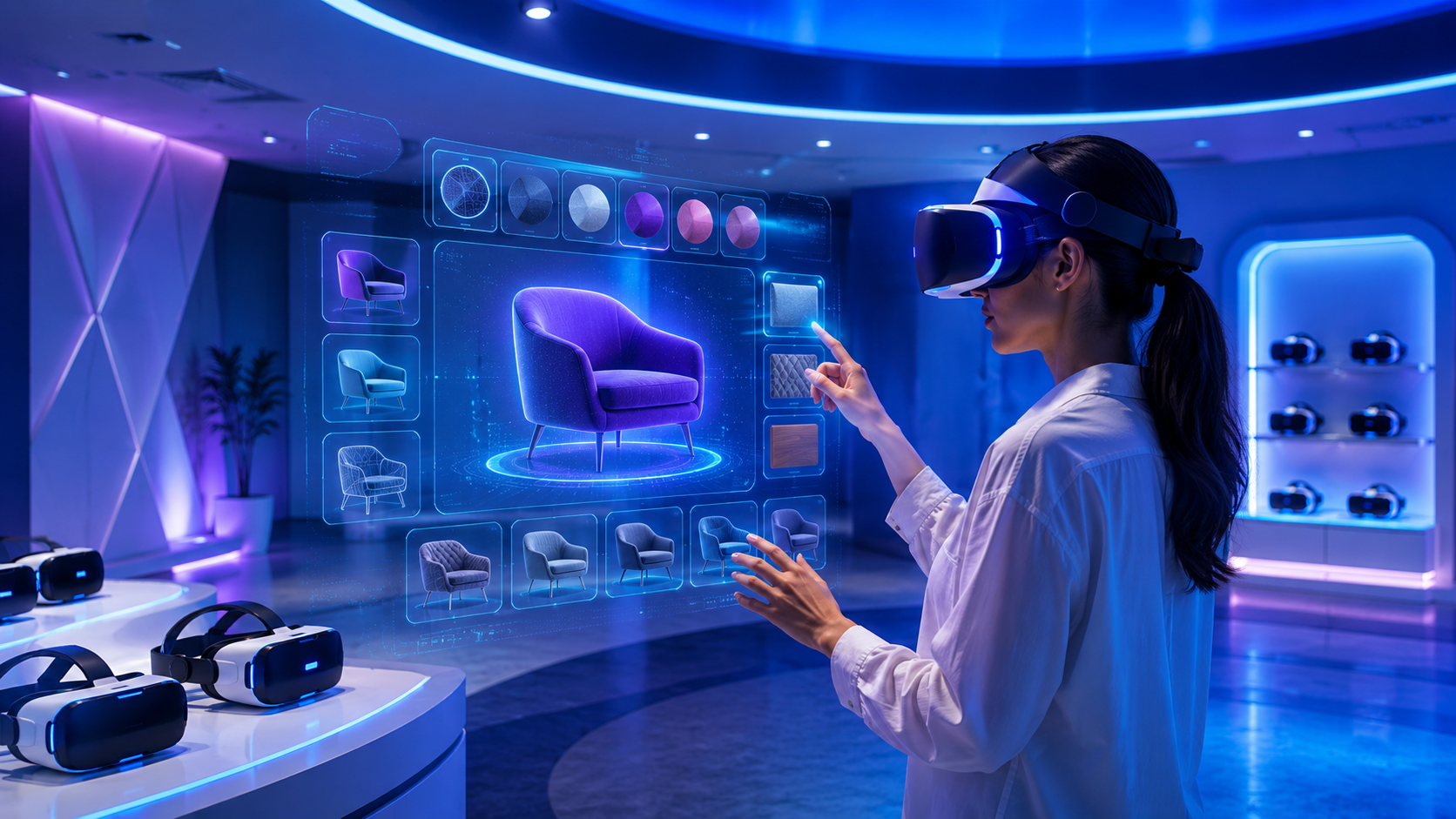
This category involves renting sophisticated hardware like the Apple Vision Pro, Microsoft HoloLens 2, or Magic Leap 2. These standalone headsets provide “passthrough” or “see-through” AR, allowing users to see digital holograms and information seamlessly integrated into their physical surroundings.
- What the rental package typically includes: The specified number of headset units, carrying and charging cases, a pre-loaded AR application from the vendor’s library, and technical support for setup and teardown.
- When this format makes sense: In-depth product visualizations, enterprise sales presentations for complex equipment, and corporate training scenarios where overlaying 3D content onto a real environment provides significant value.
- Key constraint: Content is platform-specific. An app built for HoloLens 2 will not run on an Apple Vision Pro. Rental vendors rarely include custom software development in the daily hardware rate, so you must ensure they have a pre-built experience that matches your use case.
Large-Format Spatial AR Displays
This is the most visually impressive and logistically intensive format. It uses projection mapping or large transparent displays to overlay digital content onto physical objects or entire spaces, like a car on a stage or a full trade show booth structure. The key here is that the audience does not need to wear or hold any device to see the effect.
- What the rental package typically includes: The projection or display hardware (e.g., LED screens, projectors), a content playback system, and a specialized installation and teardown crew.
- Typical use cases: Centerpiece attractions for trade show booths, product launch stage activations, and high-end retail pop-ups designed to create a “wow” moment.
- Why this is often the most logistics-intensive format: This approach requires extensive coordination with the venue for power, rigging, and lighting control. The content must be custom-built to the exact physical dimensions of the installation, demanding significant lead time and budget.
How to Choose the Right AR Rental Format for Your Event
Selecting the right AR format is a practical deployment decision, not just a creative one. The decision should be driven by audience throughput, content needs, and venue constraints—not simply by what looks most futuristic in a vendor’s demo reel.
Audience Throughput and Dwell Time
First, calculate the expected number of visitors you need to serve per hour at your activation. This will immediately narrow your options.
- High-throughput environments, like a busy trade show floor with hundreds of visitors an hour, strongly favor filter-based AR. There’s no headset to fit or clean, no complex calibration, and minimal staff intervention is needed.
- Low-throughput, high-value environments, such as executive briefings, one-on-one sales demos, or VIP product previews, are a much better fit for AR headsets. The longer dwell time (5-10 minutes per person) is justified by the depth of the experience.
- Calculate your capacity: A single AR headset running a five-minute experience can serve a maximum of 12 people per hour. If you need to engage 50 people per hour, you would need at least five headsets and dedicated staff just to manage the queue and hardware.
Content Complexity and Lead Time
Your event timeline is the next critical filter. If your event is less than six weeks away and you do not have existing AR content, your options are limited.
- Filter-based AR: This is the fastest format to deploy if you use a vendor’s pre-existing template. Custom filter development, however, can take 3-6 weeks and add thousands to the cost.
- AR headset experiences: Content must be specifically built for the target headset. If a rental vendor’s library doesn’t include an application that suits your needs, you’ll require custom development, which can take 8-16 weeks or more.
- Large-format spatial AR: This format has the longest lead time. The content is intricately tied to the physical space and requires on-site testing and calibration, making it a multi-month project.
- Rule of thumb: For timelines under 6 weeks, only filter-based AR or headset rentals with a suitable pre-built experience are realistic.
Venue and Connectivity Constraints
Never book an AR rental without first confirming the venue’s technical capabilities.
- Connectivity: WebAR filters, delivered through a smartphone’s browser, require a reliable WiFi or cellular signal. Confirm the venue has robust connectivity at your specific activation location. Some headset experiences can run entirely offline if the content is pre-loaded, which is a major advantage in convention centers with notoriously poor WiFi.
- Power: Headsets, tablets, and kiosks all need power for charging throughout the day. Ensure you have ordered dedicated power drops for your activation space.
- Venue Coordination: Large-format spatial AR installations almost always require early coordination with the venue and the general contractor (companies like Freeman or GES) to approve rigging points, confirm power availability, and schedule load-in. This process should start weeks or even months in advance.
What AR Rental Solutions Cost: A Realistic Budget Framework
AR rental pricing varies dramatically based on the format, duration, and level of customization. While some companies advertise low daily rates, these often don’t reflect the full cost of an enterprise-grade event activation. This section provides a realistic budget framework.
Filter-Based AR Activation Costs
- Hardware and Kiosk Rental: Expect to pay between $500 and $2,000 per day for a kiosk with a tablet and branding. Adding a photo printer will be at the higher end of this range.
- Content: A pre-built or templated filter is often included or available for $1,000 to $5,000 with light customization. Full custom filter development is a separate project, typically costing $5,000 to $25,000+.
- On-Site Technician: Budget $500 to $1,500 per day for a dedicated technician, though some packages may include this.
- Total Realistic Range (Single Day): For a typical trade show activation with one or two stations and a lightly customized filter, a realistic budget is $3,000 to $10,000.
AR Headset Rental Costs
- Hardware Day Rate: Renting a single Apple Vision Pro, HoloLens 2, or Magic Leap 2 generally costs $300 to $600 per unit per day.
- Number of Units: Most event activations require 2-6 units to manage attendee flow, so multiply the day rate accordingly.
- Content: If you can use a pre-built experience from the vendor’s library, the content cost might be a flat licensing fee or included in the package. Custom development for a headset is a major investment, often running $15,000 to $80,000+.
- Total Realistic Range (2-Day Event): For a two-day trade show using 4 headsets with a pre-built experience, a realistic budget is $5,000 to $15,000.
Large-Format Spatial AR Display Costs
This is the most expensive option and is rarely cost-effective for short events.
- Hardware and Installation: Renting the necessary projectors or large LED walls, along with the installation crew, can range from $5,000 to $20,000+ per event, heavily dependent on size and complexity. A 16’x9′ LED wall rental can cost $7,200 to $10,080 for the first day alone.
- Content Development: This is typically the largest expense. Custom content designed for a specific physical installation often costs $20,000 to $100,000+.
- Venue Fees: Budget an additional $500 to $2,000 for venue coordination, dedicated power circuits, and potential rigging fees, which are not usually included in the rental vendor’s quote.
Hidden Cost Lines to Confirm Before Signing
- Shipping and Logistics: Confirm if shipping, return logistics, and insurance are included or billed separately.
- Content Licensing: Are you licensing the content for a single event, or do you own it for future use? This is critical if you’ve paid for custom development.
- Overage Fees: Ask about charges for event hours that run longer than planned.
- Damage Deposit/Insurance: Most hardware rentals require a significant damage deposit or proof of event insurance that covers the full value of the equipment.
How to Evaluate AR Rental Vendors
The AR rental market is a mix of traditional AV companies, specialized immersive event firms, and creative agencies. Knowing what to ask is key to preventing deployment failures.
What to Ask About Hardware and Content Compatibility
- Does the vendor own their hardware or sub-rent it? A vendor with their own inventory can typically provide faster replacements if a unit fails. Sub-renting introduces a third-party dependency.
- What is in their content library? Ask for a list of pre-built AR experiences. If nothing aligns with your product or message, you’ll need custom development, and that vendor may not be the right partner for it.
- Can they provide a reference event? Ask for a case study of an event similar in size and scope to yours. A portfolio is good; a direct reference is better.
On-Site Support and Failure Protocols
A live event is not the place to discover your vendor’s contingency plan.
- What level of on-site support is included? Clarify if the technician is only there for setup and teardown or for the entire duration of the event. For headset activations, a dedicated on-site tech is crucial.
- What is the failure protocol? What happens if a headset breaks, a tablet freezes, or the venue WiFi goes down? Do they have spare units on-site? Do they have a backup cellular hotspot?
- Get it in writing. A vendor who cannot clearly articulate their failure protocol is a significant deployment risk. A verbal promise is not enough.
Contract Terms to Review
- Cancellation and Rescheduling: Event dates can change. Confirm the vendor’s policy and any associated fees before signing.
- Content Ownership: If you are paying a separate line item for custom content, the contract should explicitly state that you own the resulting assets and have the right to reuse them.
- Insurance Requirements: Your company’s general event liability insurance may not cover high-value electronics. Confirm the vendor’s required coverage and check with your insurance provider.
Operational Execution: Deploying AR Rental at a Live Event
Most AR rental failures are operational, not technical. A headset arrives with the wrong software. The on-site staff haven’t been trained. The activation area is too small. Careful planning is the key to a smooth execution on the day of the event.
Pre-Event Checklist
- Content Confirmation: Insist that the final content is loaded and tested on every single hardware unit at least 48 hours before the event begins.
- Venue Walk-Through: Test connectivity and power access at the exact activation location, not just the venue entrance.
- Power and Charging: Plan for a secure area with power strips to charge headsets and tablets between uses.
- Staff Briefing: Train all booth staff on the basics: how to help an attendee put on a headset, how to start and stop the experience, and who to contact if a unit fails.
Staffing the Activation
- Headset Staffing Ratio: Plan for at least one dedicated staff member for every two AR headset units. This person will manage the queue, assist with fitting, and reset the units between users.
- Filter Kiosk Staffing: Self-guided filter kiosks are less demanding, but one staff member per 3-4 stations is still recommended to encourage engagement and troubleshoot issues.
- Vendor Escalation: Have the direct mobile number for the on-site lead technician, not a generic support line.
Space and Flow Planning
- Define the Zone: AR headset experiences require a clearly defined, safe area for users to move around. Use floor markings or stanchions to keep the activation area separate from high-traffic aisles.
- Plan the Queue: Designate a specific waiting area that doesn’t crowd the active experience zone. This improves safety and makes the experience feel more premium for the person using the headset.
- Camera Angles: For filter-based kiosks, position them so the camera captures a clean, branded backdrop, not a cluttered view of the trade show floor.
AR Rental vs. Custom AR Development: When Rental Is the Right Call
The decision between renting a pre-built solution and commissioning a fully custom AR application depends entirely on your event’s specific context, timeline, and goals.
When AR Rental Wins
- Short Timeline: If your event is less than 8 weeks away and you have no existing AR content, renting a solution with a pre-built experience is your most viable path.
- One-Time Use: If the activation is for a single event with no plans to reuse the content, it’s difficult to justify the high upfront cost of custom development.
- High Volume Engagement is the Goal: When the primary objective is to attract a large number of people to your booth for a quick, fun interaction, a templated AR filter or a simple game is often sufficient.
- Budget Under $15,000: This budget can secure a robust rental package for headsets or filter kiosks. It is generally not enough for custom AR headset application development.
When Custom Development Makes Sense
- Content Specificity: The experience must showcase a specific, complex product or data visualization that doesn’t exist in any vendor’s library.
- Long-Term Reuse: The AR application will be a core asset used across multiple events, sales meetings, and training sessions over 12+ months. The cost can be amortized over many uses.
- Unique Brand Narrative: Your brand requires a specific interactive story or gameplay mechanic that a template cannot provide.
- Budget and Timeline Allow: You have a budget of $30,000+ and a lead time of at least 8-16 weeks before the first deployment.
Hybrid Approaches
Some of the best activations use a hybrid model. You can rent the hardware and on-site technical support from one vendor while commissioning custom content from a specialized creative agency. This approach separates the logistics from the creative investment and ensures you own the content, allowing you to use it with different hardware vendors in the future. Just be sure to clarify content ownership terms in your contracts.
Conclusion
AR rental solutions offer a powerful and increasingly accessible way for brands to cut through the noise at crowded business events. By moving beyond the hype and focusing on a deployment-oriented mindset, event and marketing teams can make smart, pragmatic decisions.
The key is to start with a clear understanding of your goals and constraints. Define your target throughput, confirm your timeline, and audit your venue’s capabilities. By choosing the right format be it a shareable AR filter, an immersive headset demo, or a show-stopping spatial display and rigorously vetting your vendor partners, you can de-risk your investment and deliver an activation that is not only innovative but also reliable and effective.
Frequently Asked Questions (FAQs)
What is included in a typical AR rental package for a trade show?
A typical package includes the hardware (e.g., headsets or tablet kiosks), a pre-loaded software experience, delivery, setup, and teardown. On-site technical support for the duration of the event may be included or offered as an add-on.
How much does AR rental cost for a one-day event?
For a single-day event, a filter-based AR kiosk activation typically costs between $3,000 and $10,000. A multi-unit AR headset rental with a pre-built experience often falls in the $4,000 to $12,000 range, depending on the number of units.
Can I rent AR headsets without custom content development?
Yes. Most AR rental vendors maintain a library of pre-built experiences, such as games, product demonstrators, or 360-degree videos, that can be used without the need for custom development. It is crucial to confirm they have an experience relevant to your event goals.
What is the difference between AR filter rental and AR headset rental?
AR filter rentals use smartphones or tablets for quick, shareable experiences without head-worn gear, ideal for high-traffic areas. AR headset rentals use devices like the HoloLens 2 or Apple Vision Pro for deeply immersive, individual experiences that are better for detailed product demos in a more controlled setting.
How far in advance do I need to book AR rental for an event?
For rentals using pre-built content, booking 4-6 weeks in advance is recommended. If you require any custom content development, you should start the process 8-16 weeks or more before your event date.
What happens if an AR headset fails during a live event?
Reputable vendors will have a clear failure protocol. This typically involves an on-site technician who can troubleshoot the device. Many vendors also include spare hardware on-site for immediate replacement. Always confirm this protocol in writing before signing a contract.
Do AR rental vendors provide on-site staff, or do I need to supply my own?
Most professional AR rental packages include at least one on-site technician for setup, troubleshooting, and teardown. However, you will likely need to supply your own brand ambassadors or booth staff to manage the queue and engage with attendees.
Can I reuse rented AR content at future events?
If you are using a vendor’s pre-built content, it is licensed only for the duration of the rental. If you commission custom content development, you should ensure your contract grants you ownership and the rights to reuse that content at any future event, with any vendor.