Virtual reality transforms ordinary events into unforgettable experiences. Whether you’re drawing crowds to a trade show booth, energizing a corporate training session, or launching a product with impact, the right VR rental package makes all the difference. This guide covers everything event planners need to know about VR rentals — from package selection and pricing to logistics and real-world applications.
VR Rental Packages for Every Event Type
IGIVU offers curated VR rental packages designed for specific event needs — from intimate corporate gatherings to large-scale trade show activations. Each package includes headsets, content library access, setup support, and optional on-site assistance.
Trade Show & Exhibition Packages
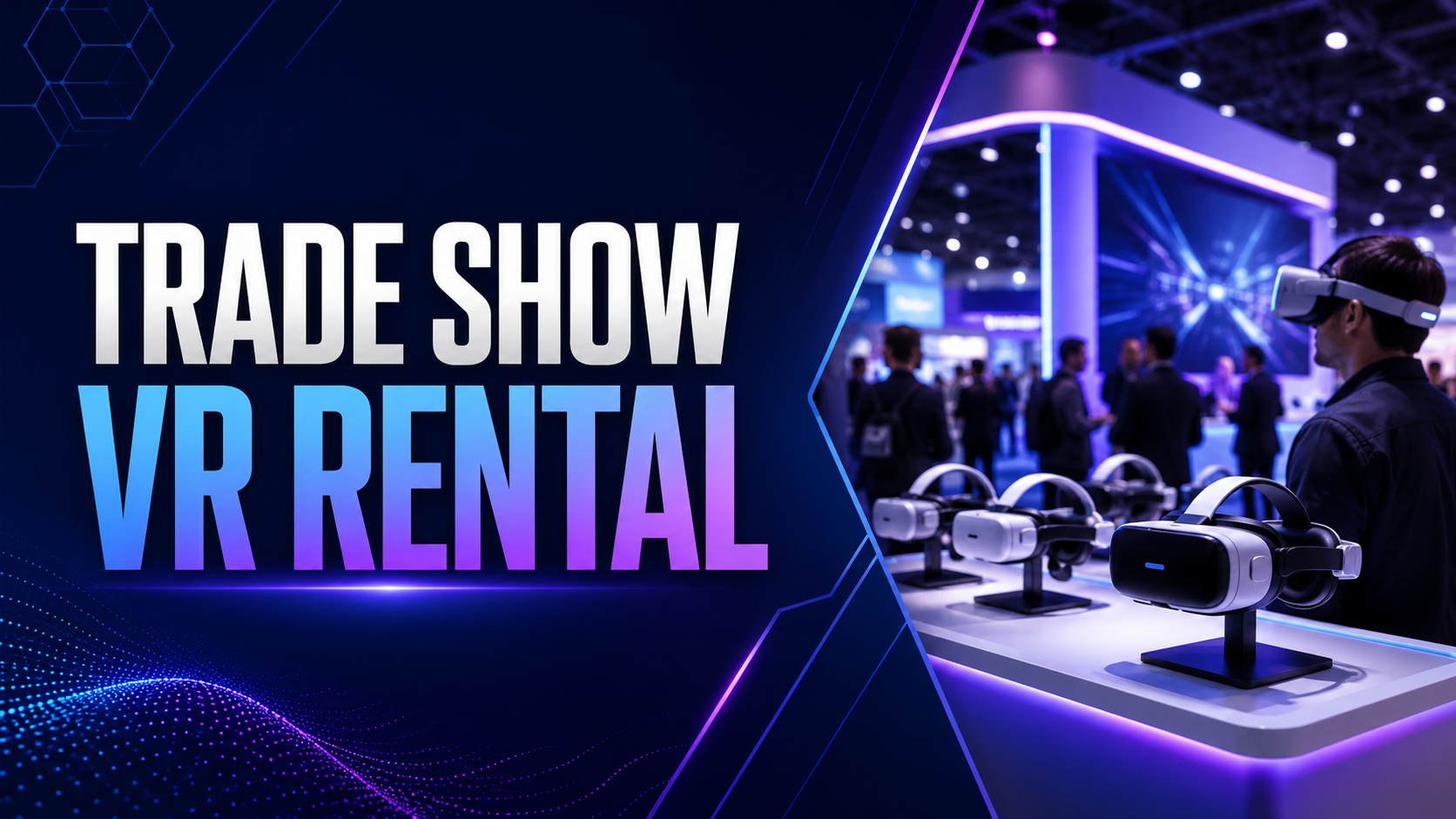
Trade shows demand high-impact experiences that can handle continuous traffic while maintaining consistent performance. IGIVU’s exhibition packages address these unique requirements with configurations built for the booth environment.
Multi-headset setups allow 4-8 simultaneous users, maximizing throughput during peak floor hours. Standard configurations include 6 Quest 3 headsets with hot-swappable batteries, ensuring zero downtime between sessions. The compact footprint — requiring just 6×6 feet per station — fits comfortably within standard 10×10 or 10×20 booth spaces.
Brand customization transforms generic VR into powerful marketing tools. Upload your product CAD files for virtual demonstrations, overlay company branding within experiences, or showcase virtual showrooms that extend beyond physical booth limitations. Lead capture integration connects directly with badge scanners and CRM systems, automatically logging participant data and experience metrics for post-show follow-up.
The package includes pre-loaded industry-specific content libraries. Manufacturing clients access factory tour simulations and equipment demonstrations. Healthcare exhibitors showcase surgical procedures or pharmaceutical mechanisms of action. Technology companies demonstrate software platforms or network architectures in three-dimensional space.
Corporate Event & Team Building Packages
Corporate packages prioritize collaboration and learning outcomes over throughput. Configurations support 10-50 participants with experiences designed for meaningful interaction rather than quick rotations.
Team building experiences synchronize multiple headsets for shared virtual environments. Groups solve escape room puzzles together, participate in virtual construction challenges, or navigate trust-building exercises where team members guide each other through obstacles. Scoring systems and leaderboards add competitive elements to training scenarios.
Training-focused packages include specialized content libraries covering safety procedures, equipment operation, customer service scenarios, and leadership simulations. Half-day rentals accommodate morning training sessions, while full-day packages support comprehensive workshops with multiple VR modules. Facilitator guides provide structured lesson plans, discussion prompts, and assessment rubrics.
The corporate package hardware emphasizes comfort for extended wear. Upgraded head straps, prescription lens adapters, and additional face cushions ensure all participants can engage comfortably regardless of vision requirements or head size.
Brand Activation & Marketing Event Packages
Marketing events require maximum flexibility and social amplification. IGIVU’s brand activation packages deliver pop-up ready configurations with built-in viral potential.
Custom-branded experiences place consumers inside your brand story. Fashion brands transport users to virtual runways. Automotive companies offer test drives of unreleased models. Food brands create immersive origin stories from farm to table. Every experience includes branded intro/outro sequences, in-experience product placement, and customizable interaction points.
Social media integration captures shareable moments automatically. External cameras record users’ reactions while screen casting displays the VR view for spectators. Green screen capabilities composite users into virtual environments for Instagram-worthy photos. QR codes link captured content directly to participants’ phones for immediate sharing.
Pop-up configurations include everything needed for location independence: portable boundary markers, wireless headsets with cellular connectivity backup, weatherproof cases for outdoor events, and battery banks supporting 8-hour operations without wall power. Consumer data collection tools capture email addresses, demographic information, and experience preferences while maintaining GDPR and CCPA compliance.
What’s Included in Your VR Event Rental
Every IGIVU rental package delivers more than just hardware — you get a complete solution designed to ensure your VR activation runs smoothly from setup to teardown.
Equipment & Hardware
Hardware selection matches your event’s specific demands. Quest 3 headsets deliver standalone operation without external computers, perfect for trade shows where setup simplicity matters. PICO 4 units offer enterprise management features ideal for corporate deployments requiring centralized control and content distribution.
Each rental includes 150% of ordered headsets in accessories. A 4-headset rental ships with 6 sets of hygiene covers, ensuring fresh protection for every user. Cleaning supplies include UV sanitizing wands, antibacterial wipes, and lens cleaning solutions. Microfiber storage bags protect equipment between uses.
Power management systems prevent mid-event failures. Charging stations accommodate all rented headsets simultaneously with smart power distribution preventing circuit overloads. Backup batteries provide 2-3 hours additional runtime per headset. Cable management systems include retractable ceiling mounts, floor cable covers, and magnetic cable organizers.
Safety equipment protects both users and bystanders. Foam boundary markers create visible play areas. Wrist straps prevent dropped controllers. Padded floor mats indicate standing positions. Safety signage includes multilingual warning labels and age restriction notices.
Content & Experiences
Content libraries contain 200+ experiences categorized by event type, industry, and audience age. Trade show libraries emphasize visual spectacle and brief engagement. Training libraries focus on skill development and assessment. Entertainment libraries balance challenge with accessibility.
Custom content upload supports proprietary experiences. The IGIVU platform accepts Unity and Unreal Engine builds, 360-degree videos, and WebXR applications. Content management dashboards control which experiences appear on which headsets, preventing unauthorized access to sensitive training materials or age-inappropriate content.
Multi-user experiences synchronize up to 20 headsets for shared virtual spaces. Presentation modes allow one user to guide others through experiences. Competitive modes pit teams against each other with real-time scoreboards. Collaborative modes require group problem-solving with each participant controlling different elements.
Age-appropriate filtering prevents minors from accessing unsuitable content. Parental controls require PIN codes for certain experiences. Content ratings follow ESRB guidelines. Kid-friendly packages include only E-rated educational and entertainment content.
Support & Services
Pre-event consultation begins immediately after booking. VR specialists review your event goals, venue specifications, and audience demographics. Technical requirements assessments identify potential challenges. Content curation sessions narrow options to the most relevant experiences. Run-through sessions familiarize your team with equipment operation.
Delivery logistics accommodate various event timelines. Standard shipping arrives 2-3 business days before events for setup and testing. Express shipping enables next-day delivery for last-minute additions. White-glove delivery includes unpacking and initial configuration. International shipping handles customs documentation and import procedures.
Remote technical support operates throughout your event hours. Support specialists access headsets remotely for troubleshooting. Screen sharing allows support staff to see exactly what users experience. Backup equipment ships immediately if hardware failures occur. Escalation procedures ensure critical issues receive immediate attention.
Optional on-site specialists eliminate technical concerns entirely. Trained VR facilitators manage all equipment operation, allowing your staff to focus on attendee engagement. Specialists handle setup, troubleshooting, content switching, and teardown. Bilingual specialists available for international events.
Planning Your VR Event: Space, Staffing & Logistics
Successful VR activations require careful planning around physical space, attendee flow, and staffing. Here’s what you need to know before booking your rental.
Space Requirements by Event Type
Seated experiences minimize space requirements while maximizing safety. A single chair with 6×6 feet of clearance accommodates most seated content including roller coasters, driving simulations, and 360-degree videos. Multiple stations can share boundaries when users remain seated, allowing 4 stations in a 10×10 booth.
Room-scale experiences require 10×10 feet minimum per user for safe movement. Users walk, crouch, and reach in all directions. Boundary systems prevent collisions but adequate space ensures comfortable movement. Consider ceiling height for experiences involving overhead reaching — 9-foot minimum recommended.
Power infrastructure supports surprising loads. Each headset charging station draws 65 watts. A 6-headset setup with charging stations, displays, and lighting requires 15-amp dedicated circuit minimum. Venues often provide insufficient booth power, necessitating additional power drops or battery backup systems.
Lighting affects tracking accuracy and user comfort. Bright overhead lights can interfere with inside-out tracking systems. Direct sunlight causes tracking loss and overheating. Optimal conditions include diffused lighting without harsh shadows or direct beams. Outdoor events require tent coverage or tracking system adjustments.
Attendee Throughput Planning
Experience duration directly impacts daily throughput. Trade show demonstrations average 5-7 minutes allowing 60-80 sessions per headset daily. Training modules run 15-20 minutes limiting throughput to 20-30 sessions. Entertainment experiences vary from 3-minute teasers to 30-minute adventures.
Queue management prevents bottlenecks and abandoned attempts. Digital sign-up systems let attendees reserve time slots while exploring other booths. Text message alerts notify when turns approach. Overflow activities like 360-degree video stations on tablets engage waiting attendees. Express lines for VIP guests or qualified leads maintain relationship priorities.
Spectator engagement multiplies impact beyond direct participants. Large displays showing the VR user’s view create gathering points. Commentary from facilitators explains what viewers observe. Photo opportunities with branded backgrounds encourage social sharing. Mixed reality captures composite users into virtual scenes for memorable takeaways.
Session scheduling balances peak demand with equipment limitations. Trade shows see rushes during session breaks and lunch hours. Corporate events benefit from structured rotations ensuring all attendees participate. Marketing activations may intentionally create exclusivity through limited availability.
Staffing Your VR Activation
Staffing ratios determine experience quality and safety. One attendant per 2-3 headsets represents the minimum for basic operation. This ratio allows for user assistance, equipment sanitization between sessions, and basic troubleshooting. High-touch experiences or audiences unfamiliar with VR benefit from 1:1 staffing.
IGIVU specialists bring expertise that internal staff training cannot match. Specialists recognize common issues immediately — from IPD adjustments to tracking problems. They guide nervous first-time users through initial experiences. They maintain energy and enthusiasm through long event days. They handle technical failures without disrupting attendee experiences.
Internal staff training requires 2-4 hours minimum for basic operation. Training covers headset adjustment, controller explanation, experience launching, and basic troubleshooting. Advanced training adds content management, user data collection, and emergency procedures. Written guides and video tutorials support ongoing reference.
Safety briefings prevent injuries and equipment damage. Users must understand boundary meanings, controller strap importance, and awareness of surroundings. Briefings explain motion sickness prevention, break recommendations, and age restrictions. Signed waivers protect against liability while reinforcing safety messages.
VR Rental Pricing & Package Comparison
IGIVU’s transparent pricing model scales with your event needs. Compare package options and understand what drives rental costs.
Rental Duration Options
Single-day rentals serve focused events like product launches or sales meetings. Pricing includes equipment delivery the day before, event day usage, and next-day return shipping. Single-day rates range from $200-400 per headset depending on package inclusions and experience requirements.
Multi-day packages reduce per-day costs for conferences and extended exhibitions. Three-day conference packages average $500-750 per headset. Week-long trade show rentals range from $800-1,200 per headset. Extended rentals include additional hygiene supplies and battery replacements.
Monthly rates benefit touring events and roadshow campaigns. Monthly packages starting at $2,000 per headset include equipment refresh options, allowing headset swaps for cleaning and maintenance. Touring packages include multiple shipping destinations and reinforced travel cases.
Setup and teardown days affect total costs. Many venues restrict access to event days only, requiring equipment storage. Others allow early setup but charge additional venue fees. Factor these logistics into budget planning. IGIVU offers flexible pickup/delivery scheduling to minimize unnecessary rental days.
Package Size & Scaling
Starter packages with 2-4 headsets suit intimate demonstrations and executive briefings. These packages cost $800-1,500 per day including basic support and standard content libraries. Ideal for small booth spaces or private meeting rooms.
Standard packages with 5-10 headsets accommodate typical trade show booths and departmental training sessions. Daily rates range from $2,000-4,000 with volume discounts applied. These configurations balance throughput with manageable complexity.
Enterprise configurations with 10+ headsets serve large-scale activations and company-wide training initiatives. Custom pricing reflects specific requirements including dedicated support staff, custom content development, and specialized hardware configurations. Volume discounts can reduce per-headset costs by 30-40%.
Bundling options combine multiple services for cost efficiency. Hardware-only rentals offer maximum savings for organizations with internal VR expertise. Full-service packages including on-site staff, custom content, and complete setup cost more but eliminate internal resource requirements. Mid-tier packages balance cost and convenience.
Additional Services & Add-ons
On-site specialist staffing adds $500-1,500 per day depending on event hours and required expertise. Specialists manage all technical aspects, allowing client staff to focus on business objectives. Bilingual specialists and industry-specific experts command premium rates.
Custom content development ranges from simple branding additions to complete experience creation. Logo placement and color customization cost $500-1,000. Interactive product demonstrations require $5,000-15,000 depending on complexity. Full custom experience development starts at $25,000.
Extended warranty and damage protection adds 10-15% to rental costs but eliminates damage liability. Standard rentals include normal wear coverage but charge for negligent damage. Protection plans cover accidental damage, liquid spills, and theft. Consider protection for high-traffic public events.
Express shipping and priority setup accommodate last-minute needs. Next-day delivery adds $200-500 depending on package size. Same-day setup in major metropolitan areas costs $500-1,000. Weekend and holiday delivery incurs additional charges.
Use Cases: How Companies Deploy Event VR Rentals
See how organizations across industries use IGIVU’s VR rental packages to create memorable experiences and achieve specific event objectives.
Trade Show Booth Traffic & Lead Generation
VR demonstrations consistently increase booth traffic by 300-400% compared to traditional displays. The spectacle of attendees wearing headsets and reacting to experiences creates natural gathering points. Crowds attract more crowds, establishing booth momentum that sustains throughout show days.
Product visualization transcends physical limitations. Industrial equipment manufacturers showcase factory-sized machines in 10×10 booths. Architecture firms walk clients through unbuilt structures. Software companies demonstrate complex workflows in intuitive 3D interfaces. Virtual showrooms display entire product catalogs without shipping costs or space constraints.
Competitive differentiation becomes obvious when neighboring booths rely on flat screens and brochures. VR signals innovation, technical sophistication, and investment in customer experience. Attendees remember VR experiences long after forgetting traditional presentations. Post-show surveys consistently rank VR demonstrations among most memorable booth visits.
Data capture happens naturally through VR interactions. Badge scanners link to headset sessions, automatically recording participation time, experiences selected, and interaction patterns. Heat maps show where users looked longest. Interaction logs reveal which features generated most interest. This behavioral data proves more valuable than traditional survey responses.
Corporate Training & Team Building
Safety training through VR reduces workplace accidents by up to 40% according to industry studies. Employees practice hazardous procedures without real danger. Mistakes become learning opportunities rather than injuries. Muscle memory develops through repeated virtual practice. Assessment scores improve 25-30% compared to video-based training.
Soft skills development benefits from consequence-free practice. Customer service representatives handle difficult situations repeatedly. Managers practice difficult conversations with virtual employees. Sales teams refine pitches against various personality types. Public speakers overcome anxiety in virtual auditoriums.
Remote team collaboration bridges geographic distances. Distributed teams meet in virtual spaces that feel more engaging than video calls. Shared problem-solving exercises build trust and communication skills. Virtual team-building activities create shared experiences despite physical separation.
Onboarding programs compress learning curves for new employees. Virtual office tours familiarize staff before first days. Equipment training happens before accessing expensive machinery. Company culture immersion occurs through interactive scenarios. New hire confidence increases while training costs decrease.
Product Launches & Brand Experiences
Immersive demonstrations communicate complex value propositions intuitively. Pharmaceutical companies visualize drug mechanisms at molecular levels. Automotive manufacturers showcase safety features through crash simulations. Technology companies demonstrate network security through virtual infiltration attempts.
Virtual store experiences test retail concepts without construction costs. Brands experiment with layouts, lighting, and merchandising in virtual spaces. Consumers provide feedback on shopping experiences before physical buildouts. Pop-up stores exist simultaneously in multiple virtual locations.
Behind-the-scenes storytelling builds emotional connections. Fashion brands transport consumers to design studios and runways. Food companies showcase sourcing practices and production processes. Sustainability stories come alive through virtual facility tours.
Influencer activations generate authentic content and reach. Social media personalities share genuine reactions to VR experiences. Live streaming platforms broadcast virtual adventures to global audiences. User-generated content multiplies campaign reach organically.
Booking Your VR Event Rental
Ready to add VR to your next event? Follow this timeline and checklist to ensure a smooth rental experience.
Booking Timeline
Large events require 4-6 weeks advance booking to ensure equipment availability and content customization. Trade shows during peak seasons (January-March, September-November) book even earlier. CES, NAB, and other major shows may require 8-12 week advance reservations.
Standard packages need 2-week minimum lead time for configuration and shipping. This timeline allows for content selection, equipment testing, and standard ground shipping. Rushed timelines remain possible but incur expedited shipping charges and limit customization options.
Rush availability depends on current inventory and event location. Major metropolitan areas often have same-week availability. Remote locations require additional shipping time. Holiday periods and industry conference seasons see reduced availability.
Seasonal demand affects both availability and pricing. Spring trade show season (March-May) sees highest demand. Summer months offer better availability and potential discounts. December corporate events compete with holiday parties for equipment. Plan accordingly and book early for peak periods.
Pre-Event Checklist
Venue requirements confirmation prevents day-of surprises. Verify power availability including circuit capacity and outlet locations. Confirm load-in procedures including dock access and elevator dimensions. Check internet connectivity if cloud-based content planned. Understand venue restrictions on equipment mounting or floor marking.
Content selection balances variety with focus. Choose 3-5 core experiences aligned with event objectives. Include 2-3 backup options for variety or technical issues. Test custom content on actual hardware before events. Verify content ratings match audience demographics.
Staff training scheduling ensures smooth operation. Schedule training sessions 3-5 days before events allowing practice time. Assign primary and backup operators for each station. Create quick reference guides for common issues. Establish escalation procedures for technical problems.
Contingency planning prevents minor issues from becoming major problems. Identify backup power sources if venue power fails. Plan equipment placement alternatives if original space unavailable. Prepare non-VR activities if technical failures occur. Establish communication protocols with support team.
Frequently Asked Questions
How far in advance should I book VR rentals for my event?
Book 4-6 weeks ahead for large events or peak seasons. Standard packages require 2-week minimum notice. Rush delivery possible for last-minute needs but incurs additional costs and limits customization options.
What happens if VR equipment is damaged during our event?
Standard rentals include normal wear coverage but charge for negligent damage. Damage protection plans eliminate liability for accidental damage. On-site specialists reduce damage risk through proper supervision and user guidance.
Can we use our own VR content with IGIVU rental equipment?
Yes, custom content uploads are supported for Unity, Unreal Engine, and WebXR applications. Content must be tested on actual hardware before events. Some proprietary formats may require conversion.
Do you provide on-site support staff for events?
Optional on-site specialists are available for additional fees ranging from $500-1,500 per day. Specialists handle all technical aspects including setup, operation, and troubleshooting.
What’s the minimum rental period for VR equipment?
Single-day rentals are available for most packages. Multi-day discounts apply for extended rentals. Setup and return shipping days may extend total rental period.
How many people can use one VR headset during an event day?
Throughput varies by experience length. Trade show demos (5-7 minutes) accommodate 60-80 users daily. Training sessions (15-20 minutes) serve 20-30 users. Factor in sanitization time between users.
Are the VR experiences suitable for all ages?
Content libraries include experiences rated from E (Everyone) to M (Mature). Age-appropriate filtering prevents minors from accessing unsuitable content. Kid-friendly packages available for family events.
What are the power requirements for a multi-headset setup?
Each charging headset draws approximately 65 watts. A 6-headset setup requires 15-amp dedicated circuit minimum. Large installations may need multiple circuits or generator power.
Transform Your Next Event with VR
Virtual reality rentals transform ordinary events into extraordinary experiences. From trade show traffic generation to immersive training programs, VR engages audiences in ways traditional media cannot match. The key to success lies in choosing the right package, planning logistics carefully, and partnering with experienced providers.
IGIVU’s comprehensive rental packages remove the complexity from VR event deployment. With flexible configurations, extensive content libraries, and full-service support options, you can focus on achieving event objectives while we handle the technical details.
Ready to elevate your next event with virtual reality? Contact IGIVU today for a customized rental quote. Our VR specialists will assess your specific needs, recommend optimal configurations, and ensure your VR activation delivers maximum impact. Whether you’re planning months ahead or need equipment next week, we’re ready to make your VR event vision a reality.
Get Your Custom VR Rental Quote | Call 708 578-7850 | Email [email protected]