What Interactive Simulations Actually Mean for Corporate Teams
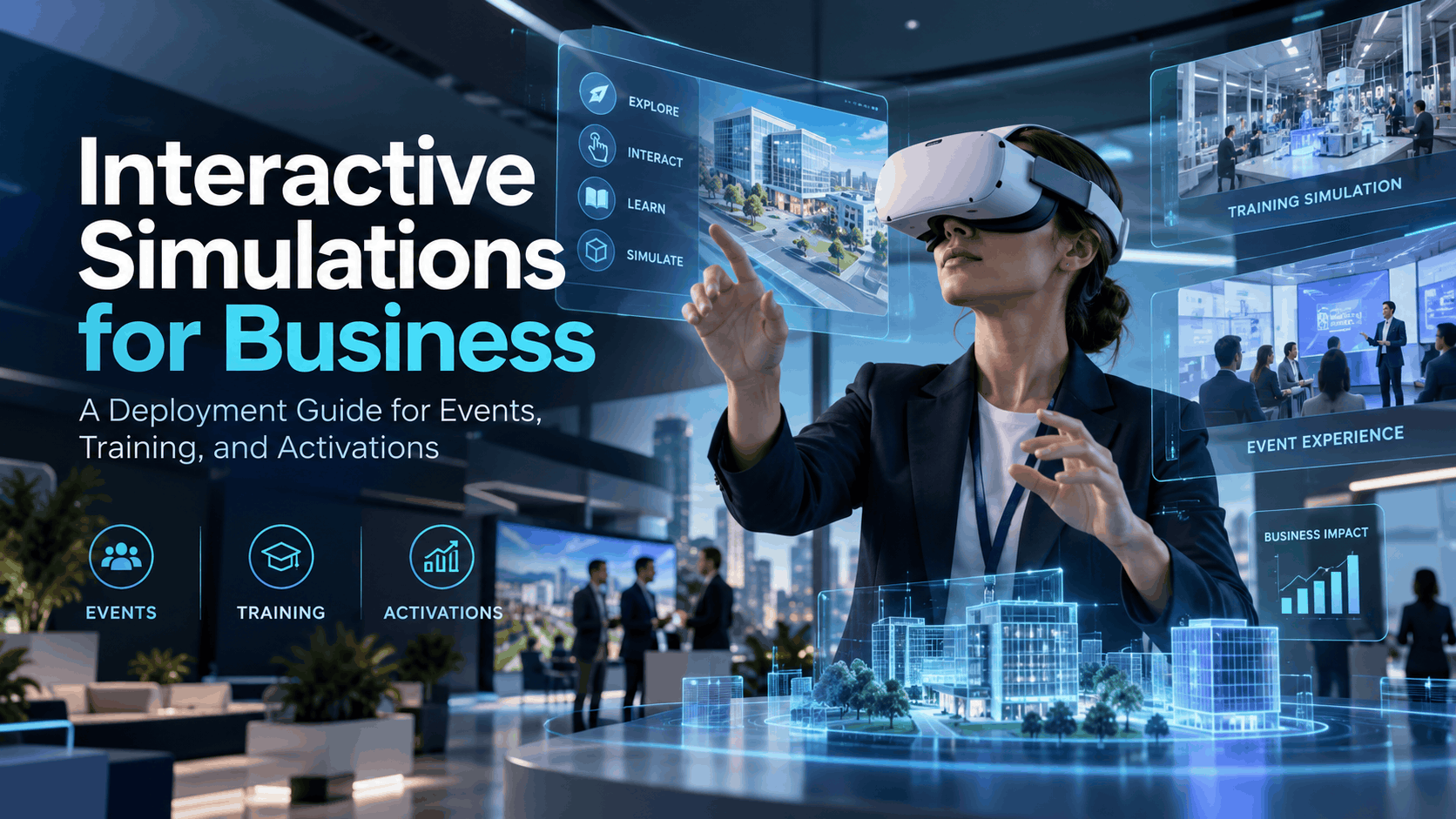
The term ‘interactive simulation’ covers a wide range of experiences from a branching-scenario e-learning module to a fully immersive VR environment where a trainee physically navigates a manufacturing floor. For corporate teams, the distinction matters because it determines what hardware you need, how you deploy it, and what outcomes you can realistically expect. This guide cuts through the category noise and defines interactive simulations in terms of what they do for your team, not what technology powers them. The core advantage is transforming how people think and act by letting them learn by doing in a risk-free environment. [5, 9]
The Spectrum: From Screen-Based to Fully Immersive
For business applications, interactive simulations fall into three practical tiers. The right format depends entirely on the deployment context, not on which technology is ‘better.’
- Screen-Based Branching Simulations: These are often delivered through a standard Learning Management System (LMS). Think of a “choose your own adventure” for a corporate policy or a customer service scenario. They are excellent for knowledge transfer and ensuring compliance acknowledgment, where the goal is to guide a user through a decision tree.
- Mixed-Reality Overlays (AR): Using devices like AR glasses or tablets, this tier overlays digital information onto the real world. [20] It’s ideal for hands-on field guidance, such as a maintenance checklist that appears next to the machine an engineer is servicing. It’s suited for active work environments where full immersion is impractical, but real-time digital assistance is valuable.
- Fully Immersive VR Simulations: This tier uses a virtual reality (VR) headset to place the user in a completely computer-generated environment, blocking out the real world. [20] This is the most effective format for high-stakes scenario practice where physical presence and muscle memory are critical like practicing hazardous material handling or complex surgical procedures.
Why the Deployment Context Determines the Format
A simulation that works perfectly in a controlled training room may fail spectacularly at a crowded trade show booth or a remote field site with no Wi-Fi. This is why “deployment-first” planning is crucial. You must start with where and how the experience will run, then select the format and hardware that fits.
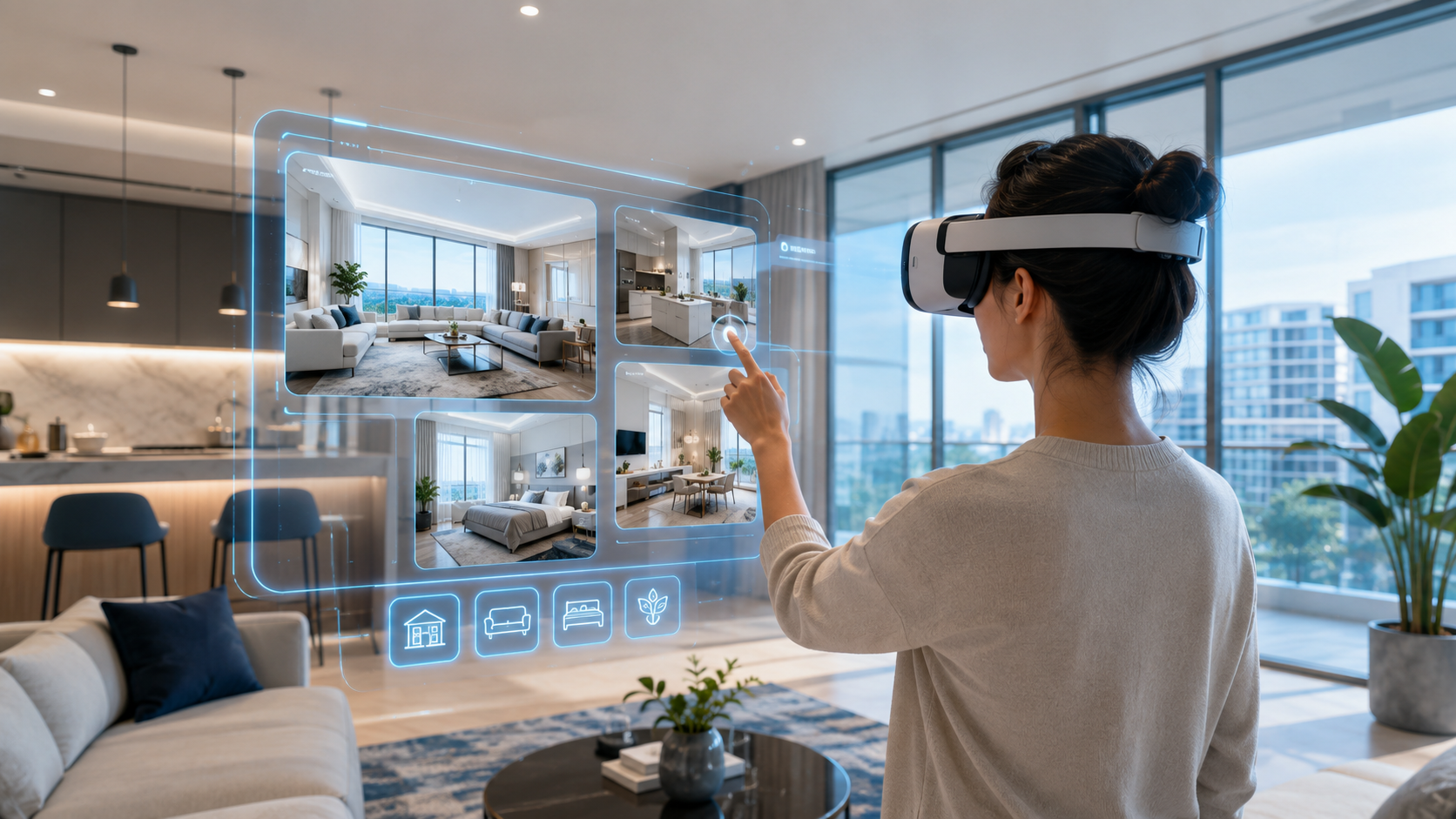
For years, the requirement for powerful PCs, cables, and external sensors made VR impractical for most corporate events and field training. The development of powerful, standalone wireless headsets (like the Meta Quest series) has completely changed the game. [2, 21] These devices remove the tethered-setup constraint, making immersive simulations portable, scalable, and reliable in nearly any environment.
Matching Interactive Simulations to Your Business Use Case
The most common mistake companies make when evaluating interactive simulations is starting with the technology and working backward to find a problem it can solve. A more reliable path is the reverse: define the business outcome you need, identify the scenario that produces it, and then select the format that can deliver it in your actual deployment environment. The following use-case map covers the most common scenarios where businesses successfully deploy interactive simulations.
Safety and Compliance Training
For OSHA-related scenarios like confined space entry, lockout/tagout, fall protection, and hazardous material handling, immersive VR simulations are exceptionally effective. [16, 28] Research shows that VR training can increase learning effectiveness by 76% and knowledge retention to 80% even after a year, far outperforming traditional video or classroom methods. [1] This is because VR creates a safe space to practice dangerous tasks, building muscle memory and decision-making skills without real-world risk. [22, 28] In some cases, VR training has contributed to a 43% reduction in workplace injuries. [1, 22] For many common manufacturing and construction safety requirements, preloaded, industry-specific scenarios are available, eliminating the need for expensive custom content development. [16]
Corporate Events and Brand Activations
At events, interactive simulations serve a different goal than training: they create a memorable, shareable moment that anchors a brand message and drives engagement. [14] Use cases include product experience simulations at trade shows, immersive brand storytelling at conferences, and interactive demos at product launches. [10] VR has been shown to boost user engagement significantly compared to traditional displays and can generate more leads. [18] The logistical constraints of events—no permanent setup, high-throughput needs, and multiple simultaneous users—make standalone wireless headsets the only practical choice. [2, 10] They set up in minutes and can be managed by a single facilitator, allowing brands to create a “wow factor” that captures attention on a noisy trade show floor. [19]
Sales Demos and Virtual Showrooms
Interactive simulations allow a sales team to put a prospect inside a product, facility, or workflow instead of just showing slides or videos. [31] This is particularly effective for complex B2B products—like industrial machinery, enterprise software, or large-scale architectural projects—where physical demos are expensive or logistically impossible. A PwC study found that VR can accelerate decision-making by 40% in B2B sales cycles. [31] With portable rental packages, a sales team can bring a complete virtual showroom to a client’s conference room without requiring any IT involvement from the client’s side.
Emergency Response and Crisis Preparedness
Simulating fire evacuations, active threat scenarios, or critical equipment failures in VR allows teams to practice making high-pressure decisions without facing real-world danger. [28] This is an invaluable tool for facilities teams, HR leaders, and operations managers who own corporate emergency preparedness programs. Because these drills are often run quarterly or semi-annually, a rental model is highly effective. It allows organizations to run a large-scale simulation exercise without the cost of purchasing and maintaining dozens of headsets year-round.
Team Experiences and Leadership Development
Business simulations are powerful tools for developing leadership skills, strategic thinking, and cross-functional communication. [8, 13] When delivered in a collaborative VR environment, these exercises become even more impactful. L&D leaders can use multi-user VR simulations for team-building offsites, leadership development programs, or new-hire onboarding cohorts. Multi-headset rental packages support these simultaneous group experiences, enabling teams to practice problem-solving together in a shared virtual space without the need for a permanent VR lab. [12]
Hardware Formats for Interactive Simulations: What You Actually Need to Know
Choosing the wrong hardware format is the fastest way to create a simulation that works in a demo but fails in deployment. This section covers the three hardware categories relevant to corporate interactive simulations—standalone VR headsets, AR glasses, and curated rental packages—and maps each to the deployment scenarios where it performs reliably.
Standalone Wireless VR Headsets
This is the dominant hardware format for corporate training and event deployments. With standalone headsets (like the Meta Quest 3), there is no PC, no cables, and no external sensors. [21] The entire experience runs on the headset itself, making it completely portable.
- Ideal For: Events, field training, sales demos, and any deployment where setup time, portability, and scalability matter.
- Key Feature: Content is preloaded onto the headsets before delivery. This means the simulation itself has zero dependency on venue Wi-Fi, a common point of failure for event technology.
- Deployment: Supports multiple simultaneous users with a single facilitator managing the session, making it perfect for handling crowds at trade shows or training entire cohorts at once. [2, 17]
AR Glasses for Operations and Field Service
Augmented Reality (AR) glasses overlay digital information onto the user’s real-world view. [20] This is useful for maintenance, inspection, and on-the-job training where a worker needs their hands free and must remain aware of their surroundings.
- Ideal For: Operations managers and field service teams looking to provide step-by-step guidance, digital checklists, or remote expert assistance to workers in active environments.
- Key Feature: Does not require the user to be fully immersed, which is critical for safety and situational awareness in manufacturing plants, construction sites, or medical settings.
- Deployment: This format is highly specific to operational use cases and is not typically used for marketing, events, or general corporate training.
Curated Rental Packages vs. Building Your Own Stack
The “build vs. rent” decision is a critical one. Buying a fleet of VR headsets means your IT department is now responsible for device management, firmware updates, battery health, content licensing, secure storage, and replacements. For most companies, this is a significant and unnecessary burden.
Curated rental packages bundle the hardware, software, and logistics into a single service. [11, 24] A typical package includes:
- The required number of standalone headsets.
- Preloaded content specific to your use case.
- Sanitization supplies, charging stations, and protective cases.
- Nationwide delivery and return shipping.
- Optional on-site event support. [23, 24]
Rental is the right model for companies that need simulations for specific events, quarterly training cycles, or pilot programs—not continuous, daily use. [29] It removes the logistics burden and turns a capital expenditure into a simple operational expense.
Planning and Deploying Interactive Simulations: A Practical Checklist
The gap between a successful interactive simulation deployment and a frustrating one is almost always in the planning phase, not the technology. This checklist walks through the key decisions you need to make before your headsets arrive, ensuring your team can execute without surprises.
Define the Experience Goal Before Selecting Content
Before you look at a single piece of software, answer this question: What behavior or decision do you want participants to practice or understand by the end of the simulation?
- Is the goal knowledge transfer (e.g., learning the steps of a new process)?
- Is it behavioral practice (e.g., de-escalating an angry customer)?
- Is it emotional engagement (e.g., feeling the impact of a brand story)?
The answer determines whether you need a guided walkthrough, a branching scenario with consequences, or a free-exploration environment.
Logistics: Delivery, Setup, and Facilitation
Proper logistics planning is non-negotiable.
- Delivery: Confirm the delivery timeline. Nationwide delivery requires lead time, especially for large quantities of headsets. [17]
- Venue Assessment: For each headset station, you’ll need a small physical footprint (a 10×10 ft space is often recommended) and access to power for charging. [23]
- Facilitation: Decide whether to use optional on-site event support from your rental provider or train an internal facilitator. [11] Both are viable, but an internal team will need a day or two for training.
- Participant Throughput: Plan your schedule. How many people need to complete the simulation? How long does each session take? This will determine how many headsets you need to rent.
Content Configuration and Preloading
One of the biggest advantages of a rental model is that headsets arrive ready to run.
- No Wi-Fi Dependency: Preloaded content means you are not reliant on unstable or password-protected venue Wi-Fi for the core experience to work. [2]
- Scenario Matching: If using off-the-shelf scenarios (e.g., for manufacturing safety or emergency response), confirm the content aligns with your specific operational and regulatory context.
- Custom Content: If you need to integrate custom-built content, clarify the development timeline and technical requirements with the rental provider well in advance.
Measuring Outcomes After the Simulation
Define your success metric before deployment so you can report a clear ROI to stakeholders. [30]
- For Training Simulations: Track completion rates, in-simulation performance scores, and post-training behavioral assessments. The goal is to measure skill transfer and retention. Studies show VR-trained employees can be up to 275% more confident in applying skills learned. [3, 4, 7]
- For Event Simulations: Track dwell time, participant throughput, and lead generation. [18] If possible, conduct post-event surveys to measure brand recall and purchase intent. Some case studies show a 140% ROI within three months from leads generated at a single trade show. [27]
- For Sales Demos: Track the conversion rate of prospects who experienced the simulation versus those who received a traditional presentation.
Why the Rental Model Changes the Economics of Interactive Simulations
For most companies, the barrier to deploying interactive simulations isn’t skepticism about the technology—it’s the perceived cost and complexity of ownership. The rental model restructures both, making world-class immersive experiences accessible without a major capital investment.
The True Cost of Owning VR Hardware for Simulations
The hardware purchase price is only the beginning. A true total cost of ownership (TCO) calculation must include:
- IT labor for device management, software updates, and security patching.
- Recurring content licensing fees.
- Secure storage and charging infrastructure.
- Replacement costs for damaged or obsolete hardware.
- Internal support and troubleshooting.
When headsets are owned but used infrequently—for quarterly training or annual events—they have an extremely poor utilization rate, making the TCO per use very high. Ownership only makes financial sense when simulations are running continuously as part of a daily workflow with a high volume of users. [7]
What a Rental Package Actually Includes
A curated rental package abstracts away the complexities of ownership. [29] When you rent, you’re not just getting a box of headsets; you are getting a complete service that typically includes:
- Configured Hardware: Standalone headsets with your content preloaded and settings optimized for your use case. [2, 11]
- Complete Kits: All necessary accessories, including controllers, charging stations, sanitary face covers, and rugged transport cases. [11, 24]
- Full-Service Logistics: Nationwide delivery to your venue and included return shipping. [17, 24]
- Expert Support: Access to phone support and optional on-site technicians to handle setup, facilitation, and troubleshooting. [11, 23]
- No IT Involvement: Because the headsets are pre-configured and operate on a closed system, they don’t need to touch your corporate network, meaning your IT department typically does not need to be involved.
When to Rent vs. When to Build
The decision is straightforward and depends on your usage pattern.
- Rent When: You have a specific event, training cohort, or activation with a defined date and headcount.
- Rent When: You want to pilot interactive simulations to prove their value before committing to a larger budget for purchase or custom development.
- Rent When: You need to scale up or down quickly for different initiatives throughout the year.
- Build When: You run simulations every single day for hundreds of employees and have the dedicated IT and L&D resources to manage a permanent hardware and software infrastructure.
For the vast majority of corporate teams, the use cases are episodic, not continuous. This makes renting the smarter, more cost-effective, and logistically simpler choice.
Getting Started: How to Scope Your First Interactive Simulation Deployment
If you’re evaluating interactive simulations for the first time, the most useful step you can take is to scope a single, concrete use case. This framework gives you the questions to answer, stakeholders to involve, and timeline to expect, helping you move from evaluation to deployment efficiently.
The Four Questions to Answer Before You Request a Quote
- What is the use case? Is this for safety training, a trade show, a sales demo, or a leadership offsite?
- How many participants? How many people need to experience the simulation, and over what time period (e.g., 50 people over two days)?
- What is the deployment environment? Will it be a controlled classroom, a busy event floor, or multiple field sites?
- What content do you need? Can you use a preloaded, industry-specific scenario, or do you require custom content built from scratch?
Stakeholders to Involve Early
- L&D or HR: Essential if the use case is training. They own the learning objectives and completion tracking.
- Marketing or Events: Your primary partners for brand activations, product launches, or trade shows. They own the brand experience and event logistics.
- IT: Only needs to be involved if you are seriously considering a purchase. Rental deployments that don’t touch the corporate network typically do not require IT sign-off.
- Legal or Compliance: Crucial if the simulation involves regulated safety scenarios (like OSHA or HIPAA) to ensure the content meets requirements.
Typical Timeline for a Rental Deployment
- 2-4 Weeks Lead Time: For standard rental packages using preloaded, off-the-shelf content.
- 4-8+ Weeks Lead Time: If custom content development or significant software integration is required.
- 1-2 Days: Allow time for internal facilitator training if you are not opting for on-site support from the rental provider.
- Buffer: Always build in a buffer for venue coordination and shipping, especially for large events with multiple headset stations.
Frequently Asked Questions (FAQs)
What is the difference between an interactive simulation and a VR experience?
An “interactive simulation” is focused on a specific business objective, like practicing a skill or demonstrating a product. [5] A “VR experience” is a broader term that could include passive 360-degree videos or games. For business, the focus is on simulations that drive measurable outcomes.
Do I need to buy VR headsets to run interactive simulations for my team?
No. For most corporate use cases like events or periodic training, renting headsets is more cost-effective and logistically simpler than buying. [29] Rental packages include preloaded content, support, and all necessary accessories without requiring a capital investment. [11]
Can interactive simulations be used at trade shows and corporate events, not just training?
Absolutely. At events, VR simulations are powerful tools for attracting visitors, creating memorable brand activations, and offering immersive product demos that stand out from the crowd. [10, 14]
How many participants can use interactive simulations simultaneously with a rental package?
Rental providers can supply hardware for dozens or even hundreds of simultaneous users, depending on the needs of your event or training program. [17, 32] The key is planning for throughput and physical space.
What types of content come preloaded on rental headsets for safety and compliance training?
Common preloaded scenarios cover OSHA-mandated training for industries like construction and manufacturing, including fall protection, confined space entry, lockout/tagout, and hazard identification. [16, 28]
How far in advance do I need to book a VR simulation rental for a corporate event?
It is best to book 2-4 weeks in advance for standard packages. If you require custom content development or very large quantities of headsets, a lead time of 4-8 weeks or more is recommended.
Can interactive simulations be customized for my company’s specific products or scenarios?
Yes. While many rental providers offer a library of pre-built scenarios, they can also work with you to load custom-developed applications for your specific products, processes, or training needs.
What happens if a headset has a technical issue during a live event or training session?
Reputable rental providers offer phone and email support. [11] For mission-critical deployments like a major trade show, it is highly recommended to opt for on-site technical support to handle any issues in real-time. [24]