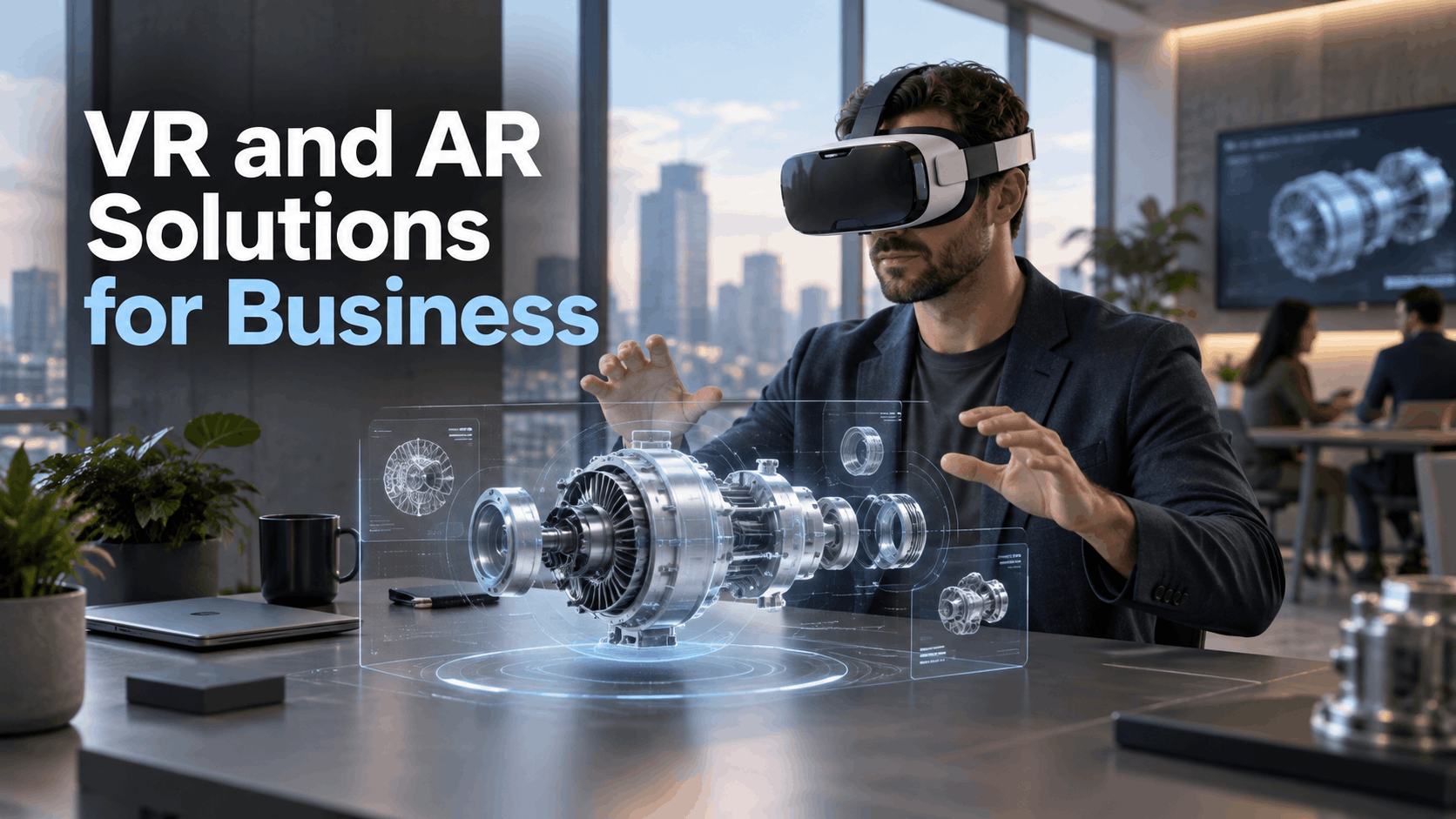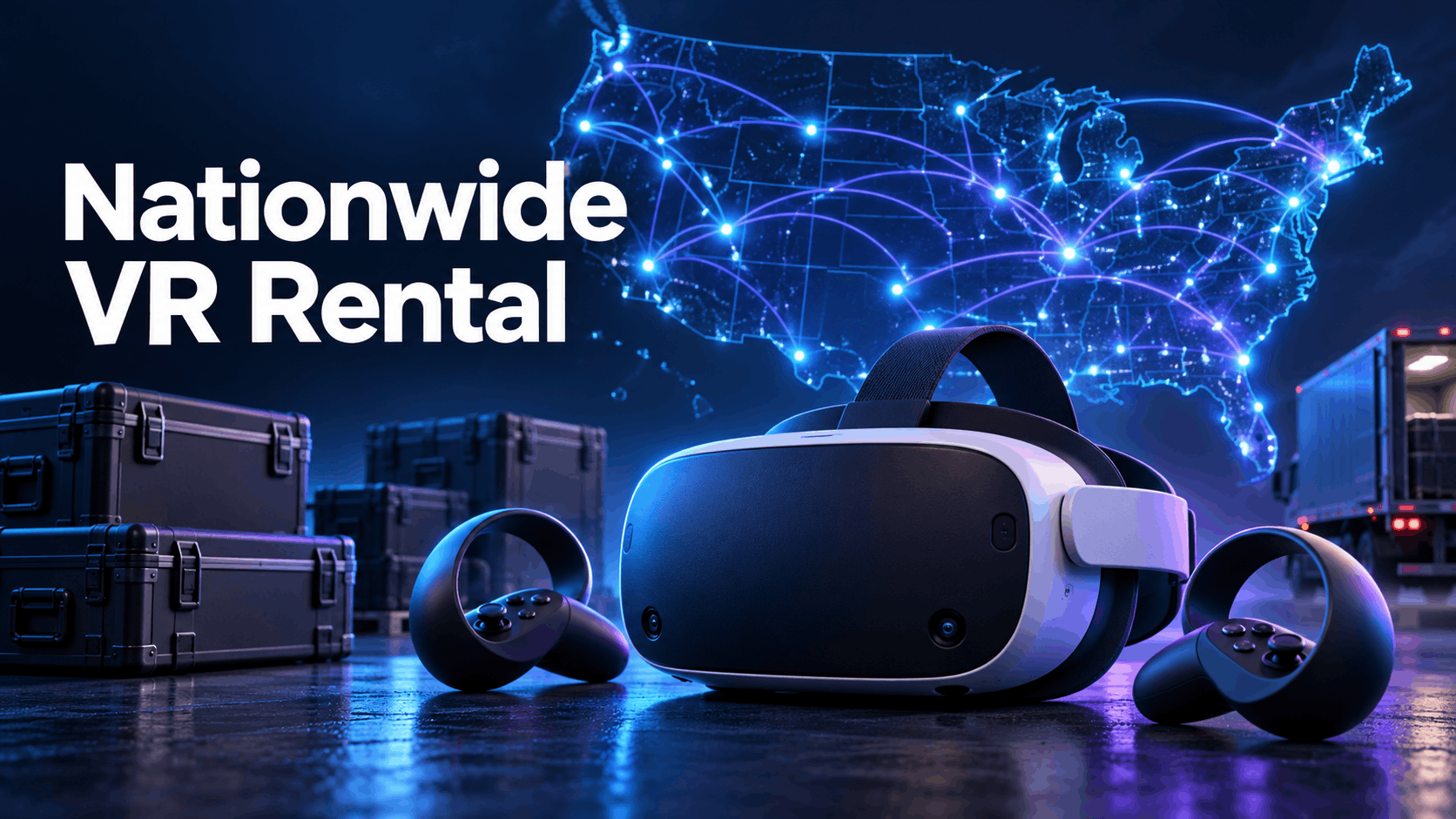
Planning a corporate event, training program, or brand activation is complex enough. When you decide to incorporate Virtual Reality (VR) across multiple cities, that complexity multiplies. You need more than just hardware; you need a reliable, scalable, and repeatable deployment model. This guide is a blueprint for marketing directors, L&D managers, and event coordinators who need to understand what a true nationwide VR rental partnership looks like and how to execute it flawlessly.
What Nationwide VR Rental Actually Means for Corporate Deployments
When most companies first search for VR rentals, they find local AV vendors who can staff a single venue with a few headsets. Nationwide VR rental is a different operational model entirely. It means a vendor can ship pre-configured, content-loaded headsets to any city in the country, support multiple simultaneous deployments, and provide the logistics infrastructure to make it repeatable. This section defines what to expect from a true nationwide rental partner versus a regional AV shop.
The Difference Between Local AV Rental and Nationwide VR Rental
A local AV vendor might offer VR headsets as part of a larger inventory, but they rarely specialize in the technology. This often means you get generic hardware without VR-specific configuration, content preloading, or expert support.
A nationwide VR rental partner, by contrast, is built for scale and specialization. The core of their service is shipping pre-configured standalone headsets directly to each event or training site. The key operational difference is that the hardware arrives ready to use “out of the box,” with your specific content preloaded and tested. This model eliminates the need for on-site IT setup or complex, tethered PC rigs. Furthermore, dedicated nationwide partners maintain a deep inventory of headsets, allowing them to support simultaneous deployments in multiple cities without logistical bottlenecks.
Why Standalone Wireless Headsets Make Nationwide Deployment Viable
The evolution from PC-tethered VR to standalone headsets has made nationwide deployments practical and reliable. Early VR setups required powerful PCs, external sensors, and significant cabling, making them impractical and costly to ship and set up for distributed events.
Modern standalone headsets like the Meta Quest 3 are self-contained units that ship easily and work without external hardware. This offers several key advantages:
- Content Preloading: Experiences are loaded directly onto the headsets before shipping, ensuring consistency across all locations.
- Reduced Failure Risk: With no dependency on venue Wi-Fi for the core experience, the risk of on-site technical failures is significantly lower.
- Simplified Logistics: Fewer components in transit mean a lower risk of damage and a much simpler setup process for your on-site team.
Use Cases That Require a Nationwide VR Rental Model
Not every VR deployment needs a nationwide partner. A single-city product launch can often be handled by a local vendor. However, several common corporate use cases structurally require the scale, consistency, and logistics that only a nationwide model can provide.
Multi-City Event Roadshows and Brand Activations
For a brand activation running in five cities over three weeks, consistency is everything. A nationwide rental partner ensures that identical hardware and content are deployed at each stop. This is achieved by either shipping pre-configured headsets between cities or deploying fresh units from a central inventory. Brand consistency is maintained because the same immersive experience loads identically on every headset, regardless of the location or local staff. Many nationwide providers can also coordinate optional on-site support staff, removing the burden of sourcing and training local help in each city.
Distributed Corporate Training Rollouts
Learning and Development (L&D) teams rolling out safety, onboarding, or compliance training across multiple facilities need to deliver the same scenario consistently to every employee. A nationwide rental model allows for headsets to be shipped preloaded with industry-specific training content, such as OSHA-related manufacturing scenarios or soft-skills simulations. This eliminates the need for local IT teams to handle configuration. Training cohorts in different regions can run sessions simultaneously, and the rental model avoids the significant capital expense of purchasing headsets for facilities that may only need them quarterly or annually.
National Trade Shows and Conference Circuits
Exhibitors attending major national trade shows like CES, NAB, or HIMSS need reliable hardware delivery to convention centers across the country. The AV vendors contracted by convention centers rarely offer VR-specific services like content preloading or configuration. A nationwide rental partner can ship directly to your booth, coordinate with show logistics, and manage hardware retrieval after the event. This allows you to preload and lock product visualizations or sales demos, so your booth staff can run the activation without needing deep technical knowledge. A well-executed VR activation at a trade show can significantly increase attendee dwell time and generate more meaningful conversations.
Sales Demo Programs Across Regional Teams
Empowering enterprise sales teams in different regions with compelling demo tools is another key use case. Individual, pre-configured headset kits can be shipped to each regional office, allowing sales reps to conduct immersive client demos without involving a centralized IT team. The rental model is particularly effective here, as it allows the sales enablement team to update demo content between cycles by having the rental partner re-preload the headsets. This reduces the risk of reps using outdated or inconsistent demo materials on personally managed devices.
How the Nationwide VR Rental Logistics Model Works
The logistics model is often the biggest area of uncertainty for buyers. This section provides an end-to-end walkthrough of the process, clarifying your team’s responsibilities versus what the rental partner handles.
Step 1: Use Case Assessment and Package Selection
The process begins with a consultation to define the scope of your deployment. The rental partner will need to know the number of headsets, deployment locations, event dates, and content requirements to provide an accurate quote. Many providers offer curated packages for common use cases like events, training, and brand activations. For multi-location deployments, the partner must confirm inventory availability across all your required dates. It’s critical to note that lead times for nationwide deployments are typically longer than for single-city rentals; plan for a minimum of two to three weeks for even simple rollouts.
Step 2: Content Configuration and Preloading
This is a core value of the nationwide rental model. Your chosen software, videos, or interactive experiences are installed and configured on the headsets before they ship. This means no on-site app installation is required. You can select scenarios from the provider’s curated library (e.g., safety training, product visualization) or provide your own custom content in advance. Device management settings are typically applied to lock the headsets into “kiosk mode,” preventing users from accessing unintended apps or settings. Your team should perform a final content test and sign-off before the shipping deadline.
Step 3: Shipping, Delivery, and On-Site Setup
Headsets are shipped in durable, protective cases containing all necessary equipment: chargers, controllers, and accessories. Delivery is coordinated to arrive at your venue or facility with a buffer period before the event begins. Because the headsets are standalone and pre-configured, on-site setup is minimal: simply power on the devices, confirm the correct content loads, and distribute them to participants. For larger or higher-stakes events, you can arrange for optional on-site event support staff through the rental partner to manage the entire process.
Step 4: During-Event Support and Contingency
Before the event, establish clear remote support protocols with your rental partner, including who to call and expected response times. Common on-site issues—such as headset batteries running low between sessions or a controller losing its pairing—are typically simple to resolve without technical expertise if your on-site contact has been properly briefed. For any multi-headset deployment, it is standard practice to include 10-15% spare “buffer” headsets in the shipment to account for any hardware issues without disrupting the program. If you’ve opted for on-site staff from the rental partner, they will handle all troubleshooting for you.
Step 5: Retrieval and Return Logistics
Return logistics are designed to be straightforward. The rental kit typically includes pre-paid return shipping labels and all necessary packaging materials. For multi-city roadshows, logistics can often be structured so that hardware ships directly from one city to the next, reducing transit time and cost compared to returning to the vendor between each stop. After the hardware is returned, it is inspected by the rental partner. Be sure to review the provider’s damage policy before signing the rental agreement. If configured, the partner may also be able to provide post-event usage data, such as session counts or analytics.
Hardware Selection for Nationwide VR Rental Deployments
The right hardware is critical to the success of a nationwide rental deployment. Your choice affects shipping risk, setup complexity, battery life, and the overall quality of the participant’s experience.
Why the Meta Quest 3 Is the Default for Corporate Nationwide Rentals
The Meta Quest 3 has become the most rented VR headset for corporate events and training. Its design and features are perfectly suited for the rental model:
- Standalone and Wireless: It requires no PC or external sensors, shipping as a complete, self-contained unit that is easy to set up and use.
- Mixed-Reality Passthrough: Its full-color passthrough cameras allow it to support both fully immersive VR and augmented reality (AR) experiences, where virtual objects are overlaid on the real world.
- Battery Life: The headset supports approximately two to three hours of continuous use, making it suitable for most event sessions. For all-day events, a charging rotation plan is essential.
- Enterprise Support: It is widely supported by enterprise device management platforms, enabling content locking and remote configuration.
- Durability: The device is lightweight yet durable enough to withstand repeated shipping cycles when transported in protective cases.
When to Consider AR Glasses for Nationwide Deployments
Augmented Reality (AR) glasses are a better fit when participants must maintain a clear view of their real-world environment while receiving digital information overlays. This is common in use cases like field service, complex assembly guidance, or hands-on operational training. While the logistics model for AR rentals is similar to VR, the content requirements and device configurations are different. Not all nationwide VR rental vendors support AR hardware, so be sure to discuss your AR use case explicitly during the initial assessment.
Headset Count Planning for Multi-Location Events
To determine your headset needs, calculate the number required per location based on peak concurrent users, not the total number of attendees.
- For Trade Shows: A booth with 6 to 10 headsets can effectively serve 60 to 100 attendees per day, assuming 5-minute experiences and well-managed queuing.
- For Training: Deployments typically require one headset per trainee for each session cohort.
- Buffer Units: Always add a 10-15% buffer of extra headsets to every shipment. This ensures that a single malfunctioning device won’t disrupt your program.
Planning Timeline and Lead Time Requirements for Nationwide VR Rental
Nationwide VR rental deployments fail most often due to insufficient planning, not hardware problems. Content configuration, inventory reservation, shipping, and on-site coordination all require more lead time than a simple local AV rental.
Minimum Lead Times by Deployment Type
- Single-Location Event (Curated Content): 2 weeks minimum, 3-4 weeks preferred.
- Multi-City Roadshow (Shared Hardware): 4-6 weeks minimum to coordinate shipping logistics between stops.
- Custom Content Integration: Add 2-4 weeks to your timeline for content preparation, loading, and testing.
- Large-Scale Training Rollout (10+ locations): 6-8 weeks minimum for inventory staging and mass configuration.
- Major Convention Trade Shows: Book 8-12 weeks in advance. Inventory for major shows like CES or HIMSS gets reserved quickly.
What Your Team Needs to Deliver Before Shipping
To ensure a smooth deployment, your team must provide the following to the rental partner ahead of the shipping deadline:
- Confirmed delivery addresses and on-site contact names for each location.
- Final headset count per location.
- Content selection or finalized custom content files in the required format.
- A signed rental agreement and acknowledgment of the damage policy.
- Confirmation that the on-site contact has been briefed on basic headset operation and the support escalation process.
Nationwide VR Rental vs. Purchasing Hardware for Distributed Programs
Some organizations with recurring programs consider purchasing headsets outright. While this can seem cost-effective, the rental model remains the superior choice for most mid-market and enterprise deployments when factoring in the total cost of ownership.
When Rental Wins Over Purchase
- Program Frequency: For programs that run fewer than four times per year per location, the rental cost is almost always lower than the depreciation on purchased hardware.
- Content Updates: If content needs to change between deployments, rental partners can reconfigure hardware as part of the service. Managing this internally requires a dedicated IT team.
- No Internal Management: Renting eliminates the need for an internal team to manage device inventory, charging, firmware updates, damage tracking, and storage.
- Logistics Handled: The rental partner manages all nationwide shipping and logistics. A purchase model requires your organization to handle this complex and costly process.
- Certified Content: Rental packages often include access to a library of licensed, industry-specific training content that would otherwise need to be purchased separately.
When Purchase May Make Sense
- High Frequency: If a program runs weekly or more often at fixed locations, the total rental cost may exceed the purchase price within a year.
- Dedicated XR/IT Team: Organizations with an existing team capable of managing a fleet of mobile devices may be equipped to handle ownership.
- Stable Content: If the VR content is static and does not require updates between deployments.
Even in purchase scenarios, many companies use rentals to pilot new programs or handle overflow capacity before committing to a large capital investment.
Nationwide VR Rental Deployment Checklist
Use this checklist to confirm your deployment is on track before hardware leaves the warehouse. Addressing these items proactively prevents the most common on-site problems.
Pre-Shipment Checklist
-
Delivery address and receiving contact confirmed for each location.
-
Headset count per location (including buffer units) finalized with the rental partner.
-
Content selection or custom content files submitted, loaded, and tested.
-
Rental agreement signed and damage policy reviewed and understood.
-
On-site contact(s) identified and briefed on basic headset operation.
-
Support escalation contact information and protocol documented and shared.
-
Confirmation that buffer headsets are included in each shipment.
-
Confirmation that return shipping labels and packaging materials are included.
On-Site Setup Checklist
-
All headsets powered on and content confirmed to be loading correctly before participants arrive.
-
Charging stations set up to facilitate battery rotation for all-day or multi-session events.
-
All controllers paired and tested.
-
Sanitization supplies are available for shared headset use.
-
On-site contact has the rental partner’s support number readily accessible.
Conclusion: Your Blueprint for Scalable Immersive Experiences
Deploying VR across multiple locations is no longer a logistical nightmare. With the right nationwide rental partner, it becomes a scalable, repeatable, and powerful tool for engaging audiences anywhere in the country. The key is to move beyond the mindset of local AV and embrace a logistics-first approach. By leveraging standalone headsets, pre-configuration services, and a robust support plan, any organization can deliver consistent, high-impact immersive experiences that drive business goals—from boosting trade show traffic to revolutionizing corporate training.
Ready to plan your nationwide VR deployment? Contact a nationwide rental specialist to get a detailed quote and logistics plan tailored to your specific program.
Frequently Asked Questions (FAQs)
How far in advance do I need to book nationwide VR rental for a multi-city event?
For multi-city events, plan for a minimum lead time of 4-6 weeks. For deployments involving custom content or major trade shows, book 8-12 weeks in advance to ensure inventory availability and allow time for content integration.
Can VR headsets be shipped directly to a convention center or hotel venue?
Yes, experienced nationwide rental providers specialize in shipping directly to event venues. They coordinate with on-site logistics to ensure hardware arrives at your booth or meeting room on schedule.
What happens if a headset malfunctions during a nationwide deployment?
Nationwide rental shipments typically include 10-15% extra “buffer” headsets to be used as immediate replacements. For other issues, your rental partner should provide remote technical support via phone or video call to guide your on-site team through troubleshooting steps.
Do nationwide VR rental packages include content, or do I need to provide my own?
Most providers offer both options. You can choose from a curated library of licensed experiences for training or events, or you can provide your own custom-developed applications or 360-degree videos to be preloaded.
Can the same headsets be used across multiple cities on a roadshow without returning to the vendor between stops?
Yes. A key advantage of a nationwide logistics model is the ability to coordinate city-to-city shipping for a roadshow, which saves significant time and money compared to shipping back to a central warehouse after each stop.
Is on-site technical support included in nationwide VR rental, or is it an add-on?
On-site technical support is typically offered as an add-on service. While pre-configured standalone headsets are designed for easy setup, having a dedicated technician is recommended for high-stakes activations, large headset quantities, or when your on-site team has no technical experience.
How many headsets do I need for a trade show booth or training session?
For a trade show, 6-10 headsets can typically serve 60-100 people per day with short experiences and managed queues. For training, you generally need one headset per participant in a given session. Always add 10-15% as a buffer.
What is the difference between renting VR headsets and renting AR glasses for a nationwide deployment?
VR headsets create a fully immersive digital environment, completely blocking out the real world. AR glasses overlay digital information onto the user’s real-world view. While the rental logistics are similar, the hardware and content types are different and serve distinct use cases (e.g., VR for simulations, AR for guided tasks).