Virtual reality has become a powerful tool for corporate events, trade shows, and training programs. While standalone headsets offer convenience, PC-tethered VR systems deliver the processing power and visual fidelity needed for demanding business applications. Understanding when to invest in PC-powered VR—and how to implement it successfully—can make the difference between a memorable brand activation and a forgettable demo.
What Makes a VR Headset PC-Tethered (And Why It Matters for Your Event)
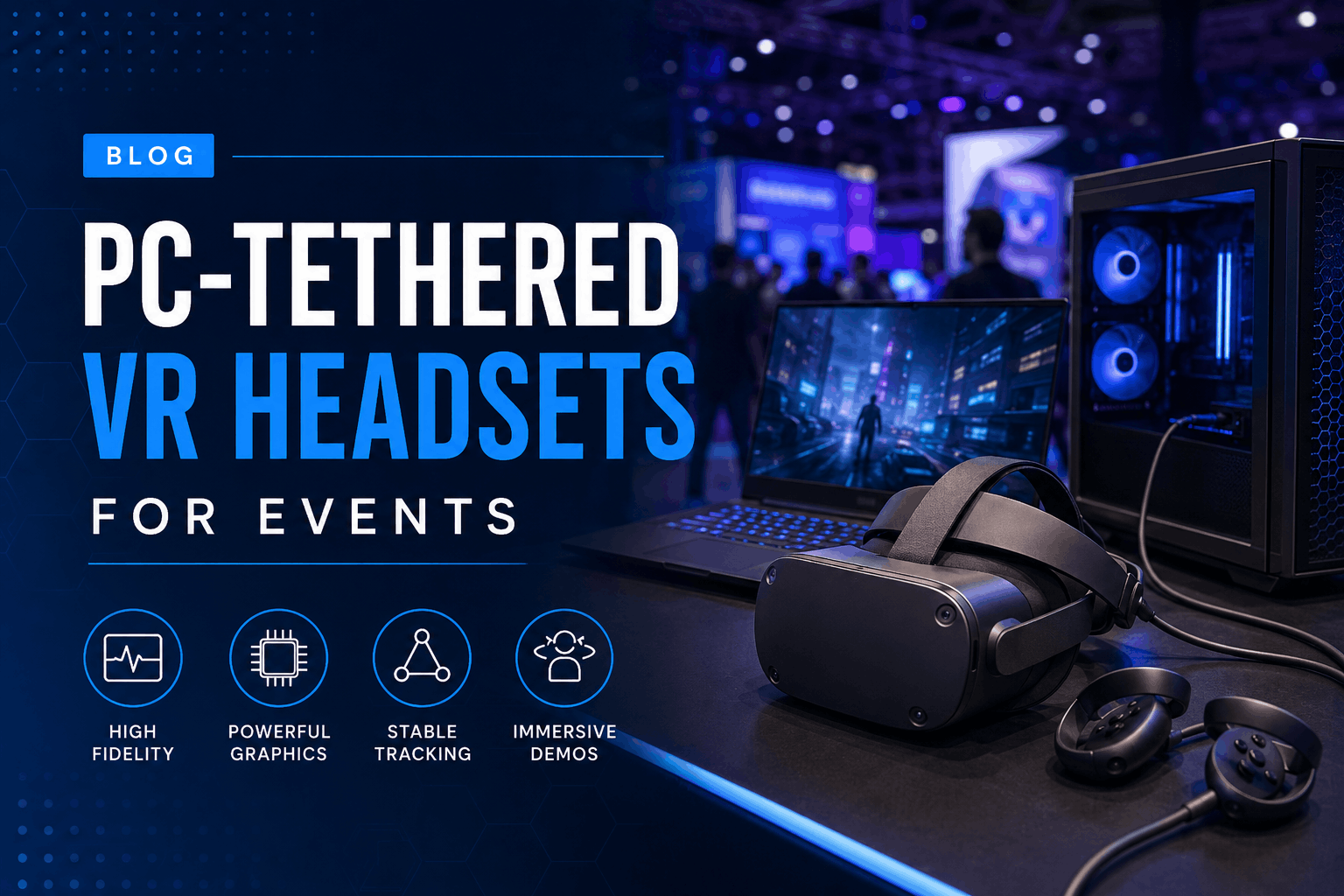
PC-tethered VR headsets connect to a gaming PC or workstation via cable, using the computer’s processing power to render complex visuals and interactions. For corporate events, training simulations, and trade show demos, this connection enables experiences that standalone headsets can’t match.
Unlike standalone headsets that rely on mobile processors, PC-tethered systems tap into desktop-grade GPUs capable of rendering millions of polygons in real-time. This fundamental difference impacts everything from the complexity of your VR content to the number of concurrent users you can support.
The Technical Difference: Processing Power and Visual Fidelity
GPU-powered rendering enables photorealistic product demos and architectural walkthroughs that showcase every material texture, reflection, and shadow. A standalone Quest 3 processes approximately 1.5 million triangles per frame, while a PC-tethered headset powered by an RTX 4080 handles over 15 million triangles—a 10x improvement that translates directly to visual quality.
Higher refresh rates of 90-120Hz reduce motion sickness in extended training sessions. Research from Stanford’s Virtual Human Interaction Lab shows that refresh rates above 90Hz decrease reported nausea by 40% during sessions longer than 15 minutes. For multi-hour training programs or all-day trade show demos, this difference significantly impacts user comfort and engagement.
The wider field of view and higher resolution available in PC-tethered systems create more convincing brand experiences. The Vive Pro 2’s 5K resolution displays text clearly enough for technical documentation review, while its 120-degree field of view matches natural human peripheral vision, eliminating the “looking through binoculars” effect common in mobile VR.
Cable Management and Space Requirements
Typical play space needs start at 6×6 feet minimum per station, though 10×10 feet provides a better experience for room-scale interactions. The tether cable itself requires 15-20 feet of length to accommodate user movement without creating trip hazards.
Cable management systems and overhead pulley solutions keep tethers off the ground while maintaining freedom of movement. Retractable cable systems like the KIWI design pulley system ($30-50 per station) mount to ceiling grids or portable stands, automatically adjusting cable slack as users move. For trade show environments without ceiling access, weighted boom arms provide similar functionality while remaining portable.
Power and connectivity requirements for event venues include dedicated 15-amp circuits for every 2-3 VR stations. Each gaming PC draws 400-600 watts under load, plus monitor and accessory power. Venues should provide at least one 20-amp circuit per four VR stations to prevent breaker trips during peak usage.
When PC-Tethered Headsets Outperform Standalone Options
Not every VR activation needs PC-tethered performance. Understanding when the added setup complexity delivers ROI helps you choose the right equipment for your specific use case.
Corporate Training and Simulation
Complex procedural training requiring precise hand tracking benefits from the lower latency and higher tracking frequency of PC-tethered systems. Manufacturing training that involves manipulating small components or performing precise assembly sequences needs sub-millimeter tracking accuracy—something PC-powered lighthouse tracking delivers consistently.
Multi-user collaborative environments for team exercises require synchronized experiences across multiple headsets. PC-tethered systems connected to a local server maintain frame-perfect synchronization for scenarios like emergency response training where team coordination is critical. Network latency between standalone headsets can create desynchronization that breaks immersion during collaborative exercises.
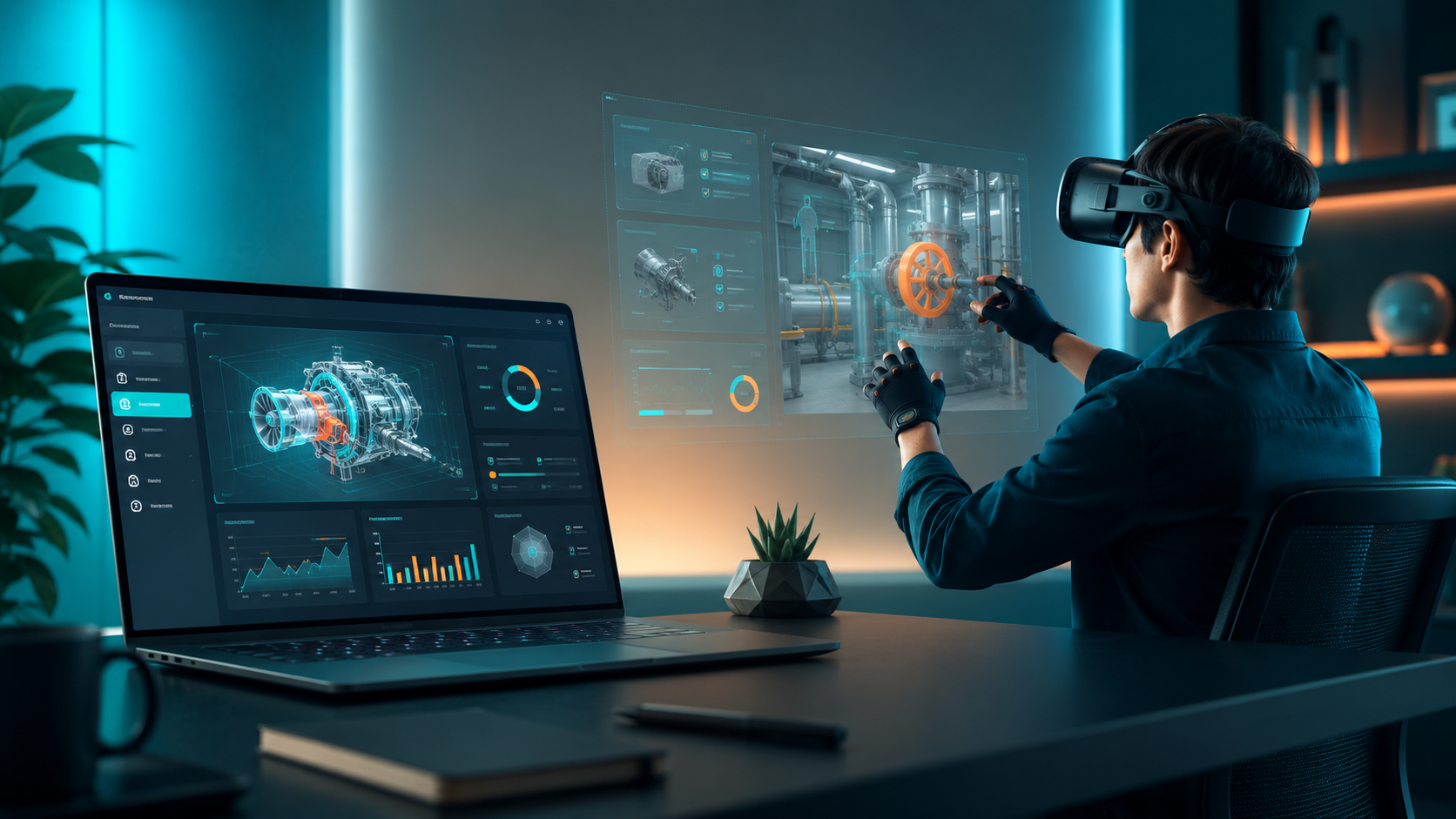
Data visualization and 3D modeling applications demand real-time manipulation of complex datasets. Financial services firms using VR for portfolio visualization or engineering teams reviewing CAD models need instant response to user inputs. PC-tethered systems process these interactions without the compression artifacts or loading delays inherent in mobile processors.
Trade Show and Brand Activation Scenarios
Product configurators with real-time rendering showcase customization options instantly. Automotive brands demonstrating vehicle customization or furniture companies showing fabric and finish options need photorealistic materials that update immediately as users make selections. PC-tethered systems render these changes in under 16 milliseconds—fast enough that users perceive no delay.
Virtual showroom experiences with high-detail assets immerse visitors in brand environments impossible to recreate physically. Fashion brands can display entire seasonal collections in virtual boutiques, while real estate developers can tour multiple property configurations in the same footprint. These experiences require loading gigabytes of texture data that would overwhelm standalone headset storage.
Interactive demos requiring instant response times keep users engaged throughout the experience. Gesture-based interfaces, physics simulations, and reactive environments need consistent 90+ fps performance to feel natural. PC-tethered systems maintain these frame rates even with dozens of interactive elements active simultaneously.
When Standalone Headsets Make More Sense
Quick setup for multiple simultaneous users favors standalone systems when content requirements are modest. A 20-minute brand experience video or simple interactive tour runs perfectly on Quest 3 or Pico 4 headsets without external hardware.
Mobile activations without dedicated booth space benefit from the portability of standalone headsets. Pop-up experiences in retail environments, outdoor festivals, or roaming conference activations become logistically challenging with PC-tethered equipment.
Simple 360 video experiences or light gaming content designed for mobile VR loses nothing running on standalone hardware. If your content was originally developed for mobile VR platforms, PC-tethering adds complexity without improving the experience.
Popular PC-Tethered Headsets for Business Events
The professional VR rental market centers on a few proven PC-tethered models that balance performance, reliability, and ease of use for non-technical operators.
HTC Vive Pro 2
The 5K resolution (2448×2448 per eye) ideal for detailed product visualization makes smallest text readable and fine details visible. Industrial clients use the Vive Pro 2 for reviewing technical drawings and inspecting 3D models where clarity is paramount.
Its wide 120-degree field of view creates immersive experiences that fill peripheral vision. Trade show visitors report feeling “inside” the experience rather than viewing it through a window, increasing emotional connection to brand messaging.
Professional-grade lighthouse tracking covers spaces up to 10×10 meters with sub-millimeter precision. Multiple Vive Pro 2 headsets can share the same tracked space for synchronized multi-user experiences, essential for team training scenarios.
Meta Quest Pro (Tethered Mode)
Hybrid capability allows the Quest Pro to work standalone for simple content or PC-tethered for demanding applications. Event organizers can switch between modes based on specific activation needs without changing hardware.
Mixed reality features blend virtual elements with the real environment for AR/VR brand experiences. Retail brands use passthrough mode to overlay virtual products onto physical displays, creating interactive showroom experiences that merge digital and physical retail.
Eye and face tracking enable advanced interactions like gaze-based selection and emotional response monitoring. Market research firms use these features to track which virtual products draw attention and measure emotional engagement with brand messaging.
Pico 4 Enterprise
Enterprise-focused design includes dedicated business support channels and extended warranties. Pico provides direct technical support for corporate customers, including custom configuration assistance and bulk deployment tools.
The lightweight design (295g without strap) reduces neck strain during extended wear. Training sessions lasting multiple hours report 35% less user fatigue compared to heavier headsets, improving learning retention and completion rates.
Streaming capabilities enable wireless PC connection via Wi-Fi 6, offering a middle ground between fully tethered and standalone operation. In controlled environments with dedicated routers, wireless streaming delivers 90% of tethered performance with improved freedom of movement.
Setup Requirements and Logistics Planning
PC-tethered VR requires more infrastructure than standalone headsets, but proper planning ensures smooth deployment at your event or facility.
Hardware Requirements
Minimum PC specifications for reliable performance include an RTX 3070 or better GPU, 16GB RAM (32GB recommended for complex simulations), and multiple USB 3.0 ports. CPU requirements vary by application but an Intel i7-10700K or AMD Ryzen 7 3700X provides adequate performance for most business use cases.
Backup equipment considerations for mission-critical demos should include one spare PC per four active stations and replacement headsets for 25% of your fleet. Cable failures are common, so pack two spare tether cables per headset. Keep spare DisplayPort adapters, USB extensions, and power strips readily accessible.
Transport cases protect equipment during shipping and provide organized storage during events. Pelican cases with custom foam inserts prevent damage during transport while making inventory management easier. Budget $200-400 per headset for appropriate protective cases.
Setup time calculations should account for 45-60 minutes per station for initial deployment, including PC boot time, software updates, and play space calibration. Teardown typically requires 20-30 minutes per station. Add buffer time for troubleshooting—assume 15% of stations will require additional configuration.
Venue Considerations
Power requirements demand dedicated 20-amp circuits for every four VR stations to prevent overload. Verify venue power capacity during site surveys and request dedicated circuits rather than shared conference room outlets. Bring power conditioning equipment to protect against voltage fluctuations that can crash VR experiences mid-demo.
Network needs vary based on content delivery method. Cloud-based experiences require minimum 25 Mbps download per headset with sub-50ms latency. Local network synchronization for multi-user experiences needs gigabit ethernet connections between PCs. Always bring your own router for critical connections rather than relying on venue Wi-Fi.
Safety zones and barrier requirements include 3-foot buffer zones around play spaces to prevent collisions. Use stanchions with retractable belts to create clear boundaries. Anti-fatigue mats mark safe standing areas while providing comfort during extended sessions. Consider overhead rigging points for cable management systems to eliminate trip hazards.
Staffing and Support Needs
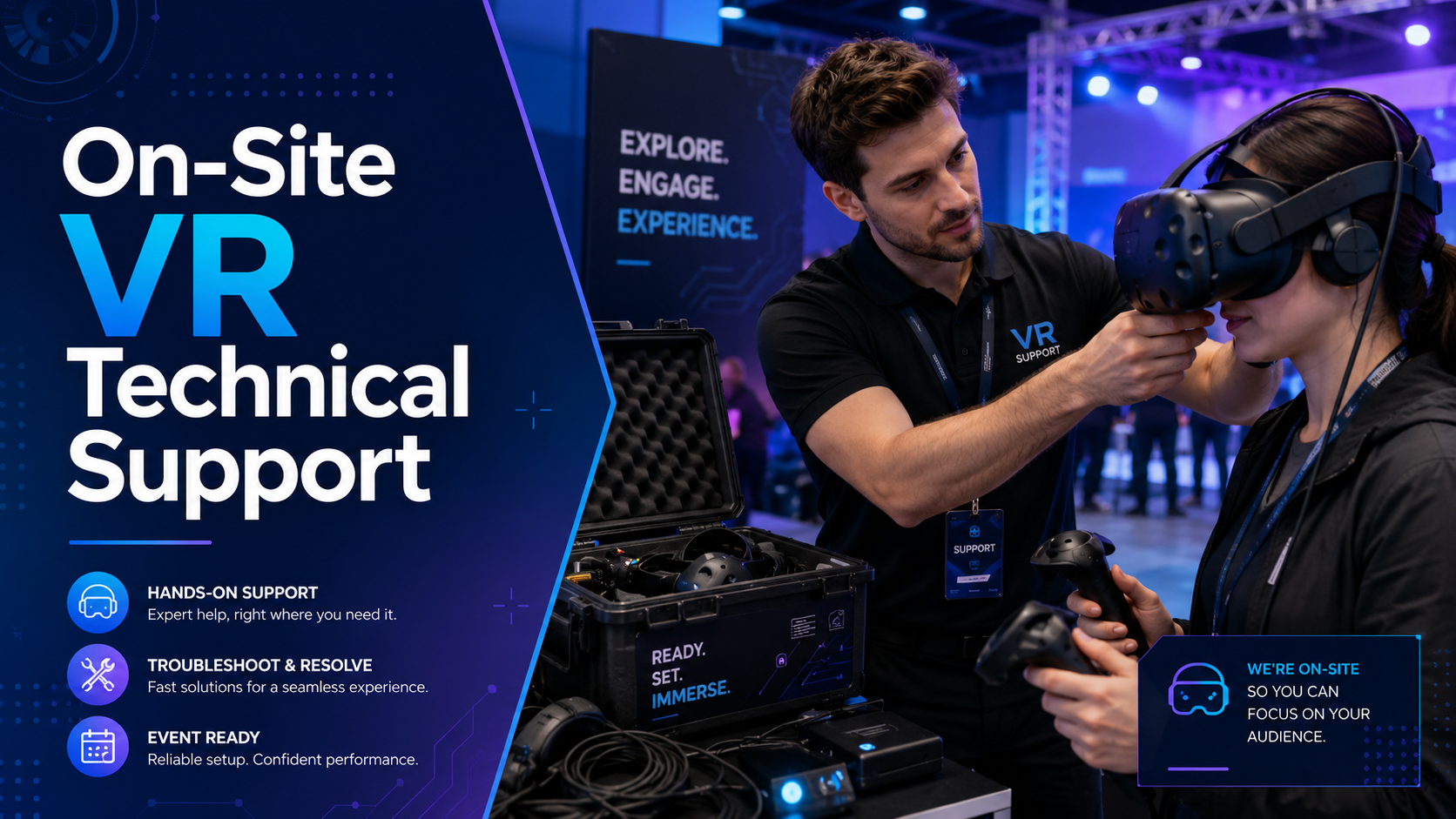
Technical operators manage hardware setup, troubleshooting, and content loading. One technical operator can effectively manage 4-6 VR stations during active events. They should understand Windows display settings, SteamVR configuration, and basic network troubleshooting.
Brand ambassadors focus on user experience, guiding visitors through content and gathering feedback. Each active VR station needs a dedicated brand ambassador to ensure smooth user onboarding and maximize throughput. Ambassadors don’t need technical expertise but should understand the experience narrative and key interaction points.
Troubleshooting common connection issues requires a systematic approach. Document solutions for frequent problems: headset not detected (reseat cables, check USB power settings), tracking loss (clean sensors, verify lighthouse placement), and performance drops (close background applications, check thermal throttling).
Hygiene protocols between users include disposable face masks, antibacterial wipes for controllers, and UV-C sanitization for fabric components. Allow 2-3 minutes between users for proper cleaning. Maintain supplies for 1.5x expected daily visitors to avoid shortages.
Cost Comparison: Renting PC-Tethered VR Systems
PC-tethered VR rentals typically cost more than standalone options due to the additional hardware and setup support required. Here’s how to evaluate the investment.
Rental Package Components
Complete rental packages include the VR headset, gaming PC, controllers, and necessary cables. Most providers bundle lighthouse base stations or tracking cameras, though some charge separately for room-scale tracking hardware. Expect to pay $50-100 extra per station for wireless adapter rentals if available.
Setup and teardown services typically add 20-30% to base rental costs but eliminate technical burden on your team. This includes delivery, installation, calibration, and removal. On-site technical support during events costs $75-150 per hour but prevents lost activation time due to technical issues.
Content licensing varies widely based on application type. Generic demo content often comes free with rentals, while custom brand experiences require separate development budgets of $10,000-50,000 depending on complexity. Some rental companies offer content customization services for $2,000-5,000 to add logos and brand colors to existing experiences.
Price Ranges by Event Type
Single-day trade show activations cost $800-1500 per station including basic setup. Premium locations like CES or major industry conferences command higher prices due to increased demand and logistics complexity. Budget an additional $500-1000 for rush delivery or weekend setup requirements.
Week-long conferences typically price at $2500-4000 per station with volume discounts for multiple units. Extended rentals include maintenance visits and spare equipment swaps if needed. Many providers offer “show special” pricing that includes pre-event testing and rehearsal time.
Monthly training programs range from $3000-5000 per station with educational discounts sometimes available. Long-term rentals often include content updates, usage analytics, and remote support. Consider lease-to-own options for programs extending beyond three months.
Making the Decision: Questions to Ask Your VR Rental Partner
Before committing to PC-tethered headsets for your event, ensure your rental partner can handle the technical requirements and provide adequate support.
Technical Capabilities
Verify experience with your specific use case or industry by requesting case studies and references. Partners specializing in your vertical understand common challenges and can provide targeted solutions. Ask about their largest similar deployment and any lessons learned.
Confirm ability to customize or load proprietary content onto rental equipment. Some providers restrict software installation for security reasons. Ensure your content format is compatible with their hardware and that they can pre-load experiences before delivery. Request testing time to verify content performs as expected on rental hardware.
Evaluate backup equipment and on-site technical support availability. Professional providers maintain 20-30% spare inventory and can hot-swap failed components during events. Confirm response time guarantees and whether technical support is included or billed separately.
Logistics and Support
Understand delivery, setup, and teardown timelines to coordinate with venue access windows. Most providers need 4-6 hours for initial setup of 10+ stations. Clarify who handles equipment transportation between venue loading dock and event space—this often falls to the client.
Assess training provided for your staff on basic operation and troubleshooting. Quality partners offer video tutorials, printed quick-start guides, and hands-on training sessions. Request operation manuals in advance to familiarize your team with the equipment.
Verify remote troubleshooting capabilities during events for rapid issue resolution. Modern rental companies use remote desktop software to diagnose and fix software issues without on-site visits. Ensure they can provide phone support during your event hours, including evenings and weekends if needed.
Frequently Asked Questions
Can PC-tethered headsets work wirelessly?
Yes, several PC-tethered headsets offer wireless adapter options. The HTC Vive Wireless Adapter and Oculus Air Link enable wireless PC connection with minimal latency increase (3-5ms). However, wireless operation requires line-of-sight between headset and receiver, limits battery life to 2-3 hours, and may introduce compression artifacts in visually complex scenes. Wireless adapters add $300-400 per headset to rental costs.
What’s the minimum internet speed needed for PC-tethered VR?
PC-tethered VR doesn’t require internet for basic operation since rendering happens locally. However, cloud-based content, multi-user experiences, and software updates need reliable connectivity. Minimum speeds: 10 Mbps for software updates, 25 Mbps per headset for cloud streaming, 100 Mbps for real-time collaborative experiences. Latency matters more than bandwidth—keep round-trip time under 50ms for responsive experiences.
How many PC-tethered VR stations can run in one booth?
Standard 10×20 foot trade show booths accommodate 2-3 PC-tethered VR stations comfortably. 20×20 spaces fit 4-6 stations with proper traffic flow. Consider: 6×6 feet minimum play space per station, 3-foot safety buffers between stations, storage space for equipment cases, and visitor queuing areas. Lighthouse-based tracking systems can interfere with each other, so maintain 10-foot separation or use sync cables for adjacent stations.
Do PC-tethered headsets require special insurance for events?
Most general liability event insurance covers VR equipment damage and visitor injuries, but verify coverage limits. Equipment rental insurance typically costs 10-15% of rental value. Additional considerations: venue may require certificates of insurance naming them as additional insured, international events need territory-specific coverage, and high-value custom content may need separate intellectual property protection.
Can we use our existing gaming laptops for PC-tethered VR?
Gaming laptops can power PC-tethered VR if they meet specifications: dedicated GPU (RTX 3060 mobile or better), adequate cooling to prevent thermal throttling, and correct port configuration (DisplayPort or USB-C with DisplayPort alt mode). However, laptops often struggle with sustained VR workloads due to thermal constraints. Desktop PCs provide more reliable performance for all-day event use.
Conclusion
PC-tethered VR headsets deliver unmatched visual quality and processing power for demanding corporate applications. While they require more setup effort and infrastructure than standalone alternatives, the investment pays off when your event needs photorealistic product demonstrations, complex training simulations, or highly interactive brand experiences.
Success with PC-tethered VR comes from matching technology to use case. High-stakes trade show demos, technical training programs, and data visualization applications justify the added complexity. Simple 360 videos, mobile activations, and basic interactive experiences often work better with standalone headsets.
Before your next event, evaluate your content requirements, venue capabilities, and support needs. Partner with experienced VR rental providers who understand both the technology and the unique demands of corporate events. With proper planning and the right equipment, PC-tethered VR can transform your event from a standard booth experience into an unforgettable brand moment.
Ready to elevate your next corporate event with PC-tethered VR? Contact our team for a consultation on the best VR solution for your specific needs. We’ll help you navigate hardware selection, content development, and event logistics to ensure your VR activation delivers maximum impact and ROI.