

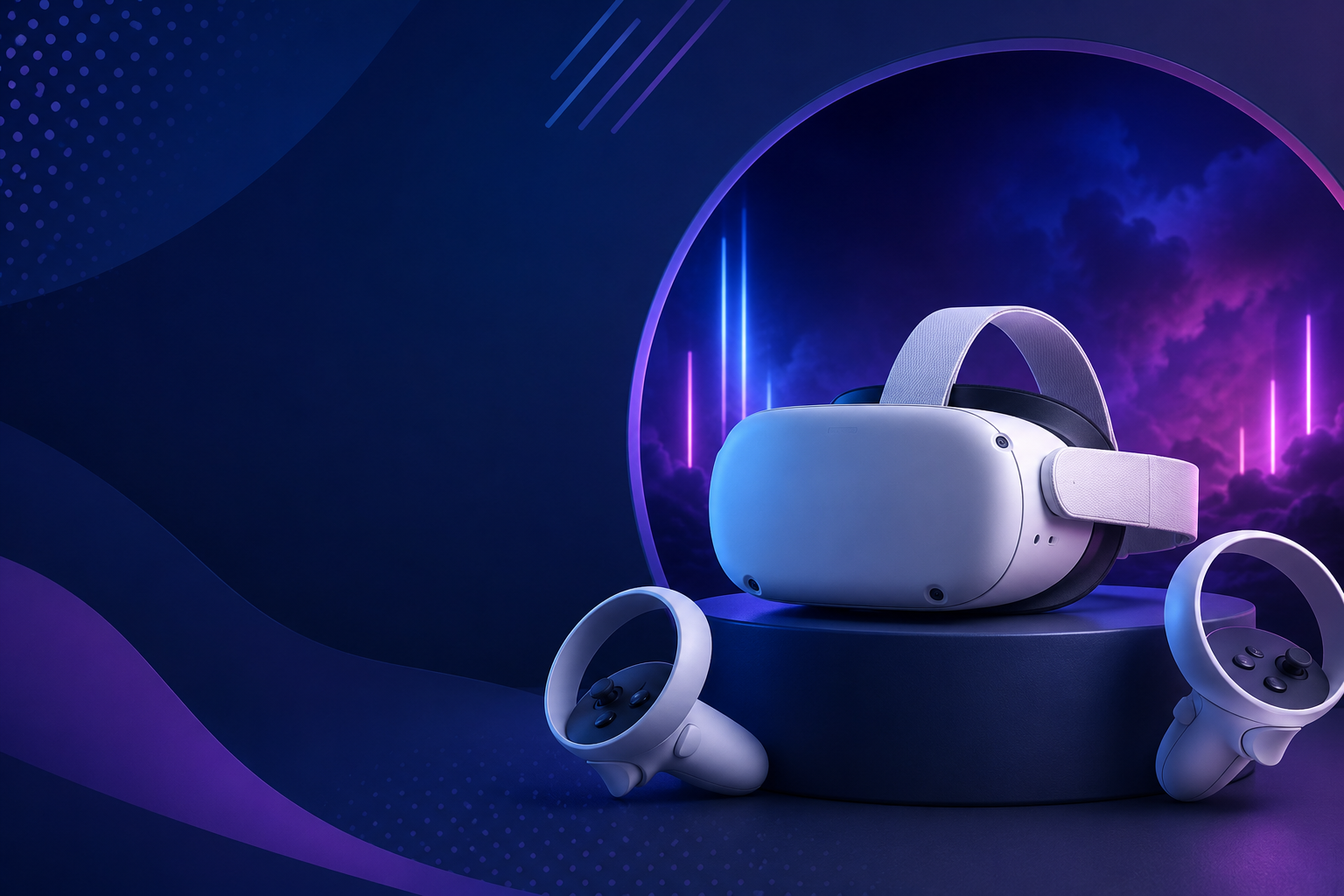
Transform your next event, training session, or brand activation with professional VR headset rentals designed for business use. Whether you’re planning a trade show booth, corporate training program, or entertainment experience, our curated VR rental packages deliver everything you need for successful deployment, from wireless headsets to on-site support.
VR Rental Packages Designed for Your Use Case
Skip the complexity of piecing together VR equipment and support services. Our three core VR rental packages provide complete solutions tailored to specific business needs, with transparent pricing and flexible configuration options. Each package includes pre-configured headsets, content library access, and the exact level of technical support your team requires.
Trade Show & Brand Activation Package
Starting at $2,500 for 3-day events
Draw crowds and capture leads with an immersive VR experience at your trade show booth or brand activation. This package optimizes for high-throughput demonstrations while maintaining quality engagement with each visitor.
Package Includes:
- 5-10 Meta Quest 3 headsets configured for quick user switching
- Custom branded welcome screens and experience wrappers
- Pre-loaded product demonstrations and brand experiences
- On-site technical specialist for Day 1 setup and training
- Lead capture integration with badge scanners or CRM systems
- Hygiene supplies for 500+ individual sessions
- Express shipping both ways with protective cases
Ideal for: Trade shows, product launches, retail activations, marketing events, and conference exhibitions where you need to process 50-200 participants daily while maintaining engagement quality.
Corporate Training & Learning Package
Starting at $1,800 per week for 5 headsets
Deploy immersive training across your organization without IT complexity. This package focuses on simultaneous multi-user sessions, progress tracking, and enterprise-friendly deployment that works without network dependencies.
Package Includes:
- 5-20 Quest 3 or Quest Pro headsets with extended batteries
- Pre-loaded training modules for safety, soft skills, and technical procedures
- Offline mode configuration—no WiFi required during sessions
- Administrator tablet for session control and progress monitoring
- Digital certificates and completion tracking exports
- 2-hour virtual train-the-trainer session
- 30-day rental periods with swap-out options for damaged units
Ideal for: Safety training, onboarding programs, soft skills development, technical procedure training, and any scenario requiring consistent, measurable learning outcomes across distributed teams.
Event & Party Entertainment Package
Starting at $599 for 2-day weekend rental
Deliver unforgettable entertainment at corporate parties, private events, or community gatherings. This package prioritizes ease of use, crowd-pleasing content, and flexible setup options for venues without technical infrastructure.
Package Includes:
- 2-8 Quest 3 headsets with party-friendly content library
- Mixed reality games suitable for ages 13+
- Wireless setup with boundary markers and safety mats
- Party host guide with troubleshooting flowchart
- Charging station for continuous play
- Backup headset for groups over 4 units
- Friday delivery for Saturday events
Ideal for: Corporate parties, team building events, birthday celebrations, community events, and any gathering where entertainment and social interaction take priority over specific business outcomes.
Available VR Headsets and Equipment
Selecting the right VR hardware determines event success more than any other factor. Our inventory focuses on business-proven headsets that balance performance, reliability, and ease of use for non-technical audiences. Every rental includes all necessary accessories, eliminating surprise equipment needs on event day.
Meta Quest 3 & Quest Pro Rentals
The Meta Quest ecosystem dominates our rental fleet for good reason—these headsets deliver professional results without technical complexity. Both models operate completely wirelessly, require no external computers, and feature intuitive hand tracking that first-time users master within seconds.
Meta Quest 3 Specifications:
- 2064×2208 per eye resolution with 120Hz refresh rate
- 2-3 hour battery life (hot-swappable battery packs included)
- 110-degree field of view with IPD adjustment 58-71mm
- Mixed reality passthrough for safer navigation
- 128GB storage pre-loaded with your selected content
Meta Quest Pro Specifications:
- 1800×1920 per eye resolution with mini-LED backlighting
- Enhanced comfort with rear battery balance
- Eye and face tracking for advanced applications
- 256GB storage for extensive content libraries
- Premium controllers with integrated tracking
Best for: Trade shows, training sessions, and events where setup simplicity, wireless freedom, and consistent performance matter more than absolute maximum visual fidelity.
High-End PC VR Options
When your application demands maximum visual quality or specialized software compatibility, our PC-powered VR systems deliver uncompromised performance. These configurations include everything needed for deployment, including gaming laptops or workstations.
HTC Vive Pro 2 Package:
- 2448×2448 per eye resolution—the clearest text rendering available
- 120-degree field of view for enhanced immersion
- Lighthouse tracking for sub-millimeter precision
- Includes RTX 4080 gaming laptop and all cables
- Professional carrying cases and setup documentation
Varjo Aero Package:
- Human-eye resolution with 35 PPD clarity
- Automatic IPD adjustment for any user
- 200Hz eye tracking for analytics
- Includes certified workstation for CAD/simulation software
- On-site calibration service available
Best for: CAD visualization, architectural walkthroughs, medical training simulations, and demonstrations where visual quality directly impacts business outcomes.
Accessories and Support Equipment
Professional VR deployments require more than just headsets. Every rental automatically includes essential accessories, with optional upgrades available for specific use cases.
Standard Inclusions:
- Disposable hygiene covers (100 per headset)
- Medical-grade cleaning wipes and UV sanitizer
- Boundary markers and safety mats
- Charging stations with cable management
- Protective cases for transport between venues
- Quick reference cards for common troubleshooting
Optional Upgrades:
- Custom branded headset skins (+$50 per headset)
- Booth signage and queue management systems
- Prescription lens inserts for glasses wearers
- Racing wheels and flight sticks for simulations
- Haptic gloves and vests for enhanced immersion
- Wireless casting dongles for audience viewing
How VR Headset Rental Works
Successful VR deployment requires more than dropping off equipment. Our comprehensive rental process ensures smooth execution from initial planning through post-event analysis, with support options matching your team’s technical comfort level.
Pre-Event Planning and Setup
2-4 Weeks Before Your Event:
Start with a 30-minute virtual consultation where we assess your goals, audience, and venue constraints. This session identifies the optimal hardware configuration, content selection, and support level for your specific use case.
Venue Requirements Check:
- Minimum 6×6 feet per VR station for room-scale experiences
- Standard 110V power outlets within 10 feet of each station
- Ambient lighting assessment for tracking reliability
- WiFi availability (optional for most configurations)
- Ceiling height verification for overhead cable management
Content Curation Process:
- Review our library of 200+ business-appropriate experiences
- Test custom content compatibility if providing your own
- Configure age-appropriate filters for mixed audiences
- Set session time limits and difficulty levels
- Create branded splash screens and exit surveys
1 Week Before Your Event:
Receive tracking information for equipment shipment, access to our online training portal, and direct phone number for day-of support. All equipment arrives 1-2 days before your event for setup and familiarization.
Event Day Support Options
Choose the support level that matches your team’s technical expertise and event complexity. Every option includes remote assistance, but on-site support eliminates stress for high-stakes deployments.
Self-Service Support ($0):
- Comprehensive video guides for setup and operation
- Dedicated phone hotline during event hours
- Remote desktop troubleshooting capability
- Community Discord for peer assistance
Hybrid Support ($500):
- On-site technician for 2-hour setup and training
- Remote monitoring during your event
- Priority phone support with 5-minute response
- Next-day replacement for any failed equipment
White Glove Support ($1,500/day):
- Dedicated VR specialist for entire event duration
- Complete setup, operation, and breakdown
- Real-time troubleshooting and user assistance
- Post-event analytics and recommendation report
Post-Event and Returns
Simplify post-event logistics with prepaid return shipping and automated data exports. Equipment must be returned within 2 business days of event completion to avoid extended rental charges.
Return Process:
- Pack equipment in original cases using provided checklist
- Apply prepaid FedEx or UPS labels (included)
- Schedule pickup or drop at any shipping location
- Receive confirmation email upon receipt and inspection
Data and Analytics:
- Training completion certificates auto-generated
- Lead capture data exported to CSV or CRM integration
- Session analytics including duration and engagement metrics
- Custom survey responses and feedback compilation
Damage Protection Options:
- Standard coverage: $500 deductible per headset
- Premium coverage: $100 deductible with no fault clause
- Deposit: 20% of rental value (refunded within 5 days)
- Multi-event insurance packages available
VR Rental Pricing and Package Customization
Transparent pricing eliminates budget surprises. Our tiered structure rewards longer rentals and larger deployments while maintaining flexibility for last-minute additions or extensions.
Base Rental Rates by Duration
VR rental costs vary based on equipment type, rental duration, and included services. All prices include shipping within continental US, basic content library, and standard accessories.
Meta Quest 3 Daily Rates:
- 1-2 headsets: $149/day per headset
- 3-5 headsets: $129/day per headset
- 6-10 headsets: $109/day per headset
- 11+ headsets: $89/day per headset
Weekly Rental Discounts:
- 5-day week: 30% discount vs daily rate
- 7-day week: 40% discount vs daily rate
- Example: 5 Quest 3 headsets for 5 days = $2,258 (vs $3,225 daily)
Monthly Programs:
- 30-day rental: 60% discount vs daily rate
- Swap-out service for damaged units included
- Flexible end date with 1-week notice
- Ideal for training programs and extended activations
What’s Included vs Add-On Services
Every rental includes core essentials, with optional services available for enhanced experiences or reduced complexity.
Always Included:
- Headsets with controllers and batteries
- 50+ experience basic content library
- Hygiene supplies and cleaning materials
- Protective cases and shipping both ways
- Email and phone support during rental
- Setup guides and troubleshooting documentation
Premium Add-Ons:
- Custom branded experiences: $2,000-$10,000
- Additional content packs: $50-$200 per title
- On-site technical support: $500-$1,500/day
- Express shipping: $150-$300 per order
- International shipping: Quote upon request
- Extended rental protection: $50/headset/week
Choosing the Right VR Rental for Your Goals
Success depends on matching technology to your specific objectives, audience, and constraints—not just renting the newest or most expensive equipment.
For First-Time VR Event Hosts
Minimize complexity and maximize success probability with these proven configurations for VR newcomers.
Recommended Configuration:
- Start with 3-5 Quest 3 headsets for manageable scale
- Book technician support for setup and first hour minimum
- Select “Best of VR” content pack with 15 crowd-pleasers
- Plan 10-minute sessions with 5-minute buffer for switching
- Set up near walls for natural boundary definition
Session Planning Guidelines:
- Morning sessions: Lower intensity experiences for professional audiences
- Afternoon sessions: Higher energy content as inhibitions decrease
- 15-20 participants per headset per day maximum
- Build in hourly cleaning and charging breaks
- Designate a “VR champion” from your team for continuity
Common First-Timer Mistakes to Avoid:
- Underestimating setup time—allow 2 hours minimum
- Choosing complex games requiring explanation
- Forgetting to account for glasses wearers (30% of adults)
- Not having a backup plan for motion-sensitive participants
- Assuming all content works for all ages
For Experienced Event Teams
Leverage advanced configurations and custom content to create differentiated experiences that drive specific business outcomes.
Advanced Configuration Options:
- Mix Quest 3 for demos with Varjo Aero for detailed reviews
- Create progression zones from simple to complex experiences
- Implement RFID or QR code triggered custom content
- Deploy synchronized multi-user experiences for team challenges
- Integrate with existing event apps for scheduling and queuing
ROI Optimization Strategies:
- Pre-qualify participants to maximize quality interactions
- Capture email addresses before VR session for follow-up
- Record mixed reality videos for social media amplification
- Create competitive leaderboards driving repeat engagement
- Offer VIP experiences for key prospects or customers
Scaling Considerations:
- Add 1 backup headset per 5 active units
- Assign dedicated staff per 3-4 headsets for optimal flow
- Implement session scheduling to manage demand peaks
- Consider 2-day rentals spanning setup/breakdown days
- Negotiate multi-event packages for 20-30% savings
Frequently Asked Questions
How far in advance should I book VR headset rentals?
Book at least 2-3 weeks in advance for standard packages, or 4-6 weeks for custom content or large deployments (10+ headsets). Last-minute rentals may be available with rush shipping fees, but popular headsets often sell out during peak event seasons (March-May, September-November).
What happens if VR equipment gets damaged during my event?
Standard damage protection covers normal wear and minor accidents with a $500 deductible per headset. Premium protection ($50/headset) reduces the deductible to $100 and covers accidental damage including drops and spills. Intentional damage or theft requires full replacement cost payment.
Can you ship VR rentals internationally?
Yes, we ship to Canada, UK, EU, and Australia with additional fees ranging from $200-$500 per shipment. International rentals require 4-week advance booking for customs clearance and include voltage adapters where necessary. Some content may be geo-restricted based on licensing agreements.
Do you provide content suitable for children and families?
Our family package includes 30+ experiences rated E for Everyone, with content filters preventing access to teen or mature content. Popular options include virtual pet games, creative painting apps, and educational experiences about space or nature. Minimum recommended age is 13 per manufacturer guidelines.
What are the minimum space requirements for VR at my venue?
Each VR station requires minimum 6×6 feet of clear floor space, though 8×8 feet provides better safety margins. Ceiling height should exceed 8 feet to prevent controller strikes. Mark boundaries with included tape or mats, and position stations away from walls, tables, or other hazards.
Can we load our own custom VR content or apps?
Yes, Quest headsets can sideload custom APKs with our assistance. Provide files 1 week before rental for testing and installation. Custom content requires enterprise device management setup ($100 fee) and may void certain warranty protections. We verify compatibility but don’t guarantee third-party app performance.
Is WiFi required for the VR headsets to work?
No, most experiences run entirely offline once downloaded. WiFi is only needed for initial content downloads (completed before shipping), multiplayer experiences, or live streaming features. We configure headsets for offline operation by default, eliminating venue connectivity concerns.
How many people can use one VR headset during an event?
Plan for 15-20 participants per headset during a 6-hour event with 10-15 minute sessions. Factors affecting throughput include experience length, audience technical comfort, and transition time between users. High-traffic events should maintain a 3:1 participant to headset ratio for optimal flow without excessive waiting.
Start Your VR Rental Journey Today
Professional VR headset rentals transform ordinary events into unforgettable experiences. Whether you’re driving trade show traffic, delivering immersive training, or creating memorable entertainment, the right VR rental package ensures success without technical complexity or capital investment.
Ready to elevate your next event with VR? Contact our rental specialists for a free consultation and custom quote. Join thousands of businesses that trust our VR rental expertise for their most important events and initiatives.
Don’t let competitors capture attention with outdated booth displays or boring training sessions. Rent VR headsets that deliver measurable engagement, knowledge retention, and brand recall that traditional approaches can’t match. Your audience expects innovation—deliver it with professional VR rentals configured for your success.

