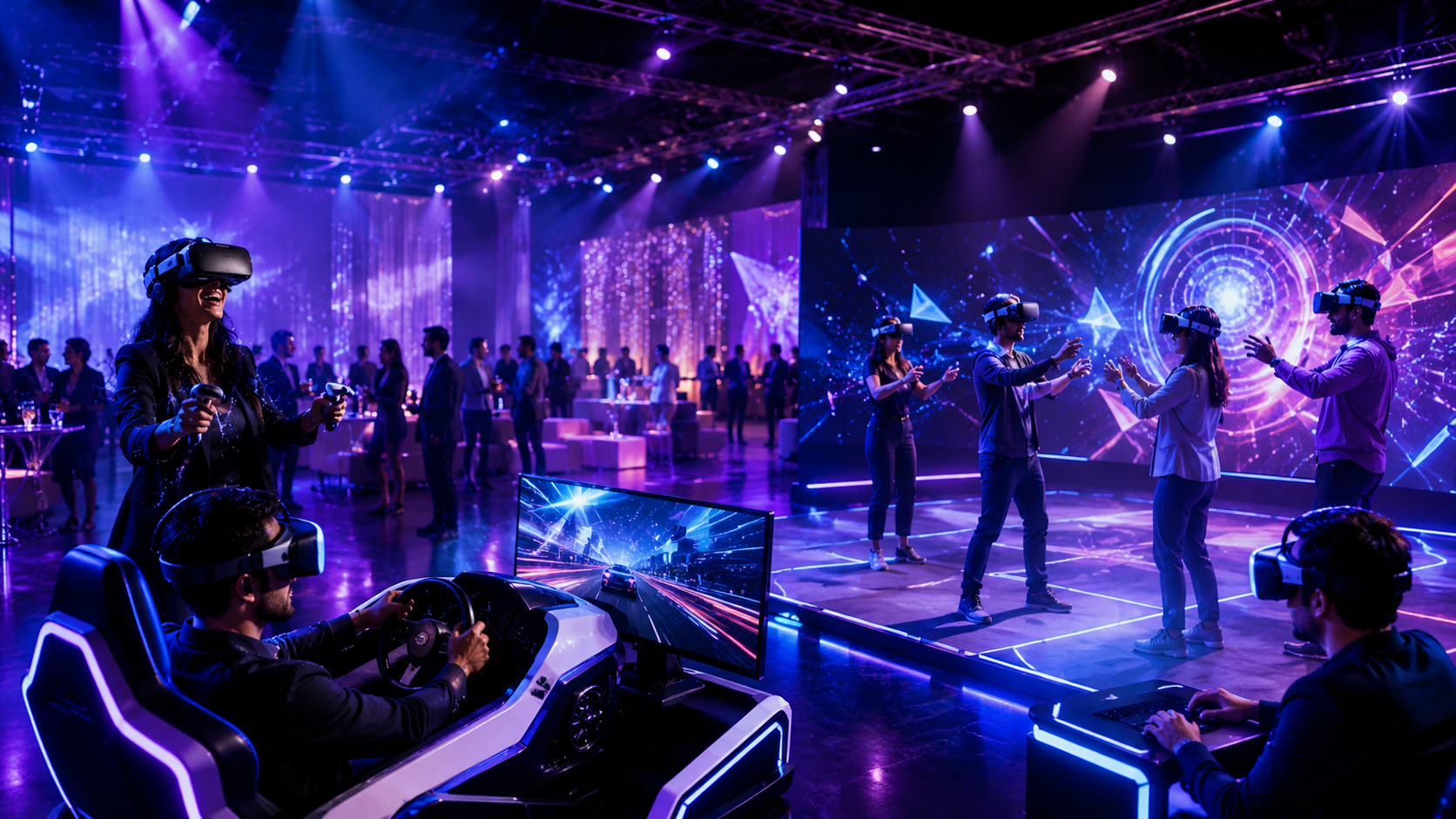
Virtual reality transforms ordinary events into memorable experiences that drive engagement, generate leads, and deliver measurable results. Whether you’re planning a trade show booth, corporate training session, or brand activation, selecting the right VR package determines your event’s success.
This comprehensive guide breaks down VR event packages by type, scale, and application, providing the operational insights needed to implement virtual reality at your next event.
VR Event Package Components and Configurations
VR event packages combine hardware, content, and support services into turnkey solutions. Understanding what’s included helps you select the right configuration for your audience size, venue constraints, and activation goals.
Standard Package Elements
Modern VR rental packages for events center around wireless headsets that eliminate cable management concerns and maximize venue flexibility. The Meta Quest 3 dominates corporate packages with its 2064×2208 per-eye resolution and inside-out tracking that requires no external sensors. Enterprise-focused packages often feature Pico 4 Enterprise headsets with enhanced device management capabilities and HTC Vive Focus 3 units for premium experiences requiring maximum visual fidelity.
Content libraries vary significantly between providers. Basic packages include 10-15 pre-loaded experiences covering entertainment, education, and professional applications. Premium packages offer access to 50+ titles spanning multiplayer games, training simulations, and industry-specific applications. Custom content packages allow complete experience personalization but require 4-6 week development timelines.
Supporting equipment transforms individual headsets into event-ready solutions. Professional charging stations accommodate 10-20 devices simultaneously with LED status indicators and cable management systems. Hygiene kits include antibacterial wipes, disposable face covers (100-200 per headset), and UV-C sanitization cases for thorough cleaning between sessions. Branded signage packages feature retractable banners, floor decals marking play areas, and digital displays showing live VR footage to attract attendees.
Support tiers fundamentally change package dynamics. Self-service packages include setup guides and remote phone support during business hours. Technician-assisted packages add 2-4 hours of on-site setup assistance and troubleshooting. Fully managed packages provide dedicated VR specialists throughout your event, handling all technical aspects while your team focuses on attendee engagement.
Package Sizing by Event Scale
Small activation packages with 2-4 headsets excel for intimate demonstrations and VIP experiences. These configurations support 15-20 participants per hour with 5-minute experiences, or 8-10 participants with more immersive 10-minute sessions. Setup requires just 100-150 square feet total, making them ideal for booth corners or breakout rooms.
Medium event packages featuring 6-12 headsets accommodate concurrent group activities and maintain steady traffic flow. A 10-headset configuration processes 60-80 attendees hourly with standard demo content, while team-building sessions run 20-30 participants through 20-minute collaborative experiences. Space requirements expand to 400-600 square feet to maintain comfortable spacing between stations.
Large scale packages deploying 20+ headsets transform entire venue spaces into VR environments. Conference implementations with 30 headsets enable simultaneous training for 150+ attendees across multiple sessions. Festival activations with 50-headset configurations can process 300-400 participants daily through 5-minute brand experiences. These deployments require 1,500-3,000 square feet and dedicated power distribution.
Throughput calculations depend on three variables: experience duration, reset time between users, and headset quantity. A 3-minute experience with 2-minute reset time yields 12 sessions per headset hourly. Multiplying by headset count provides total capacity—critical for ROI projections and staffing decisions.
Event-Specific VR Package Solutions
Different event types require distinct VR configurations. Trade shows need high-throughput demo stations, corporate events benefit from team-building experiences, and brand activations demand custom-branded content.
Trade Show and Exhibition Packages
Trade show VR packages prioritize rapid attendee processing and lead generation. Booth traffic drivers utilize 2-3 minute product demonstrations that showcase key features while maintaining queue flow. Automotive exhibitors deploy virtual test drives that compress 20-minute experiences into engaging 3-minute highlights. Manufacturing companies use CAD model viewers allowing prospects to explore equipment internals impossible to display physically.
Lead capture integration transforms passive demonstrations into qualified prospect lists. RFID badge scanners link attendee information to VR session data automatically. Post-experience surveys displayed in-headset capture buying intent and product interest while memories remain fresh. Analytics dashboards track engagement metrics including completion rates, interaction points, and dwell time per feature.
Multi-station setups maximize booth capacity within limited footprints. Hub-and-spoke configurations position 4-6 headsets around central monitoring stations where staff observe multiple experiences simultaneously. Linear arrangements along booth perimeters create natural traffic flow while maintaining visibility for curious attendees. Elevated platforms for VR users generate attention while defining clear experience zones.
Branded elements reinforce company identity throughout the experience. Custom headset skins featuring corporate colors and logos cost $30-50 per unit with 2-week production timelines. Booth graphics packages include 10-foot backdrop displays showing live VR feeds, floor graphics marking play boundaries, and promotional materials explaining the experience value proposition.
Corporate Event and Conference Packages
Corporate VR packages emphasize professional development and team cohesion. Training simulations replace traditional workshops with immersive skill-building exercises. Sales teams practice objection handling with AI-powered virtual customers providing realistic responses. Safety training places employees in hazardous scenarios without actual risk, improving retention rates by 75% compared to video training.
Team-building multiplayer experiences foster collaboration across distributed teams. Virtual escape rooms require 4-6 participants to solve puzzles cooperatively, strengthening communication skills. Creative workshops in shared virtual spaces enable remote colleagues to brainstorm using 3D tools. Competitive experiences like virtual laser tag provide energizing breaks between conference sessions.
Executive briefing center configurations showcase strategic initiatives to leadership groups. Data visualization tools transform spreadsheets into explorable 3D environments where executives examine metrics from multiple angles. Architectural walkthroughs enable stakeholders to evaluate facility designs before construction begins. Product roadmap presentations become interactive timelines where leaders explore development priorities.
Hybrid event integration extends reach beyond physical attendees. Remote participants join sessions through PC-based VR applications or 360-degree video streams. Synchronized experiences ensure virtual and in-person attendees share simultaneous moments. Recording capabilities preserve training sessions for later review or absent team members.
Brand Activation and Marketing Packages
Brand activation packages create memorable connections between consumers and products. Custom branded experiences transport users into narrative worlds where products naturally integrate into storylines. Beverage brands create tropical beach environments where users mix virtual cocktails using actual product lines. Fashion retailers build virtual runways where consumers style avatars with current collections.
Social media integration amplifies activation reach beyond direct participants. Mixed reality capture systems composite users into virtual environments, creating shareable video content. QR codes displayed post-experience link to social sharing pages with pre-populated hashtags. Leaderboards for competitive experiences drive repeat engagement and peer referrals.
Pop-up installation requirements vary by activation complexity. Basic street marketing setups require just power access and 200 square feet of level ground. Mall activations need 400-600 square feet with overhead lighting control for optimal tracking. Festival deployments demand weatherproof equipment cases, generator power, and shade structures preventing screen glare.
Data collection capabilities transform activations into market research opportunities. Heat mapping reveals which virtual products attract most attention. Gaze tracking identifies specific features drawing interest. Interaction logs document user paths through experiences, informing future marketing strategies. Post-experience surveys capture purchase intent and brand perception shifts.
Implementation Logistics and Venue Requirements
Successful VR event deployments depend on proper venue assessment, setup planning, and operational workflows. These logistical considerations determine package selection and budget allocation.
Space and Infrastructure Needs
Minimum space requirements vary by experience type and safety considerations. Seated experiences require 6×6 feet per station, accommodating chair placement and arm movements. Standing experiences need 8×8 feet for 180-degree interactions. Room-scale experiences demand 10×10 feet minimum, with 12×12 feet preferred for comfortable movement.
Power infrastructure often determines maximum headset deployment. Each VR station requires 2-3 outlets: headset charger, laptop/PC if tethered, and auxiliary equipment. Standard 15-amp circuits support 4-5 stations maximum. Large deployments require dedicated 20-amp circuits or power distribution units. Generator rentals add $500-1,500 daily for outdoor events lacking sufficient power.
Network requirements depend on content delivery methods. Standalone headsets with pre-loaded content require no connectivity. Cloud streaming applications demand 25-50 Mbps per headset with sub-20ms latency. Multiplayer experiences need stable connections supporting 10 Mbps sustained throughput. Dedicated 5GHz WiFi networks prevent interference from attendee devices.
Safety zones extend beyond play areas to prevent collisions. Guardian boundaries appear in-headset when users approach edges, but 2-foot buffer zones prevent arm strikes. Raised platforms require railings meeting local building codes. Cable management systems eliminate tripping hazards for tethered setups. Padded flooring reduces fatigue during extended sessions while providing visual play area definition.
Setup Timeline and Staffing
Pre-event setup windows scale with package complexity. Basic 4-headset packages require 2 hours including equipment unpacking, charging verification, and content testing. Medium 10-headset deployments need 3-4 hours for station arrangement and network configuration. Large 30+ headset installations demand 6-8 hours, often requiring evening setup before morning events.
Staff training ensures smooth operation regardless of technical expertise. Basic operation training covers headset adjustment, application launching, and basic troubleshooting in 30-minute sessions. Advanced training for client staff managing experiences independently requires 2-3 hours covering hygiene protocols, error resolution, and crowd management. Train-the-trainer programs enable organizations to cascade knowledge across multiple team members.
Attendee onboarding workflows minimize friction while maximizing throughput. Registration systems using QR codes or RFID badges accelerate check-in. Waiting area displays show expected wait times and experience previews. Pre-experience briefing stations explain controls and objectives before headset distribution. Post-experience zones facilitate headset return and feedback collection without blocking new users.
Breakdown logistics require similar planning to setup phases. Equipment sanitization and packing typically requires 50% of setup time. Inventory verification ensures all components return preventing loss charges. Data export from headsets preserves usage analytics before factory resets. Shipping coordination for multi-city tours requires 24-hour turnaround between venues.
Package Pricing Models and Budget Planning
VR event packages typically price based on duration, headset count, and support level. Understanding cost structures helps align package selection with event budgets and ROI targets.
Rental Duration and Pricing Tiers
Daily rates for VR packages range from $150-400 per headset depending on model and included services. Consumer-grade Quest 3 packages start at $150-200 daily. Enterprise headsets with advanced features command $250-350 daily. Premium packages including custom content and full management reach $400-500 per headset daily.
Multi-day discounts reduce per-day costs significantly. Three-day rentals typically offer 15-20% savings versus daily rates. Weekly packages provide 25-30% discounts, making extended activations economically viable. Monthly rates for long-term installations or tours can reduce costs by 40-50% compared to daily pricing.
Peak season pricing affects availability and rates during high-demand periods. January-March conference season sees 10-15% premium pricing. September-November trade show peaks add similar surcharges. Holiday party season (November-December) commands 20-25% premiums. Booking 60+ days ahead often waives peak pricing.
Damage waivers and insurance protect against equipment loss or damage. Standard waivers adding 10-15% to rental costs cap liability at $500-1,000 per headset. Comprehensive insurance at 15-20% eliminates all equipment liability. Self-insurance through corporate policies may provide better coverage for frequent renters.
Additional Services and Customization Costs
Custom content development represents significant investment but delivers unique differentiation. Simple environment branding costs $5,000-10,000 for logo placement and color schemes. Interactive product demonstrations range $15,000-30,000 depending on complexity. Full custom experiences with narrative elements reach $50,000-150,000 with 6-12 week timelines.
On-site technician support varies by experience level and event duration. Junior technicians managing basic operations cost $50-75 hourly or $400-600 daily. Senior specialists handling complex deployments command $100-150 hourly or $800-1,200 daily. Weekend and evening events add 25-50% premiums. Multi-day events often negotiate flat weekly rates.
Extended support hours accommodate events outside business schedules. Standard packages include 9 AM-5 PM coverage with after-hours support adding $100-200 hourly. 24/7 support for multi-day conferences adds $2,000-3,000 to package costs. Remote support options at $50-75 hourly provide cost-effective backup for trained client teams.
Shipping logistics significantly impact total costs for distant venues. Local delivery within 50 miles typically includes free or nominal charges. Regional shipping (50-500 miles) adds $200-500 per package. Cross-country transport costs $500-1,500 depending on equipment quantity. International shipping requires customs handling adding $1,000-3,000 plus duties.
Content Selection for Event Objectives
The VR experiences you choose directly impact attendee engagement and event outcomes. Match content types to your specific goals, whether entertainment, education, or brand storytelling.
Entertainment and Social Experiences
Multiplayer games create shared moments that strengthen team bonds. Beat Saber tournaments generate excitement with leaderboards tracking high scores across multi-day events. Keep Talking and Nobody Explodes requires headset wearers to defuse virtual bombs while teammates provide instructions, improving communication skills through entertainment.
Virtual escape rooms challenge groups to collaborate under pressure. The 30-minute experiences accommodate 4-6 players simultaneously, making them ideal for team-building breakouts. Puzzle complexity adjusts to group performance, ensuring consistent completion rates around 70-80%. Debriefing sessions following escapes reinforce lessons about communication, leadership, and problem-solving.
Music and rhythm experiences appeal to broad audiences regardless of gaming experience. Synth Riders and Pistol Whip provide active experiences that photograph well for social media. Dance Central creates party atmospheres with spectators enjoying performances on external displays. Custom music libraries featuring client-preferred genres or branded playlists enhance relevance.
Virtual tourism transports attendees to impossible destinations. Google Earth VR enables exploration of any global location in immersive detail. National Geographic Explore VR combines education with adventure through documentary-style experiences. Real estate showcases use Matterport captures allowing remote property tours with measurement tools and annotation capabilities.
Professional and Training Applications
Industry-specific simulations provide hands-on training without real-world risks or costs. Medical training applications allow procedure practice with haptic feedback simulating tissue resistance. Manufacturing simulations teach assembly sequences with error tracking and performance metrics. Construction safety training places workers in hazardous scenarios, improving hazard recognition by 43% versus traditional methods.
Soft skills development through VR improves retention and transfer. Public speaking simulators place users before virtual audiences with varying engagement levels. Diversity training experiences build empathy by experiencing situations from different perspectives. Customer service scenarios with AI-driven customers provide safe practice environments for difficult conversations.
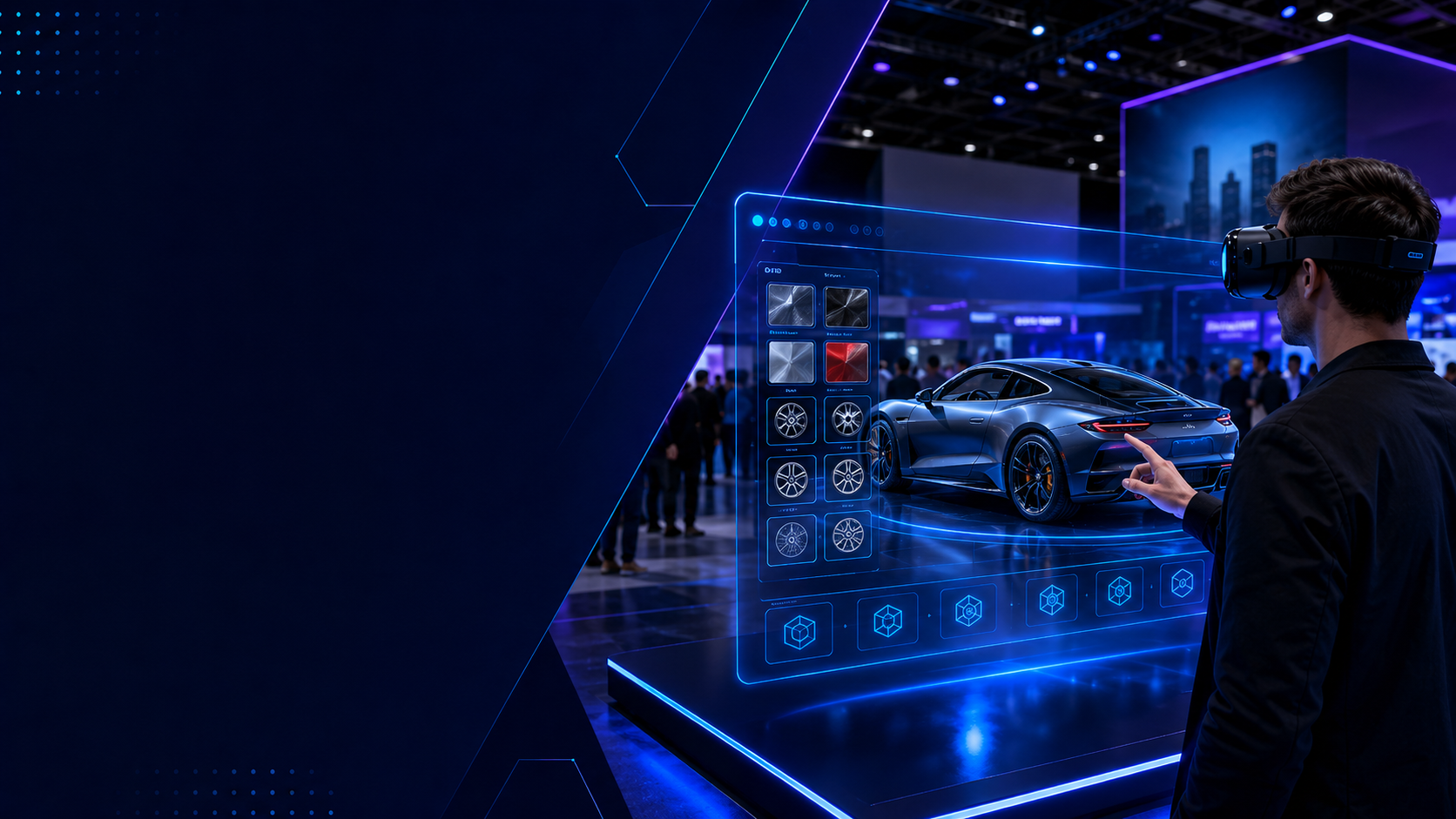
Product demonstration environments showcase capabilities impossible physically. Automotive configurators allow customers to customize vehicles and experience results immediately. Industrial equipment demos reveal internal mechanisms through exploded views and cutaway animations. Software training environments provide hands-on practice without affecting production systems.
Data visualization tools transform abstract information into explorable spaces. Financial data becomes 3D landscapes where trends appear as topographical features. Network architectures materialize as node graphs users navigate to understand connections. Scientific datasets transform into manipulable models researchers examine from any angle.
Risk Management and Contingency Planning
VR events require specific risk mitigation strategies. Address common concerns proactively to ensure smooth operations and positive attendee experiences.
Health and Safety Protocols
Hygiene procedures protect attendee health while maintaining equipment condition. Antibacterial wipes clean headsets between every use, requiring 60-90 seconds per unit. Disposable face covers provide barriers without affecting experience quality. UV-C sanitization chambers offer thorough disinfection during longer breaks. Hand sanitizer stations at entry/exit points reinforce cleanliness messaging.
Motion sickness affects 15-20% of first-time VR users but proper management minimizes impact. Pre-experience screening identifies susceptible individuals through simple questions about car sickness history. Comfort settings in applications reduce motion intensity for sensitive users. Ginger candies or aromatherapy stations provide natural relief options. Rest areas with seating and water allow recovery without leaving event spaces.
Accessibility accommodations ensure inclusive experiences for all attendees. Seated experience options accommodate wheelchair users or those with mobility limitations. Subtitle support in applications assists hearing-impaired participants. One-handed control schemes enable participation despite physical limitations. Staff training on accessibility features ensures appropriate accommodation.
Emergency procedures prepare teams for unlikely but serious situations. Medical emergency protocols include immediate headset removal and clear space creation. Equipment failure procedures prioritize user safety over hardware protection. Evacuation plans account for users temporarily disoriented after headset removal. Incident reporting systems document issues for insurance and improvement purposes.
Technical Troubleshooting Preparation
Common hardware issues follow predictable patterns enabling proactive preparation. Tracking loss typically results from bright lighting or reflective surfaces—black curtains or lighting adjustments resolve 90% of cases. Controller drift indicates low batteries requiring immediate replacement. Overheating in extended use resolves through 15-minute cooling periods or unit rotation.
Backup equipment ratios ensure continuity despite failures. Industry standard recommends 20% spare capacity—12 headsets for 10-station deployments. Critical components like controllers and cables need 30% spares due to higher failure rates. Backup content delivery systems prevent complete shutdowns from single-point failures.
Content loading failures require systematic troubleshooting approaches. Offline mode enables experiences without network connectivity when cloud services fail. USB sideloading provides backup content delivery for corrupted downloads. Factory reset procedures resolve persistent software issues in 10-15 minutes. Pre-loaded backup headsets eliminate wait times during critical moments.
Support escalation paths ensure rapid issue resolution. Tier 1 issues like comfort adjustments handle by on-site staff with basic training. Tier 2 problems requiring technical expertise route to remote specialists via video calls. Tier 3 hardware failures trigger express replacement shipping for next-day resolution. Service level agreements define maximum response times for each tier.
Frequently Asked Questions
How many VR headsets do I need for my event size?
Calculate headset requirements by dividing expected attendees by experiences per hour per headset. A 200-person, 4-hour event with 5-minute experiences needs 200/(4 hours × 12 sessions/hour) = 4-5 headsets minimum. Add 20-30% buffer for peak periods and equipment failures, suggesting 6-7 headsets total.
What’s included in a standard VR event package?
Standard packages include headsets with controllers, pre-loaded content library (10-15 experiences), basic hygiene supplies (wipes and face covers), setup/breakdown assistance (2-4 hours), and remote technical support during event hours. Charging equipment, signage, and on-site technicians typically require package upgrades.
How much space does each VR station require?
Seated experiences need 36 square feet (6×6) minimum per station. Standing experiences require 64 square feet (8×8) for safety. Room-scale experiences demand 100 square feet (10×10) minimum, with 144 square feet (12×12) preferred. Add 20% for circulation paths and equipment storage.
Can we use our own branded content in rental packages?
Yes, most providers support custom content through various methods. Pre-approved content loads directly for $50-100 per headset. Custom-developed content integrates seamlessly but requires 4-6 week lead times and $5,000-50,000 investment depending on complexity. Some providers restrict content to maintain quality standards.
What happens if equipment gets damaged during the event?
Damage policies vary by provider and coverage level. Basic packages hold renters liable for full replacement costs ($500-1,500 per headset). Damage waivers (10-15% additional) cap liability at $100-500 per incident. Comprehensive insurance (15-20% additional) covers all damage except theft or gross negligence.
Do packages include on-site technical support?
Basic packages typically include remote phone/video support only. On-site technicians cost $400-1,200 daily depending on experience level and event requirements. Fully managed packages include dedicated specialists but increase costs by 40-60%. Many organizations train internal staff to reduce support costs.
How far in advance should we book VR packages?
Book 30-45 days ahead for best availability and standard pricing. Premium equipment requires 45-60 days during peak seasons. Custom content development needs 6-12 weeks minimum. Last-minute bookings (under 2 weeks) incur 25-50% rush charges and limited equipment selection.
What’s the typical cost range for VR event packages?
Small packages (2-4 headsets) range $1,000-2,500 daily including basic support. Medium packages (6-12 headsets) cost $3,000-7,500 daily with technician assistance. Large packages (20+ headsets) reach $10,000-25,000 daily for fully managed experiences. Multi-day and weekly rates reduce per-day costs by 20-40%.
Conclusion
VR event packages transform traditional gatherings into immersive experiences that attendees remember long after events conclude. Success depends on matching package configurations to event objectives, whether driving trade show traffic, enhancing corporate training, or amplifying brand activations.
Start planning your VR integration by assessing venue capabilities and defining clear experience goals. Consider audience size, technical comfort levels, and desired outcomes when selecting package components. Budget for not just equipment rental but also content customization, technical support, and contingency planning that ensures smooth execution.
The virtual reality event industry continues evolving with improved hardware, expanding content libraries, and refined operational procedures. Organizations implementing VR today gain competitive advantages through differentiated experiences while building expertise for future innovations.
Ready to elevate your next event with virtual reality? Contact VR package providers 45-60 days before your event to discuss objectives, explore content options, and reserve equipment. Request references from similar events and test experiences personally before committing. Your attendees will thank you for the unforgettable experience that only virtual reality delivers.