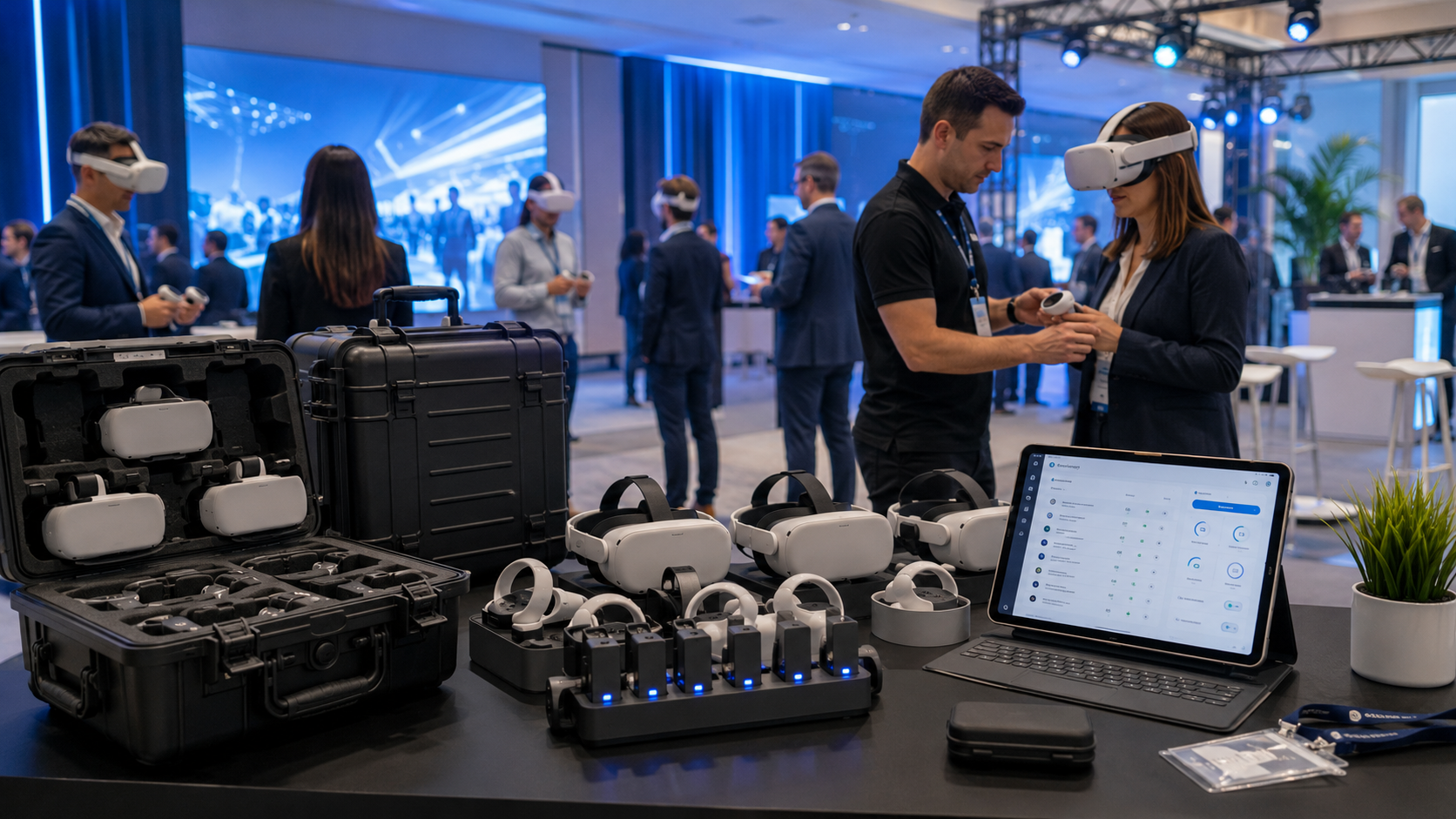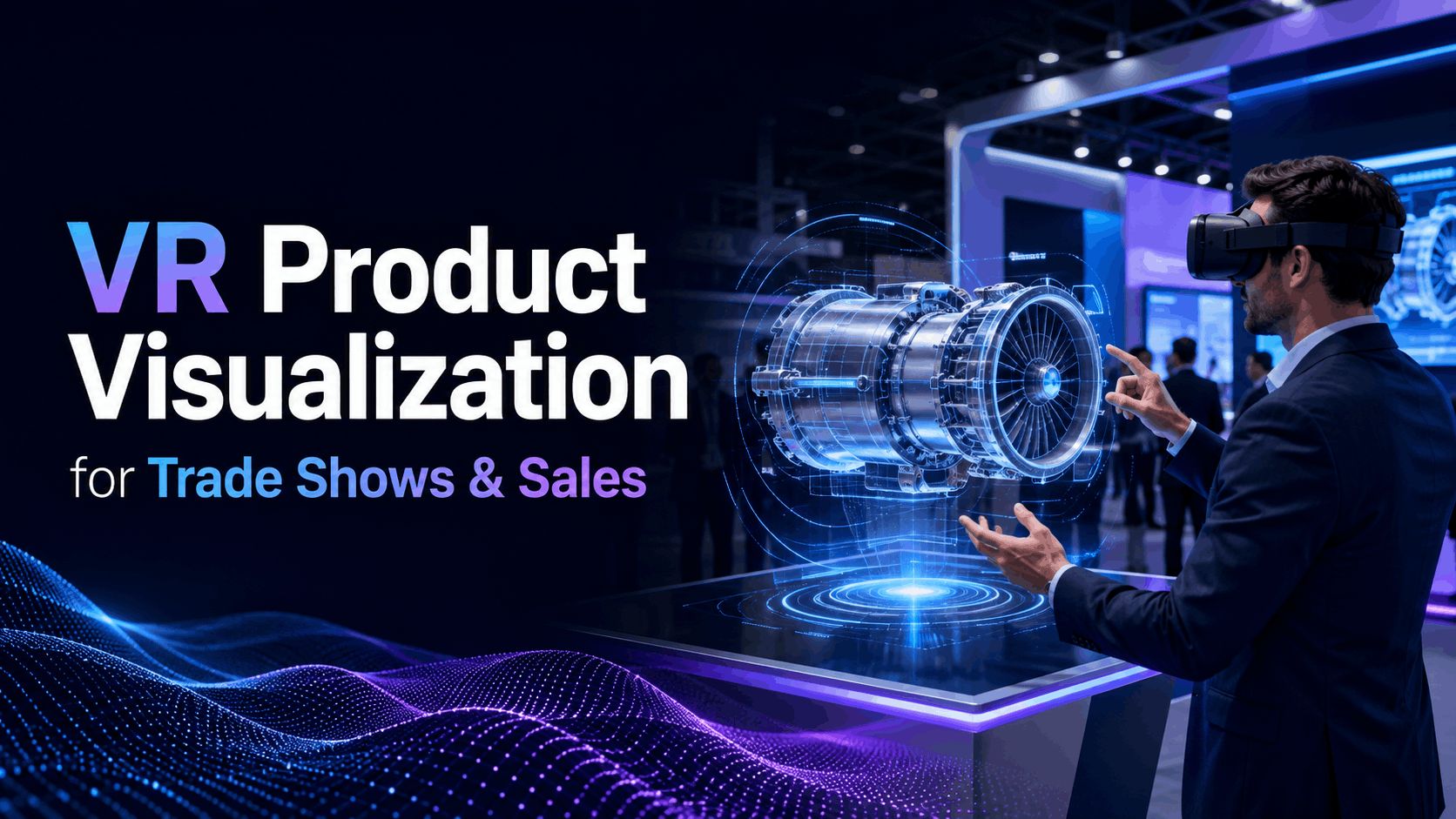
VR product visualization transforms how businesses showcase complex products at trade shows and sales meetings. Instead of shipping heavy equipment or limiting demos to static displays, companies use VR headsets to let prospects explore products in full 3D, manipulate components, and see internal mechanisms all through a rental package that fits in a carry-on. This guide provides a comprehensive overview of how to implement VR for your next event, from content creation to measuring ROI.
What VR Product Visualization Delivers at Events
Virtual reality offers a powerful way to create immersive and memorable brand interactions. It allows potential customers to experience products in a way that traditional marketing materials cannot match. This is particularly useful for products that are large, complex, or not yet physically available.
Why Trade Show Teams Choose VR Over Physical Demos
- Shipping costs and logistics complexity for large products: Transporting and setting up large machinery or equipment for a trade show can be expensive and logistically challenging. VR eliminates these costs by replacing physical products with virtual models.
- Ability to show multiple product variants without physical inventory: With VR, you can showcase your entire product line, including different colors, materials, and configurations, without needing to have each variant physically present.
- Interactive exploration vs. passive viewing: VR transforms passive viewers into active participants, increasing engagement and dwell time. This hands-on experience leads to better product understanding and recall.
- Booth footprint optimization with VR stations: VR demo stations can be set up in a relatively small space, allowing you to make the most of your booth area. This is especially beneficial in crowded exhibition halls where space is at a premium.
Sales Meeting Applications Beyond Trade Shows
- Executive briefing centers and showroom alternatives: Create a virtual showroom to showcase your products to clients and stakeholders without the need for a large physical space.
- Remote product demos for distributed sales teams: VR enables sales teams to conduct immersive product demonstrations for clients located anywhere in the world.
- Training sales reps on complex product features: VR provides a safe and effective environment for sales representatives to learn about complex products and practice their sales pitches.
- Customer experience centers without permanent buildout: Offer customers an immersive brand experience without the cost and commitment of a permanent physical location.
Creating Your VR Product Content: Partners and Processes
The visualization content itself your 3D product models and interactive experiences requires different expertise than the VR hardware rental. Most companies work with specialized 3D studios or use existing CAD files, then a rental partner handles the deployment hardware and support.
Converting CAD Files to VR Experiences
The process of turning a CAD model into a VR experience involves several key steps. First, the CAD model is converted into a VR-compatible format. This often requires optimizing the model for real-time rendering by reducing the polygon count to ensure smooth performance. Interactive elements like hotspots and animations can then be added to enhance the user experience.
- File format requirements and optimization needs: Common formats for VR conversion include .obj and .dae. Optimization is crucial for ensuring the VR experience runs smoothly on your chosen hardware.
- Polygon count considerations for smooth performance: High-polygon models can cause performance issues in VR. It’s important to simplify the geometry of your CAD files without sacrificing visual quality.
- Adding interactive hotspots and product animations: Interactive elements allow users to engage with the product in a more meaningful way, such as by clicking on hotspots to reveal more information or triggering animations to see the product in action.
- Typical timeline from CAD to VR-ready: 2-6 weeks: The time it takes to convert a CAD file to a VR-ready experience can vary depending on the complexity of the model and the level of interactivity desired. Some platforms even allow for conversion in a matter of minutes.
Working with 3D Visualization Studios
- When to use photogrammetry vs. 3D modeling: Photogrammetry is a technique that uses photographs to create 3D models, which can be a good option for existing products. For products that are still in the design phase, 3D modeling from scratch is the better choice.
- Cost ranges for different complexity levels: The cost of creating a VR experience can range from a few thousand dollars for a simple demo to tens of thousands for a highly interactive and detailed simulation.
- Platform considerations: Unity vs Unreal vs WebXR: Unity and Unreal are powerful game engines that are often used to create high-fidelity VR experiences. WebXR is a newer technology that allows VR experiences to be delivered through a web browser, making them more accessible.
- Content updates and version management: It’s important to have a plan for updating your VR content as your products evolve. A good content management system will allow you to easily manage different versions of your VR experiences.
VR Hardware Requirements for Product Visualization
Product visualization demands more processing power than simple 360 videos but less than high-end gaming. The right headset choice depends on your content complexity, audience size, and whether you need standalone units or PC-tethered systems.
Standalone vs. PC-Powered Headsets for Events
- Meta Quest 3 capabilities for product demos: The Meta Quest 3 is a powerful standalone headset that is well-suited for many product visualization applications. It offers a high-resolution display and integrated mixed reality capabilities.
- When you need PC-tethered systems like Varjo Aero: For the most demanding applications that require the highest level of visual fidelity, a PC-tethered headset like the Varjo Aero may be necessary. These headsets offer superior resolution and a wider field of view.
- Battery life and hot-swapping for continuous demos: For all-day events, battery life is a key consideration. Look for headsets with long battery life or the ability to hot-swap batteries to ensure your demos can run continuously.
- Network requirements for cloud-rendered content: If you are using cloud-rendered content, you will need a stable and high-speed internet connection to ensure a smooth experience.
Calculating Headset Quantities for Your Event
- Throughput math: demos per hour per station: A typical VR demo lasts between 3-5 minutes. Factoring in time for setup and cleaning, you can expect to run 10-12 demos per hour per station.
- Hygiene rotation and cleaning between users: It is essential to clean and sanitize VR headsets between each use to ensure the health and safety of your attendees.
- Backup units and technical redundancy: Always have backup headsets and other equipment on hand in case of technical issues.
- Staffing ratios for guided vs. self-service demos: For guided demos, you will need one staff member per VR station. For self-service demos, you may be able to have one staff member oversee multiple stations.
Event Execution: Setup, Operations, and Troubleshooting
The difference between a smooth product visualization demo and a technical disaster comes down to preparation. From booth layout to content preloading to backup plans, these operational details determine whether VR enhances or detracts from your product story.
Booth Design for VR Demo Stations
- Space requirements and safety boundaries: Ensure you have enough space for users to move around safely while in VR. A typical VR station requires a minimum of 6.5 by 6.5 feet.
- Seated vs. standing experiences for trade shows: Seated experiences can be more comfortable for longer demos, while standing experiences allow for more freedom of movement.
- Queue management and scheduling systems: To avoid long lines, consider using a scheduling system to allow attendees to book a time for their VR demo.
- Signage and attraction strategies: Use clear and concise signage to attract attendees to your VR experience and explain what they can expect.
Day-of Technical Operations
- Pre-show testing and content verification: Thoroughly test all of your equipment and content before the show to ensure everything is working properly.
- Common issues and quick fixes: Be prepared for common technical issues, such as software crashes or tracking problems, and have a plan for how to quickly resolve them.
- When to use brand ambassadors vs. technical staff: Brand ambassadors can be great for attracting attendees and explaining the basics of the VR experience, but you should also have technical staff on hand to handle any technical issues that may arise.
- Data capture and lead scanning integration: Integrate your VR experience with a lead capture system to collect contact information from attendees who participate in your demo.
Measuring ROI from VR Product Demos
VR product visualization delivers measurable results when you track the right metrics. Beyond basic lead counts, companies measure engagement depth, feature interest through interaction data, and downstream sales velocity compared to traditional demos.
Metrics That Matter for Product Visualization
- Dwell time and interaction heatmaps: Track how long users spend in your VR experience and which parts of the product they interact with the most. This can provide valuable insights into customer interests.
- Feature exploration patterns and interest signals: Analyze how users navigate through your VR experience to understand which features are most appealing to them.
- Lead quality scores vs. traditional booth visitors: Compare the quality of leads generated from your VR demos to those from other sources to determine the effectiveness of your VR marketing efforts.
- Post-event survey responses and recall rates: Survey attendees after the event to gauge their recall of your product and their overall impression of the VR experience.
Cost Comparison: VR Rental vs. Traditional Demo Methods
- Total event cost including shipping and drayage: When comparing the cost of a VR demo to a traditional product demo, be sure to factor in all associated costs, such as shipping, drayage, and setup labor.
- Cost per qualified lead calculations: Calculate the cost per qualified lead for both your VR demos and your traditional marketing efforts to determine which is more cost-effective.
- Multi-event rental packages vs. single show pricing: Many VR rental companies offer discounts for multi-event packages, which can be a great way to save money if you plan on using VR at multiple events.
- Hidden costs in traditional demos: damage, setup labor, storage: Don’t forget to account for the hidden costs of traditional demos, such as the risk of damage to your products during transport and the cost of storing them between shows.
FAQs
How much does VR product visualization cost for a trade show?
The cost can range from $10,000 for a basic experience to over $50,000 for a highly customized, multi-user simulation. Rental packages for hardware and on-site support typically start around a few thousand dollars.
Can we use our existing CAD files for VR demos?
Yes, in most cases, existing CAD files can be converted for use in VR. The process usually involves optimizing the files for real-time performance, which can take a few weeks.
How many people can try VR product demos per hour?
With a typical demo length of 3-5 minutes, a single VR station can accommodate 10-12 people per hour. This number can be increased by adding more stations.
What happens if the VR equipment fails during our event?
Reputable VR rental companies provide on-site technical support and have backup equipment on hand to minimize downtime in case of any technical issues.
Do we need WiFi for VR product visualization?
For standalone headsets running content stored locally, WiFi is not required. However, a stable internet connection is necessary for experiences that rely on cloud rendering or have multi-user capabilities.
How do we capture leads from VR demo participants?
Lead capture can be integrated directly into the VR experience with a form that users fill out at the end. Alternatively, staff can use tablets to scan badges or manually enter information for interested participants.
Conclusion
VR product visualization offers a compelling and effective way to showcase your products, engage customers, and drive sales. By carefully planning your content, choosing the right hardware, and executing flawlessly at your event, you can create a memorable experience that delivers a significant return on investment.
Ready to explore the power of VR for your next trade show or sales meeting? Contact a VR rental specialist today to discuss your project and get a customized quote.