What WebXR Means for Event Experiences
WebXR transforms how attendees access VR content at events – no app downloads, no device restrictions, just instant browser-based immersion. Here’s why event marketers and activation teams are choosing WebXR over traditional VR apps.
The technology eliminates the primary friction point of VR activations: getting attendees to download and install applications. At crowded trade shows where every second counts, WebXR delivers immersive experiences through a simple QR code scan or URL entry, keeping attendees engaged rather than frustrated with app store searches and installation wait times.
WebXR vs Native VR Apps: The Event Perspective
The fundamental difference between WebXR and native VR apps lies in accessibility and deployment speed. WebXR experiences launch directly in web browsers, requiring zero installation time and no storage space on attendees’ devices. This instant access via QR codes or URLs transforms a 5-minute app installation process into a 5-second experience launch.
Native VR apps require platform-specific builds for iOS, Android, and various VR headsets. Each platform demands separate development, testing, and maintenance cycles. WebXR consolidates this into a single codebase that works across all devices with WebXR-capable browsers. At a 500-person conference, this difference means reaching 100% of attendees versus the 30-40% who typically complete app downloads.
Cross-platform compatibility extends beyond smartphones. The same WebXR experience runs on attendees’ phones, tablets, laptops, and VR headsets without modification. This device flexibility proves crucial when dealing with diverse corporate environments where IT policies may restrict app installations but allow browser access.
The trade show booth scenario highlights WebXR’s advantages most clearly. Booth staff can engage visitors immediately without explaining download procedures or troubleshooting app store issues. The conversation stays focused on the product demonstration rather than technical setup, increasing meaningful interactions per hour by 3-4x according to activation metrics from major tech conferences.
Real Event Use Cases for WebXR
Product demonstrations through WebXR create persistent value beyond the event floor. Automotive companies deploy WebXR configurators that let attendees explore vehicle interiors, change colors, and view features in AR. These experiences remain accessible post-event via the same URL, extending engagement from days to months.
Virtual booth extensions solve space limitations at hybrid events. Physical booth visitors access exclusive 3D content galleries, while remote attendees explore the same virtual showroom from their homes. This dual-access approach maximizes reach without doubling development efforts.
Training simulations distributed via WebXR transform corporate events into learning opportunities. Medical device companies use WebXR to demonstrate surgical procedures, allowing hundreds of healthcare professionals to practice techniques simultaneously without physical equipment. The browser-based delivery ensures compatibility with hospital IT systems that typically block app installations.
AR product placement capabilities let attendees visualize products in their actual environments. Furniture manufacturers enable buyers to place 3D models in their offices during the event, photograph the arrangements, and share them with decision-makers who couldn’t attend. This immediate practical application drives faster purchase decisions compared to traditional catalogs or videos.
WebXR Development Fundamentals
Building WebXR experiences requires understanding browser APIs, 3D rendering, and device capabilities. Here’s the technical foundation for creating browser-based VR that works reliably at scale.
The WebXR ecosystem consists of JavaScript APIs that interface with device sensors, cameras, and displays to create immersive experiences. Unlike native development requiring platform-specific SDKs, WebXR leverages standard web technologies that developers already know, reducing the learning curve and development time.
Core WebXR APIs and Browser Support
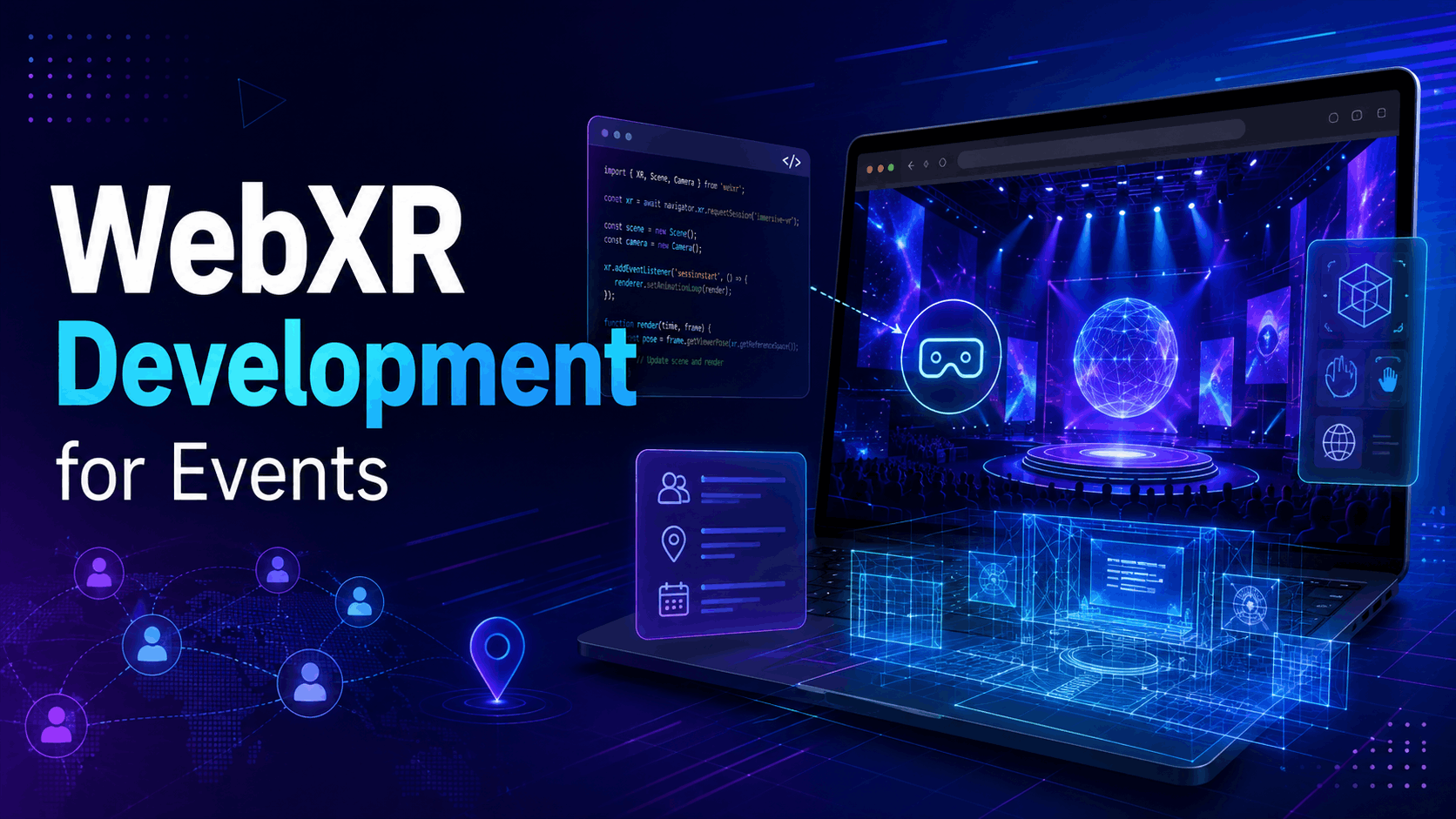
The WebXR Device API serves as the primary interface for accessing VR and AR capabilities. This API handles session management, pose tracking, and input handling across different device types. The navigator.xr object provides methods to check device capabilities, request sessions, and manage the render loop that updates the 3D scene based on user movement.
Browser compatibility in 2024 shows strong support across major platforms. Chrome and Edge provide full WebXR support on desktop and Android devices, including hand tracking and advanced features. Firefox supports WebXR on desktop with HoloLens compatibility. Safari on iOS requires WebXR Viewer app for AR experiences, though native support is improving with each release.
Progressive enhancement strategies ensure experiences degrade gracefully on non-XR devices. When WebXR isn’t available, the application falls back to 3D viewing with mouse or touch controls. This approach guarantees all attendees can access content regardless of their device capabilities.
Session types determine the experience mode:
- immersive-vr: Full VR mode for headsets, providing stereoscopic rendering and 6DOF tracking
- immersive-ar: AR mode overlaying digital content on camera feed, supporting plane detection and lighting estimation
- inline: 3D viewing within the webpage, maintaining browser chrome and allowing standard web interactions
Development Frameworks Comparison
A-Frame simplifies WebXR development through HTML-like syntax. Developers create scenes using custom HTML elements like <a-box> and <a-sphere>, making it accessible to web developers without 3D programming experience. The entity-component system allows complex behaviors through modular components. A-Frame excels for rapid prototyping and content-heavy experiences but may lack fine-grained control for complex interactions.
Three.js provides lower-level control over rendering and scene management. Its WebXR integration offers direct access to XR session features while maintaining the flexibility to optimize performance. Three.js suits developers comfortable with JavaScript and 3D mathematics. The extensive ecosystem includes physics engines, post-processing effects, and asset loaders that accelerate development of sophisticated experiences.
Babylon.js targets enterprise deployments with built-in features for large-scale applications. The framework includes a visual editor, performance profiler, and extensive documentation. Babylon.js’s WebXR helper classes abstract complex setup while exposing advanced features like teleportation, hand tracking, and multiview rendering. Microsoft’s backing ensures long-term support and integration with Azure services.
React Three Fiber brings React’s component model to 3D development. Developers familiar with React can leverage existing knowledge to build WebXR experiences using JSX syntax and React hooks. The declarative approach simplifies state management and enables code reuse across projects. Performance remains competitive through React’s reconciliation optimizations and Three.js’s rendering pipeline.
Performance characteristics vary by framework complexity. A-Frame adds 500KB to bundle size but reduces development time by 60%. Three.js starts at 150KB, offering the best size-to-capability ratio. Babylon.js includes more features at 800KB compressed. React Three Fiber adds React’s overhead but enables sophisticated UI integration.
Building Your First WebXR Experience
From concept to deployment, here’s how to create a WebXR experience that delivers value at events while remaining technically maintainable.
Development begins with understanding the event context: available bandwidth, expected devices, and interaction time. A trade show demo averaging 2-3 minutes requires different optimization than a training simulation lasting 20 minutes. These constraints shape technical decisions from asset resolution to interaction complexity.
Scene Design for Event Contexts
Mobile GPU constraints demand careful polygon budgeting and texture optimization. Target 50,000 polygons for scenes running on mid-range phones from 2020 onward. Implement level-of-detail (LOD) systems that reduce geometric complexity for distant objects. Bake lighting when possible to eliminate real-time shadow calculations that drain battery life.
Conference WiFi typically provides 5-10 Mbps shared among hundreds of users. Implement progressive loading that displays basic geometry immediately while streaming textures and details. Compress textures using BASIS Universal format for 75% smaller file sizes with minimal quality loss. Cache critical assets using Service Workers to enable offline viewing after initial load.
Fallback experiences ensure universal access. When VR isn’t available, provide 360-degree viewing with touch or mouse controls. Implement responsive design that adapts UI elements to screen size. Include keyboard navigation for accessibility compliance. Design interactions that work across input methods without requiring experience redesign.
Analytics integration captures engagement metrics essential for ROI measurement. Track session duration, interaction points, and completion rates using Google Analytics 4 or custom event systems. Implement heatmaps showing where users look and interact most frequently. Record device types and performance metrics to inform future optimization.
Interaction Patterns That Work
Gaze-based selection accommodates cardboard viewers and hands-free operation. Implement a reticle that expands when hovering over interactive elements. Use 2-second dwell time for selection to prevent accidental activation. Provide visual and audio feedback confirming selections. This pattern works universally but feels slower than direct manipulation.
Controller input for full VR headsets enables precise interaction. Map primary actions to trigger buttons that users expect from gaming. Implement laser pointers for distant object selection. Support both teleportation and smooth locomotion with comfort options. Hand tracking on Quest 3 and Pico 4 enables natural gestures but requires fallback for older devices.
Touch gestures for mobile AR follow established patterns. Pinch to scale objects, drag to rotate, and tap to select. Implement gesture hints during onboarding. Support both portrait and landscape orientations. Prevent accidental browser navigation by handling touch events properly.
Accessibility considerations expand audience reach. Provide subtitles for audio content and audio descriptions for visual elements. Implement adjustable text size and contrast settings. Support screen readers where possible through ARIA labels on UI elements. Design color schemes considering color blindness, avoiding red-green combinations for critical information.
Deployment and Distribution Strategy
Getting WebXR experiences in front of event attendees requires smart deployment choices and distribution planning that accounts for venue constraints.
Deployment architecture impacts performance, reliability, and cost. Static hosting on CDNs provides the best performance for globally distributed events. Dynamic backends enable personalization and real-time updates but require more infrastructure. Hybrid approaches cache static assets while fetching dynamic content as needed.
Hosting and Performance Optimization
CDN configuration determines global reach and loading speed. Deploy to edge locations near event venues to minimize latency. CloudFlare, Fastly, or AWS CloudFront provide automatic geographic distribution. Configure cache headers to balance freshness with performance. Implement versioning strategies that allow updates without breaking cached content.
Asset compression reduces bandwidth requirements by 60-80%. GZIP all text-based files including JavaScript, JSON, and GLTF models. Use Draco geometry compression for 3D models, achieving 90% size reduction with imperceptible quality loss. Implement WebP or AVIF for images, falling back to JPEG for older browsers. Stream video textures using adaptive bitrate encoding.
PWA wrapping enables app-like features including offline capability and home screen installation. Service Workers cache critical assets during first visit, enabling offline viewing during network congestion. Manifest files define app appearance and behavior. Push notifications re-engage attendees post-event. This approach provides app benefits without app store distribution.
Server requirements scale with concurrent users and content complexity. Static experiences need minimal backend resources, serving thousands of users from basic hosting. Real-time multiplayer experiences require WebSocket servers and session management. Plan for 3x expected peak load to handle viral moments. Implement auto-scaling for cloud deployments to manage cost while ensuring availability.
QR Codes and Access Methods
Dynamic QR generation enables tracking and personalization. Generate unique codes per booth visitor to track individual journeys. Embed UTM parameters for campaign attribution. Use URL shorteners that provide analytics while maintaining readable URLs. Design QR codes with sufficient error correction for poor lighting conditions.
Short URL strategies improve verbal sharing and manual entry. Register memorable domains specifically for events. Use path structures like eventname.com/demo rather than complex query parameters. Implement case-insensitive routing to prevent entry errors. Provide multiple URL variations pointing to the same experience.
Pre-event testing protocols prevent launch day failures. Test on devices matching attendee demographics, not just latest flagships. Verify performance under network throttling simulating conference WiFi. Conduct load testing simulating concurrent users. Create troubleshooting guides for booth staff covering common issues.
Common access issues include browser compatibility warnings, network timeouts, and permissions requests. Implement clear error messages explaining required browser updates. Provide fallback content for incompatible devices. Design permission flows that explain why camera or motion access is needed. Include support contact information directly in error states.
WebXR Development Costs and Timelines
Understanding the investment required for WebXR development helps set realistic expectations for event activations and ongoing content updates.
WebXR development costs vary significantly based on experience complexity, content requirements, and quality expectations. Simple product viewers cost $5,000-15,000, while sophisticated training simulations reach $100,000+. These ranges reflect not just development time but also 3D asset creation, testing across devices, and deployment infrastructure.
Development Resource Requirements
Effective WebXR teams combine technical and creative expertise. A typical team includes:
- 3D Artist/Modeler: Creates and optimizes 3D assets, textures, and animations
- WebXR Developer: Implements interactions, optimizations, and device compatibility
- UX Designer: Designs user flows and interfaces adapted for immersive contexts
- Project Manager: Coordinates timeline, stakeholder feedback, and event logistics
- QA Tester: Validates experience across devices and network conditions
Project timelines for event activations typically span 6-12 weeks:
- Weeks 1-2: Concept development and technical planning
- Weeks 3-4: Asset creation and scene setup
- Weeks 5-7: Interaction development and initial testing
- Weeks 8-9: Optimization and device compatibility
- Weeks 10-11: Final testing and deployment preparation
- Week 12: Launch support and monitoring
In-house development provides greater control and IP ownership but requires maintaining specialized skills. Agencies offer faster deployment and proven processes but may lack deep product knowledge. Hybrid approaches use agencies for initial development then transition maintenance in-house.
Ongoing maintenance consumes 15-20% of initial development cost annually. This covers browser compatibility updates, content refreshes, and performance optimization as devices evolve. Budget for quarterly updates to maintain optimal performance and engagement.
Cost Comparison: WebXR vs Alternatives
WebXR development costs 40-60% less than equivalent native VR applications when targeting multiple platforms. A native app requiring iOS, Android, and Quest versions costs $50,000-80,000 minimum. The equivalent WebXR experience costs $20,000-35,000 while reaching more devices.
Hardware costs shift from organizers to attendees with WebXR’s BYOD model. Eliminating VR headset rentals saves $100-200 per attendee for multi-day events. For a 500-person conference, this represents $50,000-100,000 in savings. These funds can instead enhance content quality or extend experience availability.
Scalability advantages compound with audience size. WebXR experiences handle thousands of concurrent users without modification. Native apps require server infrastructure scaling and platform-specific optimizations. CDN hosting for WebXR costs $100-500 monthly regardless of user count, while native app backend infrastructure scales linearly with users.
ROI measurement for WebXR activations tracks both immediate and long-term value:
- Immediate metrics: Booth engagement time, lead capture rate, social shares
- Long-term metrics: Post-event revisits, conversion rates, training completion
- Cost savings: Reduced hardware rental, simplified logistics, broader reach
- Qualitative benefits: Brand perception, innovation demonstration, competitive differentiation
Combining WebXR with VR Hardware Rentals
While WebXR enables BYOD experiences, combining it with premium VR headset rentals creates tiered engagement opportunities at events.
This hybrid approach maximizes reach while showcasing full capabilities. Every attendee accesses basic experiences on their phones, while interested prospects enjoy premium demonstrations on high-end headsets. The same WebXR codebase powers both tiers, eliminating duplicate development.
Hybrid Activation Strategies
Structure activations with progressive engagement levels. Start with QR codes displayed prominently for self-service mobile access. Position staffed demo stations with Quest 3 or Pico 4 headsets for guided experiences. This tiered approach serves different audience segments without forcing choices.
Basic WebXR on phones reaches every event attendee. Optimize these experiences for 2-3 minute interactions that communicate core value propositions. Focus on visual impact and simple interactions that work reliably on 3-year-old devices. Include clear calls-to-action driving users to demo stations or follow-up content.
Premium stations with rented headsets showcase full immersion. These 5-10 minute experiences leverage hand tracking, spatial audio, and room-scale movement. Staff guides ensure smooth experiences while gathering qualified leads. Limit station count to maintain quality over quantity – three well-run stations outperform ten chaotic ones.
Staff-guided demos maximize conversion for complex products. Trained representatives navigate experiences while explaining features and answering questions. This approach works particularly well for B2B sales where relationship building matters. Self-service exploration suits consumer products where volume matters more than depth.
Data capture strategies must account for device differences. Mobile users may resist lengthy forms, while headset users engaged for 10 minutes prove more willing to share information. Implement progressive profiling that requests basic information initially, then gathers details through interaction analytics.
Conclusion
WebXR fundamentally changes the economics and logistics of VR deployment at events. By eliminating app downloads and working across devices, it removes the primary barriers that have limited VR adoption in event marketing. The technology’s maturity in 2024 makes it a practical choice for organizations seeking immersive experiences without the complexity of native app development.
The development process, while requiring specialized skills, proves more accessible than traditional VR development. Modern frameworks abstract complex rendering while providing flexibility for customization. Combined with strategic deployment planning and hybrid activation approaches, WebXR delivers measurable ROI through increased engagement and reduced operational costs.
For organizations planning their next event activation, WebXR offers a clear path forward. Start with a focused pilot project targeting a specific use case. Measure results carefully, iterate based on feedback, and scale successful approaches. The browser-based nature of WebXR enables rapid testing and refinement impossible with app-based distributions.
Ready to explore WebXR for your next event? Begin by auditing your current activation challenges and identifying where friction reduces engagement. Whether replacing printed materials with AR visualization or creating immersive product demonstrations, WebXR provides tools to transform attendee experiences while simplifying event logistics.
FAQs
What browsers support WebXR in 2024?
Chrome and Edge provide full WebXR support on desktop and Android. Firefox supports desktop VR and HoloLens. Safari requires WebXR Viewer app for iOS, though native support is improving. Meta Quest Browser, Pico Browser, and other headset browsers include optimized WebXR support.
Can WebXR experiences work offline at events?
Yes, through Progressive Web App (PWA) technology and Service Workers. After initial loading, experiences cache assets locally, enabling offline viewing. This proves essential for venues with poor connectivity. Plan cache strategies carefully to balance storage requirements with offline functionality.
How much does WebXR development typically cost?
Simple experiences (product viewers, basic interactions) cost $5,000-15,000. Medium complexity (configurators, mini-games) ranges $15,000-50,000. Complex experiences (training simulations, multiplayer) exceed $50,000. Costs include development, assets, testing, and initial deployment but not ongoing maintenance.
What’s the minimum device requirement for WebXR?
Smartphones from 2019 onward generally support WebXR. Specifically: iPhone 8 or newer with iOS 14+, Android devices with Chrome 79+, and 2GB RAM minimum. For optimal performance, target devices from 2020+ with 4GB RAM. Always provide fallback experiences for older devices.
How do you measure ROI on WebXR activations?
Track engagement metrics (session time, completion rates), conversion metrics (leads captured, follow-up engagement), and cost savings (eliminated hardware rentals, reduced staff requirements). Compare these against traditional activation methods. Include long-term value from post-event experience access.
Can existing VR content be converted to WebXR?
Unity and Unreal content requires significant conversion effort, often approaching rebuild costs. Existing 3D models and animations transfer well with optimization. Native interactions need redesigning for web constraints. Budget 40-60% of original development cost for comprehensive conversion.