Transform your next corporate event, trade show, or celebration with professional VR gaming stations that create unforgettable interactive experiences. This comprehensive guide covers everything event planners need to know about renting, setting up, and maximizing VR gaming stations for any occasion.
What Are VR Gaming Stations for Events
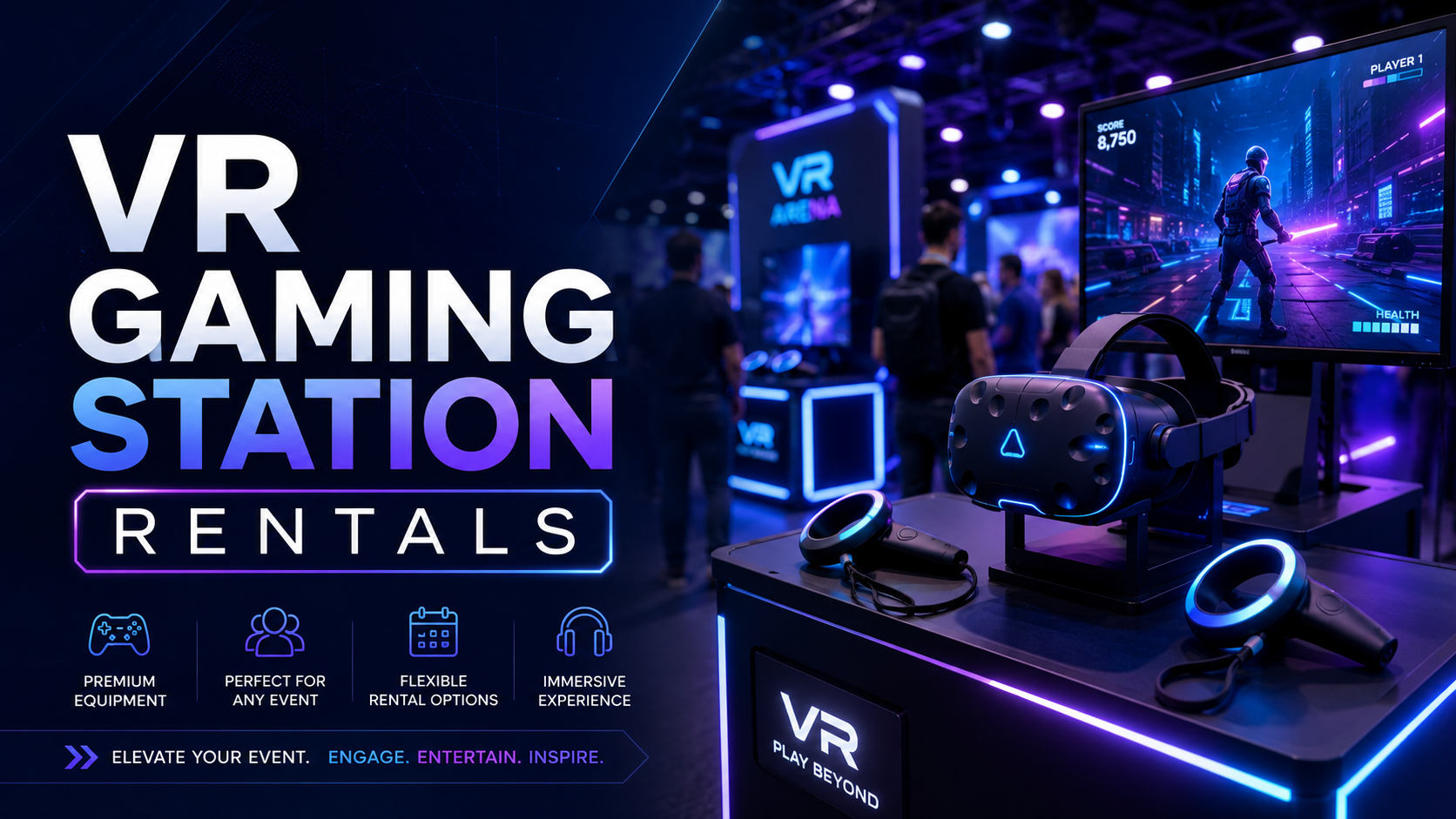
VR gaming stations transform passive event attendees into active participants through multi-player immersive experiences. Unlike single headset demos, gaming stations create social entertainment zones where 2-8 guests can play simultaneously while others watch on external screens.
These stations combine cutting-edge virtual reality technology with thoughtful event design, creating focal points that naturally draw crowds and generate excitement. Whether you’re hosting a product launch, team building session, or birthday celebration, VR gaming stations deliver measurable engagement that traditional entertainment can’t match.
Components of a Complete VR Gaming Station
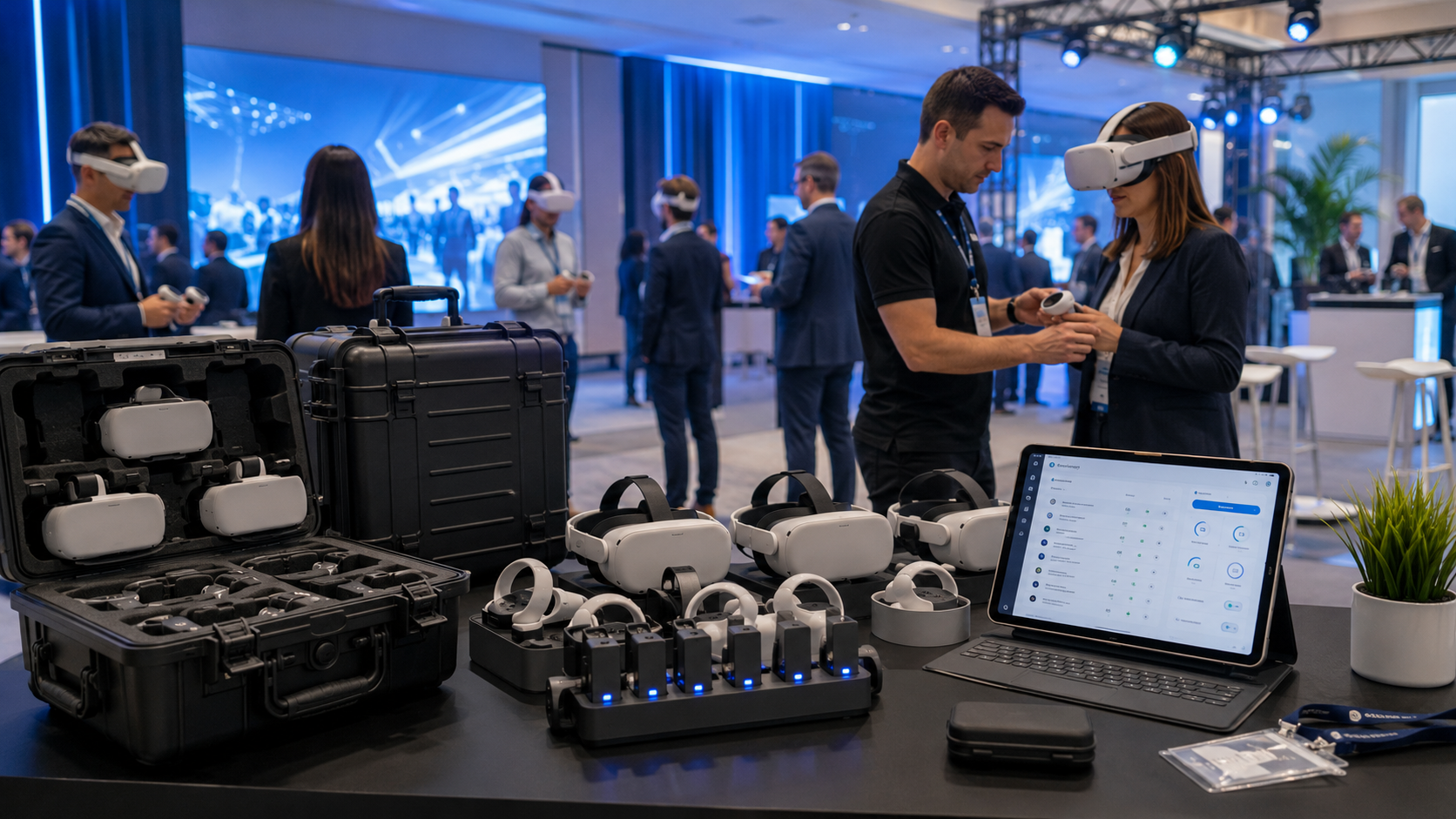
Modern VR gaming stations integrate multiple components to create seamless experiences for both players and spectators. The foundation starts with professional-grade VR headsets, with the Meta Quest 3, PICO 4, and HTC Vive Pro leading the market for event applications.
Headset configurations vary based on your event needs. Standalone headsets like the Quest 3 offer maximum flexibility with inside-out tracking, eliminating external sensors while delivering 4K+ resolution per eye. For premium experiences, PC-tethered systems like the Vive Pro 2 provide unmatched visual fidelity but require more complex setup infrastructure.
Boundary systems ensure player safety through both physical and virtual barriers. Professional stations use modular floor mats that provide tactile feedback when players approach boundaries, supplemented by in-headset guardian systems that display virtual walls. Each station requires a minimum 6×6 foot play area for seated experiences, expanding to 10×10 feet for room-scale adventures.
External displays transform VR from isolated experiences into social entertainment. 55-inch 4K monitors or projection systems mirror the player’s view, allowing spectators to follow the action, cheer on participants, and understand the gameplay before their turn. This spectator engagement drives participation rates 3x higher than closed VR demos.
Audio solutions balance immersion with event atmosphere. Over-ear headphones provide the best individual experience, while spatial audio systems allow multiple players to hear each other naturally. For noisy environments, bone conduction headphones keep players aware of their surroundings while maintaining audio quality.
Gaming Stations vs Individual VR Rentals
The distinction between gaming stations and individual VR rentals significantly impacts event dynamics and guest throughput. Gaming stations process 40-60 guests per hour across 4 stations, compared to 8-12 guests per hour with single headset rentals.
Throughput differences stem from parallel processing and reduced transition times. While one group plays, the next receives instructions at an adjacent station. Spectator screens allow waiting guests to learn gameplay mechanics passively, reducing onboarding time by 50%.
Social dynamics shift dramatically with gaming stations. Players compete or collaborate in shared virtual spaces, creating memorable moments that extend beyond the headset. Spectators become active participants through cheering, coaching, and capturing social media content. This social amplification generates 5x more user-generated content than individual VR experiences.
Space efficiency improves with dedicated gaming stations versus roaming VR setups. Fixed stations with defined boundaries prevent collisions and optimize traffic flow. A 400-square-foot area accommodates 4 gaming stations serving 200+ guests per event, while individual VR demos require similar space for half the throughput.
Staffing requirements decrease with gaming stations due to streamlined operations. One technician manages 4 stations effectively, while individual rentals need one attendant per 2 headsets. Preset experiences and simplified controls reduce support requests by 70%.
VR Gaming Station Rental Packages
Professional VR gaming station rentals include curated equipment, pre-loaded content libraries, and setup support designed for event environments. Packages scale from 2-station activations to 10+ station gaming lounges.
The rental model eliminates capital investment, technology obsolescence risk, and maintenance overhead while providing access to the latest hardware and software. Professional rental companies handle logistics, setup, operation, and breakdown, allowing event planners to focus on guest experience rather than technical details.
Standard Station Configurations
2-station competitive setup suits trade show booths and small activations. This configuration includes two Quest 3 headsets, boundary mats, one shared display, and a compact equipment rack. Perfect for head-to-head competitions or partner challenges, this setup processes 20-30 participants per hour in a 150-square-foot footprint.
4-station party package serves 50-100 guests at corporate events or private celebrations. Each station operates independently with dedicated displays, allowing varied experiences simultaneously. One station might run Beat Saber for music lovers, while another hosts Walkabout Mini Golf for casual players. This flexibility accommodates diverse age groups and skill levels.
8-station tournament configuration creates competitive gaming arenas for 200+ attendees. Synchronized gameplay enables bracket tournaments, team battles, or collaborative challenges. Professional streaming equipment captures multiple perspectives for live broadcasting on venue screens. This configuration requires 800-1000 square feet and dedicated power distribution.
Mixed reality stations leverage passthrough capabilities of modern headsets to blend virtual and physical environments. Players see real-world obstacles, teammates, and boundaries overlaid with digital elements. These stations excel at trade shows where brand activation requires product interaction within virtual experiences.
Game Library Curation by Event Type
Content selection dramatically impacts engagement and message retention. Professional rental companies maintain libraries of 200+ titles, pre-vetted for different audiences and objectives.
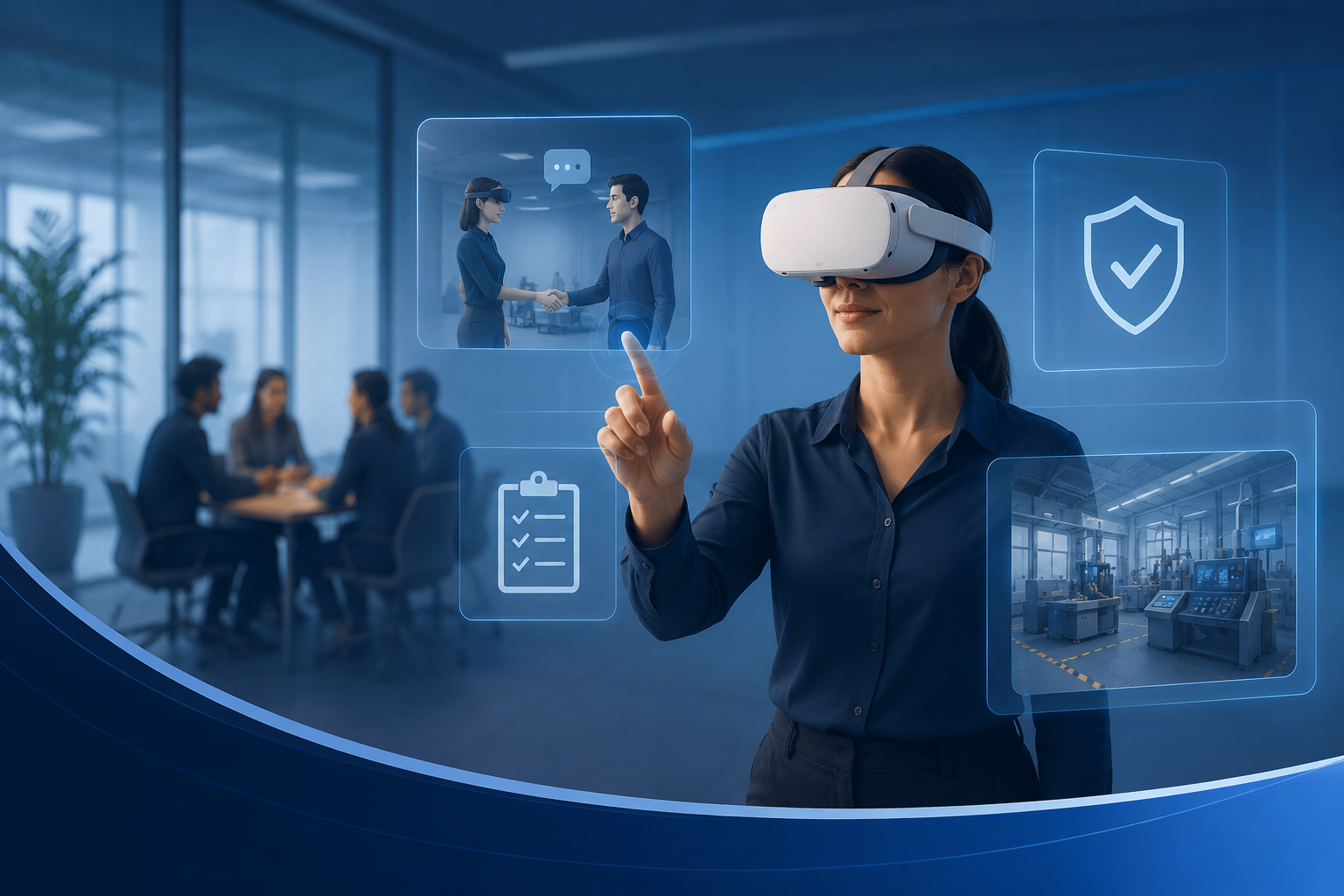
Corporate team building experiences emphasize collaboration over competition. Titles like “Keep Talking and Nobody Explodes” require communication between VR players and external teammates. “Escape Room VR” series challenges groups to solve puzzles cooperatively. “Spaceteam VR” builds trust through chaotic coordination exercises. These experiences generate measurable improvements in team dynamics, with 87% of participants reporting stronger colleague connections.
Trade show activations demand quick, impressive experiences that communicate brand value. “Richie’s Plank Experience” creates viral moments as players walk virtual skyscraper beams. Custom branded experiences showcase products in impossible scenarios – touring factories, exploring molecular structures, or test-driving concept vehicles. Average booth dwell time increases from 3 to 12 minutes with VR gaming stations.
Birthday parties require age-appropriate content with broad appeal. “Job Simulator” and “Vacation Simulator” offer humor without violence. “Fruit Ninja VR” provides active gameplay for energetic kids. “Google Earth VR” lets guests explore dream destinations. Multi-generational events benefit from varied difficulty settings within single games.
Holiday events leverage seasonal content for themed experiences. “Santa’s Workshop” games for Christmas parties, “Phasmophobia” for Halloween events, or “Fireworks Simulator” for New Year celebrations. Seasonal content refreshes annually, ensuring returning guests encounter new experiences.
Support Services Included
Professional VR gaming station rentals extend beyond equipment delivery to comprehensive event support ensuring flawless execution.
On-site technicians arrive 2-3 hours before events for setup and remain throughout for troubleshooting. Certified technicians handle hardware issues, software glitches, and user difficulties without disrupting event flow. They maintain 99.5% uptime through redundant equipment and rapid problem resolution.
Pre-event content testing ensures all experiences run smoothly on event day. Technicians verify game compatibility, test multiplayer connections, and customize difficulty settings. Brand integrations receive particular attention, with custom content undergoing multiple quality assurance rounds.
Guest onboarding accelerates through trained staff who guide first-time users. Brief tutorials cover controller basics, movement mechanics, and safety guidelines. Staff members identify guests needing extra assistance and provide personalized support. Professional onboarding reduces motion sickness incidents by 80%.
Equipment sanitization maintains hygiene standards between users. Medical-grade UV-C sanitization systems disinfect headsets in 60 seconds. Disposable face covers provide additional protection. Controllers receive antimicrobial coating that remains effective for 30 days. These measures exceed CDC guidelines for shared equipment.
Setup Requirements and Logistics
VR gaming stations require specific space, power, and network considerations that vary by venue type. Understanding these requirements prevents day-of surprises and ensures smooth operation.
Successful deployments begin with comprehensive site surveys conducted 2-4 weeks before events. Professional rental companies provide detailed requirement checklists and conduct virtual or in-person venue assessments to identify potential challenges early.
Space Planning for VR Stations
Optimal VR gaming station layouts balance player safety, spectator engagement, and traffic flow. Each wireless station requires minimum 6×6 feet of unobstructed play space, marked by physical boundaries that players can feel through their feet.
Room-scale experiences demand 10×10 feet per station, allowing players to walk, crouch, and reach without restriction. These larger spaces suit adventure games, fitness applications, and artistic creation tools. The investment in additional space pays off through reduced collision incidents and enhanced immersion.
Safety buffer zones add 3 feet between stations and 4 feet from walls or obstacles. These buffers prevent players from striking each other during energetic gameplay. Soft barriers like retractable belt stanchions provide visual separation without creating injury hazards.
Spectator viewing areas require careful positioning to maintain engagement without interfering with players. Elevated platforms or designated viewing zones 8-10 feet from play areas offer optimal sightlines. Calculate 4 square feet per standing spectator or 8 square feet for seated viewing with refreshments.
Power and Network Requirements
Reliable power and network infrastructure prevents the technical failures that derail VR experiences. Each gaming station draws 300-500 watts continuously, with peak loads during graphics-intensive scenes.
Power distribution requires 15-amp circuits per 2-3 stations to prevent overloads. Dedicated circuits eliminate interference from other event equipment. Professional installations use power distribution units (PDUs) with surge protection and battery backup for critical components. Outdoor events demand generator power with pure sine wave output to prevent headset tracking issues.
Network connectivity enables cloud gaming, multiplayer experiences, and real-time updates. WiFi 6 (802.11ax) provides sufficient bandwidth for 4-6 wireless stations sharing 1Gbps internet. Wired ethernet connections offer superior stability for PC-based systems or streaming applications. Dedicated 5GHz channels prevent interference from attendee devices.
Backup solutions ensure continuity when primary systems fail. Uninterruptible power supplies (UPS) provide 15-30 minutes runtime for graceful shutdowns. Mobile hotspots offer emergency internet connectivity. Redundant equipment allows quick swaps without event disruption.
Cable management prevents tripping hazards in high-traffic areas. Cable ramps protect power and network runs across walkways. Overhead rigging eliminates floor cables entirely in permanent installations. Wireless stations reduce cabling by 70% compared to tethered systems.
Venue-Specific Considerations
Different venue types present unique challenges requiring specialized solutions and advance planning.
Convention center booths operate within strict union rules and infrastructure limitations. Power drops cost $150-500 per connection. Internet service runs $300-1000 per day for dedicated bandwidth. Carpet padding requirements add $200-400 for protective flooring. Height restrictions may prevent overhead mounting of sensors or displays.
Hotel ballrooms offer controlled environments with existing AV infrastructure. Ceiling heights of 12+ feet accommodate room-scale tracking without obstruction. Built-in power distribution simplifies setup. However, chandeliers and mirrors create tracking interference requiring strategic positioning. Ambient lighting must be adjustable for optimal tracking performance.
Outdoor events demand weatherproofing and environmental controls. Direct sunlight overwhelms headset displays, requiring covered areas or evening operation. Wind affects tracking stability above 15 mph. Temperature extremes outside 60-85°F cause overheating or battery degradation. Weatherproof cases, cooling fans, and backup equipment become essential.
Office environments require noise management and professional aesthetics. Sound-dampening partitions reduce disruption to adjacent work areas. Sleek equipment stands and cable hiding maintain corporate appearance standards. After-hours events eliminate noise concerns but may lack adequate HVAC for large groups.
VR Gaming Station Pricing Models
VR gaming station rental costs depend on equipment tier, event duration, location, and support level. Understanding pricing structures helps budget accurately and compare providers.
The VR rental market has matured significantly, with standardized pricing emerging across major markets. However, regional variations, seasonal demand, and package customization create price ranges rather than fixed rates.
Rental Pricing Breakdown
Daily rates for professional VR gaming stations range from $800-1500 per station, including basic setup and support. Entry-level packages with Quest 2 headsets and minimal support start at $800. Premium configurations featuring Quest 3 or Vive Pro systems with dedicated technicians reach $1500 per station per day.
Weekly rates offer significant savings at $3000-5000 per station for 5-7 day rentals. Extended rentals benefit multi-day conferences, festival installations, or touring activations. The per-day cost drops 40-50% compared to daily rates, making longer engagements economically attractive.
Volume discounts apply when renting 5+ stations simultaneously. Bulk rentals reduce per-unit costs by 15-25% through operational efficiencies. A 10-station gaming lounge renting for $12,000 per day costs 20% less than 10 individual stations. Package deals combining multiple events throughout the year yield additional savings.
Peak season premiums add 20-30% during high-demand periods. December holiday parties, January sales kickoffs, and June graduation seasons command premium pricing. Booking 60+ days in advance locks in standard rates even during peak periods. Off-season events in February or August often receive promotional discounts.
Rental vs Purchase Analysis
The decision between renting and purchasing VR gaming stations depends on usage frequency, technical expertise, and capital availability.
Break-even analysis shows purchased stations pay for themselves after 8-10 events annually. A 4-station setup costs $12,000-20,000 including headsets, computers, displays, and accessories. Equivalent rentals cost $1,500-2,000 per event. Organizations hosting monthly VR events recover investment within one year.
Hidden ownership costs significantly impact total cost of ownership. Storage facilities run $200-500 monthly for climate-controlled space. Maintenance contracts cost $2,000-4,000 annually per 4 stations. Software licenses and content subscriptions add $100-300 monthly. Insurance premiums increase $1,000-2,000 annually for equipment coverage.
Technology refresh cycles require equipment replacement every 18-24 months to maintain competitiveness. VR hardware advances rapidly, with resolution, field of view, and tracking improving annually. Purchased equipment depreciates 40-50% yearly, while rentals always provide current-generation hardware.
Liability considerations favor rentals for risk-averse organizations. Rental companies carry comprehensive insurance covering equipment damage, user injury, and cyber liability. Self-operated stations require additional liability coverage, safety training, and legal compliance verification.
Additional Cost Factors
Beyond base rental rates, several factors impact total event investment.
Delivery and setup fees vary by distance and complexity. Local delivery within 25 miles typically costs $200-400. Regional delivery (25-100 miles) runs $500-1,000. National shipping adds $1,500-3,000 for equipment and technician travel. Complex installations requiring rigging or custom construction incur additional labor charges.
Technician support bills at $75-150 hourly beyond included coverage. Basic packages include 1-2 hours of on-site support. Full-event coverage for 8 hours costs $600-1,200. Specialized services like live streaming or tournament management command premium rates. Some providers offer flat-rate unlimited support packages.
Custom content development ranges from $5,000 for simple brand integration to $50,000+ for complete custom experiences. Logo placement and color customization cost $500-1,000. Interactive product demonstrations require $10,000-20,000. Full game development with unique mechanics and assets starts at $30,000.
Extended rental discounts reward longer commitments. Month-long rentals receive 50-60% discounts versus daily rates. Seasonal contracts for recurring events throughout the year maximize savings. Storage at vendor facilities between events eliminates transport costs for regular clients.
Planning Your VR Gaming Station Event
Successful VR gaming station deployments follow a structured timeline from initial planning through post-event teardown. This checklist ensures nothing falls through the cracks.
Professional event planners report that VR gaming stations require more advance planning than traditional entertainment but deliver proportionally greater impact. Following proven timelines and checklists prevents common pitfalls that compromise guest experience.
6-Week Planning Timeline
Weeks 6-5: Define objectives and guest count. Establish clear goals for VR integration – entertainment, education, or brand activation. Estimate attendance and demographic breakdown to inform station quantity and content selection. Survey similar past events to project participation rates. Secure initial budget approval and identify potential vendors.
Weeks 4-3: Venue site survey and layout planning. Conduct physical or virtual venue walkthrough with rental provider. Measure available space and identify power access points. Create scaled floor plans showing station positions, queue areas, and traffic flow. Verify venue permits VR installations and review insurance requirements. Lock in rental dates and sign contracts.
Week 2: Content selection and customization. Review game library with target audience in mind. Test priority experiences if possible through vendor showrooms or VR arcades. Approve any custom branding or content modifications. Finalize playlist and timing rotations. Brief event staff on VR component integration.
Week 1: Final logistics and staff briefing. Confirm delivery times and access routes. Verify contact information for day-of support. Distribute run-of-show to all stakeholders. Conduct final walkthrough if major concerns exist. Prepare contingency plans for common issues.
Day-of Execution Checklist
2 hours before event: Equipment arrives and setup begins. Technicians position stations according to approved floor plans. Power and network connections tested individually. All headsets charged and updated. Boundary systems calibrated for specific space. Initial content loaded and verified functional.
1 hour before event: Staff receives hands-on training with actual equipment. Practice sessions cover common user questions and troubleshooting steps. Safety briefing emphasizes boundary awareness and emergency procedures. Guest registration or waiver systems activated. Final audio and display adjustments completed.
During event: Maintain consistent rotation schedule to maximize throughput. Monitor equipment battery levels and swap as needed. Address technical issues immediately to prevent cascading delays. Capture photos and videos for post-event marketing. Collect participant feedback through quick surveys. Track participation metrics for ROI analysis.
Post-event: Begin breakdown only after last guest departs. Inventory all equipment against delivery checklist. Document any damage or issues for insurance claims. Download usage statistics and survey responses. Schedule debrief call with rental provider. Process final invoices and gratuities.
Measuring Gaming Station ROI
Quantifying VR gaming station impact justifies investment and informs future decisions.
Engagement metrics provide immediate success indicators. Track total participants, average session length, and repeat usage. Professional stations typically engage 40-60% of event attendees for 5-8 minute sessions. Compare against traditional entertainment alternatives that engage 15-20% of guests.
Lead capture through VR experiences exceeds traditional methods. Registration requirements for VR participation generate 3x more qualified leads than passive booth visits. Post-experience surveys achieve 70% completion rates when administered immediately. Follow-up email engagement rates reach 45% when referencing shared VR memories.
Social media amplification extends event impact beyond attendees. VR gaming stations generate 5x more social shares than static displays. User-generated content featuring VR reactions achieves 10x higher engagement than brand-created posts. Unique hashtags tied to VR experiences trend locally during large events.
Post-event survey insights reveal lasting impact. 92% of participants rate VR gaming stations as event highlights. 78% report increased brand affinity after VR interactions. 65% share VR experiences with colleagues or friends post-event. Net Promoter Scores increase 15-20 points for events featuring VR entertainment.
Frequently Asked Questions
How many VR gaming stations do I need for 100 guests?
For 100 guests over 3-4 hours, 4 stations provide optimal flow without excessive waiting. This configuration serves 40-60 guests per hour, ensuring everyone gets multiple turns. Add stations for shorter events or higher participation goals.
Can VR gaming stations work outdoors?
Yes, with proper preparation. Covered areas protect equipment from sun and rain. Evening events eliminate sunlight interference. Weighted boundaries replace floor mats on grass or uneven surfaces. Weatherproof cases protect equipment during transport and storage.
What happens if equipment breaks during the event?
Professional rental companies include backup equipment and on-site technicians. Most issues resolve through software resets or cable replacements within 5 minutes. Complete headset failures trigger immediate replacement from spare inventory. Service level agreements guarantee specific uptime percentages.
Do gaming stations require dedicated internet?
Standalone headsets like Quest 3 operate without internet for pre-loaded content. Multiplayer experiences need stable WiFi or ethernet. Cloud gaming demands 50Mbps+ per station. Most venues’ guest WiFi proves insufficient, requiring dedicated connections or mobile hotspots.
Can we load custom branded games?
Yes, most rental companies support custom content with advance notice. Simple brand integration takes 1-2 weeks. Complex custom experiences require 4-8 weeks development time. Approved content transfers between compatible headsets for future events.
What’s the minimum age for VR gaming stations?
Manufacturers recommend age 13+ for extended VR use. However, supervised sessions of 5-10 minutes prove safe for ages 7-12. Content selection matters more than hardware – choose age-appropriate experiences. Provide adjustable straps for smaller heads.
How do you handle hygiene between users?
Professional protocols include UV-C sanitization, disposable face covers, and antimicrobial coatings. Headsets sanitize in 60 seconds between users. Controllers receive alcohol wipe-downs. Optional disposable gloves available for concerned guests. These measures exceed health department requirements.
Can gaming stations connect for multiplayer?
Yes, modern VR gaming stations excel at multiplayer experiences. Local network connections enable 2-16 players in shared virtual spaces. Cloud-based multiplayer connects unlimited stations globally. Tournament modes support bracket competitions with spectator viewing.
Conclusion
VR gaming stations represent the evolution of event entertainment, transforming passive attendance into active participation. From intimate corporate team building to massive trade show activations, properly configured VR stations deliver measurable engagement that justifies investment.
Success requires careful planning, appropriate equipment selection, and professional support. The rental model provides access to cutting-edge technology without capital investment or obsolescence risk. By following the guidelines in this comprehensive guide, event planners can confidently integrate VR gaming stations that create lasting memories and achieve business objectives.
Ready to elevate your next event with VR gaming stations? Contact professional rental providers at least 6 weeks before your event to ensure availability and allow time for customization. Request references from similar events and visit showrooms when possible to experience the technology firsthand. Your guests will thank you for providing an unforgettable experience that sets your event apart from the competition.