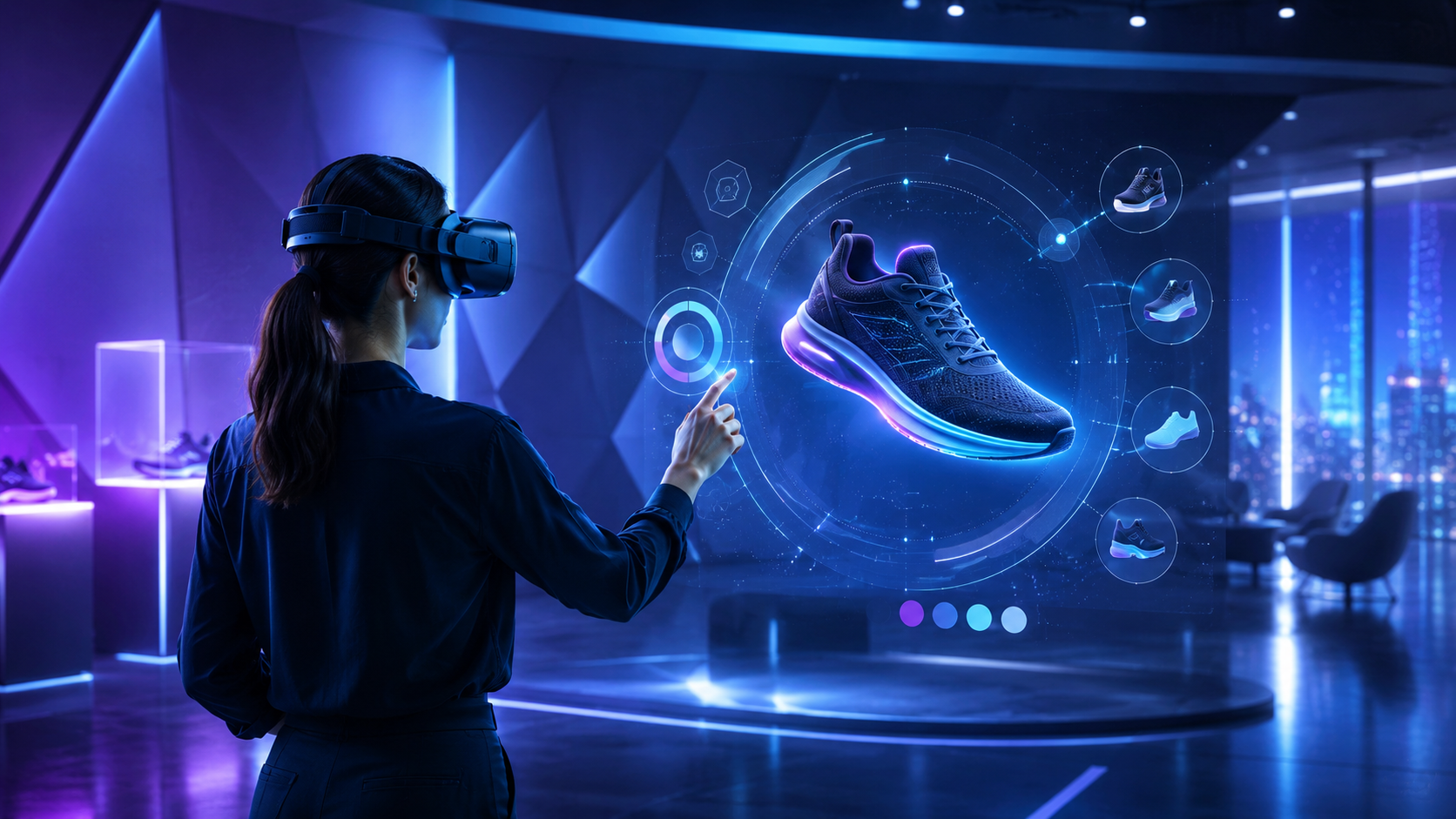
Virtual reality transforms product demonstrations from passive presentations into immersive experiences where prospects can interact with, customize, and truly understand your offerings before making purchase decisions. This comprehensive guide walks you through implementing VR product demonstrations for trade shows, sales meetings, and showrooms—from hardware selection to ROI measurement.
What Makes VR Product Demos Different from Traditional Presentations
VR product demonstrations transform passive viewing into hands-on exploration, letting prospects interact with products that are too large, complex, or conceptual for physical display. This section examines how immersive demonstrations change buyer engagement and which product categories benefit most from virtual showcases.
Interactive Product Exploration vs Static Display
Traditional product demonstrations rely on physical samples, static displays, or screen-based presentations that limit how prospects can explore your offerings. VR fundamentally changes this dynamic through immersive interaction capabilities.
360-degree product inspection and manipulation allows prospects to examine products from every angle, picking them up, rotating them, and zooming into specific details. A prospect evaluating industrial pumps can inspect seal mechanisms up close, rotate the entire assembly to understand port configurations, and even trigger animations showing internal flow patterns—interactions impossible with a physical unit at a trade show.
Virtual cutaways and exploded views reveal internal mechanisms without destroying expensive samples. Manufacturing equipment demos can show prospects how internal components interact during operation, while automotive demonstrations can peel away body panels to showcase engineering innovations. These visualization techniques communicate complex technical advantages more effectively than any brochure or video.
Real-time customization and configuration empowers prospects to modify products during the demonstration. Office furniture manufacturers let clients change materials, colors, and configurations while standing in a virtual representation of their actual workspace. Industrial equipment demos enable prospects to swap components, adjust specifications, and immediately see how changes affect performance metrics.
The tactile nature of VR controllers or hand tracking adds a physical dimension to digital demonstrations. Prospects can pull triggers, turn valves, press buttons, and manipulate controls, creating muscle memory and familiarity with product operation before purchase.
Industries Leading VR Product Demo Adoption
Industrial equipment and machinery manufacturers have embraced VR to demonstrate products impossible to transport to trade shows. A single VR headset replaces shipping containers worth of equipment, eliminating logistics costs while enabling demonstrations of mining equipment, production lines, and heavy machinery. Caterpillar uses VR to let operators experience excavator cabs and practice control sequences without requiring actual equipment presence.
Real estate and architecture firms showcase properties before groundbreaking, letting buyers walk through future homes and commercial spaces. Developers can demonstrate multiple floor plans, finish options, and even time-of-day lighting variations in minutes. Commercial real estate teams use VR to tour international investors through properties thousands of miles away, accelerating decision-making and reducing travel requirements.
Automotive manufacturers deploy VR configurators that go beyond traditional color selection. Prospects sit in virtual vehicles, adjust seating positions, explore trunk space, and experience interior ambiance with different trim packages. Luxury brands like Audi and Mercedes-Benz use VR to demonstrate advanced driver assistance features and help buyers understand complex technology packages before test drives.
Medical device companies leverage VR for demonstrating surgical equipment and training systems. Surgeons can practice procedures using virtual versions of new instruments, while hospital administrators can evaluate how equipment fits into existing operating room configurations. The ability to demonstrate sterile field protocols and proper technique without contamination risks makes VR particularly valuable for medical sales teams.
VR Hardware Selection for Product Demonstrations
Choosing the right VR equipment for product demos depends on your venue, audience size, and demonstration complexity. This section maps specific headset capabilities to common demo scenarios, from intimate sales meetings to high-traffic trade show booths.
Standalone Headsets for Trade Show Flexibility
Standalone VR headsets have revolutionized trade show demonstrations by eliminating cable management and reducing setup complexity. These self-contained systems offer the flexibility needed for dynamic event environments.
Meta Quest 3 leads the standalone category with its balance of performance, price, and ease of deployment. The 2064×2208 per-eye resolution provides sharp visuals for product details, while the Snapdragon XR2 Gen 2 processor handles complex 3D models smoothly. The inside-out tracking eliminates external sensors, allowing demos anywhere within your booth space. With approximately 2.2 hours of battery life per charge, plan for battery pack rotations or hot-swapping headsets during full-day events.
Managing multiple headsets for concurrent demonstrations requires systematic organization. Number each headset and controller set, maintain a charging station with labeled slots, and use mobile device management (MDM) software to push content updates simultaneously. For large deployments, consider enterprise solutions like ArborXR that enable remote management, usage analytics, and content distribution across your fleet.
Quick reset procedures between users maximize throughput at busy events. Develop a 30-second reset routine: wipe lenses and facial interface with antibacterial wipes, reset the experience to the start screen, adjust head strap to neutral position, and hand to the next user with brief orientation. Train all booth staff on this procedure to maintain consistent flow.
Battery management strategies ensure uninterrupted demonstrations throughout event days. Purchase elite straps with integrated batteries to double usage time, maintain a rotation schedule with fully charged backup headsets, and use 10,000mAh power banks for emergency charging. Schedule charging rotations during lunch breaks and lower-traffic periods.
PC-Tethered Systems for High-Fidelity Showcases
When photorealistic quality and maximum performance matter more than portability, PC-tethered systems deliver uncompromised visual fidelity for premium product demonstrations.
Varjo Aero offers human-eye resolution (35 pixels per degree) ideal for demonstrating products where fine details matter—jewelry, precision instruments, or architectural finishes. The aspheric lenses provide edge-to-edge clarity crucial for technical drawings and CAD model reviews. However, the system requires a high-end PC (RTX 3080 minimum) and dedicated booth space for the tethered setup.
HTC Vive Pro 2 provides 5K resolution (2448×2448 per eye) with a 120-degree field of view, creating presence for large-scale demonstrations like vehicle interiors or architectural walkthroughs. The SteamVR tracking system offers sub-millimeter precision but requires mounting base stations around your booth perimeter—factor this into booth design and setup time.
Infrastructure requirements for tethered systems include dedicated power circuits (calculate 500W per station), cable management systems to prevent tripping hazards, and robust PCs meeting VR-ready specifications. Build custom flight cases for transport, including foam cutouts for headsets, cables, and tracking equipment. Plan two hours for initial setup and calibration at each venue.
Visual quality optimization involves balancing resolution with frame rate for comfort. Run demos at 90Hz minimum to prevent motion sickness, enable fixed foveated rendering to maintain performance, and adjust supersampling based on GPU capabilities. Test your specific product models on target hardware before events to identify optimal settings.
Mixed Reality Options for Physical-Digital Integration
Mixed reality capabilities blend physical products with digital enhancements, creating unique demonstration opportunities that leverage both real and virtual elements.
Passthrough visualization on Quest 3 and Quest Pro enables prospects to see physical products augmented with digital information. Demonstrate how software interfaces appear on physical control panels, show airflow patterns around actual HVAC units, or overlay technical specifications onto real machinery. The color passthrough cameras maintain spatial awareness while adding virtual elements.
Hand tracking removes the controller barrier for natural interaction. Prospects can reach out and touch virtual products, press buttons with their fingers, and use familiar gestures like pinch-to-zoom. This proves particularly effective for consumer product demos where controller unfamiliarity might distract from the product experience. However, ensure backup controllers are available as hand tracking can struggle in bright trade show lighting.
Spatial anchoring maintains consistent virtual object placement relative to physical booth elements. Anchor virtual products to tables, walls, or floor markers so multiple users experience identical positioning. This consistency helps booth staff guide prospects through demonstrations and ensures virtual elements align with physical displays and marketing materials.
Creating and Managing VR Product Demo Content
Effective VR product demonstrations require purpose-built content that balances visual impact with user comfort and time constraints. This section covers content development approaches, from converting existing CAD models to commissioning custom experiences.
Converting Product Assets to VR Experiences
Most manufacturers already possess 3D product data that can be transformed into VR demonstrations, though the conversion process requires optimization for real-time rendering.
CAD to VR pipeline begins with exporting models from engineering software (SolidWorks, CATIA, Creo) in neutral formats like STEP or IGES. Import these into intermediate tools like Datasmith for Unreal Engine or Pixyz for Unity, which handle tessellation and hierarchy preservation. The key challenge involves reducing polygon counts from millions in CAD to thousands for VR while maintaining visual fidelity—focus optimization on internal components users won’t inspect closely.
Model optimization techniques ensure smooth performance across target hardware. Implement level-of-detail (LOD) systems that reduce complexity for distant objects, merge adjacent parts that don’t move independently, and replace complex geometry with normal maps for surface details. Aim for scenes under 2 million polygons for standalone headsets, though PC-tethered systems can handle 5-10 million with proper optimization.
Interactive hotspots transform static models into explorable experiences. Add glowing markers at key features that reveal specification panels when selected, trigger animations demonstrating product operation, or display comparison data against competitors. Layer information progressively—start with high-level benefits, then allow deeper exploration for technical buyers.
Product animations and simulations communicate functionality better than static displays. Animate assembly sequences to show ease of maintenance, simulate operational cycles to demonstrate efficiency, and visualize typically invisible phenomena like heat dissipation or electromagnetic fields. Keep animations under 10 seconds each to maintain engagement and prevent motion discomfort.
Demo Duration and User Journey Planning
Trade show environments demand concise, impactful demonstrations that respect prospects’ time while delivering comprehensive product understanding.
Optimal demo length for trade shows runs 3-5 minutes for initial engagement, with options to extend for qualified prospects. Structure content in 60-second modules: introduction and context (1 minute), core product exploration (2 minutes), customization or configuration (1 minute), and call-to-action with lead capture (1 minute). This modular approach lets sales staff adapt to prospect interest levels.
Self-guided versus facilitated experiences each serve different purposes. Self-guided demos work well for high-traffic periods, using voice narration and visual cues to lead users through predetermined paths. Facilitated demos enable sales staff to customize the experience based on prospect responses, skip irrelevant sections, and deep-dive into areas of interest. Build both modes into your application, selectable at startup.
Multiple buyer personas require different demonstration paths. Engineers want technical specifications and performance data, executives focus on ROI and competitive advantages, while end users care about ease of operation and ergonomics. Create persona-specific journeys selectable at the beginning, or use branching narratives that adapt based on user choices during the experience.
Natural pause points facilitate sales conversations without breaking immersion. Design moments where the virtual environment holds steady—perhaps overlooking a factory floor or sitting in a vehicle interior—where sales staff can engage prospects in discussion. These pauses also provide motion sickness recovery for sensitive users and create opportunities for qualifying questions.
Trade Show and Event Logistics for VR Demos
Executing VR product demos at trade shows requires careful planning around booth design, crowd management, and technical support. This section provides operational guidance for running smooth demonstrations in high-traffic event environments.
Booth Space and Layout Requirements
VR demonstrations require more space than traditional displays, both for user safety and optimal experience delivery.
Minimum space calculations start at 6×6 feet per VR station for seated experiences, expanding to 8×8 feet for standing demos with limited movement. Room-scale experiences need 10×10 feet minimum. Factor in additional space for queuing, spectator viewing, and equipment storage. A 20×20 booth can comfortably accommodate two VR stations with proper traffic flow.
Safety zones and guardian boundaries prevent injuries and equipment damage. Mark VR zones with floor tape or raised platforms, creating visual boundaries for both users and passing traffic. Set guardian boundaries 12 inches inside physical barriers to account for arm reach. Install padding on booth edges within reach of users, and position staff to spot users approaching boundaries.
Queue management maintains orderly flow during peak traffic. Use stanchions to create defined waiting areas that don’t block booth access. Display estimated wait times and provide engagement materials for those queuing—product brochures, AR experiences on tablets, or video displays showing the VR experience. Implement a digital queue system using QR codes, allowing prospects to explore the booth while waiting their turn.
Spectator screens multiply your demonstration’s impact beyond the headset wearer. Mirror the VR view to large displays visible from aisles, adding branded overlays explaining what viewers are seeing. For multi-user demos, show split screens of all participants. These displays attract booth visitors and help sales staff engage with waiting prospects about what they’re watching.
Staffing and Demo Facilitation
Successful VR demonstrations require trained staff who can manage technology while maintaining sales focus.
Technical operation training should cover headset adjustment for different head sizes, IPD (interpupillary distance) adjustment for visual clarity, controller pairing and tracking troubleshooting, and application launching and reset procedures. Conduct hands-on training sessions before events, and create quick reference cards for common issues.
Hygiene protocols have become critical for shared headset use. Maintain supplies of antibacterial wipes (verify compatibility with headset materials), disposable face covers (though these can affect field of view), and hand sanitizer stations at entry/exit points. Assign one staff member to manage cleaning rotation during busy periods. Consider UV-C sanitizing boxes for thorough overnight cleaning.
Common troubleshooting scenarios include tracking loss (check for reflective surfaces or bright lights), controller disconnection (keep spare batteries and know re-pairing procedures), application crashes (practice force-quit and restart sequences), and motion sickness (have seating available and ginger candies on hand). Document solutions in a troubleshooting guide accessible to all booth staff.
Lead capture integration maximizes demonstration ROI. Build forms directly into VR experiences for seamless data collection, use QR codes on controllers for quick mobile input, or station staff with tablets for immediate follow-up. Capture engagement metrics like features explored and time spent for lead scoring. Integrate with CRM systems for automatic lead routing and follow-up scheduling.
Multi-Day Event Management
Trade shows spanning multiple days require systematic procedures for equipment maintenance and content management.
Overnight charging stations ensure all equipment starts each day at full capacity. Create a numbered charging station with surge protectors and cable management. Develop a checklist for end-of-day procedures: headsets on chargers, controllers in charging docks, battery packs connected, and all indicator lights verified. Assign responsibility for morning verification before booth opening.
Equipment security protects significant hardware investments. Use locking pelican cases for overnight storage, cable locks for display equipment, and remove small items like controllers to hotel safes. Consider booth security services for high-value deployments. Maintain serial number records and photographs for insurance purposes.
Content version control prevents inconsistent experiences across devices. Use cloud-based deployment platforms to push updates to all headsets simultaneously. Maintain version logs documenting changes and test updates on a single device before fleet-wide deployment. Keep previous versions accessible for quick rollback if issues arise.
Daily procedures ensure consistent operations. Morning routine: verify all equipment charges, clean all headsets, launch applications to home screens, and conduct test runs on each station. Evening routine: save analytics data, clean and sanitize equipment, secure all items, and document any technical issues for overnight resolution.
Measuring VR Demo Effectiveness and ROI
Tracking the impact of VR product demonstrations requires metrics beyond traditional booth traffic counts. This section outlines measurement frameworks for engagement quality, lead conversion, and sales cycle acceleration.
In-Experience Analytics and Heat Mapping
VR demonstrations generate rich behavioral data revealing how prospects interact with your products.
Attention tracking identifies which product features capture interest. Heat maps show where users look most frequently, revealing whether key differentiators receive appropriate attention. Gaze duration on specific components indicates interest level, while scan patterns show how users explore products. This data informs both product development and sales messaging refinement.
Interaction patterns reveal user preferences and pain points. Track which features users explore first, how long they spend with different components, and which customization options they select. If 80% of users immediately investigate a specific feature, train sales staff to highlight it. If users consistently struggle with certain interactions, simplify the interface.
Completion rates and drop-off analysis indicate experience effectiveness. Monitor where users exit experiences prematurely to identify confusion points or technical issues. A sudden drop-off after two minutes might indicate motion discomfort, while exits during complex sequences suggest simplification needs. Set completion rate targets (aim for 85%+) and iterate based on data.
A/B testing optimizes demonstration effectiveness. Test different narration scripts, interaction methods, or content sequences with randomized user groups. Compare metrics like completion rates, feature exploration depth, and post-demo lead quality. Even small improvements compound across hundreds of demonstrations.
Lead Quality and Sales Pipeline Impact
VR demonstrations should generate higher-quality leads that progress through sales pipelines faster than traditional methods.
Lead scoring comparisons reveal VR’s impact on prospect quality. Track metrics like budget confirmation, decision-making authority, and purchase timeline for VR-engaged leads versus traditional booth visitors. VR demos typically generate 40% fewer but 3x more qualified leads, improving sales team efficiency.
Conversion rate tracking measures downstream impact. Monitor progression rates from initial demo to follow-up meeting, proposal request, and closed deals. VR-engaged prospects often show 25-30% higher conversion rates due to better product understanding. Track these metrics for 6-12 months to capture full sales cycle impact.
Sales cycle compression quantifies time-to-close improvements. VR demonstrations can eliminate multiple stages in complex B2B sales cycles—site visits, proof-of-concept installations, and stakeholder alignment meetings. Document average days from first contact to close for VR versus traditional leads. Manufacturing equipment sellers report 20-40% cycle reduction for VR-engaged prospects.
Cost per qualified lead calculations justify VR investments. Include hardware costs, content development, booth space premiums, and staff training in total program cost. Divide by qualified leads generated to establish baseline metrics. While initial costs appear high, the improved lead quality and conversion rates typically deliver ROI within 3-4 major events.
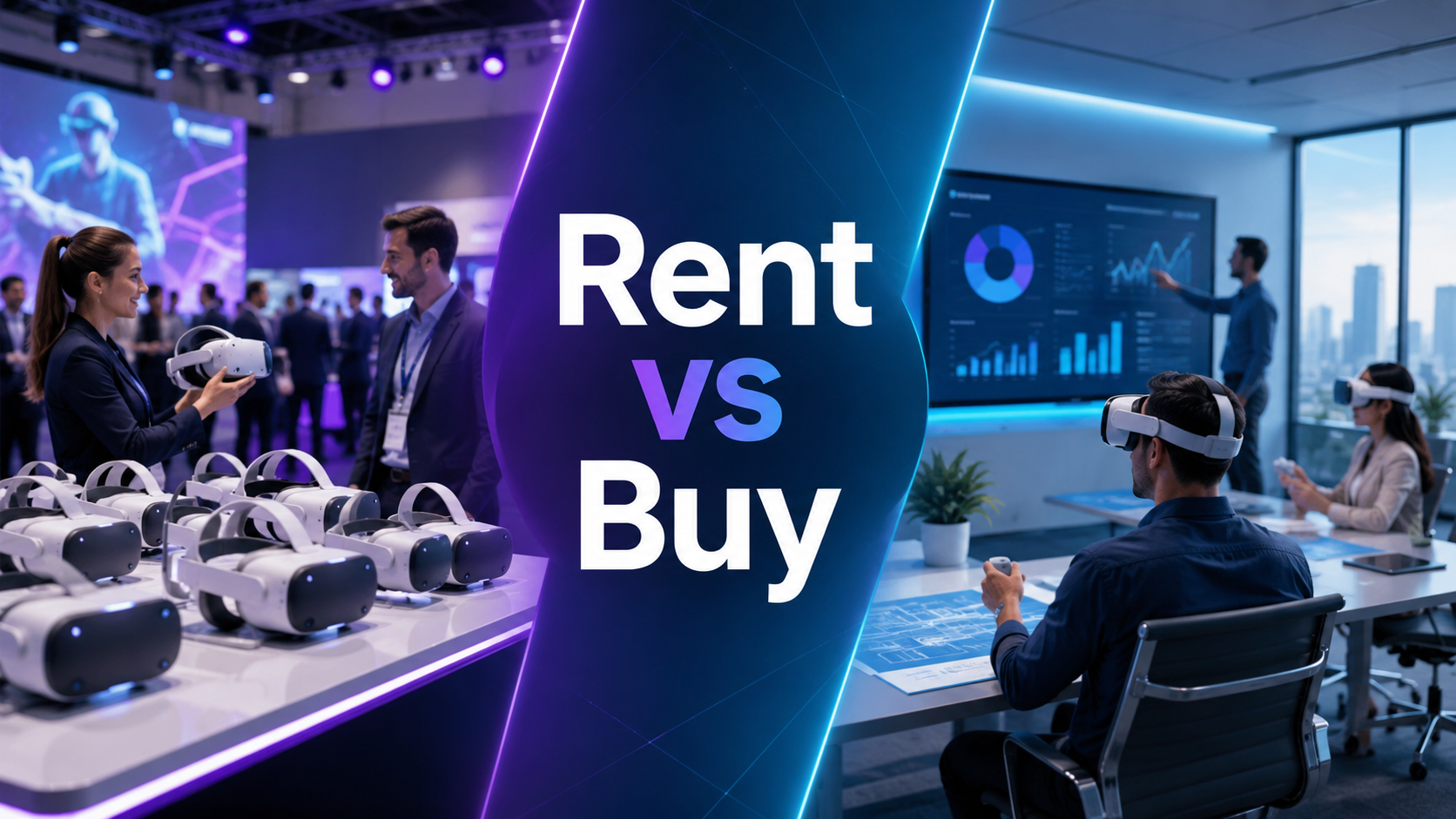
Renting vs Buying VR Equipment for Product Demos
The decision to rent or purchase VR hardware depends on demo frequency, technical requirements, and internal capabilities. This section provides a framework for evaluating ownership versus rental models specific to product demonstration use cases.
When Renting Makes Strategic Sense
Several scenarios favor rental over purchase for VR demonstration equipment.
Infrequent event participation (quarterly or less) makes rental economically attractive. Rental costs for a three-day event typically run $200-400 per headset including accessories. With quarterly events, annual rental costs total $800-1,600 versus $1,500+ for quality hardware that may become obsolete before sufficient use.
Testing and validation phases benefit from rental flexibility. Before committing to VR demonstrations, rent different hardware options to determine optimal specifications. Test Quest 3 for portability, Vive Pro for quality, and Pico for cost-effectiveness. This experimentation costs far less than purchasing multiple systems.
Access to latest technology keeps demonstrations current. VR hardware evolves rapidly, with major improvements every 12-18 months. Rental ensures access to newest models without depreciation losses. This proves particularly valuable for companies wanting to showcase innovation leadership.
Included support services reduce internal burden. Rental packages often include technical support, setup assistance, and replacement equipment for failures. This eliminates the need for internal VR expertise and provides peace of mind for critical events.
Total Cost Comparison for Demo Programs
Comprehensive cost analysis should evaluate all aspects of VR demonstration programs.
Hardware investment analysis extends beyond initial purchase price. Factor in protective cases ($100-200 per headset), spare parts and accessories (20% of hardware cost), insurance and warranties (10-15% annually), and technology refresh cycles (24-36 months). A five-headset deployment might cost $7,500 initially but $12,000 over three years including all factors.
Storage and maintenance add ongoing costs for owned equipment. Climate-controlled storage prevents battery degradation, monthly testing ensures readiness, and firmware updates require technical time. Budget 2-3 hours monthly for fleet maintenance plus storage costs if lacking appropriate facilities.
Staff training investments prove necessary for owned equipment. Initial training runs 8-16 hours for technical operation, ongoing training for new features and troubleshooting, and knowledge transfer as staff turns over. Rental providers typically include operation training, reducing this burden.
Content development costs remain constant regardless of hardware ownership. Budget $15,000-50,000 for professional VR experience development, $2,000-5,000 for annual updates and modifications, and $500-1,000 monthly for cloud hosting and analytics platforms. These investments amortize across all demonstrations regardless of hardware model.
For companies running monthly demos or more, purchase typically provides better ROI after 12-18 months. For quarterly events or less, rental remains cost-effective indefinitely while providing flexibility and support advantages.
Frequently Asked Questions
How many VR headsets do I need for a trade show booth?
Calculate based on expected booth traffic and demo duration. For a 5-minute demo with 2 minutes transition time, each station handles 8-9 demos hourly. A typical 10×20 booth with 300 daily visitors needs 2-3 headsets for reasonable wait times. Add one backup headset for equipment failure or battery management.
Can VR demos work with complex B2B products?
VR excels at demonstrating complex B2B products by enabling cutaway views, exploded assemblies, and operational simulations impossible with physical products. Industrial manufacturers successfully demonstrate million-dollar equipment, complete production lines, and integrated systems through VR. The key lies in progressive information disclosure—start simple, then layer complexity based on user engagement.
What’s the typical setup time for VR demo stations?
Standalone headsets require 30-45 minutes for basic setup including guardian boundary configuration, application installation, and testing. PC-tethered systems need 2-3 hours for computer setup, tracking system calibration, and cable management. Add 30 minutes for multi-headset synchronization and staff briefing. Plan to arrive at venues the day before events for proper setup and troubleshooting.
How do you handle language localization in VR demos?
Build language selection into the experience start screen, allowing users to choose their preferred language. Use professional voice actors for narration rather than text-to-speech. Implement icon-based interfaces that minimize text dependency. For global events, prepare experiences in 3-5 primary languages based on attendee demographics. Subtitles can work but may cause eye strain in VR.
Can VR demos integrate with CRM systems for lead capture?
Modern VR platforms support REST APIs for CRM integration. Capture lead data through in-VR forms, then automatically push to Salesforce, HubSpot, or other systems. Include behavioral data like features explored and time spent for lead scoring. QR codes on controllers can link to mobile forms for faster data entry. Plan integration during development rather than retrofitting.
What’s the learning curve for booth staff to run VR demos?
Basic operation (starting demos, adjusting headsets, cleaning) requires 2-3 hours of hands-on training. Troubleshooting common issues needs another 2-3 hours of scenario practice. Sales-focused staff can become proficient operators in one day of training. Designate a technical lead for complex issues, but ensure all booth staff can handle routine operations.
How do you ensure hygiene when sharing headsets at events?
Implement a strict cleaning protocol between users: antibacterial wipes for hard surfaces, replaceable foam inserts for facial interfaces (budget $5-10 per insert), and UV-C sanitizing between days. Provide hand sanitizer before and after use. Display cleaning procedures prominently to build user confidence. Some companies use disposable ninja masks or sanitary covers, though these can affect field of view and comfort.
VR product demonstrations represent a fundamental shift in how companies engage prospects at trade shows, sales meetings, and showrooms. By transforming passive viewing into interactive exploration, VR enables buyers to truly understand complex products before purchase decisions.
Success with VR demonstrations requires careful planning across multiple dimensions—selecting appropriate hardware for your demonstration environment, developing compelling content that balances detail with engagement, managing event logistics to ensure smooth operations, and measuring results to optimize future deployments.
The investment in VR demonstration capabilities pays dividends through higher-quality leads, accelerated sales cycles, and differentiation from competitors still relying on traditional presentation methods. As VR technology continues advancing with improved resolution, lighter headsets, and more natural interaction methods, early adopters will have established the expertise and content libraries that create lasting competitive advantages.
Start your VR demonstration journey by identifying one hero product that would benefit most from immersive presentation. Rent equipment for your next event to test prospect response. Measure engagement quality against traditional demonstrations. Build from this foundation to create a comprehensive VR demonstration program that transforms how customers experience and understand your products.
The question isn’t whether to adopt VR for product demonstrations, but how quickly you can implement this technology before competitors recognize its transformative potential. Begin planning your VR demonstration strategy today to capture tomorrow’s sales opportunities.