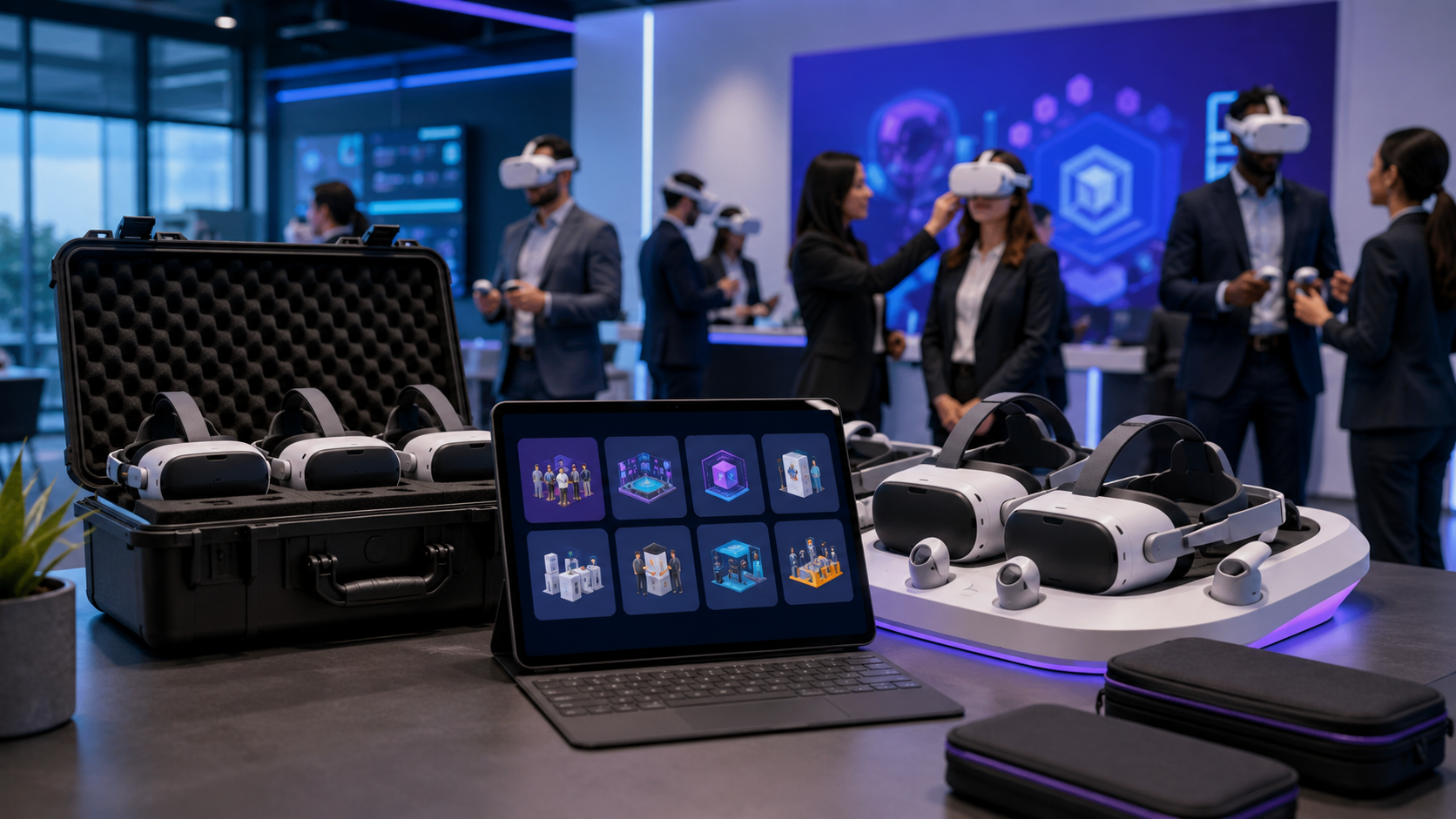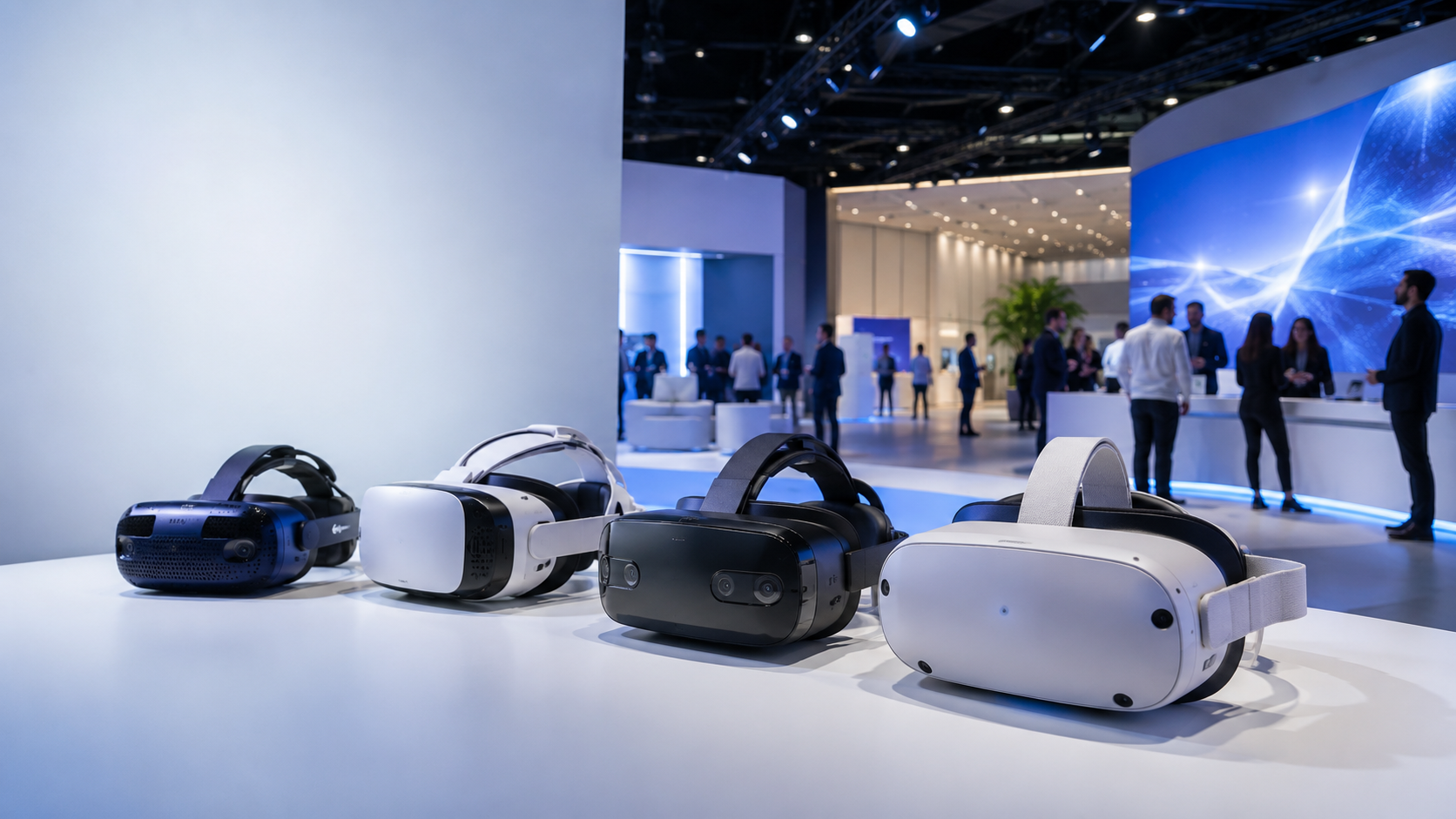
Virtual reality transforms events from passive experiences into memorable interactions. But choosing the right VR headsets for your event requires matching hardware capabilities to operational realities—from booth traffic flow at trade shows to synchronized training sessions at corporate gatherings. This guide provides the framework to select, deploy, and manage VR equipment for maximum impact and minimum friction.
Quick Reference: VR Headsets by Event Type
Different events demand different VR configurations. Trade show booths need high-throughput standalone units, corporate training requires tethered precision, and brand activations benefit from wireless freedom with custom content capabilities.
Trade Show & Exhibition Requirements
Trade shows present unique challenges: constant foot traffic, limited booth space, and the need to maximize visitor throughput while maintaining equipment hygiene. Your headset choice directly impacts how many prospects you can engage.
Throughput calculations depend on experience length. A 5-minute product demo allows 10-12 users per hour per headset (accounting for 1-2 minute transitions). Extended 15-minute experiences drop throughput to 3-4 users per hour. For a standard 10×10 booth with two VR stations, expect to serve 60-80 visitors daily with short experiences, or 20-25 with longer demos.
The Meta Quest 3 excels for high-traffic trade show environments. Its inside-out tracking eliminates external sensor setup, while the Snapdragon XR2 Gen 2 processor handles demanding demos without PC tethering. The 2-hour battery life covers most booth sessions, with hot-swappable batteries extending runtime.
The Pico 4 Enterprise offers similar standalone capabilities with superior 3-hour battery life and business-focused features like kiosk mode and remote device management. Its lighter 586g weight reduces user fatigue during extended demos.
Hygiene stations require systematic planning. Position sanitization supplies adjacent to each VR station with:
- UV-C sanitizing boxes for controllers (3-minute cycles)
- Disposable face masks or silicone covers (100-pack minimum)
- Lens cleaning wipes and microfiber cloths
- 70% isopropyl alcohol spray for headset surfaces
Power management determines operational continuity. Implement a three-headset rotation per station: one in use, one charging, one sanitizing. Install multi-port USB-C charging hubs (65W+ per port) behind booth displays. Consider battery banks (20,000mAh+) for untethered backup power.
Corporate Event & Training Specifications
Corporate events prioritize synchronized experiences, data security, and professional content delivery over raw throughput. Training sessions require stable multi-user connectivity and enterprise-grade management tools.
Multi-user synchronized experiences work best with the HTC Vive Focus 3. Its enterprise features include:
- Centralized device management through ArmsReach
- Synchronized content launching across 20+ headsets
- Real-time monitoring of user progress and engagement
- Private 5G/WiFi 6 compatibility for stable connections
Network requirements scale with headset count. For 10+ simultaneous units:
- Dedicated WiFi 6 access point (minimum 5GHz band)
- 25 Mbps per headset for streaming content
- Subnet isolation from corporate networks
- Backup offline content for network failures
Content management systems vary by platform:
- ArborXR: Cross-platform deployment, usage analytics, remote updates
- ManageXR: Meta-focused, supports app whitelisting and kiosk modes
- Custom MDM solutions for Pico and HTC enterprise deployments
Data security considerations include:
- Headsets configured without cameras for sensitive environments
- Local content storage to avoid cloud dependencies
- User data purging between sessions
- Network traffic encryption for remote content delivery
Brand Activation & Marketing Events
Brand activations demand flexibility, visual impact, and social sharing capabilities. Your VR hardware must support custom branded content while enabling spectator engagement.
Custom branded content compatibility varies significantly:
- Quest 3: Sideloading via Quest for Business, full Unity/Unreal support
- Pico 4: Direct APK installation, WebXR compatibility
- HTC Vive Focus 3: SteamVR and Viveport, enterprise app deployment
Social sharing capabilities extend reach beyond direct users:
- Mixed reality capture for Instagram/TikTok content
- Chromecast/AirPlay streaming to large displays
- Green screen integration for branded backgrounds
- Live streaming to remote audiences via OBS
Mixed reality options blend physical and virtual:
- Quest 3: Full-color passthrough at 4K resolution
- Pico 4: Basic passthrough for safety, not content
- Varjo Aero: Industry-leading passthrough for product visualization
Portable setups for pop-up activations require:
- Pelican cases with custom foam inserts
- Pre-configured headsets with content preloaded
- Collapsible tracking stands for consistent play areas
- Mobile hotspots for locations without reliable WiFi
Space and Setup Constraints by Headset Type
Your venue dictates your hardware options. Understanding tracking requirements, play area dimensions, and setup complexity helps narrow choices before considering features.
Inside-Out Tracking Models (No External Sensors)
Inside-out tracking revolutionized event VR by eliminating complex sensor setups. These headsets use onboard cameras to map surroundings and track movement.
Meta Quest 3 requires:
- Minimum play area: 6.5ft × 6.5ft (2m × 2m)
- Maximum tracked space: 30ft × 30ft (9m × 9m)
- Ceiling height: 7ft minimum for arm-raising gestures
- Clear floor space without reflective surfaces
Pico 4 Enterprise specifications mirror Quest 3 with additional considerations:
- Enhanced low-light tracking (minimum 50 lux)
- Better performance near windows and mirrors
- Automatic boundary persistence between sessions
- Multi-zone boundary creation for complex spaces
Setup time from unboxing to first experience:
- Initial headset configuration: 3 minutes
- Guardian/boundary setup: 2 minutes
- Content download/installation: 5-20 minutes
- Total per headset: 10-25 minutes
Lighting requirements affect tracking stability:
- Avoid direct sunlight on tracking cameras
- Minimum 100 lux for reliable tracking
- Consistent lighting without strobes or rapid changes
- IR interference from security cameras or sensors
Outside-In Tracking Systems
Outside-in systems offer superior precision for specific applications, trading setup complexity for tracking accuracy.
HTC Vive Pro 2 lighthouse configuration:
- Optimal tracking volume: 15ft × 15ft × 10ft
- Lighthouse mounting: 6.5ft high, 45° downward angle
- Maximum distance between base stations: 23ft
- Overlapping coverage for occlusion resistance
Initial setup timeline:
- Lighthouse mounting and power: 20 minutes
- Calibration and channel configuration: 10 minutes
- Play area definition: 5 minutes
- Software configuration: 10 minutes
- Total setup: 45 minutes minimum
Permanent installation benefits:
- No daily recalibration required
- Consistent tracking between sessions
- Support for multiple simultaneous users
- Sub-millimeter precision for training applications
When precision justifies complexity:
- Medical or technical training requiring exact hand positions
- Multi-user experiences with physical prop integration
- Permanent installation locations (training centers, showrooms)
- Applications requiring full-body tracking
Tethered vs Wireless Considerations
The tether decision impacts user experience, content quality, and operational complexity.
Cable management for high-traffic areas:
- Ceiling-mounted cable systems: $200-500 per station
- Retractable pulleys prevent tangling
- Cable covers for floor routing (trip hazard mitigation)
- Backup cables on-hand (10% of active count)
Battery runtime vs experience length:
- Quest 3: 2 hours typical, 1.5 hours intensive
- Pico 4: 3 hours typical, 2.5 hours intensive
- HTC Vive Focus 3: 2 hours with hot-swappable battery
- Elite straps with battery double runtime
Wireless streaming latency by content type:
- 360 video: No streaming required, local playback
- Interactive experiences: 20-40ms acceptable
- Precision training: <20ms required
- PC streaming adds 5-15ms overhead
Backup power solutions:
- Hot-swappable batteries: $130 per unit
- Charging docks between sessions: $50-80 per headset
- Power banks with magnetic attachments: $40-60 each
- Pass-through charging during use (reduces battery life)
Audience Throughput and Capacity Planning
Calculate how many guests you can serve based on experience length, headset quantity, and operational factors like sanitization and onboarding.
Throughput Calculation Framework
Accurate capacity planning prevents disappointed attendees and optimizes equipment investment.
Core formula:
Daily Capacity = (Event Hours × 60) ÷ (Experience Time + Reset Time) × Headset Count × Efficiency FactorTypical reset times:
- Basic transition (no sanitization): 2 minutes
- Standard sanitization: 3-4 minutes
- Full sanitization with UV-C: 5-7 minutes
- New user onboarding: +3 minutes first-time users
Staff-to-headset ratios by experience complexity:
- Simple 360 video: 1 staff per 4 headsets
- Interactive demo: 1 staff per 2 headsets
- Training session: 1 staff per 3 headsets
- Multiplayer experience: 1 staff per headset + 1 coordinator
Queue management for high-demand periods:
- Digital queue system with SMS notifications
- Estimated wait time displays
- Pre-registration time slots
- Overflow activities for waiting guests
Multi-Station Configuration Options
Strategic station design maximizes both throughput and engagement quality.
Single-player stations optimize for:
- Individual product demos
- Training assessments
- Personal brand experiences
- Quick-turn activations
Multiplayer arenas excel for:
- Team building exercises
- Competitive gaming activations
- Collaborative training scenarios
- Social brand experiences
Spectator screen setups multiply engagement:
- 55″+ displays showing user perspective
- Picture-in-picture with webcam overlay
- Leaderboards and achievement displays
- Social media integration for instant sharing
Rotation schedules for battery management:
- 3-headset rotation: continuous operation
- 2-headset rotation: 15-minute charge breaks
- Battery swap system: uninterrupted service
- Charging station placement away from user areas
Backup headset requirements:
- 2-hour events: 10% backup ratio
- 4-hour events: 20% backup ratio
- Multi-day events: 30% backup ratio
- Critical demos: 50% backup ratio
Content Compatibility and Custom Experience Requirements
Not all headsets run all content. Match your hardware to your content strategy, whether using off-the-shelf experiences or developing custom brand activations.
Platform Ecosystems and Content Libraries
Each VR platform offers distinct content ecosystems with varying commercial usage rights.
Meta Quest Store:
- 500+ apps, majority consumer-focused
- Quest for Business: commercial licensing
- App Lab: beta and experimental content
- Pricing: $10-40 per app, volume discounts available
Pico Business Store:
- 200+ enterprise-focused applications
- Direct commercial licensing included
- Custom app deployment without store listing
- Regional availability varies (strong in Asia/Europe)
SteamVR (PC-tethered):
- 6000+ VR titles
- Commercial licensing varies by developer
- Extensive simulation and training content
- Requires gaming PC ($1500+ per station)
Sideloading capabilities:
- Quest: Developer mode or Quest for Business
- Pico: Direct APK installation
- HTC: Enterprise app management
- Security implications of unknown sources
Cross-platform compatibility:
- OpenXR standard adoption increasing
- Unity builds deploy to multiple platforms
- Platform-specific features may not translate
- Testing required for each target headset
Custom Content Development Pathways
Custom content differentiates your brand activation but requires platform-specific considerations.
Unity deployment by headset:
- Quest: Android build, Oculus SDK integration
- Pico: Android build, Pico SDK
- HTC: Android or PC build, Wave/SteamVR SDK
- Build time: 30 minutes per platform
Unreal Engine considerations:
- Higher visual fidelity, larger file sizes
- Quest optimization more challenging
- PC-tethered recommended for best results
- Mobile VR requires aggressive optimization
WebXR for instant access:
- No app installation required
- Browser-based, QR code launch
- Limited to simpler experiences
- 70% performance vs native apps
360 video playback:
- Quest: 8K maximum resolution
- Pico: 8K with hardware decoding
- HTC: 8K+ with PC streaming
- File size: 1GB per minute at 8K
Remote content management:
- Cloud CDN for video streaming
- Progressive download for large files
- Offline mode for unreliable networks
- Version control for multi-headset updates
Staffing and Support Requirements by Headset Choice
Different headsets demand different support levels. Factor in your team’s technical expertise and available training time when selecting equipment.
Onboarding Complexity by Model
First-time VR users need varying support levels depending on headset design and interface complexity.
First-time user success rates (unassisted):
- Quest 3: 75% complete basic tutorial alone
- Pico 4: 70% successful self-onboarding
- HTC Vive Focus 3: 60% require minimal help
- PC-tethered systems: 40% need assistance
Controller variations impact learning curves:
- Quest Touch Plus: intuitive grip, clear buttons
- Pico 4: similar to Quest, different button layout
- HTC Focus 3: larger controllers, enterprise buttons
- Hand tracking: 50% success rate for new users
IPD adjustment and comfort fitting:
- Digital IPD (Quest, Pico): 30 seconds
- Mechanical IPD (HTC): 1 minute with instruction
- Head strap adjustment: 1-2 minutes
- Prescription lens inserts: pre-event preparation
Troubleshooting frequency by type:
- Tracking issues: 1 in 20 sessions
- Controller pairing: 1 in 50 sessions
- App crashes: 1 in 100 sessions
- Hardware failures: 1 in 500 sessions
Technical Support Scenarios
Prepare for common issues with platform-specific solutions and escalation paths.
Common issues and solutions:
Tracking loss:
- Quest: Boundary reset, lighting check
- Pico: Clear cache, redefine play area
- HTC: Lighthouse power cycle, channel check
Battery problems:
- Hot-swap batteries if available
- Pass-through charging as temporary fix
- Reduce screen brightness, disable hand tracking
- Rotate to charged backup unit
Connectivity issues:
- Verify WiFi band and signal strength
- Switch to offline content backup
- Mobile hotspot as emergency option
- Ethernet adapters for critical demos
Remote management capabilities:
- Quest: Basic through Meta for Business
- Pico: Full MDM through business portal
- HTC: ArmsReach comprehensive control
- Third-party: ArborXR, ManageXR cross-platform
On-site technician requirements:
- Basic experiences: 1 tech per 10 headsets
- Complex demos: 1 tech per 5 headsets
- Training sessions: 1 tech per 8 headsets
- Multiplayer: 1 dedicated network tech
Vendor support packages:
- Quest: Community forums, no direct support
- Pico: Business support with hardware purchase
- HTC: Premium support tiers available
- Rental companies: Often include technician
Budget Breakdown: Purchase vs Rental for Events
Compare total cost of ownership against rental packages, factoring in usage frequency, storage, maintenance, and technology refresh cycles.
Rental Package Economics
Rental makes sense for infrequent use, testing new models, or surge capacity needs.
Daily/weekly/monthly rate structures:
Entry tier (Quest 2, Pico 4):
- Daily: $75-125 per headset
- Weekly: $300-500 per headset
- Monthly: $800-1200 per headset
Premium tier (Quest 3, HTC Focus 3):
- Daily: $125-200 per headset
- Weekly: $500-800 per headset
- Monthly: $1200-2000 per headset
Included services vary by vendor:
- Delivery and pickup: Usually included
- Setup assistance: $500-1500 per event
- On-site support: $750-1500 per day
- Content installation: $50-200 per app
Insurance and damage considerations:
- Damage waiver: 10-15% of rental cost
- Deductible: $500-1000 per headset
- Lost equipment: Full replacement cost
- Wear items (straps, foam): Often excluded
Volume discounts:
- 5-9 units: 10% discount typical
- 10-19 units: 15-20% discount
- 20+ units: 25-30% discount
- Long-term contracts: Up to 40% savings
Purchase ROI Calculations
Ownership provides control, customization, and long-term savings for frequent users.
Break-even analysis:
- Quest 3 ($649): 5-8 rental days
- Pico 4 Enterprise ($899): 7-10 rental days
- HTC Focus 3 ($1,300): 8-12 rental days
- Typical break-even: 8-12 rental equivalents
Depreciation and resale:
- Year 1: 40% value loss
- Year 2: 60% total depreciation
- Year 3: 75% total depreciation
- Resale market: 25-40% of original price
Hidden ownership costs:
- Storage: $50-100/month for 10 units
- Maintenance: $500/year per 10 units
- Software licenses: $20-50/month per headset
- Accessories replacement: $200/year per headset
- Insurance: $30-50/year per headset
Hybrid models optimize flexibility:
- Own base units for regular use
- Rent for surge capacity
- Test new models before purchasing
- Upgrade cycle: 18-24 months for event use
Technology refresh considerations:
- New models typically annual releases
- Feature improvements: 20-30% per generation
- Backward compatibility usually maintained
- Trade-in programs: 20-30% credit typical
Frequently Asked Questions
How many VR headsets do I need for a 4-hour corporate event with 200 guests?
For 200 guests over 4 hours with 5-minute experiences plus 2-minute resets, you need 12 headsets minimum. This provides 34 experiences per headset (240 minutes ÷ 7 minutes), totaling 408 possible sessions. Add 2-3 backup units for equipment issues or longer experiences.
Can Meta Quest 3 headsets run custom branded experiences?
Yes, Quest 3 supports custom content through multiple pathways: sideloading APKs in developer mode, Quest for Business deployment, or WebXR experiences. Custom apps require Unity or Unreal Engine development with Oculus SDK integration. Budget $15,000-50,000 for basic custom experience development.
What’s the minimum space required for a VR activation at a trade show booth?
Minimum viable space is 8ft × 8ft per VR station, including user play area (6.5ft × 6.5ft) plus operator space. A standard 10ft × 10ft booth accommodates one comfortable VR station. For two stations, upgrade to 10ft × 20ft. Add 3ft clearance around play areas for safety.
Do I need WiFi for standalone VR headsets at events?
WiFi isn’t required for pre-loaded content, but enables remote management, real-time analytics, and streaming content. For multi-user experiences, dedicated WiFi is essential. Create a private 5GHz network separate from guest WiFi. Plan for 25 Mbps per headset for streaming, 5 Mbps for basic connectivity.
How do you sanitize VR headsets between users at high-traffic events?
Implement a three-step process: (1) Remove facial interface, spray with 70% isopropyl alcohol, air dry 60 seconds. (2) Wipe lenses with microfiber cloth, no liquids. (3) UV-C sanitize controllers for 3 minutes. Use disposable face covers for faster turnover. Budget 3-5 minutes between users for full sanitization.
Can multiple people use VR headsets simultaneously in the same space?
Yes, with proper setup. Inside-out tracking headsets (Quest, Pico) work in shared spaces if users maintain 3ft minimum separation. Define individual play areas with floor markers. Avoid overlapping guardian boundaries. For synchronized experiences, all headsets must connect to the same network with sufficient bandwidth.
What’s the battery life of wireless VR headsets during continuous event use?
Expect 1.5-2 hours for Quest 3, 2.5-3 hours for Pico 4, 2 hours for HTC Focus 3 under continuous use. Implement battery management: hot-swappable batteries, charging rotations, or battery pack accessories. For all-day events, plan three batteries per headset or accept 30-minute charging breaks every 2 hours.
Should I rent or buy VR headsets for quarterly sales meetings?
For quarterly use (4 events/year), purchasing makes financial sense if each event requires headsets for 2+ days. Four 2-day rentals cost $600-800 per headset annually, exceeding purchase price. Buying provides consistency, customization control, and availability guarantee. Consider hybrid: own core units, rent for attendee surges.
Conclusion
Selecting VR headsets for events requires balancing technical capabilities with operational realities. Trade shows demand high-throughput standalone units like Quest 3 or Pico 4, while corporate training benefits from enterprise features of HTC Focus 3. Brand activations need custom content support and social sharing capabilities.
Success depends on matching hardware to your specific constraints: venue space, audience size, content requirements, and support capabilities. Calculate true capacity using our throughput formulas, plan for 20-30% backup equipment, and choose between rental and purchase based on usage frequency.
The VR event landscape evolves rapidly, but fundamental principles remain: prioritize user experience, plan for technical issues, and ensure your hardware choice supports your content strategy. Whether you’re running a trade show booth, corporate training, or brand activation, the right VR headset configuration transforms passive attendees into engaged participants.
Ready to implement VR at your next event? Start with a small pilot program using rental equipment to test your concept and refine operations. Document setup times, troubleshooting frequency, and user feedback. Use these insights to build your business case for expanded VR integration, whether through strategic purchases or long-term rental partnerships. The future of event engagement is immersive make sure you’re equipped to deliver it.