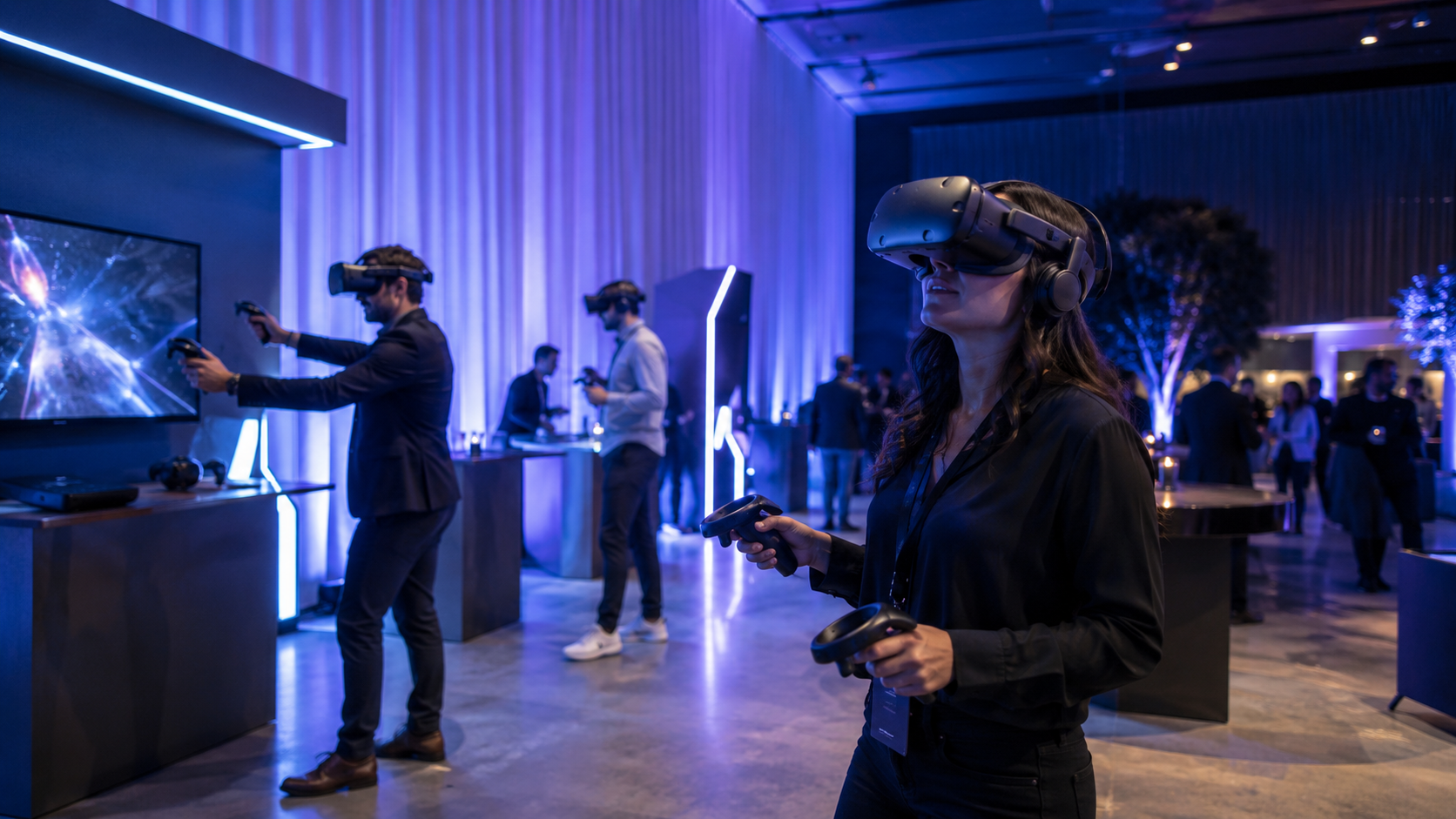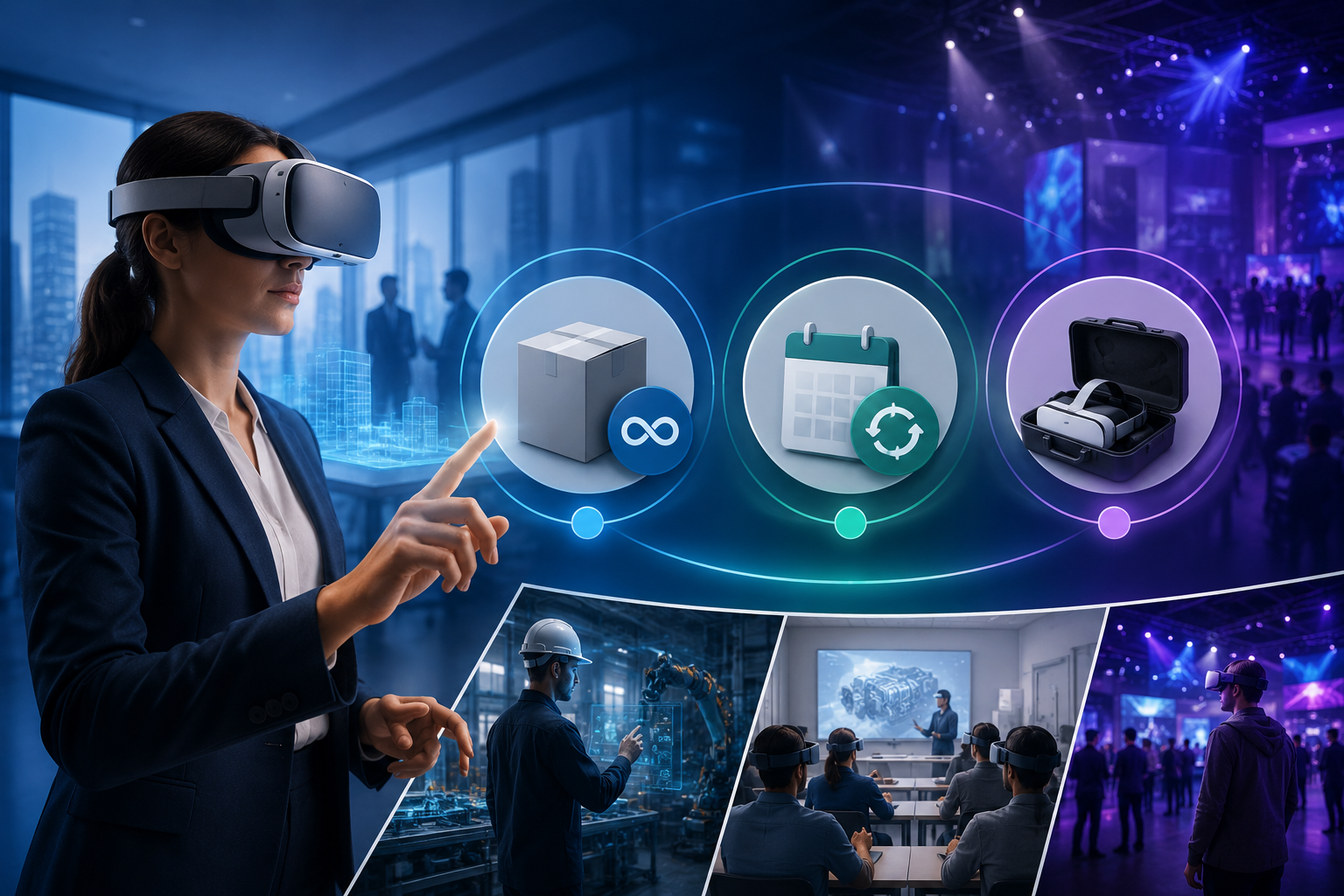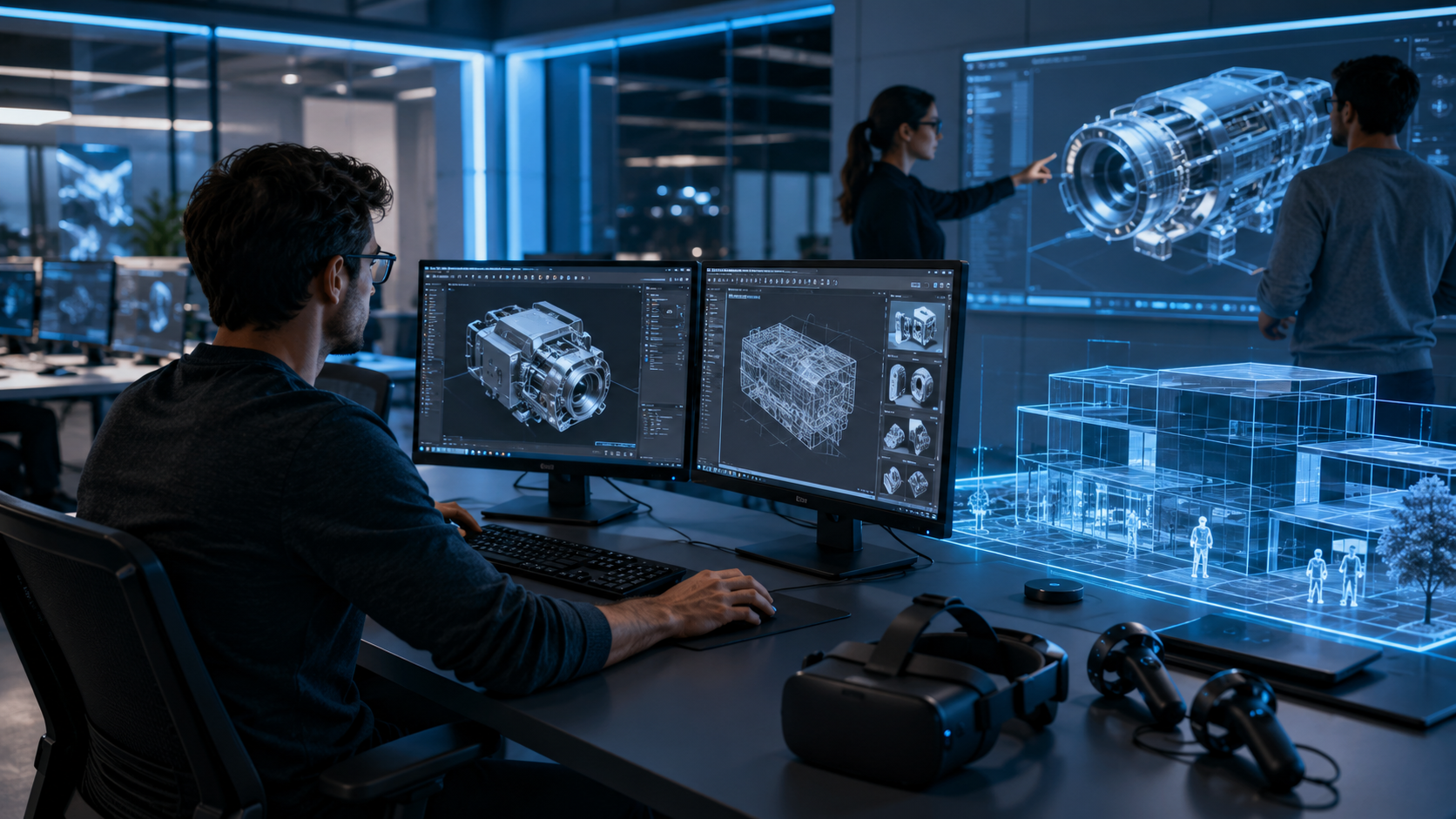
When deploying VR for training, events, or brand activations, custom 3D assets determine whether your experience feels generic or purpose-built. This section maps three primary paths – internal creation, outsourced development, and licensed asset libraries – to specific business scenarios based on budget, timeline, and deployment scale.
Internal 3D Asset Creation: Tools and Team Requirements
Building 3D assets internally gives maximum control over quality and iteration speed, but requires significant upfront investment in tools and talent. For VR-optimized content, your software stack centers on one primary 3D creation tool paired with specialized optimization software.
Software Stack Selection:
- Blender ($0): Open-source powerhouse with VR-specific plugins, ideal for budget-conscious teams willing to invest learning time
- Maya ($1,875/year): Animation-focused with superior rigging tools, preferred for character-heavy training scenarios
- 3ds Max ($1,875/year): Architecture and product visualization strength, optimal for facility walkthroughs and equipment training
Each requires companion tools: Substance Painter for texturing ($19.90/month), Reality Composer or Simlab Composer for VR scene assembly, and platform-specific SDKs for Quest or Pico deployment.
Minimum Team Composition:
- 3D Modeler: Creates base geometry, manages polygon budgets, implements LOD systems
- Texture Artist: Develops PBR materials, optimizes texture atlases, manages 2K/1K resolution limits
- Technical Artist: Handles VR optimization, implements occlusion culling, manages draw calls for 72fps performance
Realistic Timeline Expectations:
- Hero assets (machinery, products, characters): 2-4 weeks including revisions
- Environment props (furniture, tools, signage): 3-5 days per item
- Complete training environment: 6-8 weeks for 2000 square foot space
- Optimization and Quest testing: Additional 1-2 weeks per scene
Hardware Requirements:
- CPU: Intel i7-10700K or AMD Ryzen 7 3700X minimum
- GPU: NVIDIA RTX 3070 or better for real-time preview
- RAM: 32GB minimum, 64GB for complex scenes
- Storage: 1TB NVMe SSD for asset libraries and project files
Outsourced 3D Asset Development Services
External development accelerates deployment while avoiding permanent overhead, making it ideal for project-based VR initiatives or companies without existing 3D expertise.
Service Model Comparison:
- Per-Asset Pricing: $500-2,000 per hero asset, $100-300 per prop, best for specific needs
- Project-Based: $15,000-50,000 for complete training modules, includes optimization and testing
- Retained Teams: $8,000-15,000/month for dedicated resources, optimal for ongoing VR programs
VR-Specific Cost Ranges:
- Simple training prop (fire extinguisher, tool): $300-500
- Complex machinery with moving parts: $1,500-3,000
- Training room environment (optimized): $5,000-8,000
- Multi-room facility recreation: $15,000-25,000
- Photorealistic product model with variants: $2,000-4,000
Vendor Evaluation Criteria:
- Portfolio demonstrating Quest/Pico optimization experience
- Polygon budget adherence (documented triangle counts)
- LOD (Level of Detail) system implementation
- Draw call optimization proof (under 100 for Quest 2)
- Texture atlas creation capability
- Previous business VR deployment examples
IP and Modification Rights:
- Insist on full source files (not just exported models)
- Secure unlimited modification rights for internal use
- Clarify derivative work permissions for future training modules
- Establish asset ownership transfer upon final payment
- Include non-compete clauses for industry-specific training content
Licensed 3D Asset Libraries and Marketplaces
Pre-made assets dramatically reduce deployment time and cost for common objects, though customization limitations may impact brand consistency.
Business-Grade Asset Sources:
- Sketchfab for Business: $79-199/month, direct VR preview, commercial licenses included
- TurboSquid: Pay-per-asset, $20-500 typical range, extensive industrial/architectural selection
- Unity Asset Store: Integrated with Unity development, $10-200 per pack, VR-optimized collections
- CGTrader: Competitive pricing, custom modification services available
- Quixel Megascans: Photorealistic materials and objects, $19.90/month for organizations
License Types for Business Deployment:
- Extended Commercial: Allows unlimited end-user distribution, required for rental programs
- Unlimited Seats: No per-headset licensing fees, essential for large-scale events
- Royalty-Free: One-time payment, no recurring costs per deployment
- Editorial Use: Restricted to non-commercial training, verify business applicability
Customization Strategies for Stock Assets:
- Texture replacement for brand colors (maintain UV mapping)
- Geometry decimation for Quest optimization
- Component extraction for modular use
- Scale adjustments for real-world accuracy
- Material parameter tweaks for environment matching
Rental Deployment Integration:
- Verify file size compatibility (under 4GB per experience typical)
- Confirm format support (FBX, glTF 2.0 universal)
- Test on actual rental hardware before bulk deployment
- Document asset sources for client compliance reporting
3D Asset Specifications for Standalone VR Headsets
Rental VR programs typically deploy Quest 2, Quest 3, or Pico headsets that have strict performance requirements. This section translates technical specifications into practical creation guidelines that ensure your 3D assets run smoothly on wireless headsets without external computers.
Polygon Budgets and Optimization for Quest Deployment
Standalone VR headsets operate within rigid performance constraints that directly impact 3D asset creation decisions. Quest 2, the most common rental headset, uses a Snapdragon XR2 processor roughly equivalent to a 2018 mobile phone.
Scene Complexity Limits:
- Total scene budget: 750,000 triangles maximum, 500,000 optimal
- Hero objects: 100,000 triangles for detailed machinery or products
- Environment meshes: 200,000 triangles for rooms and structures
- Props and furniture: 5,000-10,000 triangles each
- UI elements: 1,000 triangles reserved for menus and indicators
Texture Resolution Guidelines:
- Environment textures: 2048×2048 maximum, compress to 1024×1024 when possible
- Prop textures: 1024×1024 standard, 512×512 for distant objects
- UI textures: 512×512 for clarity at close viewing distances
- Texture atlasing: Combine multiple small textures into single 2048×2048 sheets
- Total texture memory: Stay under 384MB for stable performance
Draw Call Optimization Strategies:
- Target: Under 100 draw calls for Quest 2, under 150 for Quest 3
- Batching: Combine static meshes sharing materials
- Instancing: Use for repeated objects (chairs, windows, equipment)
- Occlusion culling: Hide objects outside view frustum
- LOD switching: 3 levels minimum (high, medium, low detail)
Lighting Decisions:
- Baked lighting: Pre-calculated shadows and global illumination, zero runtime cost
- Real-time lights: Maximum 1-2 for interactive elements only
- Light probes: 8-16 for dynamic object lighting
- Reflection probes: 1-2 low-resolution for metallic surfaces
File Formats and Pipeline Compatibility
Standardized file formats ensure assets work across different VR platforms and rental company deployment systems.
Universal Format Standards:
- FBX 2020: Industry standard, supports animations and hierarchies
- glTF 2.0: “JPEG of 3D”, optimal for web-based deployment
- OBJ: Fallback for static meshes, universal compatibility
- USD/USDZ: Emerging standard for complex scenes
Platform-Specific Preparation:
Unity Pipeline:
- Import settings: Set to “Mobile” platform
- Texture compression: ASTC 6×6 for Quest
- Mesh compression: Medium setting balances quality/size
- Material conversion: Standard to URP/Mobile shaders
Unreal Engine Pipeline:
- Import settings: “VR Mobile” preset
- Texture streaming: Enabled with 512MB pool
- Mesh LODs: Auto-generate with aggressive settings
- Material complexity: Reduce to under 80 instructions
Version Control for Rental Deployments:
- Git LFS for large binary files
- Separate repositories for source and optimized assets
- Tagged releases matching headset firmware versions
- Automated build pipelines for consistency
Rental Headset Preloading:
- Package size limits: 4GB recommended, 10GB absolute maximum
- APK for Quest: Under 1GB for store distribution
- OBB expansion: Additional 3GB for assets
- Streaming assets: Optional cloud delivery for updates
3D Asset Creation Workflows for Specific Business Use Cases
Different VR applications require different asset strategies. A product visualization for a trade show needs photorealistic materials, while safety training prioritizes clear visual communication over aesthetic detail. This section maps asset requirements to common business VR scenarios.
Training Simulation Assets: Clarity Over Complexity
Training simulations demand visual clarity and consistent interaction paradigms over photorealistic detail. Assets must communicate procedure and safety information instantly.
Visual Hierarchy Implementation:
- Color coding: Red for dangers, green for safe zones, yellow for caution areas
- Simplified geometry: Remove decorative details that don’t affect training outcomes
- Exaggerated features: Enlarge small components critical to procedures
- Contrast enhancement: High contrast between interactive and static elements
- Consistent materials: Matte finishes to reduce visual noise
Interactive Object Requirements:
- Grabbable zones: Visible highlight meshes for interaction areas
- State systems: Separate meshes for on/off/damaged states
- Physics setup: Simplified colliders for performance
- Haptic triggers: Collision zones for controller feedback
- Animation rigs: Simple bone structures for moving parts
Environment Scale Considerations:
- Room-scale training: 3m x 3m play area assumption
- Seated experiences: 180-degree interaction zone
- Standing 360: Full rotation without locomotion
- Teleport nodes: Pre-defined safe movement points
- Scale verification: 1:1 real-world measurements critical
Reusable Asset Libraries:
- Create modular component sets (valves, switches, panels)
- Develop standardized interaction scripts
- Build template environments for common scenarios
- Maintain consistent naming conventions
- Document assembly instructions for non-technical staff
Product Demonstration and Visualization Assets
Product visualization in VR requires balancing visual fidelity with performance, especially when demonstrating complex machinery or architectural products.
CAD to VR Pipeline:
- Import preparation: Reduce CAD complexity from millions to thousands of polygons
- Tessellation settings: Balance curve smoothness with triangle count
- Hidden geometry removal: Delete internal components not visible
- Mesh optimization: Retopology for real-time rendering
- UV mapping: Create efficient texture coordinates for materials
Material Accuracy Techniques:
- PBR texturing: Physically-based rendering for realistic materials
- Metalness maps: Accurate metal vs. dielectric separation
- Roughness variation: Micro-surface detail without geometry
- Normal maps: Surface detail illusion from high-poly bakes
- Ambient occlusion: Contact shadows for depth perception
Exploded View Preparation:
- Separate components into individual meshes
- Create animation paths for smooth transitions
- Implement transparency shaders for x-ray views
- Design UI for component selection
- Include assembly/disassembly sequences
Multi-Variant Configuration:
- Modular mesh swapping system
- Material variant switching
- Scalable components for size options
- Performance impact testing per variant
- Memory pooling for quick switches
Virtual Event and Brand Activation Environments
Virtual events require environments that reinforce brand identity while supporting multiple simultaneous users without performance degradation.
Branded Environment Creation:
- Logo placement: High-resolution textures at entry points
- Color consistency: Match Pantone specifications in VR
- Spatial branding: Architecture reflecting brand values
- Wayfinding: Branded signage and navigation elements
- Ambient branding: Subtle reinforcement through materials
Multi-User Optimization:
- Avatar LODs: Simplified distant user representations
- Networked objects: Minimize synchronized elements
- Static prebaking: Bake lighting for non-interactive areas
- Collision simplification: Box colliders for performance
- Audio zones: Spatial sound without overwhelming bandwidth
Performance Targets for Events:
- Support 20 simultaneous users per instance
- Maintain 72fps with full occupancy
- Network bandwidth under 1Mbps per user
- Loading time under 30 seconds
- Fallback modes for connection issues
Modular Design Systems:
- Booth components: walls, counters, displays
- Snap-together grid system
- Swappable branding elements
- Reusable interaction stations
- Template scenes for quick deployment
Cost-Benefit Analysis: Custom 3D Assets vs. Modified Stock Content
For businesses running VR programs on rental equipment, the decision between custom and stock 3D assets often determines ROI. This framework helps evaluate when custom asset investment pays off versus when modified stock content meets business needs.
Break-Even Calculations for Custom Asset Development
Understanding when custom assets become cost-effective requires analyzing deployment frequency, audience reach, and competitive differentiation value.
Usage Frequency Thresholds:
- Custom justified at 10+ deployments: $5,000 custom asset vs. $500 stock license
- Per-deployment cost comparison: Custom amortizes to $500 per use at 10 deployments
- Modification time costs: 10 hours at $100/hour to adapt stock assets repeatedly
- Update frequency: Custom assets easier to maintain and evolve
- Long-term savings: 20+ deployments save 60% over licensed alternatives
Audience Size Considerations:
- 500+ annual users: Custom assets justify through brand impact
- Cost per impression: $10 for custom vs. $2 for stock at 500 users
- Engagement metrics: Custom assets show 40% higher completion rates
- Memory retention: Branded custom environments increase recall by 35%
- Referral value: Unique experiences generate 3x more word-of-mouth
Brand Differentiation Metrics:
- Industry-first advantage worth 20% premium
- Competitor comparison: Stand out in crowded markets
- Press coverage value: $10,000+ in earned media
- Sales enablement: 25% shorter sales cycles with custom demos
- Partner confidence: Custom assets signal investment commitment
Asset Lifecycle Planning:
- 2-year minimum useful life for custom assets
- Quarterly updates for product changes
- Annual refreshes for training content
- Platform migration costs: Budget 20% for future headset compatibility
- Archive requirements: Maintain source files for 5 years
Hybrid Approaches: Stock Environments with Custom Hero Assets
The 80/20 rule applies effectively to VR asset creation: custom-build the 20% of assets that deliver 80% of the unique value.
Strategic Asset Prioritization:
- Custom hero assets: Your products, equipment, or branded elements
- Stock environments: Generic offices, warehouses, outdoor scenes
- Stock props: Furniture, vehicles, common tools
- Custom interactions: Unique procedures or product features
- Mixed materials: Stock textures with custom color adjustment
Kitbashing Techniques:
- Combine multiple stock assets into unique configurations
- Replace textures to match brand guidelines
- Scale and proportion adjustments for accuracy
- Add custom signage to generic buildings
- Merge architectural elements for semi-custom spaces
Brand Integration Methods:
- Logo decals on stock surfaces
- Custom color grading for entire scenes
- Branded UI overlays on generic environments
- Custom lighting to match brand mood
- Proprietary sound design over stock visuals
Time-to-Deployment Advantages:
- 2 weeks vs. 8 weeks for full custom development
- Immediate testing with placeholder assets
- Iterative refinement without blocking deployment
- Parallel development of custom and stock elements
- Faster stakeholder approval with visual prototypes
3D Asset Creation Tools and Services Evaluation Guide
Selecting the right tools and partners for 3D asset creation depends on your team’s technical capabilities, deployment timeline, and long-term VR strategy. This comparison framework helps match solutions to business requirements.
No-Code 3D Creation Platforms for Non-Technical Teams
Accessible 3D creation tools enable rapid prototyping and conceptual design without traditional modeling expertise.
Platform Capabilities and Limitations:
Gravity Sketch ($25/month):
- Strengths: VR-native creation, intuitive spatial interface
- Limitations: Low polygon output, basic texturing
- Use cases: Concept design, spatial planning, stakeholder reviews
- Export quality: Requires professional cleanup for production
Adobe Medium (Discontinued, alternatives below):
- Alternatives: Quill, AnimVR for similar sculpting
- Output: Organic shapes, artistic assets
- Business application: Limited to conceptual visualization
Tilt Brush/Open Brush (Free):
- Strengths: Artistic expression, quick environment sketches
- Limitations: Not optimized models, high polygon counts
- Use cases: Mood boards, spatial sketching
- Professional pipeline: Export as reference only
ShapesXR ($30/month):
- Strengths: Prototype interactions, test spatial UX
- Limitations: Basic geometric shapes only
- Use cases: Training flow design, event layout planning
- Integration: Exports to Unity/Unreal for production
Professional 3D Creation Software Comparison
Professional tools remain essential for production-quality VR assets, each with distinct strengths for business applications.
Blender (Free, Open Source):
- Learning curve: 3-6 months to proficiency
- VR optimization tools: Built-in decimation, LOD generation
- Plugin ecosystem: VRM for avatars, Simplify for optimization
- Business consideration: No licensing costs, community support only
- Best for: Startups, internal teams with time to learn
Maya ($1,875/year):
- Industry position: Film and game standard
- VR advantages: Superior animation tools, MASH for procedural modeling
- Pipeline integration: Native FBX export, extensive scripting
- Support: Autodesk professional services available
- Best for: Character animation, complex mechanical rigs
3ds Max ($1,875/year):
- Specialization: Architecture, product visualization
- VR features: Datasmith for CAD import, V-Ray for rendering
- Modifier stack: Non-destructive workflow ideal for iterations
- Training resources: Extensive business-focused tutorials
- Best for: Facility recreations, product demonstrations
Cinema 4D ($3,495 perpetual):
- Ease of use: Gentlest learning curve
- Motion graphics: Best for animated explanations
- Rendering: Physical renderer included
- Integration: After Effects pipeline for mixed media
- Best for: Marketing experiences, brand activations
Substance Suite ($19.90/month):
- Necessity: Required for professional texturing
- Painter: 3D painting and material creation
- Designer: Procedural texture generation
- Alchemist: Photo-to-material conversion
- Business value: 10x faster texturing vs. Photoshop
Managed 3D Asset Creation Services
External services range from individual freelancers to full-service studios, each suited to different project scales and requirements.
Service Provider Categories:
Full-Service Studios:
- Cost range: $50,000-200,000 per project
- Capabilities: End-to-end from concept to deployment
- Timeline: 8-16 weeks typical
- Benefits: Project management, quality guarantee
- Examples: Unit9, Groove Jones, Magnopus
Specialized VR Asset Shops:
- Cost range: $10,000-50,000 per project
- Focus: Optimization for standalone headsets
- Timeline: 4-8 weeks typical
- Benefits: Platform expertise, performance focus
- Evaluation: Request Quest-specific portfolio
Freelance Marketplaces:
- Platforms: Upwork, Fiverr, ArtStation
- Rates: $30-150/hour depending on location
- Timeline: Variable based on availability
- Benefits: Cost flexibility, specific skill matching
- Risks: Quality inconsistency, project management burden
Turnaround Expectations:
- Rush delivery (1 week): 100% premium typical
- Standard (4 weeks): Baseline pricing
- Extended (8+ weeks): 10-20% discount possible
- Revisions: 2-3 rounds included typically
- Additional changes: $500-1,000 per round
Review Process Best Practices:
- Milestone-based approval gates
- VR headset reviews (not just desktop)
- Stakeholder alignment before production
- Performance testing at each stage
- Documentation of decisions and changes
Frequently Asked Questions
How much do custom 3D assets cost for VR training programs?
Custom 3D assets for VR training typically range from $300-500 for simple props to $15,000-25,000 for complete training environments. Hero assets like complex machinery cost $1,500-3,000, while a fully optimized training room runs $5,000-8,000. Costs vary based on detail level, interactivity requirements, and optimization needs for standalone headsets.
Can we use CAD models directly in VR experiences?
CAD models cannot be used directly in VR without significant optimization. Raw CAD files contain millions of polygons and must be reduced to under 100,000 triangles for Quest headsets. The conversion process involves decimation, retopology, UV mapping, and material application, typically taking 2-5 days per complex model.
What’s the typical timeline for creating a VR training environment?
A complete VR training environment requires 6-8 weeks from concept to deployment-ready assets. This includes 2-3 weeks for initial modeling, 2 weeks for texturing and materials, 1-2 weeks for optimization, and 1 week for testing and revisions. Rush delivery in 3-4 weeks is possible with 50-100% premium pricing.
Do 3D assets work across different VR headset models?
3D assets can work across different VR headsets when created with universal standards in mind. Use FBX or glTF 2.0 formats, stay within Quest 2 performance limits (750k triangles, 100 draw calls), and test on the lowest-spec target device. Assets optimized for Quest 2 will run on Quest 3, Pico 4, and PC VR headsets without modification.
Should we hire a 3D artist or outsource asset creation?
Hire a 3D artist if you need more than 10 custom assets annually or plan ongoing VR development. A full-time artist costs $60,000-90,000 yearly but provides unlimited iterations and immediate availability. Outsource for project-based needs under 10 assets annually, benefiting from specialized expertise without permanent overhead.
What file formats do rental VR companies require?
Rental VR companies typically require APK files for Quest headsets (under 4GB total), with assets in FBX or glTF format. Provide separate OBB expansion files for assets over 1GB. Include documentation of polygon counts, texture resolutions, and tested frame rates. Some companies accept Unity or Unreal project files for custom deployment.
How do we ensure 3D assets perform well on standalone headsets?
Ensure standalone headset performance by maintaining strict limits: under 750k triangles per scene, maximum 100 draw calls, textures at 2K or lower resolution, and baked lighting instead of real-time shadows. Test on actual hardware throughout development, use LOD systems for distant objects, and implement occlusion culling to hide non-visible geometry.
Successful 3D asset creation for business VR requires balancing quality, performance, and cost while ensuring compatibility with rental deployment infrastructure. Whether building internally, outsourcing, or licensing assets, the key is matching your approach to deployment frequency, audience scale, and business objectives.
For most businesses entering VR, a hybrid strategy delivers optimal results: license stock environments to accelerate deployment, create custom hero assets for differentiation, and gradually build internal capabilities as programs scale. This approach minimizes initial investment while maintaining flexibility for growth.
Remember that standalone headsets like Quest 2 and Quest 3 dominate business VR deployments, making optimization non-negotiable. Assets that push boundaries on PC VR will fail on rental hardware, frustrating users and undermining program success.
Start with a pilot project using modified stock assets to validate your VR strategy, then invest in custom creation for elements that directly impact training effectiveness or brand perception. Track metrics like completion rates, knowledge retention, and user feedback to justify expanded investment in custom 3D content.
Ready to create 3D assets for your business VR program? Begin by auditing your existing CAD files, product photography, and training materials that could be converted to VR-ready assets. Contact specialized VR asset creators for portfolio reviews and Quest optimization examples. Most importantly, test early prototypes on actual rental hardware to ensure your vision translates into smooth, impactful experiences for your users.