The terms “Virtual Reality” and “Augmented Reality” often bring to mind consumer gaming and entertainment. For business leaders, however, VR and AR solutions are powerful tools for solving concrete operational challenges. From marketers and product teams to learning and development (L&D) leaders and operations managers, organizations are using immersive technology to engage audiences, train teams, and improve workflows.
This guide is a definitive resource for business buyers who want to understand what VR and AR solutions are, how to deploy them effectively, and which use cases deliver measurable returns. It’s about practical applications, not abstract innovation.
What Business Buyers Mean by VR and AR Solutions
In a business context, VR and AR solutions are deployable packages of hardware, software, and support designed to achieve specific commercial goals. These are not just headsets; they are end-to-end systems for training, marketing, sales, and operations. The goal is to drive innovation, increase efficiency, and improve the bottom line.
VR vs. AR in a Business Context
While often discussed together, VR and AR solve different problems. The choice between them depends entirely on whether the goal is to replace the user’s reality or enhance it.
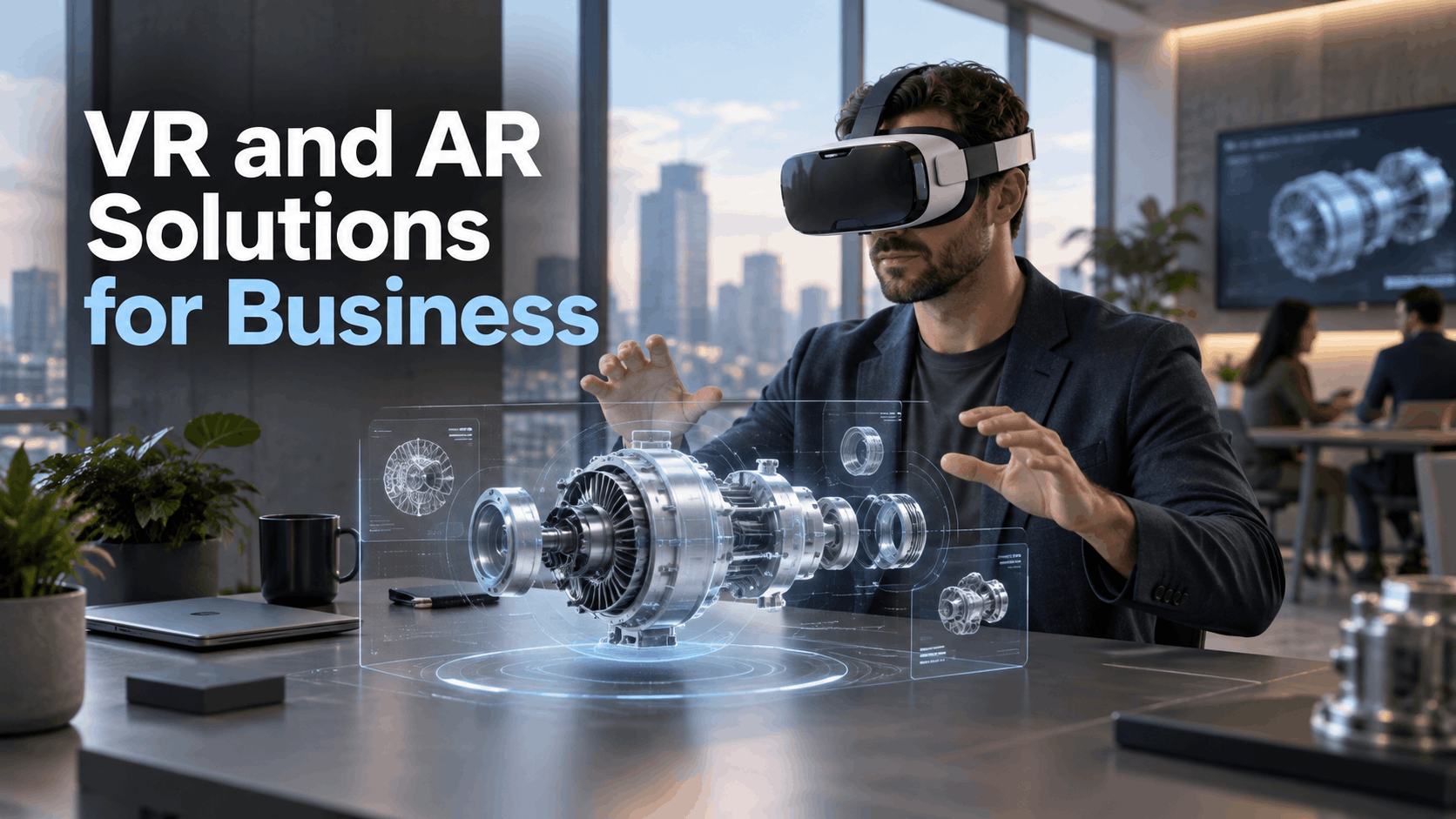
- Virtual Reality (VR) delivers a fully immersive, computer-generated experience through a headset that blocks out the real world. This total immersion is its greatest strength, making it ideal for creating powerful, focused simulations and storytelling environments.
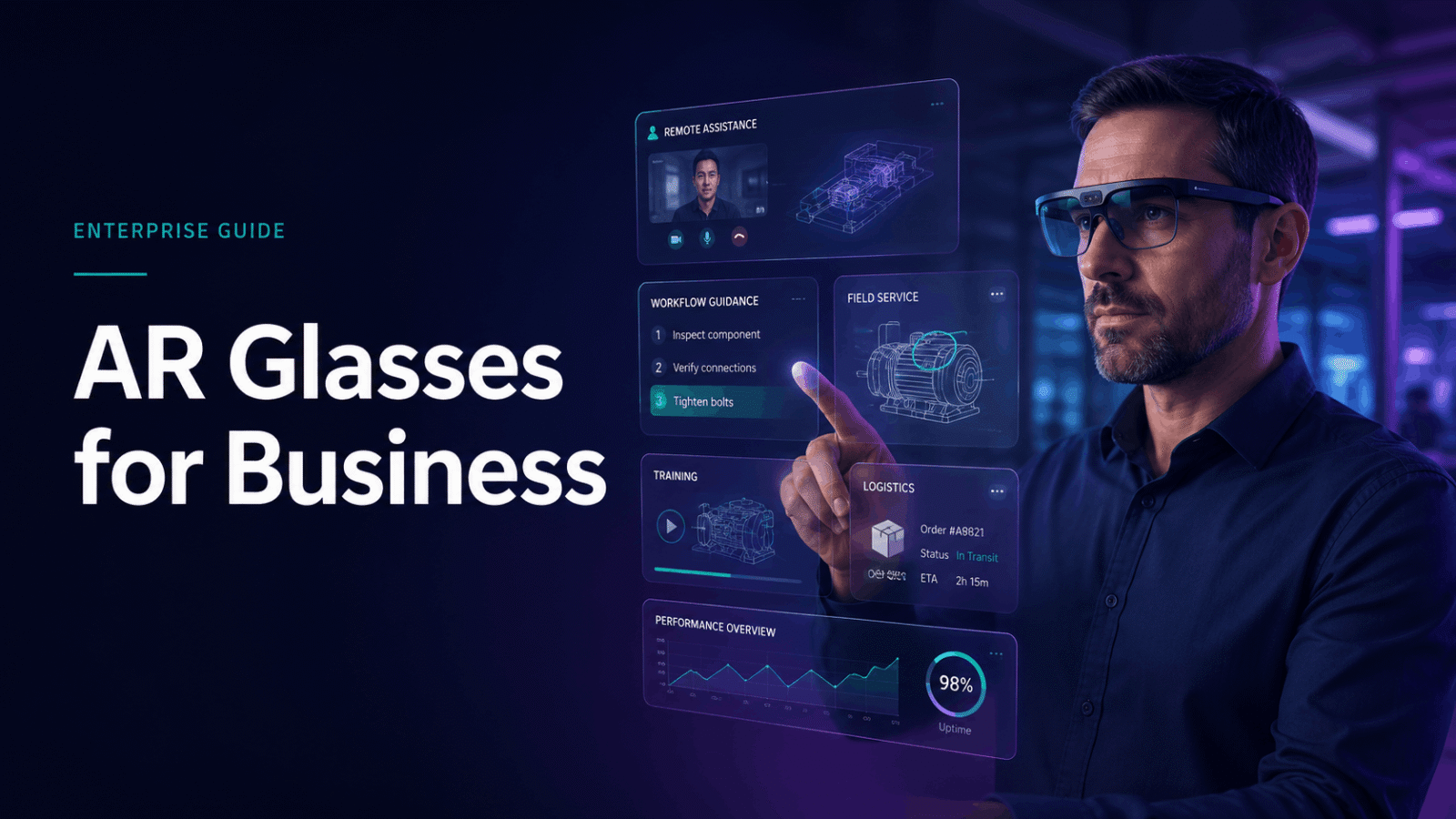
- Augmented Reality (AR) overlays digital information—like text, 3D models, or instructions—onto the user’s real-world view, typically via a smartphone, tablet, or smart glasses. AR keeps the user grounded in their physical environment, making it perfect for providing contextual support for real-world tasks.
For events, product demos, and training simulations where controlled, immersive storytelling is key, VR is often the superior choice. For field operations, maintenance, and step-by-step procedural guidance, AR provides the necessary real-world context.
Why Rentals Are Often the Fastest Path to Deployment
While purchasing VR or AR hardware is an option, renting is frequently the most strategic and cost-effective approach for many business applications. High-quality headsets can be expensive, and the technology evolves rapidly, making today’s purchase quickly outdated.
Here’s why VR and AR rental solutions are a smart choice for businesses:
- Lower Upfront Commitment: Renting avoids a large capital expenditure, making it easier to pilot a program or support a one-time event without a long-term financial commitment.
- Access to the Latest Technology: Rental partners provide access to modern, high-performance hardware, ensuring your deployment is impressive and reliable.
- Reduced Complexity: Rental providers handle the logistics of charging, updating, and pre-loading content onto headsets, saving your team significant time and effort. Technical support is often included, ensuring smooth execution during your event or training.
- No Storage or Maintenance Hassles: Once your project is complete, the equipment is simply returned. This eliminates the need for secure storage and ongoing maintenance, which can be a hidden cost of ownership.
For short-term activations like corporate events, product launches, trade shows, and pilot training programs, rentals offer a practical, efficient path to deployment.
The Main Business Use Cases for VR and AR Solutions
Immersive technology translates into tangible business outcomes across a variety of functions. From driving trade show traffic to standardizing safety training, these tools solve real-world problems.
Events, Brand Activations, and Trade Shows
In a crowded event environment, VR and AR offer a powerful way to capture attention and create memorable brand interactions.
- VR for Booth Traffic and Demos: A VR station can be a major draw at a trade show, allowing you to immerse attendees in a product demo, a brand story, or a gamified experience. It transforms a passive pitch into an interactive journey, boosting engagement and brand recall.
- AR for Product Context: AR can enhance physical products or displays. For example, an attendee could scan a product with a tablet to see a 3D animation of its internal components or watch a video about its use cases. This adds a layer of interactive discovery to the experience.
- Why Portable Hardware Matters: At events, mobility and reliability are key. Standalone wireless VR headsets are essential, as they eliminate the tripping hazards and setup complexity of tethered, PC-based systems. This allows for a cleaner, safer, and more flexible booth design.
Product Launches and Sales Demos
Explaining a complex product or service can be challenging. VR and AR provide a more effective way to tell your product’s story.
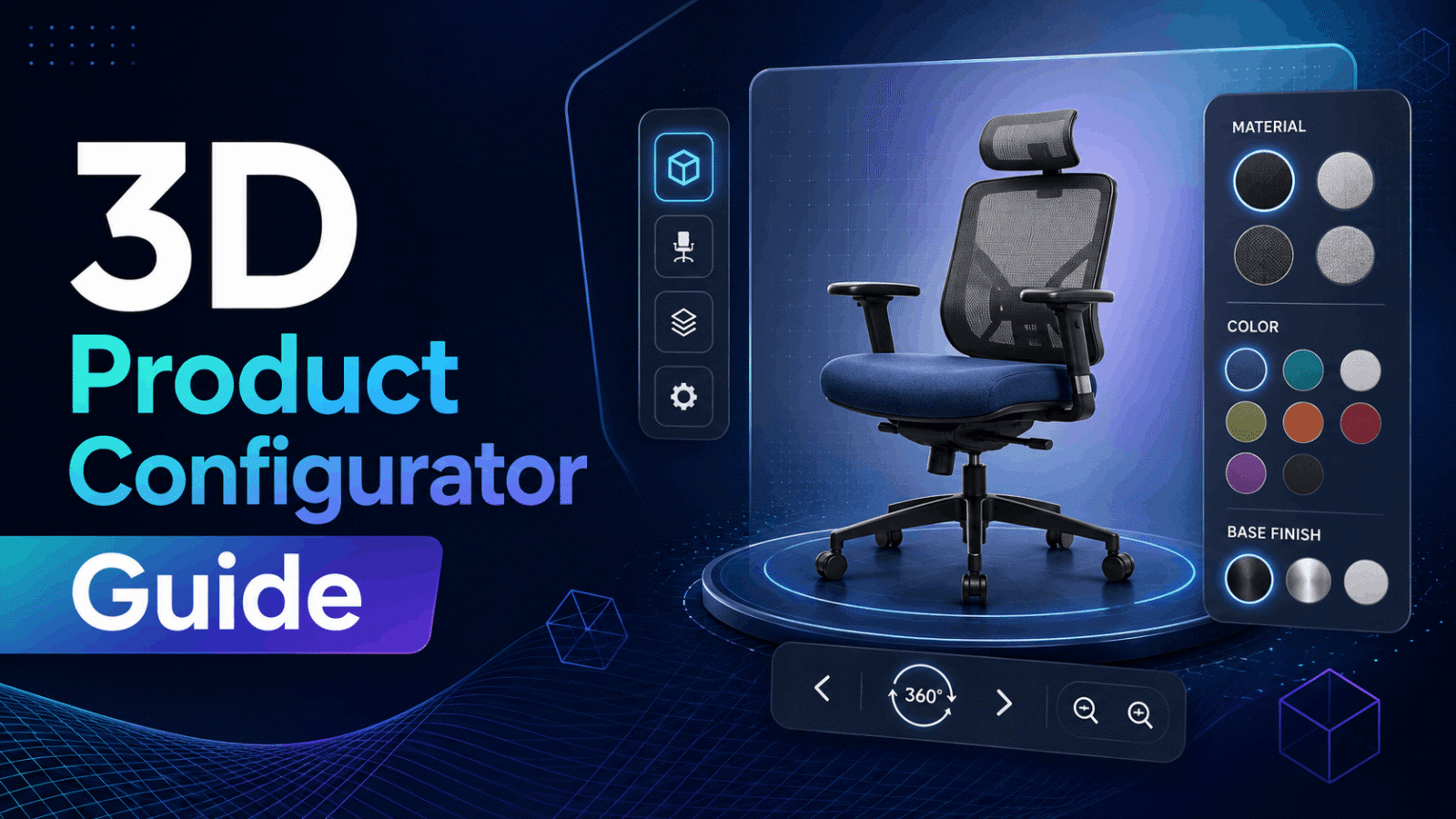
- Immersive Product Storytelling: VR can transport a potential client inside a virtual version of your product—whether it’s a piece of machinery, a software interface, or an architectural design. Automakers, for instance, use VR to let customers explore and customize a car without a physical model present. This helps buyers feel more confident in their decisions.
- Multi-Location Launch Support: For a global product launch, VR allows you to deliver a consistent, high-impact demo to audiences in multiple locations simultaneously. Every stakeholder, from sales teams to key customers, experiences the exact same narrative.
- Standardize the Sales Narrative: VR ensures that every sales demo is delivered exactly as intended. It provides a controlled environment to highlight key features and value propositions, ensuring a standardized and compelling pitch every time.
Training, Onboarding, and Safety Workflows
VR and AR are transforming corporate training by providing safe, repeatable, and highly effective learning environments.
- Repeatable Training Scenarios in VR: VR is exceptionally effective for training employees on high-stakes, complex, or hazardous tasks. It allows them to “learn by doing” in a simulated environment where mistakes have no real-world consequences. This is particularly valuable for soft skills training (e.g., conflict resolution), procedural tasks, and emergency response drills. Studies have shown that VR training can significantly increase employee confidence and knowledge retention.
- Manufacturing Safety and OSHA-Related Simulations: A key use case is VR and AR solutions for training in manufacturing and other high-risk industries. VR can simulate scenarios like operating heavy machinery, responding to chemical spills, or performing lockout-tagout procedures. This hands-on practice builds muscle memory and prepares employees for real-world hazards far more effectively than traditional classroom learning.
- AR for Field Service and Guidance: Augmented reality excels in supporting field service technicians and operational workflows. Using AR glasses or a tablet, a technician can see digital instructions, diagrams, or diagnostic data overlaid directly onto the equipment they are servicing. This reduces errors, improves first-time fix rates, and allows less experienced technicians to get remote assistance from experts who can see what they see.
How to Choose the Right VR or AR Solution
Selecting the right immersive solution requires a clear framework based on your specific business goals, deployment environment, and content strategy.
Match the Solution to the Outcome
Start by defining what success looks like. Your goal will dictate the best technological approach.
- Brand Awareness and Engagement: If your goal is to create buzz at a trade show or launch event, a highly immersive and shareable VR experience is often the best fit.
- Product Education and Sales Enablement: To help customers understand a complex product, VR can provide an immersive demo, while AR can offer interactive visualizations in a real-world context.
- Training Consistency and Compliance: For standardized training, especially for safety and compliance, VR offers a repeatable and measurable environment to ensure every employee receives the same instruction and is tested on the same criteria.
- Operational Efficiency and Field Support: To improve the speed and accuracy of frontline workers, AR is the ideal tool for providing in-the-moment guidance and data access.
Evaluate the Deployment Environment
The physical context of your deployment is a critical factor in hardware and setup decisions.
- Wireless vs. Tethered Setup: For almost all business use cases involving public-facing events or active training, wireless standalone headsets are the standard. They are safer, more mobile, and easier to manage than PC-tethered systems.
- Venue Size, Mobility, and Staffing Needs: Consider the space available. A walk-around VR experience requires more room than a seated one. Will attendees be moving freely? How many staff members will you need to assist users, manage queues, and troubleshoot issues?
- Delivery, Setup Time, and Support: How quickly do you need to be up and running? A rental partner can deliver pre-configured hardware to your venue, handle setup, and provide on-site support, which is invaluable for high-stakes events.
Consider Content Readiness
Hardware is only half of the solution. Your content strategy is just as important.
- Preloaded Scenarios vs. Custom Experiences: Do you need a fully custom-branded experience, or can you use existing, off-the-shelf software? For many use cases like safety training, preloaded scenarios can significantly shorten deployment time.
- Industry-Specific Training Content: Many specialized training modules are already available for industries like manufacturing, healthcare, and logistics. Leveraging this content can be more cost-effective than building from scratch.
- Content Adaptation: If you have existing 3D models or training videos, how much work is needed to adapt them for a VR or AR experience? Understanding the content pipeline is key to managing your project timeline and budget.
What IGIVU Provides as a Business-Focused VR and AR Rental Partner
IGIVU bridges the gap between the potential of immersive technology and the practical realities of corporate deployment. We provide a complete solution that combines enterprise-grade hardware, curated rental packages, and expert implementation guidance.
Standalone Wireless VR Headsets
We focus on standalone VR headsets like the Meta Quest and Pico series because they are the most reliable and flexible choice for business use cases. By eliminating the need for external PCs and cables, we reduce setup complexity, enhance user mobility, and ensure a safer, more professional deployment at your event or training session.
Curated Rental Packages
We simplify the planning process with curated rental packages tailored to the most common business needs. Whether you’re planning for an event, a training program, or a brand activation, our packages bundle the right number of headsets with all necessary accessories and pre-configured settings, allowing you to focus on your goals, not the technology.
Nationwide Delivery and Optional Event Support
Logistics shouldn’t be your problem. We offer nationwide delivery to your office, hotel, or convention center. For high-stakes activations, our optional on-site support provides expert staff to manage the VR/AR station, assist attendees, and handle any technical issues, ensuring your deployment runs flawlessly from start to finish.
Preloaded Industry-Specific Scenarios
To shorten your time to deployment, we offer preloaded industry-specific scenarios, including manufacturing safety and OSHA-related training modules. These ready-to-use experiences provide a cost-effective way to implement powerful VR training without the long development cycles of custom content.
Common Deployment Questions Before You Rent or Implement
Addressing practical concerns upfront is key to a successful project. Here are the questions most business buyers ask.
How many units do you need?
The number of headsets depends on your audience size, the length of the experience, and the desired flow.
- For trade shows and demos: Estimate the number of attendees you want to engage per hour. A 5-minute experience allows for 12 users per headset per hour. If you want to capture 50 people per hour, you’ll need at least 4-5 headsets.
- For training: For group training, a 1:1 ratio of headsets to trainees is ideal. For self-paced learning, you can often use fewer headsets and rotate users through the experience.
What support is needed on site?
Even the most reliable technology can face hiccups. On-site support typically covers:
- Setup and Testing: Ensuring all hardware is connected, charged, and running correctly before the event begins.
- Troubleshooting: Quickly resolving any software glitches or hardware issues.
- Attendee Guidance: Helping users put on headsets correctly, explaining the controls, and ensuring they have a comfortable and positive experience.
For any public-facing or large-scale deployment, adding optional event support from your rental partner is a worthwhile investment to protect your brand and ensure a smooth execution.
How do you measure success?
The right metrics depend on your use case, not the technology itself.
- Events and Brand Activations: Measure success through lead capture, dwell time, social media mentions, and qualitative feedback on brand perception.
- Sales Demos: Track metrics like lead-to-close ratio, time to purchase, and customer feedback on product understanding.
- Training and Safety: Measure success through training completion rates, knowledge retention scores, in-simulation performance, and, ultimately, a reduction in workplace incidents or errors.
When to Choose VR, When to Choose AR, and When to Combine Them
Making a confident decision starts with clarity on your primary goal.
Choose VR When Immersion and Controlled Storytelling Matter
VR is the best choice when you need to transport your audience, remove distractions, and fully control the narrative. It excels in:
- Brand Activations and Product Launches: Creating a “wow” factor and a deep emotional connection.
- Sales Demos for Complex Products: Allowing customers to experience a product in a virtual space.
- Training Simulations: Replicating high-stakes or hazardous scenarios for safe practice.
Choose AR When the Workflow Needs Contextual Overlays
AR is the right tool when the user needs to remain in their real-world environment and receive digital guidance to perform a task. It is best for:
- Field Operations and Maintenance: Providing technicians with hands-free access to schematics and remote expert assistance.
- Guided Task Support: Overlaying step-by-step instructions for assembly, repair, or logistics.
- In-Store Product Information: Allowing shoppers to get more context on a product by scanning it with their phone.
Use Both When the Experience Spans Storytelling and Task Support
Some of the most effective strategies combine VR and AR at different stages of a customer or employee journey. For example:
- A real estate developer might use a VR tour to let a client experience an unbuilt property (storytelling) and then use an AR app on-site to show them what the finished view will look like from the physical location (task support).
- A manufacturer could use VR for initial safety training in a simulated factory and then deploy AR for on-the-job guidance on the actual factory floor.
How to Get Started with IGIVU
Ready to explore how a VR or AR rental solution can support your business goals? The first step is a conversation. We help you move from idea to implementation by creating a practical deployment blueprint.
What to Prepare Before Contacting IGIVU
To help us guide you to the right solution, it’s helpful to have a clear picture of your project:
- Use Case: What are you trying to achieve? (e.g., trade show lead gen, employee safety training, sales demo).
- Audience and Size: Who will be using the experience and how many people do you expect?
- Location and Timeline: Where and when will your event or training take place?
- Support Needs: Will you require on-site technical support?
What IGIVU Helps You Plan
Our team works with you to define every aspect of your deployment, including:
- Hardware Selection: Choosing the right headset for your needs and environment.
- Package Fit: Aligning your goals with a curated rental package.
- Logistics: Planning for nationwide delivery, setup, and return.
- Execution: Ensuring your event or training program is a success from start to finish.
Contact IGIVU today to start building your immersive experience blueprint.
FAQs
What are VR and AR solutions for business?
VR and AR solutions for business are integrated packages of hardware, software, and support services designed for commercial applications like employee training, marketing events, sales demonstrations, and operational support. They are used to enhance customer experiences, improve efficiency, and provide immersive learning environments.
What is the difference between VR and AR for events and training?
For events and training, Virtual Reality (VR) creates a fully artificial, immersive environment that replaces the user’s surroundings. It is ideal for simulations and storytelling. Augmented Reality (AR) overlays digital information onto the real world, keeping the user connected to their environment. It is best for providing contextual guidance and information during real-world tasks.
Are VR and AR solutions better to rent or buy?
Renting is often better for short-term needs like events, pilot programs, or infrequent training sessions, as it is more cost-effective and provides access to the latest technology without a large upfront investment. Buying may be suitable for companies that plan to use the equipment continuously as part of a long-term, daily workflow.
Which business use cases are best for VR solutions?
VR is best for use cases that require full immersion and a controlled, simulated environment. Top applications include employee training for hazardous or complex tasks, virtual product demonstrations, architectural visualization, and high-impact brand activations at trade shows and events.
Which business use cases are best for AR solutions?
AR is best for use cases where users need digital information to assist with real-world tasks. Leading applications include field service and maintenance, where technicians can get remote assistance and view instructions overlaid on equipment, as well as logistics, retail, and on-the-job training support.
What should I look for in a VR and AR rental partner?
A good rental partner should offer more than just hardware. Look for a provider that offers access to the latest standalone wireless headsets, curated packages for specific use cases, nationwide logistics, optional on-site technical support, and the ability to preload content and configure devices for your specific needs.