Most business teams encounter the phrase “interactive 3D experiences” while planning an event, evaluating a training program, or looking for a better way to demo a complex product.
The category sounds straightforward until you start comparing formats—VR headsets, AR overlays, browser-based configurators, mixed reality—and realize the terminology is used inconsistently across vendors, agencies, and technology providers.
This guide cuts through that confusion. It defines what interactive 3D experiences mean in a corporate context, maps the format to the use cases where it delivers measurable value, and gives your team a practical framework for selecting, deploying, and measuring the right experience for your specific business goal.
What Interactive 3D Experiences Mean in a Business Context
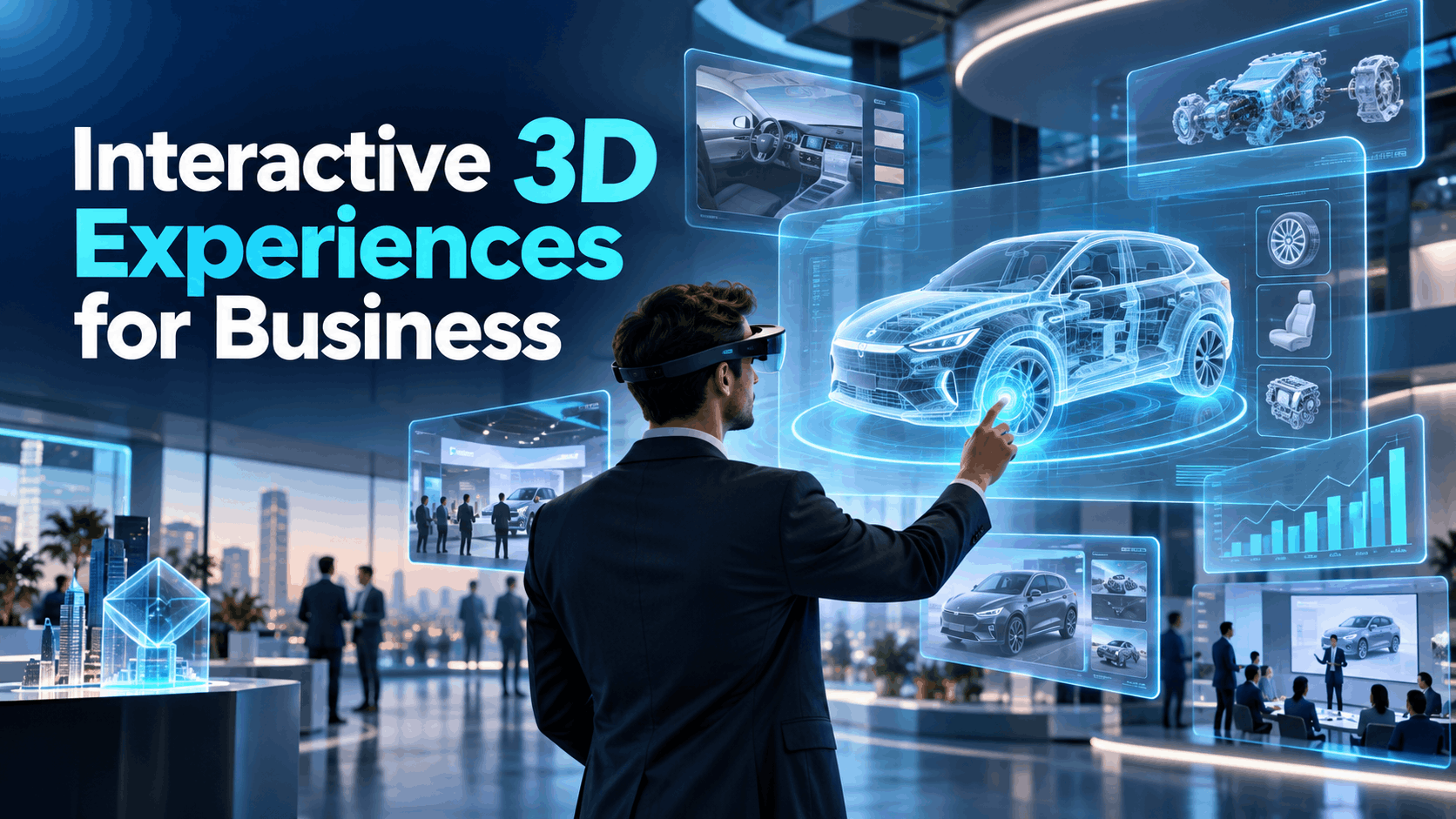
An interactive 3D experience is any digital environment where users can explore, manipulate, or respond to three-dimensional content in real time.
In a business context, that definition narrows considerably. The goal is not entertainment or artistic expression—it is a specific outcome: a prospect who understands your product, a learner who retains a procedure, or an attendee who remembers your brand.
Business-use interactive 3D experiences share three characteristics that separate them from consumer games, architectural visualization tools, or generic web 3D demos:
- They are outcome-oriented. The experience is designed around a business objective—lead generation, product comprehension, skills transfer, or brand recall—not around novelty.
- They are deployable at scale. They work in real-world environments: trade show floors, conference rooms, training centers, and multi-location activations.
- They are measurable. Completion rates, dwell time, demo conversions, and participation data can be captured and tied back to the business goal.
If a 3D experience cannot meet those three criteria, it is a prototype, not a business tool.
Interactive 3D Experiences vs. VR, AR, and Web-Based 3D
Buyers evaluating this category almost always compare VR, AR, and browser-based 3D tools during the planning process. That comparison is useful, but only if you understand what each format actually is.
| Format | What It Delivers | Where It Fits |
|---|---|---|
| VR (Virtual Reality) | Fully immersive 3D environment via headset | Deep engagement, training simulations, product demos, events |
| AR (Augmented Reality) | 3D overlays on the real world via glasses or mobile | Field service, guided workflows, in-store activations |
| Web-Based 3D | Browser-rendered 3D models and configurators | Pre-event exploration, sales support, remote access |
| Interactive 3D Experience | The category that any of the above can power | Defined by the business outcome, not the delivery format |
The critical distinction is simple: VR and AR are delivery formats. Interactive 3D experiences are the category.
A VR headset can power an interactive 3D training simulation. An AR overlay can power an interactive 3D product reveal. A browser-based configurator can power an interactive 3D sales tool.
The right format depends on three variables:
- Deployment constraints
- Audience size
- The business outcome you are trying to achieve
Choosing a format before defining the outcome is one of the most common planning mistakes business teams make.
Why Business Teams Use Interactive 3D Experiences
The case for interactive 3D in a business setting is not about technology trends. It is about how people learn, decide, and remember.
Research on experiential learning consistently shows that active participation—exploring, manipulating, and making choices—produces stronger retention than passive consumption of slides or video.
When a sales prospect can rotate a product, isolate a feature, or walk through a configuration in real time, they build a mental model that a brochure cannot create.
When a new employee practices a procedure in a simulated environment before performing it live, error rates can be reduced.
The business applications follow directly from those learning principles:
- Product storytelling: Interactive 3D lets you show how something works, not just what it looks like.
- Sales enablement: Complex products become easier to explain when prospects can interact with them directly.
- Hands-on learning: Skills that require spatial understanding—equipment operation, safety procedures, and assembly—transfer more effectively through 3D simulation than through video or documentation.
- Event engagement: Attendees who interact with content spend more time at your booth or activation and leave with a clearer memory of what they experienced.
The format earns its place in a business program when the outcome justifies the investment.
Best Business Use Cases for Interactive 3D Experiences
Interactive 3D experiences are not a universal solution.
They deliver the most value in situations where passive content fails: when a product is too complex to explain with slides, when a procedure is too risky to practice live, or when an event booth needs to stop traffic and hold attention.
Events and Trade Shows
A trade show floor is a high-noise, low-attention environment. Attendees walk past hundreds of booths in a few hours.
Static displays, banner graphics, and looping videos do not always create the dwell time that justifies the cost of exhibiting.
Interactive 3D experiences for trade shows change that dynamic. When a visitor puts on a headset or steps into an AR activation, they stop moving. They engage. They ask questions.
That dwell time creates the conversation window your sales team needs.
Practical considerations for trade show deployment include:
- Wireless, portable setups are non-negotiable. Wired headsets, power-intensive rigs, and complex AV requirements create setup risk and limit where you can position the experience on the floor.
- Content should be short and high-impact. Three to five minutes is an appropriate length for a trade show experience. Longer experiences reduce throughput and can create queues that frustrate attendees.
- Lead capture should be integrated. The experience should be designed to collect contact information, product interest signals, or qualification data—not just deliver content.
- Staff briefing matters. The technology is only as effective as the team member who introduces it, guides the participant, and follows up afterward.
Interactive 3D experiences for events beyond trade shows—such as conferences, product summits, and customer advisory boards—follow similar principles but can allow for longer, more detailed experiences when the audience is smaller and more qualified.
Product Launches and Brand Activations
A product launch is a controlled narrative moment. You have one opportunity to establish how the market understands your product.
Interactive 3D experiences provide a format that is repeatable, consistent, and media-friendly.
Interactive 3D experiences for brand activations are particularly effective when:
- The product has features that cannot be communicated through photography or video alone.
- The launch spans multiple cities or locations and requires consistent messaging across sites.
- You want to generate media coverage or social sharing through the experience itself.
A well-designed activation creates a moment that attendees photograph, share, and describe to colleagues.
That organic amplification can extend the reach of the launch beyond the room.
The key is designing the experience so the shareable moment is built in—not added as an afterthought.
For multi-location activations, the ability to deploy identical experiences across different venues is a significant operational advantage. Curated, preloaded content packages can reduce the risk of inconsistent messaging and lower the technical burden on local teams.
Sales Demos and Product Education
Enterprise sales cycles are long, and the window for a live product demo is often short.
When your product is complex—industrial equipment, enterprise software, infrastructure, or medical devices—a static slide deck or video walkthrough may not give prospects the understanding they need to move forward.
Interactive 3D experiences for sales demos address that gap directly.
A prospect who can explore a product in three dimensions, isolate components, run through configurations, or simulate a use case leaves the demo with a different level of comprehension than someone who only watched a presentation.
Interactive 3D is particularly useful when:
- The product has spatial complexity that is difficult to convey in two dimensions.
- The value proposition depends on understanding how components interact.
- The sales cycle involves multiple stakeholders who need to visualize the same outcome differently.
- The demo needs to be repeatable across different customer sites without losing quality or consistency.
For customer briefings and executive presentations, an interactive 3D demo can also communicate investment and seriousness.
It shows that your organization has done the work to make the product understandable, which can strengthen confidence in the overall presentation.
Training and Team Experiences
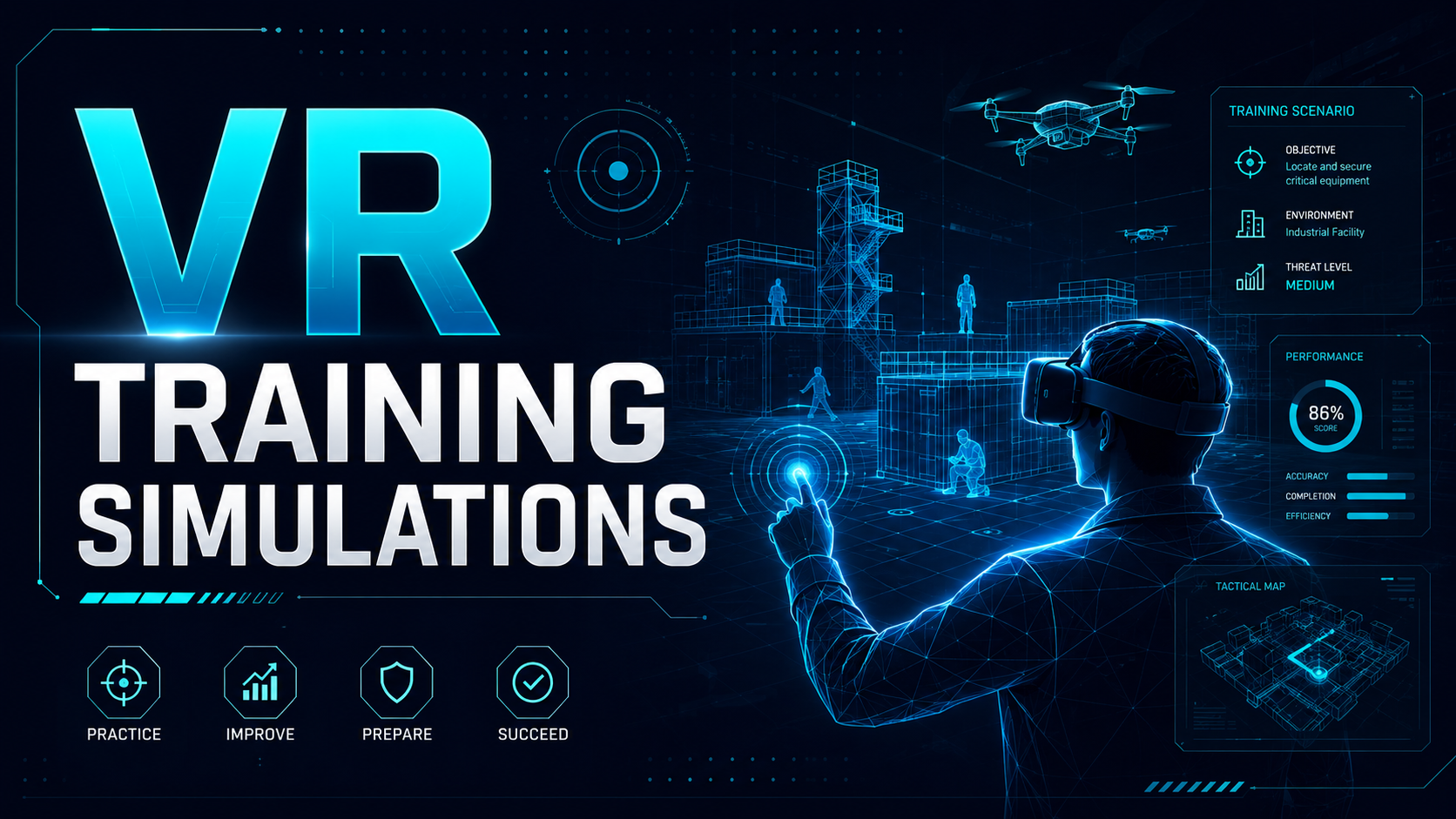
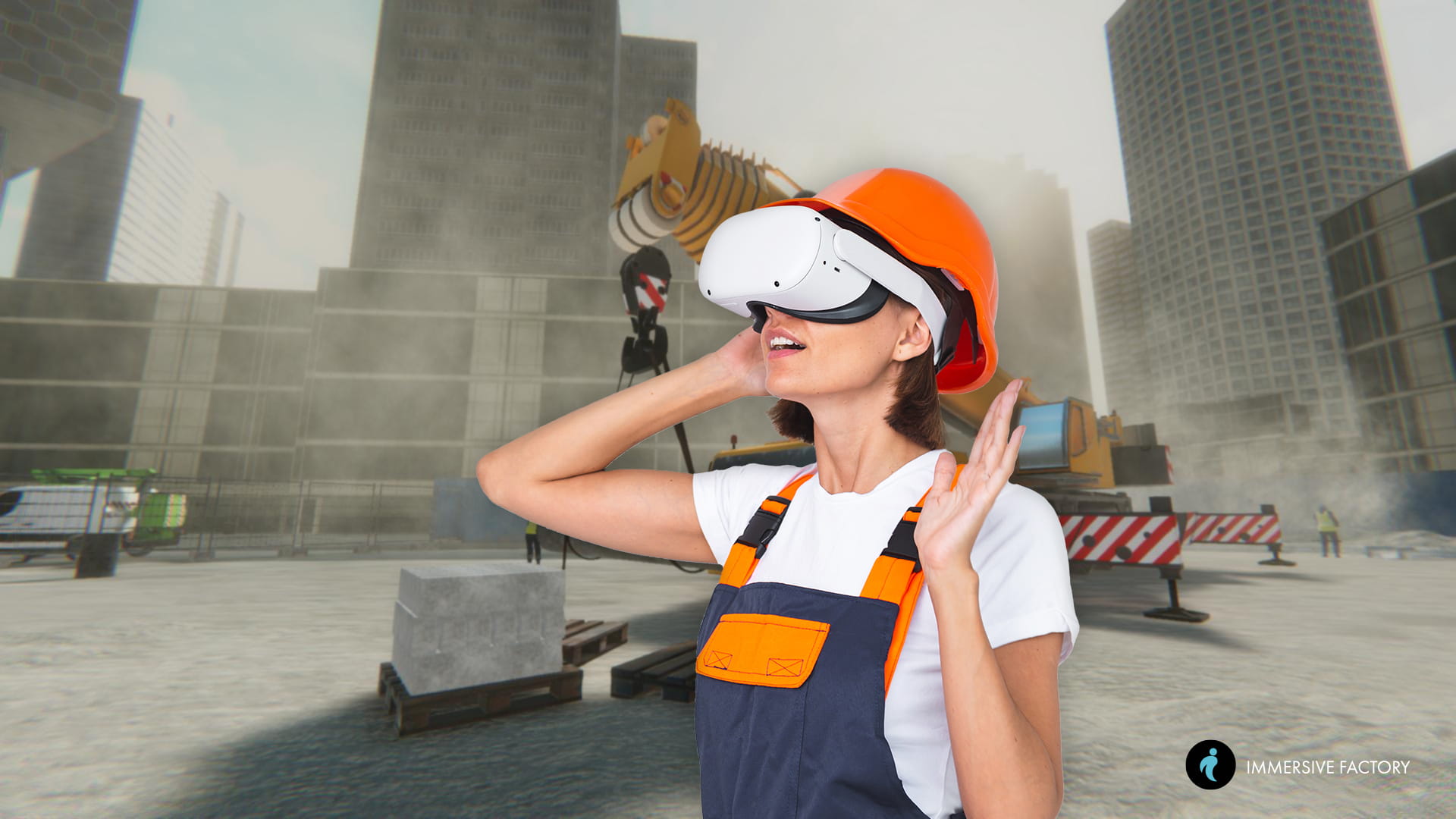
Interactive 3D experiences for training are most valuable when the skill being taught is spatial, procedural, or high-stakes.
Equipment operation, safety protocols, emergency response, complex assembly, and customer-facing procedures are all strong candidates.
Advantages over traditional training formats include:
- Repeatability: Every learner goes through the same scenario under the same conditions. Variability in trainer quality or facility access does not affect the experience.
- Safe practice: Learners can make mistakes in a simulated environment without real-world consequences.
- Standardization across locations: A distributed workforce can complete identical training regardless of geography.
- Scenario-based learning: Preloaded industry-specific scenarios allow teams to deploy training programs without necessarily building every scenario from scratch.
For onboarding programs, interactive 3D experiences can help reduce the time required for new employees to reach competency on complex tasks.
For ongoing skills development, they provide a consistent baseline that managers can measure and compare across teams.
How to Choose the Right Interactive 3D Experience Format
Format selection should follow use-case definition, not precede it.
Once you know what outcome you are trying to achieve, the right delivery format becomes much easier to identify.
Standalone Wireless VR Headsets
Standalone VR headsets—devices that run without a tethered computer or external sensors—are a common choice for business deployments because they eliminate several common failure points in event and activation environments.
Why wireless matters for business use:
- No cables means fewer tripping hazards, fewer setup constraints, and less dependence on a specific physical configuration.
- Faster deployment means your team can set up and remove the experience more efficiently.
- No external computer dependency means fewer components that can fail.
Standalone headsets are also well suited to rental-based deployments.
They can be shipped, configured, deployed, and returned without requiring specialized technical staff on-site for every session.
For corporate events, trade shows, and multi-location activations, that operational simplicity can be a significant advantage.
The content experience on a standalone headset can range from a three-minute product story to a thirty-minute training simulation.
The format can scale according to the use case.
AR Glasses and Augmented Workflows
AR glasses project digital content onto the user’s view of the real world.
That capability makes them particularly well suited to situations where the user needs to interact with their physical environment while receiving digital guidance.
Where AR can outperform VR for business:
- Field service and maintenance: Technicians can see step-by-step instructions overlaid on the equipment they are working on.
- Guided assembly: Workers can follow visual cues without constantly looking away from the task.
- In-store or showroom activations: Customers can visualize how a product might look in their environment before purchasing.
AR does not replace VR for immersive product demos or training simulations.
The two formats serve different tasks.
AR is better when the user’s physical environment is part of the experience. VR is better when the user needs to be fully immersed in a controlled digital environment.
For many corporate event and training deployments, VR serves as the primary immersive format, while AR complements specific operational or field-based use cases.
Web-Based 3D and Configurator Experiences
Browser-based 3D tools—such as product configurators, interactive models, and virtual showrooms—are useful at specific points in the buyer and learner journey.
Where web-based 3D adds value:
- Pre-event exploration: Prospects can familiarize themselves with a product before a live demo, making the in-person experience more productive.
- Post-event follow-up: A web-based configurator gives buyers a way to continue exploring after the event without requiring hardware.
- Remote sales support: When an in-person demo is not possible, a browser-based 3D tool provides more depth than a PDF or traditional video.
One limitation of web-based 3D is engagement depth.
A browser experience competes with other tabs, notifications, and distractions on the user’s device. A headset experience can eliminate many of those distractions.
For situations where deep comprehension or emotional engagement is the goal, immersive headset-based experiences may provide a stronger environment.
Web-based 3D can therefore work effectively as a bridge before or after an immersive experience rather than as a direct replacement for every use case.
What Makes an Interactive 3D Experience Successful to Deploy
Selecting the right format is necessary, but it is not sufficient.
Interactive 3D experiences can fail in business environments for operational reasons: hardware that was not tested with the content, content that was not ready on deployment day, or the absence of a support plan when something goes wrong on-site.
Successful deployment depends on execution.
Hardware and Content Readiness
One of the most common deployment risks is a mismatch between the device and the content.
A high-fidelity 3D simulation built for a high-end tethered headset may not perform correctly on a standalone device.
Similarly, a content package that has not been tested on the specific hardware being deployed can introduce rendering issues, loading delays, or interaction failures.
Hardware and content readiness should include:
- Device-content compatibility testing before the deployment date, not on the day of the event.
- Preloaded content packages stored on the device rather than streamed whenever possible. Streaming introduces dependence on venue Wi-Fi, which may be unreliable in event environments.
- Curated scenario libraries that match the use case. For training deployments, industry-specific preloaded scenarios can reduce content development time and improve relevance.
- Battery and charging logistics. Standalone headsets have finite battery life. A deployment plan should account for device rotation, charging, and backup hardware during full-day events.
The discipline here is treating deployment like a production rather than an experiment.
Every component—device, content, accessories, and charging infrastructure—should be confirmed and tested before the experience goes live.
Delivery, Setup, and Event Support
For corporate events and multi-location programs, getting hardware to the right place, at the right time, and in working condition is a meaningful operational challenge.
A reliable deployment model should include:
- Nationwide delivery with tracking. Devices should arrive with enough lead time for on-site testing before the event begins.
- Pre-configured devices. Hardware should arrive with content already loaded, settings configured, and accounts provisioned wherever applicable.
- On-site or remote technical support. When something goes wrong during a live event, access to a support contact can be the difference between a recoverable problem and a failed activation.
- A deployment checklist. Every event deployment should include a written checklist covering device count, content verification, charging setup, staff briefing, and contingency protocols.
For multi-location programs, the support model also needs to scale.
Remote support that can guide local staff through troubleshooting is often more practical than on-site support at every location, but it depends on local staff being briefed and the hardware being reliable enough to minimize failure scenarios.
Measurement and Business Outcomes
An interactive 3D experience that cannot be measured is difficult to justify as a business tool.
Before deployment, your team should define the metrics that will determine whether the experience succeeded.
| Use Case | Primary Metrics | Secondary Metrics |
|---|---|---|
| Trade Shows and Events | Dwell time, leads captured, demo completions | Attendee satisfaction, staff-reported conversation quality |
| Product Launches and Activations | Participation rate, social shares, media mentions | Brand recall, post-event survey scores |
| Sales Demos | Demo completion rate, pipeline progression, deal velocity | Prospect-reported comprehension, follow-up meeting rate |
| Training Programs | Completion rate, assessment scores, time-to-competency | Error rate reduction, manager-reported performance |
The measurement approach should be established before the experience is deployed, not afterward.
That means building data capture into the experience design through methods such as:
- In-headset interaction tracking
- Post-experience surveys
- Lead capture integrations
- LMS reporting for training programs
Avoid measuring inputs—such as the number of headsets deployed or the number of sessions run—as a substitute for outcomes.
The business case for interactive 3D experiences depends on demonstrating impact on the metrics that matter to your organization.
How IGIVU Helps Teams Deploy Interactive 3D Experiences
Understanding the category is the first step. Deploying it successfully is the second.
IGIVU provides business-ready VR and AR rental solutions with the implementation guidance, hardware infrastructure, and support model that corporate teams need to move from evaluation to execution.
Curated Rental Packages for Corporate Use Cases
IGIVU’s rental packages are designed to reduce planning friction for teams that need to deploy quickly and reliably.
Rather than assembling hardware, content, and support from separate vendors, teams can access curated packages built for specific use cases, including:
- Trade show activations
- Product launch experiences
- Training programs
- Sales demo deployments
Curated packages can include:
- Pre-configured hardware matched to the use case and content requirements.
- Preloaded content options for teams that need a ready-to-deploy experience without custom development.
- Nationwide delivery with support infrastructure for multi-location programs.
- Rental terms aligned with corporate event cycles, avoiding long-term hardware commitments for programs that run quarterly or annually.
The goal is deployment, not experimentation.
IGIVU’s packages are built for teams that have a specific event, program, or activation on the calendar and need a reliable solution that works when it goes live.
Implementation Guidance for Marketers, Product Teams, L&D, and Operations
Different stakeholders inside a mid-market or enterprise organization need different planning guidance when evaluating interactive 3D experiences.
- Marketers planning events and activations need to understand how to integrate the experience into the broader event program, capture leads, and measure engagement.
- Product teams running demos and launches need guidance on content design, demo flow, and how to align the experience with the sales conversation.
- L&D leaders building training programs need to understand scenario selection, completion tracking, LMS integration, and how to standardize the experience across locations.
- Operations teams managing logistics need a clear deployment checklist, support contacts, and contingency protocols.
IGIVU’s implementation guidance maps to each of those decision-making contexts.
The goal is not to educate teams on immersive technology in the abstract. It is to give each stakeholder the specific information they need to move their program forward.
Frequently Asked Questions
What are interactive 3D experiences?
Interactive 3D experiences are digital environments where users can explore, manipulate, or respond to three-dimensional content in real time.
In a business context, they are designed around a specific outcome—product comprehension, skills transfer, lead generation, or brand engagement—and are deployed at events, in training programs, or as part of sales and marketing activations.
How are interactive 3D experiences different from VR and AR?
VR and AR are delivery formats. Interactive 3D experiences are the category that those formats can power.
A VR headset can deliver an immersive 3D training simulation. An AR overlay can deliver an interactive 3D product reveal.
The right format depends on the deployment environment, audience size, and business objective—not simply on a preference for one technology over another.
What business uses are best for interactive 3D experiences?
The highest-value use cases are generally situations where passive content falls short, including:
- Complex product demos where slides cannot convey spatial relationships
- Training programs where learners need to practice procedures safely
- Trade show activations where dwell time and lead capture are primary goals
- Product launches where consistent messaging across multiple locations is required
Do interactive 3D experiences work for trade shows and events?
Yes, when deployed correctly.
Key requirements include:
- Wireless, portable hardware that can be set up quickly
- Short, high-impact content designed for the event environment
- Integrated lead capture
- Briefed staff who can guide participants and follow up on conversations
These factors make it easier for the experience to support dwell time, engagement, and attendee recall.
How do you measure the success of an interactive 3D experience?
Success metrics should be defined according to the use case before deployment.
For example:
- Trade shows: Dwell time, leads captured, and demo completions
- Training: Completion rates, assessment scores, and time-to-competency
- Sales demos: Demo completion rate and pipeline progression
- Brand activations: Participation rate and post-event brand recall
Measuring inputs—such as the number of sessions run or devices deployed—is not a substitute for measuring outcomes.
When should a business choose VR instead of web-based 3D?
Choose VR when deep comprehension, emotional engagement, or immersive skill practice is the goal.
Web-based 3D is useful for pre-event exploration, post-event follow-up, and remote sales support, but it competes with other distractions on the user’s device.
VR creates a more controlled environment, making it especially suitable when the objective requires the user to focus deeply on the experience.
What do you need to deploy an interactive 3D experience at a corporate event?
A successful corporate event deployment generally requires:
- Pre-configured standalone headsets matched to your content
- Preloaded content that does not depend on venue Wi-Fi
- A charging and device rotation plan for full-day events
- A written deployment checklist covering setup, testing, and contingency protocols
- Briefed staff who can guide participants
- A technical support contact who can resolve issues remotely or on-site
Arriving with untested hardware or content that has not been verified on the specific devices being used is one of the biggest deployment risks.
Conclusion
Interactive 3D experiences are more than a technology experiment.
For business teams that deploy them effectively—at trade shows, product launches, sales briefings, and training programs—they can become a measurable tool for improving comprehension, engagement, and retention in situations where passive content falls short.
The planning framework is straightforward:
- Define the business outcome first.
- Select the format that matches the deployment environment and audience.
- Align hardware and content before the deployment date.
- Build measurement into the experience design.
- Put a support model in place before the event goes live.
The teams that get the most value from interactive 3D are not necessarily the ones with the largest technology budgets.
They are the ones that treat deployment as a production—with the same discipline they apply to any other business-critical program.
Ready to deploy an interactive 3D experience for your next event, training program, or product launch?
IGIVU provides curated VR and AR rental packages with the hardware, content, and implementation guidance your team needs to go from planning to execution.
Contact IGIVU to discuss your use case and get a deployment recommendation tailored to your program.