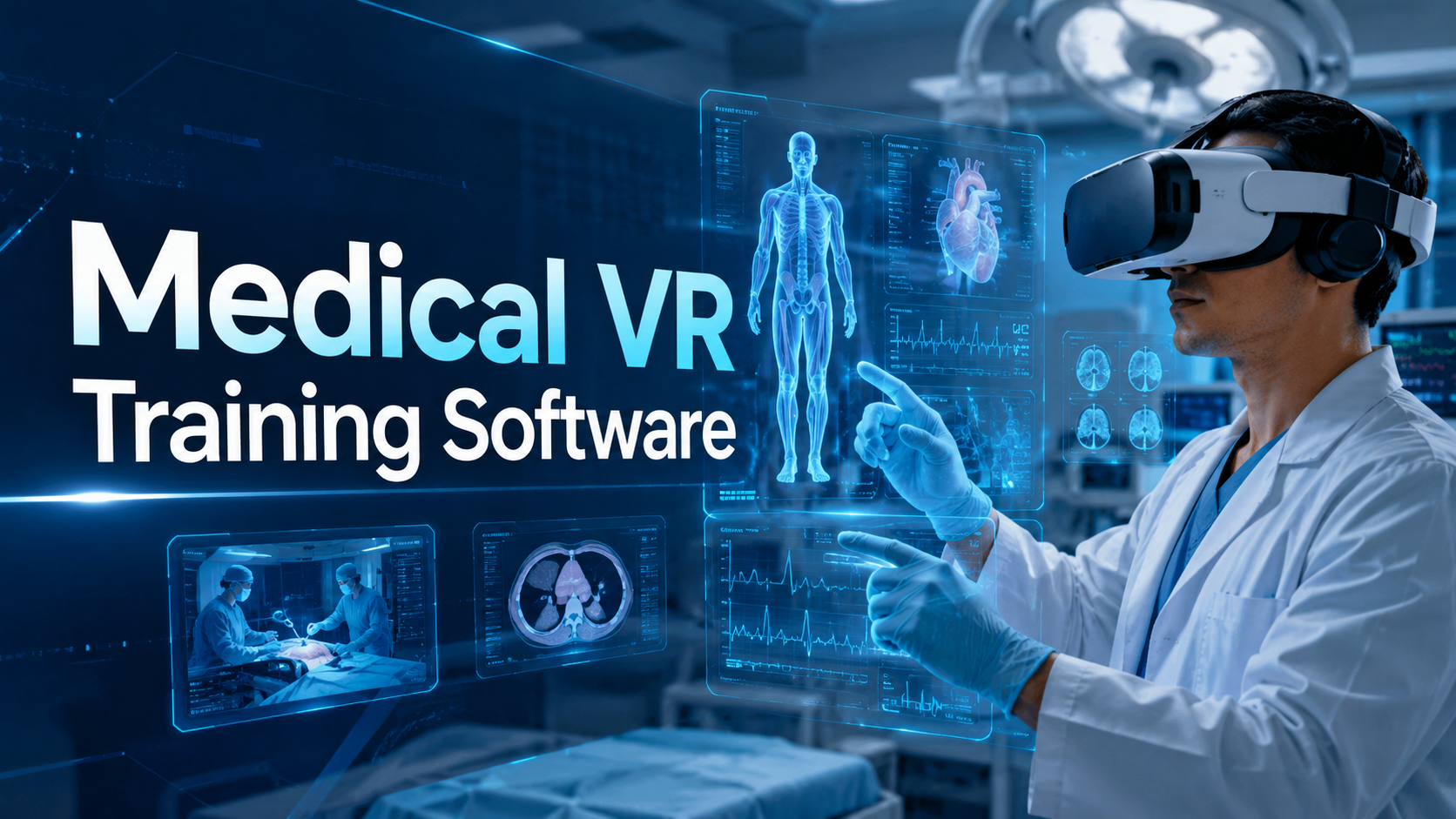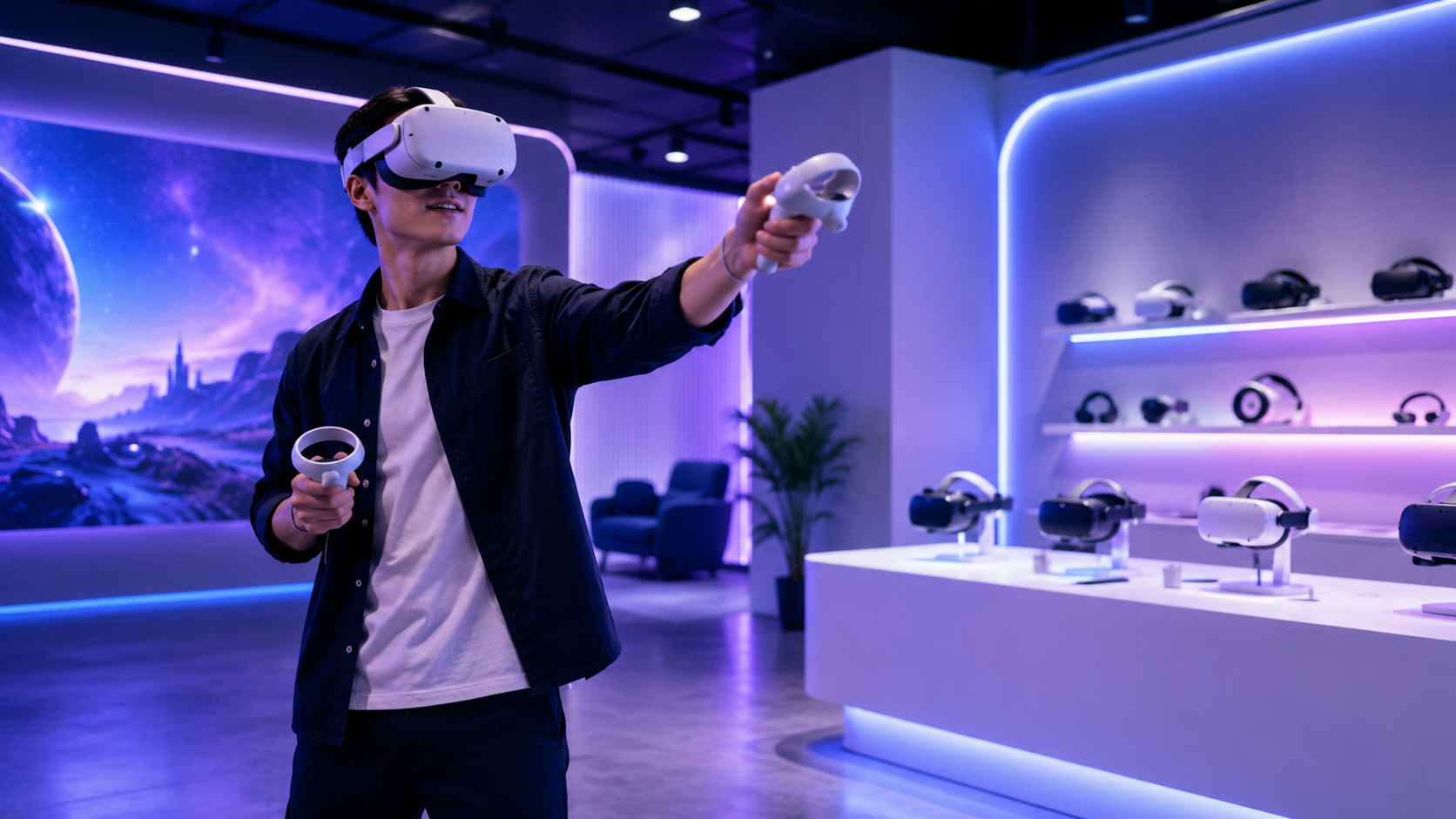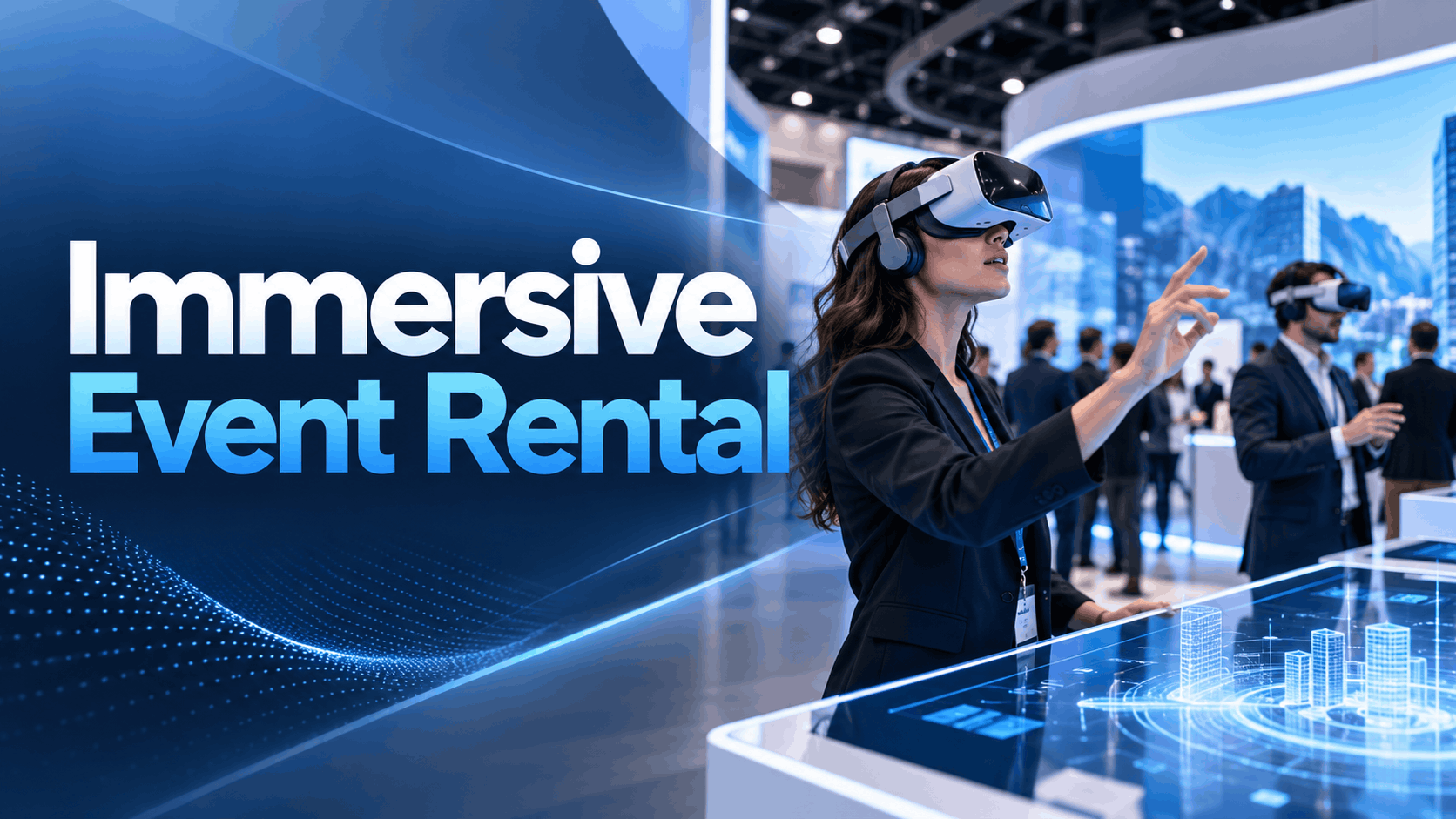
The term “immersive event” is everywhere, but what does it mean to deploy it successfully? For business events like trade shows, product launches, and corporate training, success isn’t about novelty; it’s about reliability, engagement, and results. An immersive event rental is your strategic partner in achieving those goals, providing a complete, business-ready package for virtual reality (VR), augmented reality (AR), or 3D experiences.
This is not just a box of headsets dropped at your booth. It’s a fully managed service designed to deliver a flawless experience for your guests and a stress-free one for your team. This definitive guide will walk you through what a professional immersive event rental includes, how to choose the right format, and most importantly, how to execute it without technical failures.
What an Immersive Event Rental Is and What It Is Not
First, let’s clarify the model. An immersive event rental is a comprehensive service that bundles hardware, content, and operational support for a temporary activation. It’s designed for businesses that need to make a high-impact impression at a specific event without the overhead of purchasing equipment or developing custom software from scratch.
This model is fundamentally different from two other common approaches:
- Custom Development: Building a bespoke VR or AR application from the ground up. This is a long, expensive process best suited for permanent, long-term internal platforms, not one-off events.
- DIY/Hardware-Only Rental: Renting headsets and figuring out the rest yourself. This approach often leads to technical issues, poor user experiences, and a frustrated event team trying to be IT support.
A professional rental focuses on deployment reliability, ensuring the technology serves your business goals—not the other way around.
Core Components of a Rental-Based Deployment
A true immersive event rental is a turnkey solution. Expect any professional proposal to include these four pillars:
- Hardware Options: The right device for the job, whether that means standalone headsets (like the Meta Quest 3), high-performance PC-tethered systems, premium devices like the Apple Vision Pro, or tablets for AR experiences. The rental partner should guide this choice based on your use case.
- Content Assets: The actual experience your guests will see. This could be a library of ready-to-go VR scenes, custom-branded AR filters, interactive 3D product models, or structured training modules.
- Operational Support: This is the secret ingredient. It includes professional on-site staff for setup, guest management, hygiene, and troubleshooting, plus pre-event testing and post-event teardown.
- Event Logistics: Expert guidance on the practical needs of the activation, including space and power requirements, internet connectivity, audience flow, and safety protocols.
Why Rental-Based Delivery Is Different from Custom Development
The key difference is a focus on speed, reliability, and risk reduction.
- Reduced Lead Time and Risk: Rental solutions use proven hardware and pre-tested content frameworks, dramatically shortening the time from concept to execution. This lowers the risk of technical bugs or missed deadlines.
- Cost-Effectiveness for Temporary Events: Purchasing a fleet of 20 high-end VR headsets can cost upwards of $70,000, not including software or staffing. Renting avoids this capital expenditure and the risk of technology becoming obsolete.
- Focus on Deployment Reliability: A rental partner’s reputation is built on flawless execution. They are incentivized to ensure every aspect of the deployment—from power management to user throughput—is meticulously planned. Your evaluation should center on this operational reliability, not just creative ambition.
When Immersive Event Rental Makes Sense
Immersive technology is a powerful tool, but it’s not the right fit for every situation. A rental-based deployment is the best choice when you have a clear business objective for a temporary event and need a reliable, repeatable, and scalable way to engage your audience.
Best-Fit Use Cases
- Trade Shows: Need to stop traffic in the aisle and create memorable conversations? A VR station is a proven magnet. Short, repeatable demos allow you to engage a high volume of attendees and give them a deeper understanding of a complex product.
- Product Launches: Generate buzz and create media-friendly moments with a coordinated immersive reveal. A rental model allows for multi-location activations, ensuring a consistent brand experience across different cities or venues simultaneously.
- Sales Demos: For products that are too large, complex, or confidential to demonstrate physically, a VR or 3D model provides the perfect solution. Sales teams can use it to visualize products for key clients in a controlled, high-impact setting.
- Training Programs: Immersive training for safety procedures or complex equipment operation is highly effective. A rental package allows companies to set up temporary training labs for large groups without investing in permanent facilities.
When Not to Use an Immersive Rental
- No Staff to Manage the Experience: A successful activation requires dedicated staff to manage guests, assist with headsets, and ensure safety. If you cannot commit staff, the experience will likely fail.
- Inadequate Venue Support: Immersive tech has specific space, power, and sometimes network requirements. If the venue cannot accommodate these, another format might be better.
- The Goal is a Long-Term Internal Platform: If you need a VR training program that will be used daily by employees across the globe for years, a custom-developed platform is a more strategic and justifiable investment.
What to Include in an Immersive Event Rental Package
When you’re evaluating vendors, you’re not just renting hardware; you’re procuring a fully managed service. Your checklist should go far beyond the headset model. A comprehensive package ensures there are no surprises and no gaps in service on the day of your event.
Hardware and Device Selection
The device is dictated by the use case. A good partner will help you choose, not just offer what they have.
- Standalone vs. PC-Tethered Headsets: Standalone headsets (e.g., Meta Quest 3) are self-contained, easy to set up, and perfect for most trade show and event applications due to their lack of cables. PC-tethered headsets (e.g., Varjo series) connect to a powerful computer and are necessary only when the experience demands ultra-high-fidelity graphics, such as in advanced engineering simulations or high-end design reviews.
- When Apple Vision Pro Is Appropriate: The Apple Vision Pro is a premium device for high-stakes demonstrations with VIP clients or the press. Its exceptional display quality and spatial computing capabilities make it ideal for detailed product visualizations or collaborative planning sessions where making a top-tier impression is the primary goal.
- How Device Choice Affects Operations: Standalone headsets simplify logistics, reducing space requirements and trip hazards. PC-tethered systems require more space, more power, and more technical setup time, which directly impacts staffing needs and budget.
Content and Asset Preparation
The experience is what your audience will remember. Your rental package should include preparation and testing of these assets.
- VR Scenes and Interactive Experiences: For product launches or brand storytelling, these guided experiences can transport users to a virtual world. The key is to keep the experience under five minutes to maintain high throughput at a busy event.
- AR Filters for Brand Activations: Perfect for social sharing and lower-friction engagement. Guests use their own phones, creating user-generated content that extends your brand’s reach beyond the event floor.
- 3D Product Models: Ideal for trade shows and sales conversations. These can be manipulated on a tablet or viewed in a headset, allowing your team to showcase complex products from every angle without the need for a full VR game.
- Training Simulations: For corporate training events, these modules focus on procedural tasks, safety drills, or equipment operation. The rental partner should ensure the simulation runs flawlessly on the chosen hardware.
On-Site Support and Event Operations
This is the most critical and often overlooked component of a rental package.
- Staffing Ratios and Roles: At a minimum, plan for one dedicated operator for every two headsets. Roles should be clearly defined: who greets guests, who assists with headsets, who manages the queue, and who is the lead for troubleshooting.
- Setup, Testing, and Contingency Planning: The support team should arrive well before the event to set up, test every piece of equipment, and test the content path from start to finish. They should also have a plan for what to do if something goes wrong.
- Audience Management and Session Flow: The on-site team should manage the flow of participants to prevent bottlenecks, ensure everyone gets a turn, and maintain a clean and hygienic environment between users.
- Failure Prevention and Troubleshooting: A professional team doesn’t just react to problems; they prevent them. This includes managing battery life, monitoring device temperature, and having a documented, simple set of troubleshooting steps for common issues.
How to Choose the Right Immersive Format for Your Event
The “wow” factor of VR is tempting, but the right format is the one that best achieves your event objective. Is your goal deep immersion, social sharing, or detailed product exploration? The answer determines whether you need VR, AR, or a 3D model.
VR for Product Launches, Demos, and Training
- Best For: Full immersion and guided storytelling. When you need to control the environment completely and ensure every user has the same high-impact, repeatable experience, VR is the answer.
- Use Cases:
- Product Demos: Let customers “step inside” your product, whether it’s a new car, a piece of surgical equipment, or a real estate development.
- Brand Storytelling: Transport attendees to the source of your materials, show them your manufacturing process, or immerse them in your brand’s vision for the future.
- Training: Simulate high-stakes scenarios for safety, procedural, or soft-skills training in a controlled, repeatable environment.
AR Filters for Brand Activations and Social Amplification
- Best For: Shareable, lightweight, and high-reach interactions. AR uses the guest’s own smartphone, removing the friction of headsets and sanitation.
- Use Cases:
- Social Media Contests: Encourage attendees to post photos or videos using your branded filter to win a prize, amplifying your event’s reach on platforms like Instagram and TikTok.
- Interactive Wayfinding: Use AR overlays to guide attendees through your event space or create a digital scavenger hunt.
- “Try Before You Buy”: Let attendees see how a virtual watch looks on their wrist or how a piece of furniture looks in their home.
3D Product Models for Sales and Trade Show Conversations
- Best For: Detailed product visualization without the full immersion of VR. It’s a powerful sales enablement tool for one-on-one or small group conversations.
- Use Cases:
- Complex Machinery/Products: A salesperson can use a tablet to rotate, zoom in on, and even animate a 3D model of a complex engine or medical device, explaining key features to a potential buyer.
- Booth Engagement: A large touchscreen displaying an interactive 3D model can serve as a conversation starter and a way to engage visitors who may not have time for a full VR demo.
Budget, Timeline, and Procurement Questions Buyers Should Ask
Getting your immersive event rental approved often comes down to three questions: How much will it cost? How long will it take? And are we making the right choice?
What Drives Cost
The price of a rental package can range from a few thousand to tens of thousands of dollars. The primary cost drivers are:
- Hardware Class and Quantity: A single standalone headset rental for a day might be $50-$100, but a full-service package with multiple premium headsets, gaming PCs, and on-site staff will be significantly more.
- Content Complexity: Using a provider’s existing library of experiences is most cost-effective. Adding custom branding is a moderate cost increase. Creating a fully custom interactive experience is the most expensive option.
- On-Site Staffing and Support: The number of technicians, their experience level, and the number of event days are major factors. Concierge-level service with dedicated staff can start around $800 for a few hours and go up from there.
- Logistics: Travel, shipping, insurance, and venue-specific constraints (like union labor requirements) can add to the total cost.
What Drives Timeline
- Asset Availability: The biggest factor is whether your content assets (3D models, videos, etc.) already exist. If they need to be created or optimized, the timeline will be longer.
- Customization vs. Rental-Ready: Using a vendor’s pre-built, “rental-ready” content framework is the fastest path. Any level of customization adds time for production and approvals.
- Approval Cycles: Delays in stakeholder feedback on branding or content can push back the entire timeline.
- Venue Logistics and Testing: Finalizing venue details (power, internet, space layout) and allowing time for full hardware and software testing before shipping is crucial.
Questions to Ask Before You Buy
To compare proposals effectively and ensure you’re partnering with a reliable vendor, ask these questions:
- What, specifically, is included in the rental package? Get a line-item breakdown of hardware, software, on-site support hours, and pre-event services.
- Who handles setup, on-site troubleshooting, and teardown? The answer should be “we do.”
- What is your backup plan for hardware failure? Professional providers bring spare headsets and components.
- What happens if the venue layout changes or the event schedule shifts? Look for flexibility and a partner who understands live event unpredictability.
- How do you manage hygiene and user safety? They should have a clear process for cleaning headsets and managing the physical space.
- How do you measure success at the event? Discuss metrics like user throughput, dwell time, and lead capture integration.
How to Avoid Technical Failure at a Live Event
Downtime is not an option at a live event. A single failed headset or software glitch can derail your investment and damage your brand’s reputation. Reliability is the core value proposition of a professional immersive event rental service. This operational checklist is how you and your partner ensure a flawless execution.
Pre-Event Checks
The work done before the event is the single most important factor in its success.
- Confirm Venue Requirements: Get written confirmation of power drops, dedicated internet bandwidth (if needed), and exact floor space dimensions. Do a site visit if possible.
- Test Everything Before Shipping: Every single device should be charged, updated, and tested with the final event content. Every content path should be clicked through. This is non-negotiable.
- Prepare Redundancies: Pack backup headsets, controllers, and charging cables. Have a copy of the content on a local drive, even if you plan to stream it. Assume the venue Wi-Fi will fail and have an offline-capable version ready.
On-Site Staffing and Session Management
Your on-site team is your first line of defense.
- Assign Clear Roles: Designate a single on-site lead operator responsible for the activation. Everyone on the team should know their role, from managing the queue to swapping batteries.
- Use a Clear Participant Flow: Design the physical space to guide attendees. Use floor markings, stanchions, or furniture to create an obvious entry and exit path. This prevents crowding and confusion.
- Document Troubleshooting: Keep a simple, one-page document with step-by-step instructions for the 3-4 most common issues (e.g., “How to restart the experience,” “How to recenter the view”).
Contingency Planning
Hope for the best, but plan for failure.
- Have a Fallback Demo: If a primary interactive demo fails, what is Plan B? It could be a simple 360-degree video loop or a non-interactive “attract mode” that still showcases the brand.
- Prepare Offline Content: Never rely solely on an internet connection for a live event. Ensure your core experience can run offline.
- Define Escalation Steps: Before the event starts, define the communication chain for technical problems. Who does the on-site operator call first? When is a problem severe enough to pause the activation?
FAQs
What is included in an immersive event rental?
A professional immersive event rental is a full-service package that typically includes the VR/AR hardware, content or software, and comprehensive operational support. This means you get not just the headsets, but also on-site staff for setup, guest management, troubleshooting, and teardown, ensuring a smooth execution.
How much does an immersive event rental cost?
Costs vary widely based on hardware, content complexity, and the level of on-site support. Basic packages can start around $800-$1,500, while mid-tier activations with multiple headsets and staff often fall in the $1,500-$5,000 range. Premium, multi-day events with extensive customization can exceed $15,000.
Is a rental better than custom VR development for a business event?
For a one-time or temporary business event, a rental is almost always the better choice. It significantly reduces cost, shortens the timeline, and lowers the risk of technical failure. Custom development is better suited for permanent installations or long-term internal platforms, not a three-day trade show.
What hardware is best for an immersive event rental?
For most events, standalone VR headsets like the Meta Quest 3 are the best choice. They offer a high-quality experience with no wires, which simplifies setup and improves safety. For VIP demos requiring the absolute highest visual fidelity, a premium device like the Apple Vision Pro or a PC-tethered system may be appropriate.
How many staff do you need for a live VR activation?
A good rule of thumb is to have at least one trained staff member for every two active VR headsets. This ensures someone is always available to help users, manage the queue, clean equipment, and handle any technical issues without leaving the station unattended.
What is the difference between VR, AR filters, and 3D product models for events?
- VR (Virtual Reality) is fully immersive, blocking out the real world to transport a user to a digital environment. It’s best for storytelling and simulations.
- AR Filters (Augmented Reality) overlay digital information onto the real world through a smartphone. They are best for social sharing and low-friction engagement.
- 3D Product Models are interactive digital replicas of a product, usually viewed on a tablet or large screen. They are best for detailed sales conversations and product visualization.
How do you prevent technical failure at a live immersive event?
Prevention relies on three things: rigorous pre-event testing of all hardware and software, having experienced on-site staff with clear roles, and creating a solid contingency plan. This includes bringing backup hardware, having offline versions of content, and documenting simple troubleshooting steps in advance.