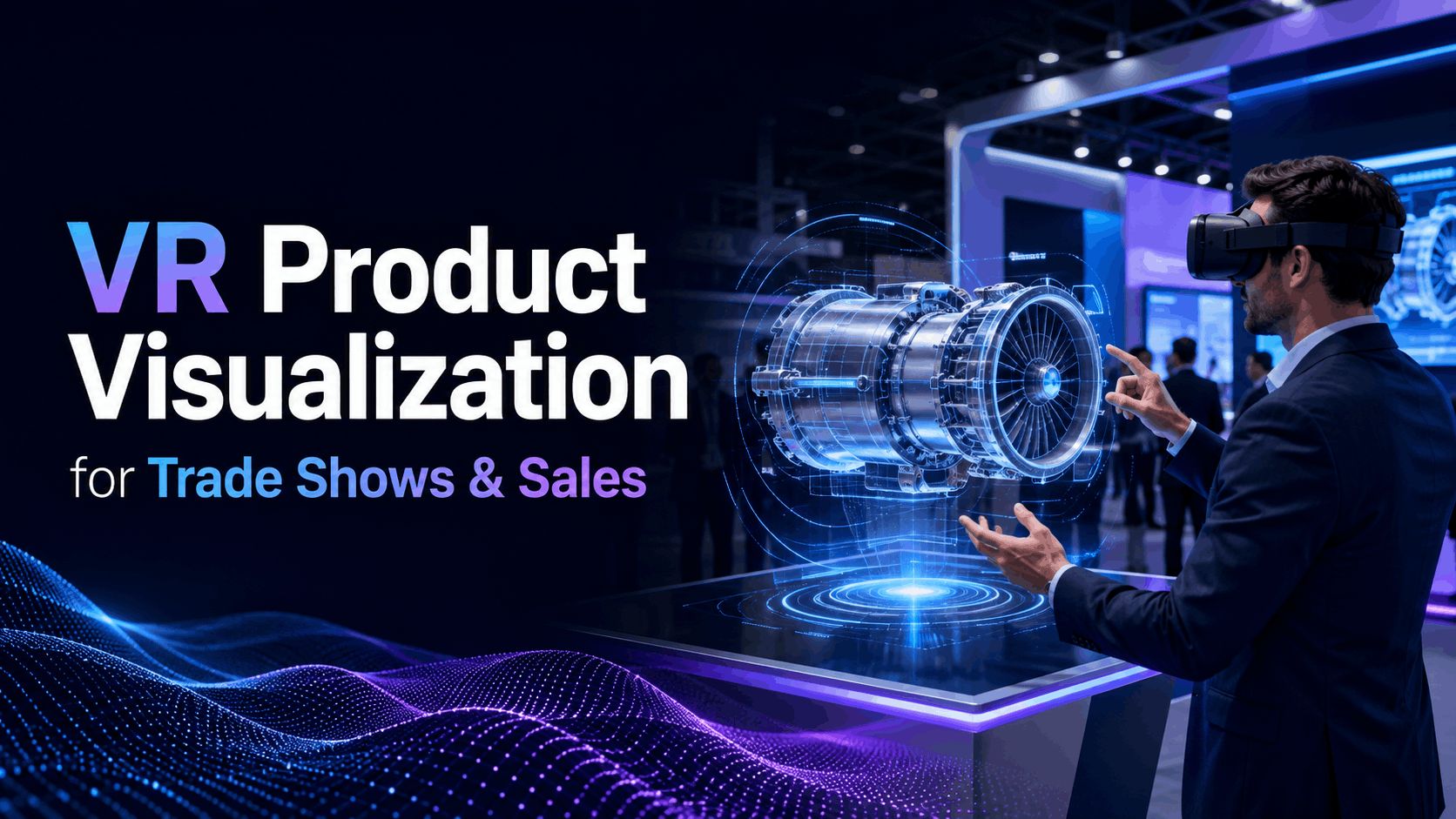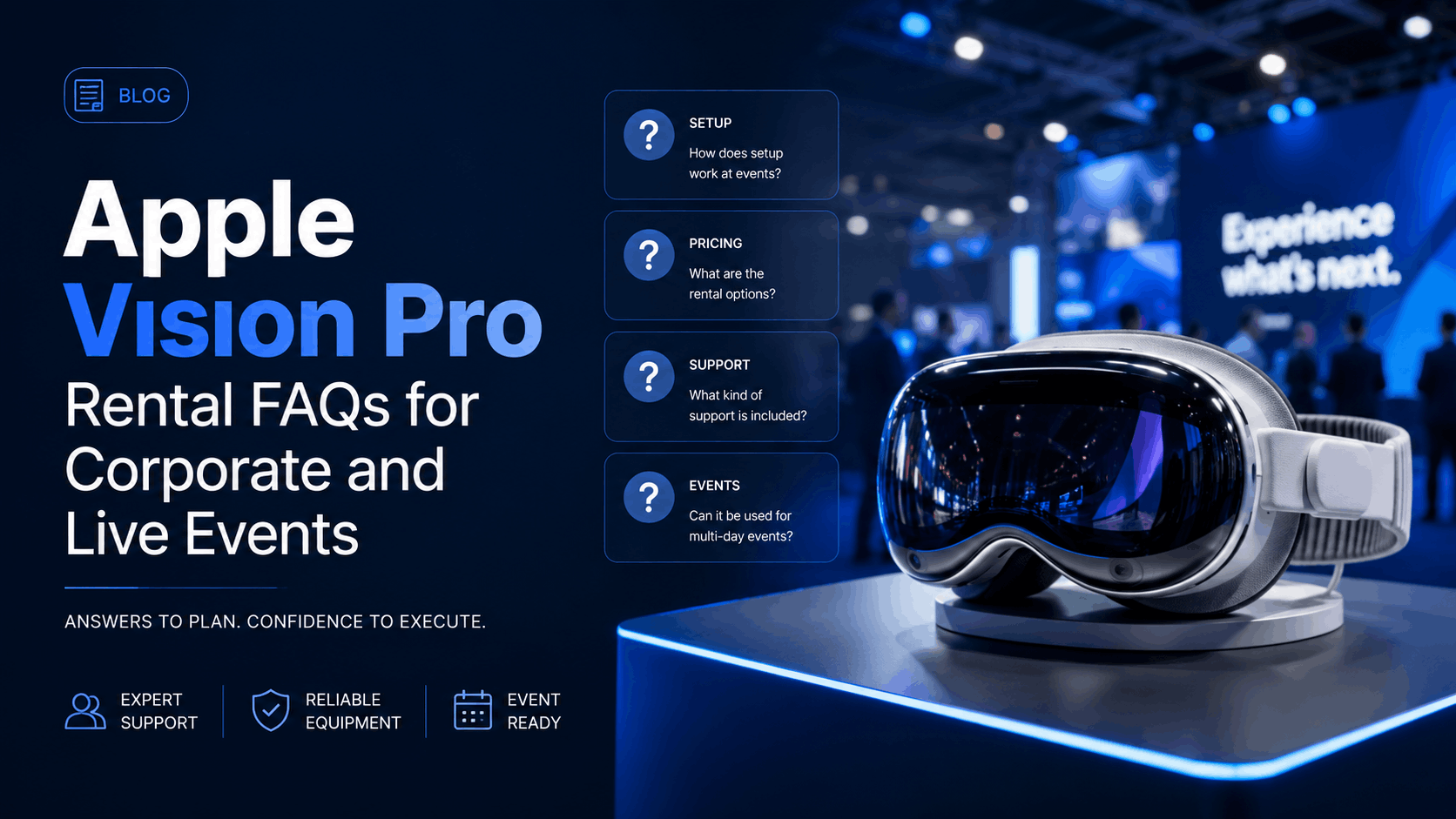
Companies increasingly want to use Apple Vision Pro at trade shows, conferences, product launches, executive meetings and corporate activations without purchasing a permanent fleet.
The practical questions usually come after the idea: How many devices do we need? How will they arrive? Who configures them? How do we handle multiple guests? What happens with glasses? How long should each demonstration last?
The answers below cover the key issues an event team should resolve before renting Apple Vision Pro.
Can You Rent Apple Vision Pro for an Event?
Yes. Businesses can rent Apple Vision Pro for short-term events, demonstrations, training programs and other temporary deployments.
IGIVU currently offers weekly and monthly Vision Pro rentals and lists shipping both ways, damage insurance and content curation among its rental inclusions.
Renting can therefore be useful when an organization needs Vision Pro for a specific project but does not need to own and maintain the equipment afterward.
What Types of Events Are Suitable for Apple Vision Pro?
Apple Vision Pro is particularly well suited to experiences where immersion, spatial visualization or a premium technology presentation adds genuine value.
Corporate use cases can include trade-show demonstrations, product launches, architecture and real-estate visualization, automotive experiences, executive presentations, immersive video, innovation showcases, training and customer demonstrations.
A useful rule is to ask whether spatial computing helps attendees understand or experience something better than a conventional screen would.
If the answer is no, adding a headset simply because it attracts attention may not produce the strongest activation.
What Can Visitors Experience on Apple Vision Pro?
The experience depends on the applications and content loaded onto the device.
Vision Pro supports spatial apps, immersive video, conventional applications displayed within a spatial environment and interactive experiences controlled through eye, hand and voice input. Apple’s current hardware uses a 23-million-pixel micro-OLED display system and Spatial Audio.
For an event, the important decision is not how many features the device supports. It is which one experience supports your event objective.
How Many Apple Vision Pro Headsets Do I Need for an Event?
Calculate quantity from visitor throughput.
Suppose an activation expects 120 interested visitors during a four-hour window. If each visitor occupies a headset for six minutes including fitting and turnover, one headset can theoretically process around ten participants per hour before allowing for delays.
Increasing the number of stations, shortening the experience or scheduling demonstrations can reduce queues.
Private client meetings may require only one or two devices, while high-traffic activations may require a much larger multi-device setup.
How Long Should an Apple Vision Pro Event Experience Be?
For open trade shows and conferences, shorter is usually better.
A focused three-to-seven-minute experience provides enough time to create an impact without building an excessive queue. Longer experiences can work for scheduled training, executive demonstrations or private sessions where throughput is less important.
Start by defining the single outcome the participant should remember after removing the headset.
Does Apple Vision Pro Require Controllers?
Vision Pro’s primary interaction system uses eyes, hands and voice rather than traditional handheld VR controllers. Apple also supports certain external input and spatial accessories, depending on the application.
For public events, this can reduce the number of physical accessories passed between guests, although participants still require basic onboarding.
Does Apple Vision Pro Work With Prescription Glasses?
This requires more planning than a conventional headset because attendees do not simply wear normal glasses inside Vision Pro.
Apple supports ZEISS Optical Inserts for users who need vision correction. For public activations, organizers should discuss anticipated attendee requirements and the fitting process with the rental provider before the event.
For short demonstrations, it is useful to have a clear operating procedure rather than trying to solve individual vision requirements while a queue is forming.
How Should Apple Vision Pro Be Cleaned Between Event Guests?
Shared wearable technology should have a defined hygiene process.
The surfaces that make contact with users need appropriate cleaning between participants, while staff should follow the manufacturer’s care guidance and avoid cleaning methods that could damage displays, optical surfaces or materials.
For high-throughput events, build sanitization time into the session schedule instead of treating it as an afterthought.
How Long Does the Apple Vision Pro Battery Last?
Apple rates the current Vision Pro model for up to approximately 2.5 hours of general use and up to three hours of video playback. The headset can also be operated while its external battery is connected to power.
An all-day event therefore needs a power strategy rather than relying on a single battery cycle.
Can Vision Pro Be Used All Day at a Conference?
Yes, but the deployment should be designed for it.
Charging, user comfort, equipment rotation and staff breaks all matter. For continuous demonstrations, event teams can structure stations around powered operation or rotate equipment when required.
A rental specialist can help determine the appropriate configuration for a longer event.
Does Apple Vision Pro Need Internet Access?
It depends on the content.
Applications that access cloud services, online media or live information require connectivity. Locally prepared demonstrations may continue working with limited connectivity.
Always test the actual experience using conditions that resemble the venue environment. Convention-center Wi-Fi should never be assumed to perform like an office network.
Can We Load Our Own Content?
Potentially, yes, provided that the content or application is compatible with the device and licensing permits the intended use.
Businesses considering custom spatial experiences should allow additional development and testing time. Existing Vision Pro applications or prepared spatial media generally require less lead time than fully custom development.
IGIVU also lists content curation as part of its current Vision Pro rental offering.
Can Apple Vision Pro Be Used for Product Demonstrations?
Yes, and this is one of its strongest business applications.
The device can be especially valuable when the physical product is large, not yet manufactured, difficult to transport or benefits from visualization at different scales.
The experience can also support configuration, storytelling or guided product education rather than merely showing a static model.
Can Apple Vision Pro Be Used for Corporate Training?
Yes, when appropriate content exists.
Spatial training is most useful when employees benefit from seeing a process, location, piece of equipment or scenario rather than simply reading information.
For training programs involving many participants, headset quantity, session duration and facilitator requirements should be planned in advance.
Do We Need an On-Site Technician?
Not every event does.
A small internal demonstration using one or two preconfigured devices may be manageable by the event team.
For large conferences, public activations or events where Vision Pro is a central attraction, having experienced technical support can reduce disruption and allow company staff to concentrate on guests rather than troubleshooting hardware.
When Should We Book?
Simple rentals can require relatively little preparation, but large quantities, custom content and high-profile events should be planned considerably earlier.
Early booking provides time to confirm inventory, configure equipment, test content and address shipping and venue requirements.
How Much Does Apple Vision Pro Rental Cost?
IGIVU currently lists a one-device weekly Vision Pro rental starting at $550, while its monthly option is listed at $1,100. Both published packages include shipping both ways, damage insurance and content curation. Custom packages are available for different requirements.
Pricing for a larger event may also depend on quantity, support, content preparation and logistics.
Is Renting Better Than Buying?
For a one-time trade show, conference, roadshow or pilot, renting usually avoids tying up capital in equipment that may sit unused after the event.
Buying becomes more attractive when an organization has an ongoing Vision Pro program and internal resources to configure, maintain and store the equipment.
Many companies can therefore use rental as the first stage of evaluating the technology.
Planning a Vision Pro Event?
The key questions are straightforward: what should attendees experience, how many people need to participate, how long should each session take and who will manage the equipment?
Once those questions are answered, selecting the hardware quantity and support level becomes much easier.
If you’re planning a live or corporate event, speak with an IGIVU event-rental specialist about Apple Vision Pro availability, content and deployment requirements.