When event teams search for AR activation rentals, they often assume they’re renting a piece of hardware. In practice, a rental-ready AR activation is a bundled deployment: hardware, content assets, software configuration, and sometimes on-site technical support. Understanding what’s in the package and what isn’t is the first decision that determines whether the activation runs smoothly or fails on the show floor. This guide provides a deployment-first framework for the procurement and operational decisions you face when renting an AR activation for a live event.
What an AR Activation Rental Actually Includes
An immersive event rental is a comprehensive service that bundles hardware, content, and operational support for a temporary activation. It’s a fully managed service designed to deliver a flawless experience for your guests and a stress-free one for your team.
Hardware Components: Devices, Displays, and Tracking Infrastructure
A rental package is more than just the device; it includes the physical infrastructure needed to run the activation reliably for the duration of your event.
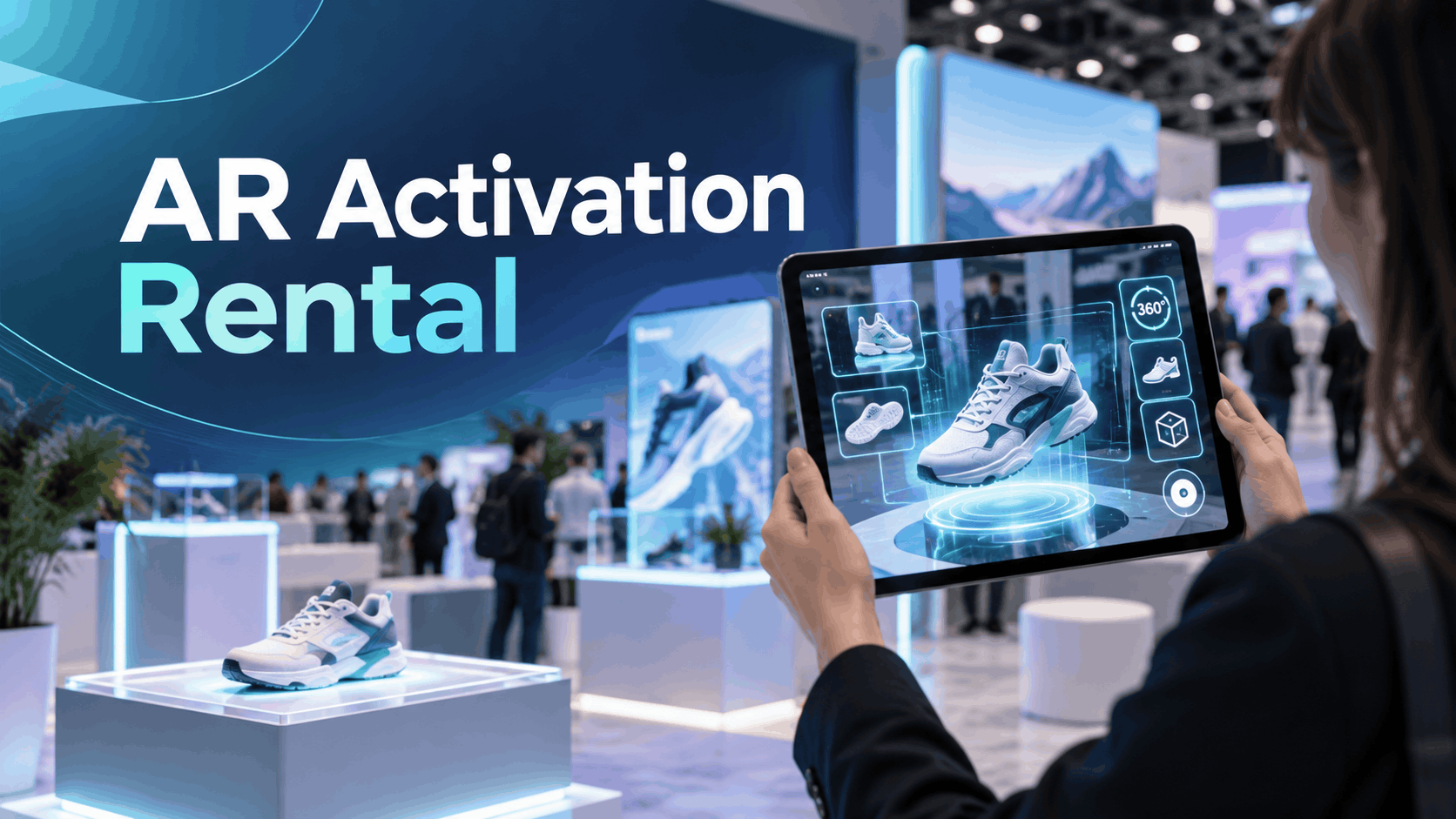
- Phone-Based and Tablet-Based AR: This is the most common format, using the camera on iOS or Android devices to track markers or surfaces. It’s ideal for high-throughput activations where many guests interact simultaneously. Rental packages typically include the devices (e.g., iPads, Samsung tablets), secure stands or mounts, and multi-device charging stations.
- Wearable AR Headsets: For hands-free or premium spatial experiences, vendors rent headsets like the Microsoft HoloLens 2 or Magic Leap 2. These are suited for in-depth VIP demos rather than large crowds. Given their higher cost and fragility, these rentals almost always come in protective cases and include specialized charging equipment.
- Displays and Infrastructure: Some activations use an external screen (LED or LCD) to show what the user is seeing, turning a single-user experience into a group spectacle. Critically, many professional rental packages include a dedicated Wi-Fi router or local network setup to avoid relying on unpredictable venue connectivity a crucial detail for a stable deployment.
Content and Software: What’s Pre-Built vs. What Requires Custom Development
The AR content is what your guests will actually experience. Rental packages approach this in two distinct ways:
- Pre-Built Content: Most rental vendors offer a library of existing AR games, puzzles, or experiences that can be branded with your logo. This is the fastest and most cost-effective option, as it involves loading pre-configured software onto the devices. Common formats include AR photo booths with virtual characters, marker-triggered product model viewers, and simple interactive games.
- Commissioned Content on Rented Hardware: If you need a unique experience, you can commission custom content development and have it deployed on rented hardware. This separates the cost of development from the cost of the event hardware. However, this requires significant lead time. A simple marker-based 3D model can take 2–4 months to develop, while a more interactive spatial experience can take 4–8 months or longer.
Staffing and Technical Support: What’s Included and What You Need to Source
Staffing is the most common point of failure for event technology. An AR activation rental vendor may offer different tiers of support:
- Full-Service with On-Site Technician: Many AR rental specialists provide a complete service that includes an on-site technician. This person manages setup, guest onboarding, troubleshooting, and breakdown, ensuring the activation runs smoothly. This is the recommended model for any mission-critical activation.
- Drop-Off / Hardware-Only Rental: Some companies simply rent the hardware, leaving your team responsible for managing the activation. If you choose this option, you must designate at least one staff member per activation zone to manage device charging, resets, and helping guests.
- Remote Support: A hybrid option includes remote technical support, which can help with software issues but is ineffective for hardware problems like a dead battery or a dropped device.
AR Activation Rental Costs: What to Budget and Why Prices Vary
AR activation rental pricing is not standardized. Quotes can vary significantly based on the hardware, content complexity, event duration, and level of support. Understanding the cost drivers is key to evaluating proposals and building an accurate budget.
Base Hardware Rental Rates by Device Type
- Phone and Tablet AR Rental: This is the most budget-friendly option, with costs scaling per device. It’s suitable for activations needing to serve many guests at once. Pricing often includes bulk discounts for larger quantities.
- AR Headset Rental: Premium headsets like the HoloLens 2 have a much higher per-unit rental cost. For example, a single-day event rental for a HoloLens 2 can range from $500–$750 per unit. This makes them better suited for high-value, low-throughput demos.
- Event Duration: Rental companies typically charge a “day rate,” which in the event world often covers a 10-hour period. Multi-day events may receive a lower per-day rate. Be sure to clarify if the price is per day or for the entire event run.
Content Development Costs When No Pre-Built Asset Exists
If you need a custom AR experience, the development cost is a separate and often larger expense than the hardware rental.
- Illustrative Development Costs: A basic marker-based AR app might cost between $10,000 and $50,000. A mid-range custom app with more interactivity, like a virtual try-on, could range from $50,000 to $150,000. Enterprise-grade applications with backend integrations can exceed $150,000.
- Timelines: Simple WebAR experiences can be developed in a few weeks, but a custom mobile AR app typically requires a minimum of 2–4 months. If your event is less than a month away and you don’t have content, you are not a candidate for a custom build; you must use a pre-built rental experience.
Logistics, Shipping, and On-Site Support Fees
These operational costs are often overlooked in initial budgeting.
- Shipping and Logistics: Transporting fragile electronic equipment can be expensive, especially for events outside the vendor’s local market. Budget an additional 10–20% of the rental cost for shipping, and confirm if the vendor has its own logistics team or uses third-party couriers.
- On-Site Technician Rates: If not bundled, the day rate for an on-site technician can range from $600 to over $750, depending on their skill level (e.g., general AV tech vs. specialized video or audio engineer). A standard day rate typically covers up to 10 hours of work.
- Venue Fees: Always confirm costs for power drops, dedicated internet bandwidth, and potential rigging points with your venue. These are separate from your AR vendor’s quote and can be a significant unexpected expense.
Choosing the Right AR Format for Your Event Type
Matching the AR format to the event context, audience, and business goal is the most important pre-event decision. An AR filter that works at a music festival is likely wrong for a B2B manufacturing trade show.
Marker-Based AR for Product Demos and Trade Show Booths
Marker-based AR uses a printed image, QR code, or even a physical object to trigger a digital experience. When a device’s camera recognizes the marker, it overlays a 3D model, video, or animation.
- Best Suited For: Trade show booths where the goal is to visualize a large or complex product in a limited space. For example, an industrial machinery company can place a marker on the floor and allow visitors to see a full-scale 3D model of their equipment.
- Operational Reality: This format is highly reliable and can work without an internet connection if the content is pre-loaded. However, it requires coordinating the design and placement of physical markers within your booth, which must be done in conjunction with your booth builder and print vendor.
Face and Body AR Filters for Brand Activations and Consumer Events
Face and body filters are designed for high throughput and social sharing. Guests interact for a few seconds, capture a photo or video with branded effects, and share it on social media.
- Best Suited For: Consumer-facing events, brand activations, and parties where the primary goal is engagement and extending brand reach online.
- Operational Reality: This format works best on phones or tablets set up as photo booths. If you are developing a custom filter for platforms like Meta Spark (Instagram/Facebook) or Snap’s Lens Studio, you must factor in 1–3 weeks for platform review and approval.
Spatial and Surface AR for Immersive Brand Experiences
Often called “markerless AR,” this format uses a device’s camera and sensors to understand the geometry of a room, allowing it to place digital objects on floors, tables, and other surfaces.
- Best Suited For: Product launches and architectural visualization. A real estate developer could let visitors place a virtual model of a new building on a table, or a furniture brand could let them see a new sofa in a realistically staged area of the booth.
- Operational Reality: This technology requires more processing power and performs best on newer-generation devices like recent iPad Pro models or dedicated headsets. Rental proposals should specify the exact device models to ensure they can handle the experience without lagging or crashing.
Operational Execution: Running an AR Activation Without Technical Failure
The most common reason AR activations fail at events is not faulty technology, but operational gaps. Battery management, network issues, and slow guest onboarding can quickly derail an expensive activation.
Pre-Event Device Configuration and Content Loading
- Load Content Before Shipping: All AR content and apps must be loaded and tested on every single device before they arrive at the venue. Venue Wi-Fi is notoriously unreliable for large file transfers.
- Use Local Content: Whenever possible, the experience should run from local storage on the device. Configure devices in airplane mode or with Wi-Fi disabled to eliminate dependency on the venue network.
- End-to-End Testing: Run a full test of the experience on each device in an environment that mimics the event space, paying close attention to lighting and potential background noise.
On-Site Setup, Lighting, and Spatial Calibration
- Lighting is Critical: AR tracking performance suffers in low light and in areas with reflective surfaces (like polished concrete floors) or featureless walls. Confirm your booth’s lighting plan is sufficient for the AR format you’ve chosen.
- Allow Time for Calibration: Spatial and surface AR may need a quick calibration if the devices are moved. Build this into your daily setup schedule.
- Test Marker Placement: For marker-based AR, test the tracking from the height and angle that guests will actually use. A marker that works perfectly when scanned from a desk may fail if it’s placed too low on the floor or too high on a wall.
Guest Throughput, Reset Procedures, and Battery Management
- Calculate Throughput: Determine the average interaction time for your experience and calculate how many guests each device can serve per hour. This will tell you how many devices you need to rent to prevent long lines.
- Establish a Reset Protocol: Every on-site staffer must know what to do when an app freezes or a guest accidentally closes it. This procedure should be simple and fast to execute under pressure.
- Create a Battery Management Plan: AR is power-intensive. Headsets like the HoloLens 2 and Meta Quest 3 only have about 2-3 hours of active battery life. You need a rotation schedule for charging, a stock of spare devices, and a clear minimum charge level before a device is put back into service.
AR Activation Rental vs. Custom Build: Making the Right Call
The decision to rent or build a custom AR activation is primarily a question of timeline and budget, not quality. Rental solutions can deliver excellent experiences within specific constraints.
When Rental Is the Right Move
- Short Timeline: Your event is 4–8 weeks away. There is no time for custom development, making a rental with pre-built content your only viable option.
- Limited Budget: Your budget is below the typical threshold for a meaningful custom AR experience, which generally starts around $30,000–$50,000.
- Goal is Engagement, Not IP: The primary objective is temporary brand engagement at a single event, not creating a proprietary asset to be reused long-term.
- One-Time or Annual Event: The ROI for custom development is difficult to justify for a single deployment. Renting offers a predictable, fixed cost.
When Custom Development Makes Sense Despite Higher Cost
- Deep Integration Required: The experience must connect to proprietary product data, brand systems, or backend services that a template cannot support.
- Multi-Event Deployment: You plan to use the activation at 5 or more events over the next 12–18 months. This allows the high upfront development cost to be amortized across multiple uses.
- A Unique, Ownable Experience is the Goal: The business objective requires creating a competitive advantage with an experience that cannot be replicated by competitors using off-the-shelf rental packages.
How to Evaluate AR Activation Rental Vendors
The AR rental market ranges from hardware-only suppliers to full-service experiential agencies. Evaluating them on price alone is a mistake. The right vendor is one who can prove they have successfully deployed activations in real-world event conditions.
Questions to Ask Before Signing a Rental Agreement
- Can you provide case studies or references for this specific AR format being used at an event of a similar size and duration?
- What exactly is included in “on-site support”? Is a dedicated technician present for the entire event, or is support remote?
- What is your protocol for device failure? Do you provide spare units on-site, and what is the replacement process if a device fails mid-event?
- Who owns the content assets after the rental period? Can we reuse any of the assets, or is the license strictly for the event?
Red Flags in AR Activation Rental Proposals
- Vague Hardware Specs: The proposal doesn’t name the specific device models (e.g., “AR tablets” instead of “11-inch iPad Pro, M2 model”). Performance varies dramatically between hardware generations.
- Reliance on Venue Wi-Fi: The vendor’s plan depends on venue internet for the activation to function, without a dedicated local network as a backup.
- No Failure Clause: The contract lacks clear language addressing liability for hardware failure, content malfunctions, or other technical issues.
- Bundled Line Items: The quote combines custom content development and hardware rental into a single price, making it impossible to know if you are overpaying for one component.
Frequently Asked Questions (FAQ)
How much does it cost to rent an AR activation for a trade show or brand event?
Costs vary widely. A simple tablet-based rental with pre-built content may be a few thousand dollars, while a multi-day activation with several high-end AR headsets and a custom-built experience can cost tens of thousands. Hardware, content, duration, and staffing are the main cost drivers.
How far in advance do I need to book an AR activation rental?
For rentals using pre-built content, book at least 4-6 weeks in advance to allow for logistics and minor branding customizations. If you need custom content, you should start the process 4-6 months or more before your event.
Can I rent an AR activation without custom content development?
Yes. Most rental vendors offer a library of pre-made AR games, photo filters, and experiences that can be quickly branded for your event. This is the fastest and most cost-effective option.
What is the difference between renting AR hardware and renting a full AR activation?
Renting hardware just gives you the devices (e.g., headsets, tablets). A full activation rental is a bundled service that includes the hardware, pre-loaded software/content, charging infrastructure, and often on-site technical support to run the experience.
How many devices do I need for an AR activation at a trade show booth?
Calculate your expected guest throughput. If an experience takes 3 minutes per person, one device can serve 20 people per hour. To avoid lines, you’ll need enough devices to meet your visitor goals, plus at least 1-2 spares for battery rotation and backup.
Does an AR activation rental include on-site technical support?
It depends on the vendor and the package. Full-service vendors include an on-site technician who manages the entire activation. Cheaper, hardware-only rentals may only offer remote support or leave management entirely to your team.
What AR formats work best for B2B trade show environments?
Marker-based AR for product demonstrations and spatial AR for product visualization are highly effective in B2B settings. They focus on delivering product information and context rather than pure entertainment, aligning with business objectives.
When does it make more sense to build a custom AR experience than to rent one?
Building a custom experience is better when the AR needs deep integration with your products or data, when you plan to reuse it across many events, or when the goal is to create a unique, proprietary brand asset. If your timeline is short or your budget is limited, rental is the smarter choice.