Virtual reality has transformed from a tethered, complex setup into a portable powerhouse that event planners can deploy in minutes. Standalone VR headsets have revolutionized how brands create immersive experiences, eliminating the technical barriers that once made VR activations logistically challenging and expensive.
What Makes a VR Headset ‘Standalone’ (And Why Event Planners Care)
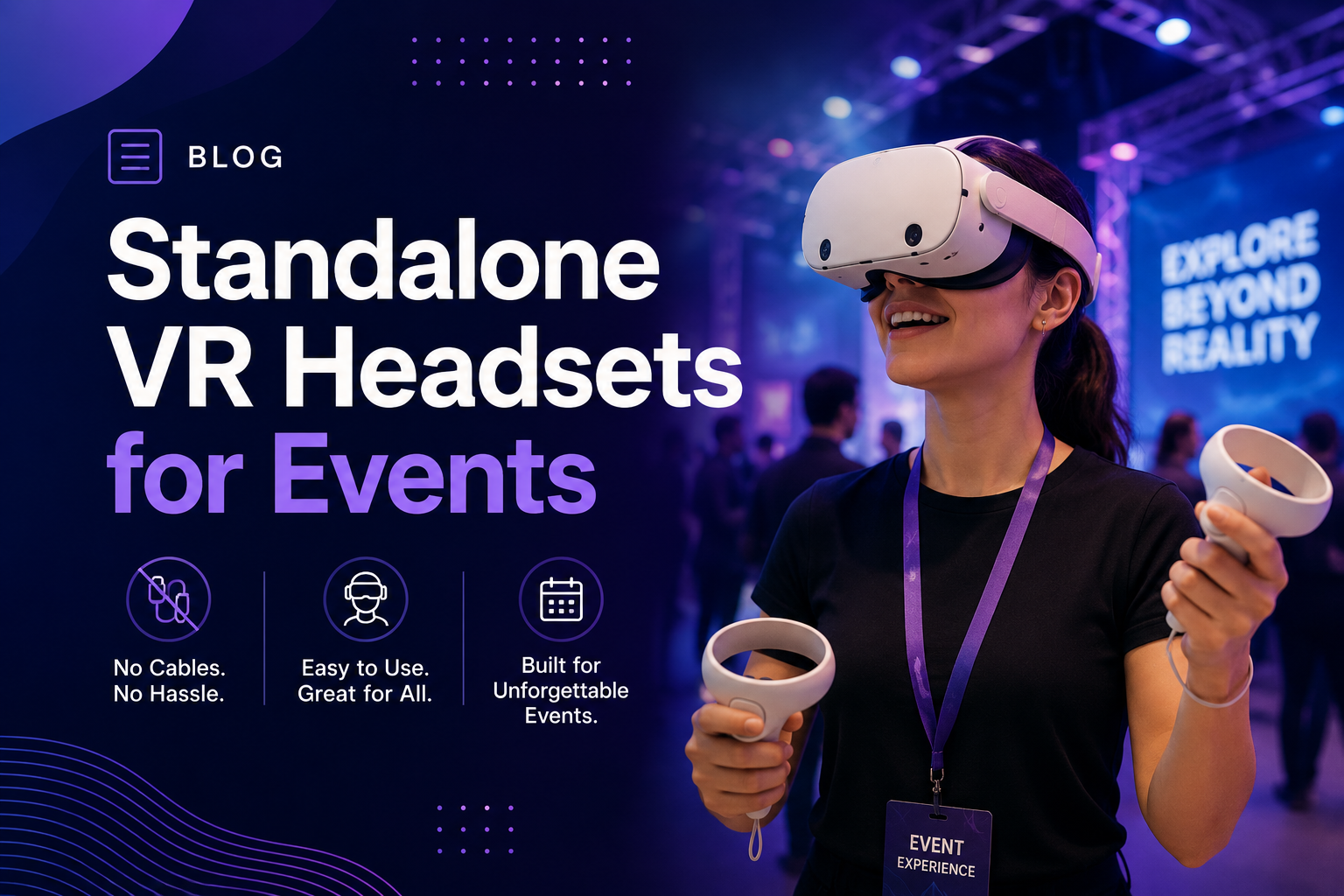
Standalone VR headsets contain all computing power internally, eliminating cables to external PCs or consoles. For event deployments, this means no gaming laptops to transport, no cable management across booth floors, and the ability to run 10+ headsets simultaneously without a server room.
The integrated processor, memory, storage, and battery create a self-contained experience device. Users simply put on the headset, and they’re immediately immersed—no external hardware required. This fundamental shift in VR architecture has made large-scale event deployments practical for the first time.
Standalone vs Tethered VR: The Event Logistics Difference
The operational advantages of standalone VR become clear when comparing deployment scenarios. Cable-free operation reduces trip hazards in crowded venues, a critical safety consideration when managing hundreds of attendees navigating your activation space. Insurance providers often require additional coverage for tethered setups due to increased liability risk.
Power outlet dependency disappears with standalone units. While tethered systems require strategic positioning near venue power sources, standalone headsets operate anywhere within your event space. This flexibility allows dynamic booth layouts and quick reconfigurations based on traffic flow.
Transportation costs drop significantly when shipping 20 headsets in protective cases versus 20 headsets plus gaming PCs, monitors, and cable management systems. A single team member can transport a complete 10-unit standalone deployment in a standard SUV, while tethered systems require cargo vans or freight shipping.
Setup time comparisons reveal the most dramatic difference: 5 minutes per standalone unit versus 15-20 minutes for tethered systems. For a 20-headset deployment, that’s 100 minutes versus 400 minutes of technical setup time—the difference between one technician finishing before doors open and requiring a three-person crew working through the morning.
Processing Power Trade-offs for Event Applications
Standalone headsets use mobile processors, typically Qualcomm Snapdragon XR chips, which deliver different performance characteristics than desktop GPUs. Understanding these limitations helps set appropriate content expectations.
Product demonstrations and 360-degree experiences work perfectly on standalone hardware. Marketing experiences, virtual showrooms, training simulations, and branded games run smoothly when optimized for mobile VR specifications. The visual fidelity satisfies attendee expectations while maintaining stable frame rates essential for comfort.
PC VR becomes necessary for specific use cases: CAD walkthroughs with full engineering detail, photorealistic architectural visualizations, or real-time ray-traced rendering. Medical training requiring precise anatomical models or automotive design reviews with accurate material shaders may exceed standalone capabilities.
Battery life planning requires careful consideration for all-day activations. Most standalone headsets provide 2-3 hours of continuous use per charge. Event planners typically implement rotation schedules with backup units charging while others are in use, or integrate power bank solutions for extended sessions.
Current Standalone VR Headsets Available for Rental
The standalone market has consolidated around Meta’s Quest line and Pico Interactive’s enterprise models. Each serves different event scenarios based on content ecosystem, multi-user management tools, and rental availability.
Meta Quest 3 and Quest Pro for Brand Activations
Meta Quest 3 represents the current sweet spot for event rentals, balancing performance, availability, and cost. The mixed reality passthrough cameras enable augmented reality experiences where attendees see virtual objects integrated into the physical booth space. This capability transforms traditional backdrop displays into interactive portals.
Hand tracking eliminates controller learning curves, crucial for brief event interactions. Attendees naturally reach out and interact with virtual elements using intuitive gestures. This controller-free approach reduces sanitization requirements between users and eliminates the risk of dropped or lost controllers in crowded venues.
The Quest content library spans thousands of applications, from entertainment experiences to professional training tools. Meta’s App Lab provides distribution for custom branded experiences without full store approval requirements. Multi-headset synchronization through third-party platforms like ArborXR or ManageXR enables coordinated experiences where all participants share the same virtual environment simultaneously.
Quest Pro adds eye tracking and facial expression capture, valuable for market research applications where brands measure attention and emotional response. The enhanced comfort and balanced design suits longer sessions, though the premium rental cost typically reserves Quest Pro for executive demonstrations or press events.
Pico 4 Enterprise for Corporate Training Events
Pico 4 Enterprise targets business deployments with robust device management features. Kiosk mode locks devices to specific applications, preventing attendees from accessing system settings or unauthorized content. This security layer proves essential for corporate events where data protection and brand control matter.
Enterprise content deployment tools streamline large-scale installations. IT administrators push custom applications to entire fleets simultaneously, verify successful installation, and monitor device status remotely. These management capabilities reduce on-site technical support requirements.
Regional availability varies significantly for Pico devices. Strong presence in European and Asian markets contrasts with limited North American rental inventory. Event planners should confirm local availability early in planning processes, particularly for multi-city tours.
Custom branded experiences deploy easily through Pico’s business platform. Companies can skin the entire user interface with corporate colors and logos, creating fully immersive brand environments from startup to shutdown.
Apple Vision Pro: The Premium Standalone Option
Apple Vision Pro operates in a different category, blending spatial computing with traditional VR capabilities. The ultra-high resolution displays—23 million pixels total—deliver unprecedented visual clarity for detailed product visualizations or premium brand experiences.
Rental premiums reflect both equipment cost and limited availability. Daily rates typically run 5-10x higher than Quest 3 rentals. This pricing positions Vision Pro for flagship experiences where visual quality justifies the investment, such as luxury automotive reveals or high-end real estate presentations.
Spatial computing capabilities differentiate Vision Pro from traditional VR headsets. Users maintain peripheral awareness of their surroundings while interacting with virtual elements, reducing motion sickness and extending comfortable usage duration. Multiple virtual screens float in physical space, enabling presentation formats impossible with conventional displays.
Content creation requires different development approaches than traditional VR platforms. Native visionOS applications deliver optimal performance but require specialized development expertise. Web-based experiences provide broader compatibility but may not fully utilize the hardware’s capabilities.
Setting Up Multiple Standalone Headsets for Events
Running 5-50 standalone VR headsets simultaneously requires different preparation than single-unit demos. From Wi-Fi bandwidth planning to content sideloading strategies, multi-unit deployment has specific technical requirements.
Network Requirements for Multi-Headset Experiences
Bandwidth calculations start with understanding content delivery methods. Streaming 360-degree video at 4K resolution consumes approximately 25 Mbps per headset. Twenty simultaneous streams require 500 Mbps of dedicated bandwidth, not accounting for network overhead or other connected devices.
Offline content eliminates bandwidth dependencies but requires pre-event installation. Large applications (2-10 GB) need substantial setup time when multiplied across dozens of devices. Plan 10-15 minutes per headset for content installation and verification.
Dedicated event Wi-Fi often proves more reliable than venue networks. Portable 5G routers or dedicated access points ensure consistent connectivity without competing with attendee devices. Position access points strategically to minimize interference and maintain signal strength throughout the activation area.
Convention centers present unique interference challenges. Hundreds of exhibitor Wi-Fi networks operating simultaneously create congested spectrum conditions. Using 5GHz bands, implementing channel bonding, and coordinating with venue IT staff helps maintain stable connections.
Content Deployment Across Rental Fleet
Sideloading custom applications requires developer mode activation on each device. Rental companies typically handle this configuration, but verify the process before event day. Some providers pre-install custom content as part of their service, while others expect clients to manage installation independently.
License management becomes complex with rental fleets. Purchased applications often tie to specific accounts rather than devices. Coordinate with rental providers about license transfer procedures or budget for multi-device commercial licenses. Some rental companies include common applications in their base pricing.
Pre-event testing protocols should replicate actual event conditions. Test all headsets simultaneously to identify network bottlenecks or synchronization issues. Verify that custom content loads correctly and performs consistently across all devices. Document any device-specific issues for quick troubleshooting during the event.
Backup content strategies prevent complete failures if primary experiences encounter problems. Pre-install alternative experiences that require no network connectivity. Simple 360-degree videos or offline demos ensure attendees always have something to experience, maintaining engagement even during technical difficulties.
Charging Station Logistics
Power bank solutions extend operational time without returning headsets to charging stations. Elite straps with integrated batteries double usage duration. External battery packs connected via USB-C provide unlimited runtime but add weight and complexity to the user experience.
Rotation schedules maximize headset availability with minimal inventory. For continuous 8-hour operation, plan three sets of devices: one in use, one charging, one sanitized and ready. This rotation requires 50% more inventory than simultaneous users but ensures uninterrupted service.
Charging cart rentals simplify power management for large deployments. Professional carts charge 20-30 headsets simultaneously while providing secure storage. Integrated cable management and timer controls prevent overcharging. Transport wheels enable easy repositioning as event layouts change.
Battery life varies significantly by usage intensity. Video playback drains batteries faster than static environments. Room-scale experiences with extensive movement consume more power than seated experiences. Plan 2 hours for intensive use, 3 hours for moderate activity, and up to 4 hours for simple viewing experiences.
Standalone VR Rental Pricing and Package Configurations
Rental pricing for standalone headsets varies by model, rental duration, quantity breaks, and included support services. Understanding package structures helps budget accurately and avoid surprise costs.
Base Rental Rates by Headset Model
Daily rental rates for Meta Quest 3 typically range from $75-150 per unit, depending on market and included accessories. Weekly rates usually offer 20-30% savings over daily calculations, while monthly rentals can reduce per-day costs by 50% or more.
Volume discounts kick in at different thresholds by provider. 10+ unit rentals commonly receive 10-15% discounts, while 25+ units might see 20-25% reductions. Some providers offer flat-rate pricing for large deployments, simplifying budget calculations for major events.
Newest models command premium pricing during their first 6-12 months of availability. Quest 3 rentals currently price 20-30% higher than Quest 2 units, though Quest 2 availability decreases as providers upgrade their fleets. Budget-conscious planners might find value in previous-generation hardware for simple experiences.
Geographic variation affects both pricing and availability. Major metropolitan areas offer competitive pricing due to multiple providers, while secondary markets might have limited options and higher costs. Factor shipping costs for remote locations where local rental isn’t available.
Support Services That Impact Total Cost
On-site technician support typically adds $500-1,500 per day to rental costs. Technicians handle setup, troubleshooting, and attendee assistance. For complex deployments or high-profile events, technical support provides insurance against user experience failures.
Content development or customization fees vary wildly based on complexity. Simple logo additions might cost $500-1,000, while custom interactive experiences range from $10,000-100,000+. Many rental providers partner with development studios, offering package deals for hardware plus content creation.
Shipping and insurance add 10-20% to base rental costs. Two-way shipping for a 20-headset deployment might cost $400-800. Insurance typically runs 3-5% of equipment value. Some providers include shipping in multi-day rentals, while others itemize all transportation costs.
Setup and breakdown services save significant time but add cost. Professional setup teams charge $50-100 per headset for basic configuration or $150-250 for complex installations including network setup and content deployment. Calculate whether internal team time costs more than professional services.
Best Event Types for Standalone VR Deployments
Certain event formats benefit more from standalone VR’s portability and ease of setup. Understanding these use cases helps justify rental decisions and set stakeholder expectations.
Trade Show Booths and Pop-Up Activations
Quick setup capabilities enable multi-city tour deployments without dedicated technical staff. Marketing teams can manage standalone VR activations after basic training, reducing roadshow personnel requirements. Standard booth configurations replicate easily across venues.
Booth space optimization improves dramatically without PC towers and cable runs. A 10×10 booth can accommodate 4-6 standalone VR stations while maintaining comfortable circulation space. Equivalent tethered setups might manage 2-3 stations in the same footprint.
Attendee throughput increases with wireless freedom of movement. Users naturally spread out, reducing crowding and wait time perception. Staff can guide users to available stations anywhere in the booth rather than fixed positions determined by cable length.
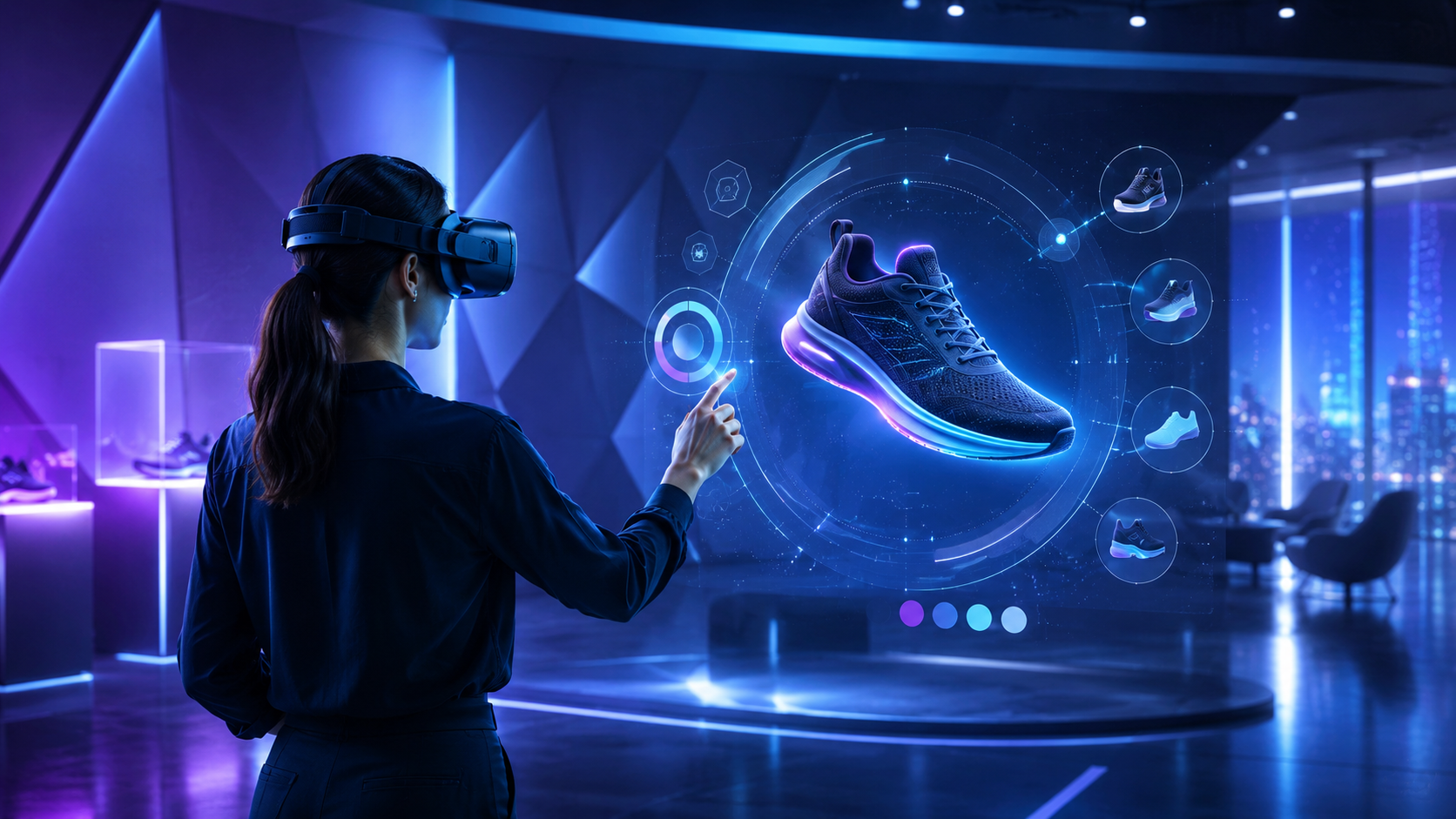
Successful brand experiences leverage standalone VR’s strengths. Virtual product tours, 360-degree destination previews, and gamified brand interactions work perfectly on standalone hardware. Nike’s virtual shoe customization experience and Marriott’s teleportation booths demonstrate effective standalone deployments.
Corporate Training and Team Building Sessions
Simultaneous multi-user training scenarios scale efficiently with standalone headsets. Twenty employees can practice customer service scenarios or safety procedures simultaneously without complex network infrastructure. Training consistency improves when all participants use identical hardware.
Breakout room setups require no IT support with standalone systems. Facilitators distribute headsets like any other training material. Participants join virtual collaboration spaces using simple room codes. Sessions conclude with headset collection—no technical breakdown required.
Safety training and procedure walkthroughs benefit from untethered movement. Employees practice emergency evacuations, equipment operation, or hazardous material handling in virtual environments matching their actual workspaces. Full body movement without cable constraints improves training transfer.
Team collaboration in virtual spaces builds connections across distributed teams. Standalone headsets enable impromptu virtual meetings without booking specialized VR rooms. Teams brainstorm on virtual whiteboards, manipulate 3D data visualizations, or explore architectural plans together regardless of physical location.
Product Launches and Press Events
Synchronized experiences for media demos create memorable moments. Fifty journalists experiencing a product reveal simultaneously generates social media buzz. Standalone headsets enable this scale without venue limitations or setup complexity.
Virtual showroom implementations extend physical display limitations. Automotive brands showcase entire model lines in booth footprints that physically accommodate one vehicle. Furniture retailers demonstrate room configurations impossible in conventional showrooms.
Remote attendance via VR streaming includes distant stakeholders. Executives in different cities join product launches through VR headsets, experiencing the event as if physically present. This hybrid approach maximizes reach while maintaining experiential impact.
Post-event headset gifting extends engagement beyond the venue. Brands send pre-configured headsets to VIP customers or influencers, enabling continued interaction with launch content. Standalone units ship directly to recipients without technical support requirements.
Planning Your Standalone VR Rental
Converting your event vision into a rental order requires specific decisions about quantities, content readiness, support needs, and contingency planning. This checklist ensures nothing gets missed.
Pre-Rental Planning Checklist
Venue Wi-Fi capability assessment should occur during site visits. Test actual speeds during peak usage times, not theoretical maximums. Identify access point locations and potential interference sources. Coordinate with venue IT about dedicated network segments or bandwidth reservations.
Content testing timelines require buffer for iterations. Schedule initial content reviews 4-6 weeks before events. Allow 2 weeks for revisions and 1 week for final deployment testing. Build contingency time for unexpected compatibility issues or performance optimization.
Staff training needs vary by experience complexity. Simple 360-degree video experiences require 30-minute orientation sessions. Interactive applications need 2-3 hour training workshops. Schedule training close enough to retain knowledge but early enough to address concerns.
Attendee volume and session duration calculations determine inventory requirements. Estimate 5-7 minutes per experience for trade show interactions, 15-20 minutes for detailed demonstrations, and 30-45 minutes for training sessions. Add 2-3 minutes for headset adjustment and hygiene protocols between users.
Questions to Ask Rental Providers
Included accessories and their conditions affect user experience. Verify that head straps, facial interfaces, and controllers are sanitized and undamaged. Ask about hygiene barriers, carrying cases, and charging cables. Clarify whether prescription lens adapters are available for attendees with glasses.
Technical support response times matter during live events. Determine whether support is phone-based or on-site. Understand escalation procedures for critical issues. Confirm support hours relative to event schedules, especially for evening or weekend activations.
Backup unit policies protect against equipment failures. Standard practice includes 10-20% spare inventory for large deployments. Clarify whether backups incur additional charges or are included in package pricing. Understand replacement procedures if damage occurs during events.
Content installation assistance scope varies significantly between providers. Some handle complete deployment, while others provide empty devices. Determine who manages app store accounts, handles updates, and removes content post-event. Clarify data privacy procedures for custom content.
Frequently Asked Questions
Can standalone VR headsets run custom branded experiences?
Yes, standalone headsets run custom applications through sideloading or enterprise deployment platforms. Development costs range from $10,000 for simple experiences to $100,000+ for complex interactions. Most rental providers can recommend compatible development partners.
How many standalone headsets can run simultaneously without interference?
Physical interference isn’t an issue with inside-out tracking, allowing unlimited headsets in the same space. Network limitations typically cap simultaneous streaming at 20-30 devices per access point. Offline content removes this limitation entirely.
What’s the typical battery life for all-day event use?
Expect 2-3 hours of continuous use per charge. All-day events require either battery pack accessories (adding 2-3 hours) or rotation schedules with backup units. Quick charging provides 50% battery in approximately 30 minutes.
Do standalone headsets need internet connection during events?
Internet requirements depend on content type. Offline experiences need no connectivity after initial installation. Multiplayer or streaming content requires stable internet. Most branded experiences are designed to work offline for reliability.
Can attendees use their own smartphones with rental standalone headsets?
Standalone headsets don’t require smartphones for operation. Some experiences might offer companion apps for content sharing or extended engagement, but these are optional enhancements rather than requirements.
What happens if a standalone headset breaks during my event?
Rental agreements typically include damage waivers for normal wear. Accidental damage might incur replacement costs ($500-1,500 per unit). Most providers include spare units and on-site support for immediate replacement during events.
How far in advance should I book standalone VR rentals for large events?
Book 6-8 weeks ahead for major trade shows or peak season events. 3-4 weeks usually suffices for standard corporate events. Large quantities (50+ units) or specific model requirements need longer lead times.
Conclusion
Standalone VR headsets have democratized immersive experiences for events, removing the technical and logistical barriers that previously limited VR to specialized activations. The combination of portability, ease of setup, and improving content quality makes standalone VR accessible for everything from small corporate meetings to massive trade show deployments.
Success with standalone VR rentals comes from matching technology capabilities to event objectives. While these devices may not deliver the absolute peak graphics of high-end PC VR, they excel at the experiences that matter most for events: engaging brand interactions, effective training simulations, and memorable product demonstrations—all without the complexity that once made VR impractical for most event planners.
As you plan your next VR activation, focus on the experience you want to create rather than the technology specifications. Modern standalone headsets deliver impressive results when content is properly optimized and deployment is well-planned. The wireless freedom, quick setup, and scalability of standalone VR transform ambitious event concepts into practical realities.
Ready to explore standalone VR for your next event? Start by defining your experience goals and expected attendance. Request quotes from multiple rental providers, ensuring you compare complete packages including support services. Schedule equipment demos when possible—experiencing the technology firsthand eliminates uncertainty and inspires creative applications you might not have considered. The future of event engagement is wireless, portable, and more accessible than ever before.