Not every VR headset is built for the same job. If your event demands a high-fidelity product visualization, a custom Unreal Engine experience, or a training simulation that cannot afford frame drops or visual compromise, a PC VR headset is likely the right tool. If you need something fast to deploy across a high-traffic activation with minimal staffing, it probably is not.
This guide is written for event producers, marketing teams, product managers, and training leads who need to make a real deployment decision not a consumer purchasing decision. It covers what a PC VR headset is, when it fits your use case, what hardware you actually need, how to deploy it without technical failure, and whether renting or buying makes more sense for your program.
What a PC VR Headset Is and Why Businesses Use It
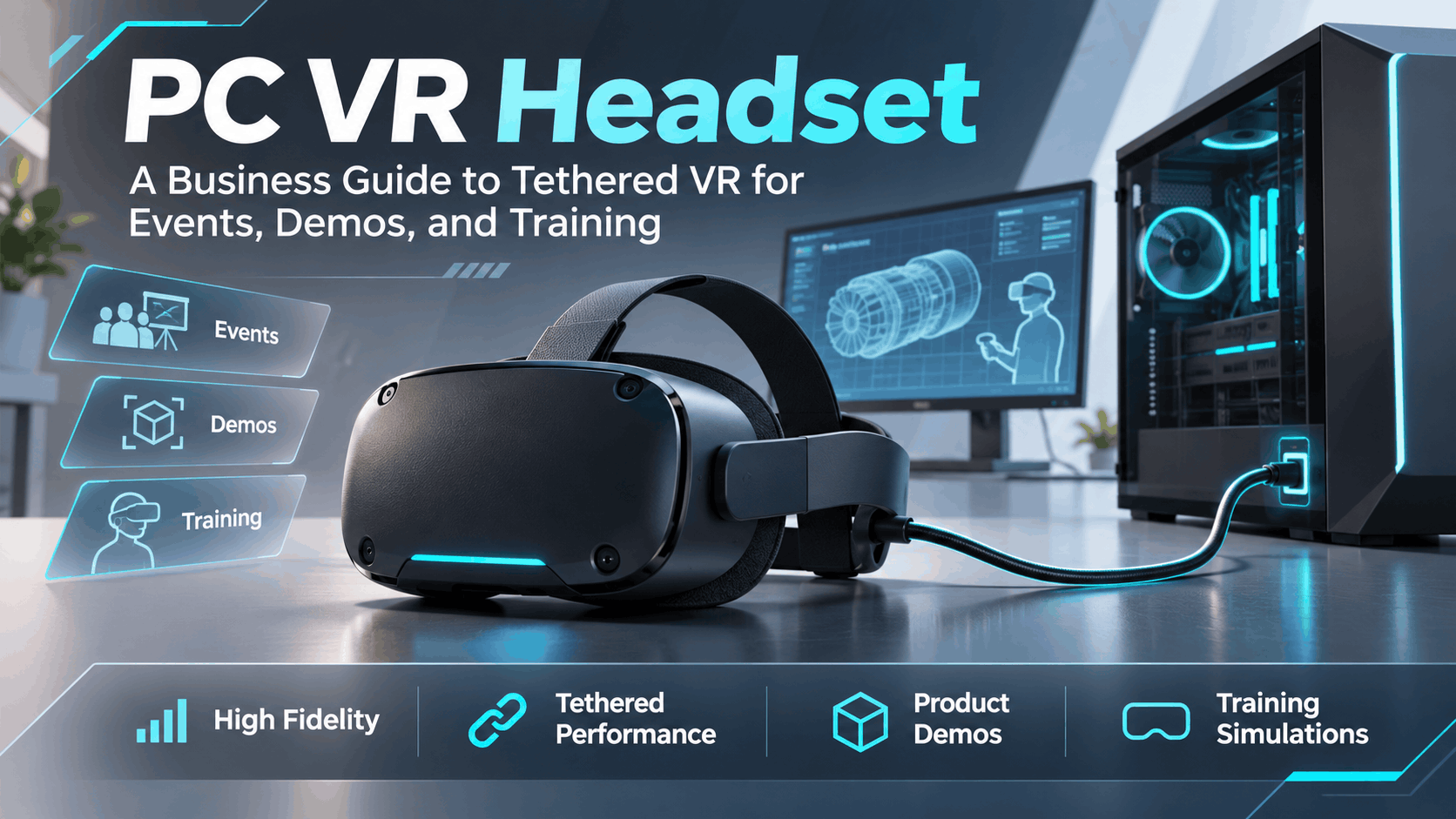
A PC VR headset is a head-mounted display that connects to a dedicated computer to render the virtual reality experience. The headset itself handles display and tracking. The computer handles everything computationally demanding: rendering graphics, running the application, processing physics, and managing audio. The two work together as a system, connected by a cable which is why this category is also called tethered VR.
This is different from a standalone headset, which contains its own processor, memory, and battery inside the headset unit. Standalone devices are self-contained. PC VR devices are not.
For business events, that distinction matters operationally and experientially.
PC VR vs Standalone VR in One Sentence
A PC VR headset is tethered to a computer that renders the experience; a standalone headset renders everything on-device, trading visual fidelity and software flexibility for simpler setup and greater portability.
The choice between them is not a spec-sheet decision. It is an operational decision based on what your experience requires, how much space and staffing you have, and how much setup complexity your team can manage on-site.
Why Event Teams Still Choose Tethered VR
Despite the convenience of standalone headsets, tethered VR remains the preferred format for specific categories of business deployment:
Higher visual fidelity for product demos and branded experiences. When a car manufacturer needs to show interior materials in accurate color and texture, or an architecture firm needs to walk a client through a photorealistic building model, the rendering power of a dedicated GPU is not optional. Standalone headsets compress and approximate. PC VR renders at full resolution with full graphical detail.
Better fit for custom Unreal Engine VR and complex interactions. Most enterprise-grade VR experiences built in Unreal Engine or Unity with high polygon counts, dynamic lighting, and real-time physics require the processing headroom that only a connected PC can provide. Porting these experiences to standalone hardware often means visual downgrades or interaction limitations.
Premium, controlled experiences. When the goal is to leave an impression at a product launch, a flagship trade show booth, or a high-stakes sales meeting — the quality of the experience reflects directly on the brand. PC VR gives you control over that quality in a way that standalone hardware does not.
When a PC VR Headset Is the Right Choice for an Event or Training Program
Tethered VR is not always the right answer. The decision depends on deployment criteria: how many people need to experience it, how long each session runs, how complex the software is, and how much on-site technical support you can realistically staff.
Best-Fit Use Cases
Product launches that need high-impact visual presentation. If the product itself is the content — a new vehicle, a piece of industrial equipment, an architectural design, a luxury consumer product — PC VR lets you present it at the highest possible visual quality. Attendees see accurate materials, real-time reflections, and spatial scale that standalone hardware cannot match.
Sales demos that rely on detailed 3D environments or product visualization. B2B sales cycles increasingly include immersive product demos. When a prospect needs to understand how a complex product works, how it fits into a space, or how it compares to alternatives, a high-fidelity VR walkthrough is more persuasive than a video or a slide deck. PC VR makes that demo credible.
Training simulations where realism and interaction depth matter. Safety training, surgical simulation, equipment operation, and emergency response scenarios all benefit from the realism that PC VR enables. When the training outcome depends on accurate spatial judgment, realistic visual feedback, and responsive interaction, the fidelity gap between PC VR and standalone becomes consequential.
When to Avoid PC VR
High-traffic activations with minimal staffing. If you are running a consumer activation where hundreds of people cycle through and you have one or two staff members managing the booth, the setup complexity and cable management requirements of tethered VR create operational risk. Standalone headsets are better suited to high-volume, low-supervision environments.
Environments with limited space, power, or cable management tolerance. PC VR requires a controlled footprint: clear floor space for the play area, cable routing that does not create tripping hazards, and reliable power for both the headset and the PC. If your venue cannot accommodate those requirements, tethered VR becomes a liability.
Programs where speed of setup matters more than graphical fidelity. If your team is setting up and tearing down at multiple locations in a short window, standalone headsets are faster to deploy and recover. PC VR setup — including driver verification, software launch, tracking calibration, and cable routing — takes longer and requires more technical attention.
Hardware Requirements: What You Need Beyond the Headset
One of the most common planning mistakes is budgeting for a headset and forgetting the rest of the system. PC VR is not a headset purchase. It is a system deployment. Every component in the stack affects the reliability and quality of the experience.
Computer Specs and GPU Expectations
The PC is not a peripheral. It is the engine of the experience. A headset connected to an underpowered computer will produce frame drops, stuttering, and motion sickness — outcomes that are worse for your audience than no VR at all.
For most current PC VR deployments, you need:
-
A dedicated NVIDIA RTX or AMD equivalent GPU with at least 8GB of VRAM. For demanding Unreal Engine experiences, 10GB or more is safer.
-
A modern multi-core CPU (Intel Core i7 or i9, AMD Ryzen 7 or 9) with sufficient clock speed to handle physics and audio processing alongside rendering.
-
At least 16GB of RAM, with 32GB recommended for complex scenes.
-
The correct display output ports for your specific headset (DisplayPort 1.4 is common; verify against your headset’s requirements).
-
A stable, clean operating system installation with current GPU drivers and no background processes competing for resources.
Underpowered systems do not just produce a worse experience. They create demo risk. A frame drop at the wrong moment during a sales presentation or product launch undermines the entire investment in the activation.
Cables, Sensors, Controllers, and Play Space
Beyond the PC and headset, a tethered VR deployment requires:
-
The tether cable itself, which connects the headset to the PC. Depending on the headset, this may be a proprietary cable, a USB-C cable, or a DisplayPort-plus-USB combination. Cable length affects play space; cable quality affects signal reliability.
-
Base stations or sensors, for headsets that use external tracking (such as Valve Index or older HTC Vive systems). These require mounting or tripod placement, power, and line-of-sight to the play area.
-
Controllers, which need to be charged, paired, and verified before each session.
-
A defined play space with clear boundaries, non-reflective flooring, and adequate lighting for tracking. Most PC VR systems require a minimum of 2m x 1.5m for room-scale experiences; more space is better.
Cable routing deserves specific attention. The tether cable runs from the headset to the PC. During an active session, that cable moves with the user. Without proper routing — using overhead cable management systems, floor guides, or a dedicated cable handler — it becomes a tripping hazard for the user and a disconnection risk for the system.
Power, Network, and Venue Constraints
Power: A gaming-grade PC with a high-end GPU draws significant power. Add monitors, peripherals, and any additional equipment, and you are looking at a dedicated circuit requirement. Use surge protectors rated for the load. Confirm with the venue that the circuit can handle the draw before the event.
Network: Many VR experiences can run fully offline once the application is installed. This is the safer deployment model for events, where venue Wi-Fi is often unreliable or congested. If your experience requires internet connectivity — for live data, cloud assets, or remote monitoring — test the venue connection in advance and have a contingency plan.
Venue constraints: Ceiling height, ambient lighting, reflective surfaces, and floor material all affect tracking performance and play space safety. Conduct an on-site venue assessment before finalizing your deployment plan. What works in your office may not work in a convention center with mirrored walls and overhead spotlights.
How to Choose the Right PC VR Headset for Business Use
Consumer reviews rank headsets by resolution, refresh rate, and price. Business deployment requires a different selection framework — one based on operational reliability, software compatibility, and the practical realities of running a demo for hours at a time with rotating users.
Selection Criteria That Matter Most
Comfort for repeated sessions. In a consumer context, a user wears a headset for one extended session. In an event context, a headset may be worn by dozens of different users in a single day. Weight distribution, adjustability, and ease of fitting for different head sizes all affect session quality and user satisfaction. A headset that is uncomfortable after five minutes will undermine the experience regardless of its visual specs.
Tracking reliability. Inside-out tracking (cameras built into the headset) is generally easier to deploy at events because it does not require external base stations. Outside-in tracking (base stations) is more precise but adds setup complexity. Choose based on your experience requirements and your team’s ability to manage the setup.
Image quality and field of view. For product visualization and high-fidelity demos, resolution and lens quality matter. Look for headsets with sufficient pixels-per-degree to display fine detail without visible screen-door effect.
Compatibility with the intended application. This is non-negotiable. Verify that the headset is supported by the software platform your experience runs on before committing to a deployment. Compatibility issues discovered on-site are not recoverable.
Rental-Ready vs Purchase-Ready Decisions
Rental reduces risk for one-off events. If you are running a single product launch, a trade show activation, or a pilot training session, renting PC VR hardware is almost always the lower-risk choice. You get current hardware, pre-configured systems, and access to technical support without the capital expenditure or the maintenance burden.
Buying only makes sense for repeated internal use. If your organization runs VR training programs on a regular schedule, has dedicated technical staff, and operates in a stable software environment, ownership can make financial sense over time. The break-even point depends on frequency of use and the cost of ongoing support.
Timeline and support determine the decision. If your event is in six weeks and your team has never deployed PC VR before, rental with managed support is the right answer. The time required to procure hardware, configure systems, test software, and train staff is not trivial.
Operational Planning: How to Deploy PC VR Without Technical Failure
The difference between a successful VR activation and a failed one is almost always operational, not technical. The hardware works. The software works. What fails is the deployment plan — or the absence of one.
Staffing and Session Flow
Assign clear roles. Every PC VR deployment needs at minimum: a host who manages the user queue, explains the experience, and fits the headset; and a technical operator who monitors the system, resets the experience between sessions, and responds to hardware issues. At larger activations, these are two different people.
Plan for headset sanitation. In a multi-user event environment, headset hygiene is both a health consideration and a user experience consideration. Have disposable face gasket covers or alcohol wipes available. Build sanitation time into your session turnover plan.
Design a simple queue workflow. Decide in advance how long each session runs, how users are queued, and what the reset process looks like between sessions. A 4-minute experience with a 2-minute turnover is a predictable, manageable flow. An undefined session length with no reset protocol is a queue management failure waiting to happen.
Setup Checklist Before the Event Starts
Do not assume the system works because it worked yesterday. Run a full preflight check on-site before doors open:
-
Boot the PC and verify GPU drivers are current and stable.
-
Launch the VR application and confirm it loads to the correct starting point.
-
Put on the headset and verify tracking is active and accurate across the full play space.
-
Test audio through the headset — both the experience audio and any microphone if used.
-
Verify controller pairing and button mapping.
-
Walk the cable routing and confirm there are no tripping hazards.
-
Test the reset process: complete a session, exit, and relaunch to confirm the reset is clean and fast.
-
Confirm power draw is stable and surge protection is in place.
-
Identify the location of backup cables, spare controllers, and any other critical peripherals.
Common Failure Points and How to Avoid Them
Cable disconnects and tripping hazards. The tether cable is the single most common point of failure in live deployments. Use overhead cable management where possible. If overhead management is not available, assign a staff member to manage the cable during sessions. Tape down any floor-level cable runs with gaffer tape.
Driver or software mismatches. GPU driver updates can break VR software compatibility. Lock your driver version before the event and do not allow automatic updates. Test the full stack — OS, drivers, VR runtime, and application — as a complete system, not as individual components.
Insufficient space, lighting, or power. These are venue constraints that must be identified and resolved before the event, not during it. A play space that is too small creates safety issues and tracking errors. Ambient lighting that is too bright or too dark affects inside-out tracking. A power circuit that is too weak causes system instability. Address all three during your venue assessment.
PC VR Headset Rental vs Buying: Cost, Timeline, and Risk
The build-vs-buy question for VR hardware is really a cost, timeline, and risk question. For most event deployments, the math favors rental.
Why Rental Is Often the Safer Event Choice
Lower upfront cost for short-term activations. A deployment-ready PC VR system — headset, high-performance PC, peripherals, and cables — represents a significant capital investment. For a single event or a short-term activation, rental provides access to the same hardware at a fraction of the cost.
Less maintenance and fewer compatibility surprises. Rental providers maintain their hardware, update configurations, and resolve compatibility issues before equipment ships. When you own the hardware, those responsibilities fall to your team.
Faster path to a working deployment. A reputable VR rental provider can deliver pre-configured, tested hardware with technical support. Building that capability internally takes time, expertise, and ongoing investment that most marketing or event teams do not have.
When Buying Can Make Sense
Repeated internal training use. If your organization runs VR training on a monthly or weekly schedule, the per-use cost of rental eventually exceeds the cost of ownership. At that point, buying makes financial sense provided you also invest in the technical staff and maintenance processes to support the hardware.
A stable software environment with dedicated staff. Ownership works when the software environment is stable, the hardware configuration is fixed, and a dedicated technical resource manages the system. Without those conditions, ownership introduces more risk than it eliminates.
Long-term program ownership. If VR is a core part of your training or sales enablement program — not a one-time activation — building internal capability around owned hardware is a reasonable long-term investment.
How PC VR Compares with Standalone Headsets and Apple Vision Pro for Business Events
The headset market has three meaningful categories for business deployment: PC VR, standalone VR, and Apple Vision Pro. Each has a different operational profile and a different best-fit use case.
PC VR vs Standalone Headsets
Standalone headsets — the Meta Quest line being the most widely deployed — are simpler to set up, easier to transport, and require no tethered PC. For high-volume consumer activations, training programs that need to scale across multiple locations, or deployments where technical staff is limited, standalone is the practical choice.
PC VR is stronger when the experience demands it. Custom Unreal Engine environments, high-resolution product visualizations, and complex interactive simulations all perform better on tethered hardware. The visual gap between a demanding PC VR experience and its standalone equivalent is visible and meaningful to audiences who are paying close attention.
The right choice depends on event logistics and experience requirements. If your experience was built for PC VR and has not been optimized for standalone, do not assume it will run acceptably on a Quest. Test it. If it does not meet your quality standard, deploy it on the platform it was built for.
PC VR vs Apple Vision Pro
Apple Vision Pro is a spatial computing device, not a VR headset in the traditional sense. It is designed for mixed reality — overlaying digital content on the real world — rather than full immersive VR. Its deployment model is fundamentally different: it is a premium, self-contained device with a high price point and a software ecosystem that is still developing for enterprise use.
For business events, Vision Pro is best suited to mixed-reality presentations, spatial product overlays, and use cases where the audience remains aware of their physical environment. It is not the right tool for fully immersive VR experiences.
PC VR is the right choice when full immersion, high-fidelity rendering, and complex interaction are the requirements. Vision Pro is the right choice when the use case is spatial, mixed-reality, and premium — and when the budget and staffing can support it.
The decision should be driven by use case, not by consumer hype. Both are legitimate tools. Neither is universally superior.
FAQs About PC VR Headsets for Business Use
What is a PC VR headset?
A PC VR headset is a head-mounted display that connects to a dedicated computer via a cable. The computer handles all rendering and processing; the headset handles display and tracking. This tethered configuration enables higher visual fidelity and more complex software than standalone headsets, which process everything on-device.
Is a PC VR headset better than a standalone headset for events?
It depends on the experience and the deployment context. PC VR is better when the experience requires high visual fidelity, runs on demanding software, or was built specifically for tethered hardware. Standalone is better when setup simplicity, portability, and high user volume are the priorities. Neither is universally superior — the right choice is determined by your specific event requirements.
What computer do you need for a PC VR headset?
At minimum, you need a PC with a dedicated GPU (NVIDIA RTX or equivalent), a modern multi-core CPU, 16GB of RAM (32GB recommended for demanding experiences), and the correct output ports for your headset. The GPU is the most critical component — underpowered graphics create frame drops that degrade the experience and create motion sickness risk. Always test the full system stack before the event.
Can you rent a PC VR headset for a trade show or product launch?
Yes. PC VR hardware rental is available through specialist providers who supply pre-configured systems with technical support. Rental is typically the lower-risk choice for one-off events because it eliminates the capital cost, reduces compatibility risk, and provides access to maintained, current hardware without the ongoing ownership burden.
What are the biggest risks when deploying tethered VR on-site?
The most common failure points are cable management (disconnects and tripping hazards), driver or software mismatches discovered on-site, insufficient play space or power, and inadequate staffing for session management. All of these are preventable with a thorough venue assessment, a full preflight check before doors open, and a clear operational plan that assigns specific roles to specific people.
When should a business choose PC VR instead of Apple Vision Pro?
Choose PC VR when your use case requires full immersive VR complete visual replacement of the real environment and when the experience demands high-fidelity rendering, complex interaction, or custom software built for tethered hardware. Choose Apple Vision Pro when the use case is spatial and mixed-reality, where digital content overlays the real world rather than replacing it. For most VR activations at trade shows, product launches, and training programs, PC VR is the more appropriate and more proven deployment format.
The Bottom Line: Deploy PC VR with a Plan, Not Just a Headset
A PC VR headset is not a plug-and-play device. It is a system hardware, software, space, power, staffing, and process that delivers a premium experience when every component is correctly configured and managed. When it works, it is the most compelling immersive format available for business events. When it fails, it fails visibly, in front of your audience.
The teams that deploy PC VR successfully treat it as an operational discipline, not a technology experiment. They assess the venue before the event. They test the full stack before doors open. They staff for both user experience and technical recovery. They plan for failure modes before they encounter them.
If you are evaluating PC VR for an upcoming event, product launch, or training program and want to understand what a deployment would actually require hardware, staffing, timeline, and cost the right next step is a conversation with a team that has done it before.
Ready to deploy PC VR at your next event? Contact our team to discuss your experience requirements, venue constraints, and timeline. We can help you determine whether PC VR is the right format, configure the hardware stack, and support the deployment from setup to teardown.