As a marketing leader, product manager, or event planner, you’re tasked with making your next product launch unforgettable. The term ‘virtual product launch’ has been stretched to cover everything from a simple YouTube livestream to a fully immersive, multi-city VR reveal. Before you can plan, budget, or book a single piece of technology, you need to cut through the noise and define what format you’re actually running.
This guide is designed for implementation. It moves past abstract strategy to give you a practical framework for planning, deploying, and scaling an immersive product launch that delivers real impact. We’ll walk through the decision journey your team faces, focusing on the operational realities—headset counts, delivery timelines, content preloading, and on-site staffing—that make or break a launch event.
What a Virtual Product Launch Actually Means in 2025
The implications for technology, logistics, and budget are completely different depending on whether you’re hosting a remote-only digital event, an in-person immersive activation, or a hybrid launch that combines both. This section maps the three primary formats companies use today, helping you choose the right path for your product.
Remote-Only Digital Launches vs. In-Person Immersive Activations
A remote-only digital launch is what most people think of as a “virtual event.” It leverages platforms like Zoom, YouTube Live, or dedicated virtual event software to broadcast a message to a wide audience. Its primary strengths are high reach and accessibility. However, it offers low sensory engagement and can struggle to cut through the digital noise.
An in-person immersive activation is the opposite. It takes place at a physical venue where attendees use VR or AR hardware for a hands-on product interaction. This format delivers dramatically higher engagement and recall but has a lower potential reach than a digital broadcast.
It’s crucial to understand the distinction:
- “Virtual” in the webinar context means remote and screen-based.
- “Virtual” in the immersive tech context means transporting the user to a simulated environment, often while they are physically present at an event.
Most modern enterprise product launches now combine both elements to get the best of each: a digital broadcast layer for reach, plus an immersive in-person experience for high-value audiences like press, partners, or key accounts.
Hybrid Product Launches: The Format Most Companies Are Actually Running
The hybrid model is now the dominant format for most mid-market and enterprise launches. It pairs a live, physical activation—like a press event, a trade show floor presence, or a roadshow stop—with a digital broadcast or on-demand content layer. This approach maximizes both the reach of a digital event and the depth of an in-person experience.
In this model, immersive hardware like VR headsets or AR glasses becomes the differentiating layer at the physical touchpoint. It provides a “wow” factor that a standard presentation cannot. However, the hybrid format introduces significant planning complexity. You are effectively running two productions in parallel, with two distinct audience journeys and two sets of logistics to coordinate.
Choosing the Right Immersive Technology for Your Launch Format
Not every product launch needs VR. The technology decision should always follow the experience goal, venue constraints, and audience size—not the other way around. Here’s how to match immersive hardware to the specific demands of a product launch.
Standalone VR Headsets: Best for Controlled, High-Impact Product Reveals
Standalone wireless headsets, such as Meta Quest-class devices, are self-contained with no PC tethers or external sensors required. This is a massive advantage for events, enabling rapid setup, portability, and deployment in any venue without complex IT infrastructure.
- Best Use Cases: Ideal for press previews where each journalist gets a private 3-5 minute product experience, VIP partner events, or dedicated demo stations at a trade show.
- Headset Count Planning: A good rule of thumb for calculating throughput is to plan for about 20-25 headsets running simultaneously to move 200 attendees through a 5-minute experience within a 2-hour window.
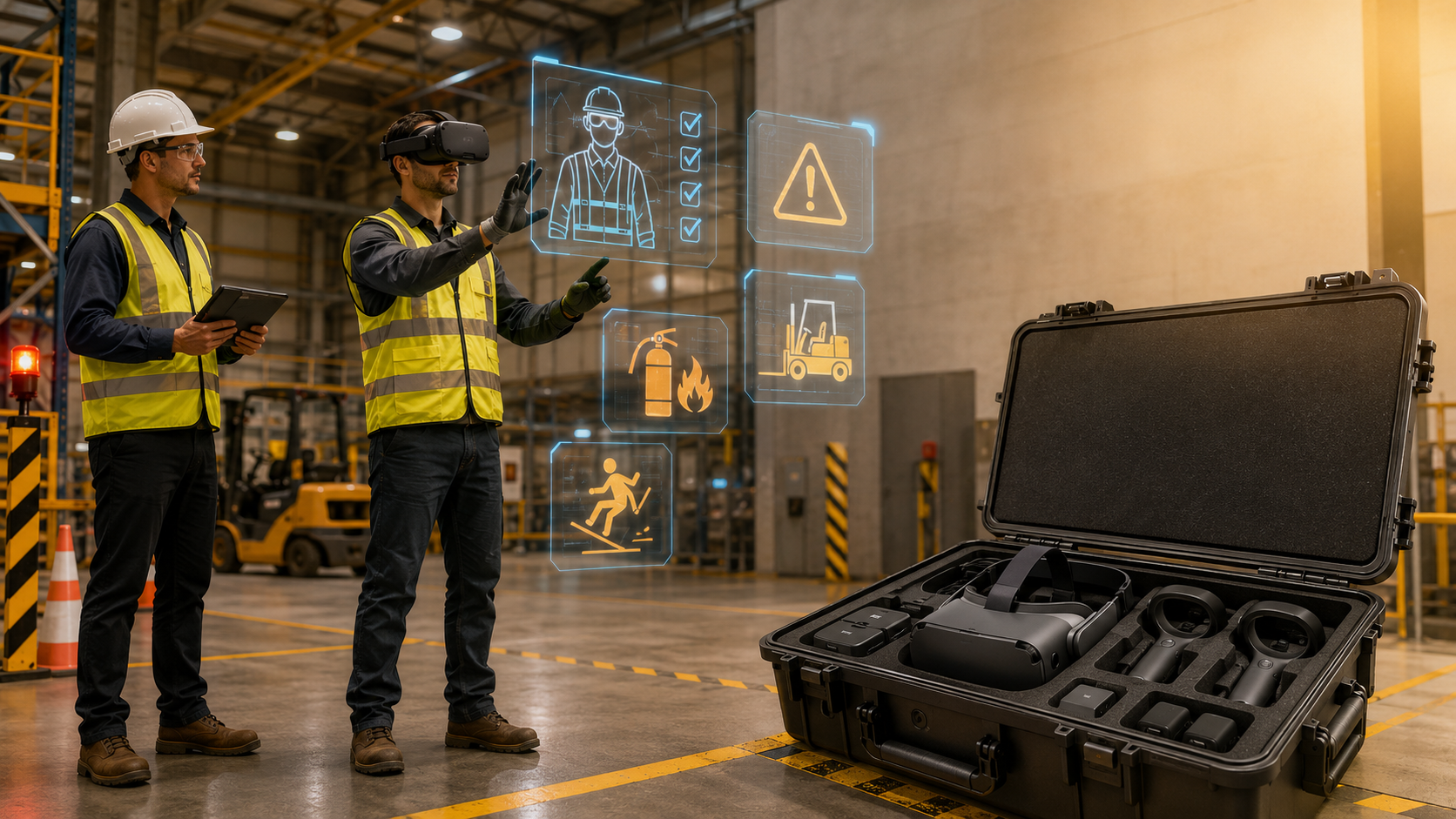
- Content Preloading: All product visuals, 3D models, and launch videos must be loaded onto the headsets before the event. When renting hardware, this service is critical, ensuring devices arrive ready to use out of the box.
AR Glasses: Best for Overlay Experiences and Hands-On Product Interaction
Augmented Reality (AR) glasses are best used to overlay digital information—specs, features, or configurator options—onto a physical product that is present in the room. This is ideal when the physical product exists but needs digital augmentation, such as a new vehicle, a piece of industrial equipment, or a consumer device.
Compared to VR, AR keeps the user present and aware of their surroundings. This makes it better suited for social launch environments where you want attendees to interact with each other. While hardware options are evolving, event planners must consider tradeoffs in field of view, battery life, and setup complexity.
When to Use Both: Layered Immersive Experiences at Scale
For a truly dynamic launch, consider a layered approach that uses both VR and AR to cater to different audience segments at the same event.
- AR for the main floor: Allow general attendees to use AR to explore a physical product.
- VR for a dedicated demo zone: Offer key media, analysts, and partners a more exclusive, high-impact VR experience in a separate room.
Running two hardware types simultaneously requires meticulous logistical planning around staffing, charging stations, and content management. A 3D product configurator can serve as a complementary digital layer, accessible via web for remote audiences or for post-event engagement.
Planning the Logistics: What Most Launch Teams Get Wrong
The most advanced technology is useless without flawless logistics. The most common failure point in immersive product launches isn’t the content; it’s the operational gap between having headsets and ensuring the experience works on the day of the event. This section covers the critical logistics decisions that determine success.
Hardware Quantity and Throughput Planning
To determine how many headsets you need, use this simple formula: Experience Duration × Simultaneous Headsets = Hourly Capacity.
Remember to account for the transition time between users, which includes sanitization, headset adjustment, and resetting the content. This typically adds 1-2 minutes per cycle. As a rule, always plan for 10-15% spare units to cover any unexpected hardware failures or battery issues.
Reference Table: Recommended Headset Count for a 2-Hour Event
| Audience Size | 3-Min Experience | 5-Min Experience | 8-Min Experience |
|---|---|---|---|
| 100 Attendees | 10-12 Headsets | 15-18 Headsets | 20-25 Headsets |
| 200 Attendees | 20-25 Headsets | 30-35 Headsets | 40-45 Headsets |
| 300+ Attendees | 30-35 Headsets | 45-50 Headsets | 60-70 Headsets |
Delivery, Setup, and On-Site Support
When renting hardware, logistics are key. Ensure your rental partner can handle nationwide delivery with a lead time of at least 5-7 business days. Headsets should arrive pre-packaged in durable cases, fully charged, and—most importantly—pre-configured with your content already loaded and tested. This eliminates the risk of on-site technical headaches.
Decide on your on-site support model:
- Self-Managed: Feasible for smaller events (under 10 headsets) where your team can manage distribution and basic troubleshooting.
- Supported Deployment: For large or high-stakes launches, having a dedicated on-site technician from your rental partner is invaluable. They manage setup, battery life, and troubleshooting, freeing your team to focus on guests.
Also, confirm your venue has adequate power for charging banks and sufficient space for each VR station. While standalone headsets don’t require Wi-Fi for preloaded content, you’ll need it if your experience relies on live data.
Multi-Location Simultaneous Launches
Deploying the same immersive experience across multiple cities on the same day is a powerful way to make a global impact. However, it is an operationally complex task that involves coordinating hardware deliveries to multiple addresses, ensuring content is consistent across all units, and managing support across different time zones.
This is where a single, centralized rental partner becomes a strategic advantage. Instead of sourcing hardware city-by-city, you have a single point of contact responsible for deploying fully configured kits to all your locations. Before the event, create a clear communication checklist that defines who owns each site and establishes an escalation path for any on-site issues.
Designing the Product Experience: What Goes Inside the Headset
The hardware is just the delivery mechanism. The experience is what your audience will remember. For a product launch, your immersive content must do something a video or slide deck cannot: it needs to put the audience inside the product story.
Experience Formats That Work for Product Launches
- 360-Degree Product Environment: Place the audience inside a compelling space where the product is the centerpiece—a virtual factory floor, a vehicle interior, or a simulated retail environment.
- Interactive 3D Product Demo: Allow users to rotate, scale, and explore product components in VR. This is highly effective for complex or technical products.
- Narrative Reveal Sequence: Create a guided, 3-5 minute story that walks the audience through the product’s origin, design intent, and key features.
- Configurator Experience: Let users customize colors, finishes, or features in real-time. This format drives high engagement and is a strong signal of purchase intent.
Content Production Timelines and What to Brief Your Creative Team On
Plan your production timelines carefully. A custom 3D interactive environment can take 6-12 weeks to produce, while a 360-video experience may only require 2-4 weeks.
Your creative brief should include:
- Target Headset Platform: Specify the device (e.g., Meta Quest 3) to align with its resolution and processing constraints.
- Experience Duration: Define the target length to match your event’s throughput goals.
- Interaction Level: Clarify whether the experience will be a passive viewing or fully interactive.
- Brand Assets: Provide all necessary logos, color palettes, and product models.
Crucially, always test the final content on the actual rental hardware before the event, not just on a powerful development machine. This ensures the experience runs smoothly on the devices your audience will use.
Measuring the Impact of Your Virtual Product Launch
Immersive product launches require a significant investment. To justify the cost and optimize future activations, you need a measurement framework that goes beyond simple attendance numbers.
Engagement Metrics You Can Capture On-Site
- Headset Utilization Rate: Track how many units were active versus idle. This is a direct proxy for demand and throughput efficiency.
- Experience Completion Rate: What percentage of users completed the full experience? This indicates how engaging your content was.
- Dwell Time Per Station: The average time a user spends in the experience is a strong measure of engagement depth.
- Queue Length and Wait Time: If lines formed, you were likely under-resourced on headsets. Document this to inform future planning.
Post-Launch Signals to Connect Back to the Immersive Experience
The true ROI of an immersive launch often appears after the event.
- Media Coverage Quality: Analyze whether press attendees who used the VR experience wrote more detailed or positive articles.
- Sales Pipeline Velocity: For B2B launches, track whether contacts who attended the immersive activation moved faster through the sales pipeline.
- Social Amplification: Immersive experiences are magnets for organic social content. Track mentions, shares, and video clips from the event.
- Attendee Feedback: A simple post-event survey can capture recall, purchase intent, and overall experience quality.
Virtual Product Launch Packages: What to Look for in a Rental Partner
Most marketing teams don’t own a fleet of VR headsets, and buying them for a single launch rarely makes financial sense. Renting from a business-focused provider gives you access to configured hardware, content preloading, and logistics support without the capital expense or the operational burden of device management.
What a Complete Rental Package Should Include
- Pre-configured standalone headsets with your content preloaded and tested before shipping.
- Charging banks, carrying cases, and sanitization supplies for on-site management.
- Nationwide delivery with sufficient lead time for your team to conduct a final check.
- Optional on-site technician support for large or high-stakes events.
- A simple, clear return process that doesn’t require your team to wipe or reset devices.
Questions to Ask Before You Book
- What headset models are available, and what are their technical specs?
- How is content loaded and tested? Do you handle the upload and QA process?
- What is the minimum order quantity and the required lead time for a multi-location deployment?
- Is on-site technical support available in the cities where my launch is happening?
- What is the protocol if a headset fails on the day of the event? Is there a replacement plan?
A successful immersive product launch is a powerful combination of a compelling creative vision and flawless operational execution. By focusing on the logistical details from the start, you can ensure your technology investment delivers a truly memorable experience that drives business results.
FAQs
How many VR headsets do I need for a product launch with 150 attendees?
For a 150-person event, the number of headsets depends on your experience’s duration and the event’s length. For a 5-minute experience over a 2-hour window, you would need approximately 25-30 headsets to ensure smooth throughput without long lines.
Can I use rented VR headsets for a multi-city product launch on the same day?
Yes. A specialized rental partner can ship fully configured hardware kits to multiple locations simultaneously, ensuring a consistent brand experience across all your launch events.
How far in advance do I need to book VR headsets for a product launch event?
It is best to book at least 2-3 weeks in advance, especially for larger orders or multi-location events. This provides enough time for content loading, testing, shipping, and any necessary pre-event checks. A minimum of 5-7 business days is recommended for smaller, local deployments.
What kind of content works best in a VR product launch experience?
Short, high-impact experiences (3-5 minutes) work best. Formats like interactive 3D product demos, narrative reveal sequences, and immersive 360-degree environments are highly effective at capturing attention and showcasing product features in a memorable way.
Do I need Wi-Fi at my venue to run a VR product launch activation?
Not necessarily. If your content is preloaded onto standalone VR headsets, you do not need Wi-Fi for the experience to run. Wi-Fi is only required if your experience needs to stream live data or connect to an online service.
What is the difference between using VR and AR for a product launch?
VR replaces the user’s surroundings with a fully digital environment, making it ideal for creating immersive, focused product reveals. AR overlays digital information onto the real world, which is perfect for augmenting a physical product that is present at the event.
How long does it take to produce custom VR content for a product reveal?
Timelines vary based on complexity. A 360-degree video experience might take 2-4 weeks. A fully interactive 3D environment with custom models and programming will likely require 6-12 weeks or more.
Can attendees at a virtual product launch interact with the product in real time?
Yes. With VR, attendees can use controllers to interact with a 3D model of the product in real-time—rotating it, activating features, or changing configurations. With AR, they can interact with digital overlays on a physical product.