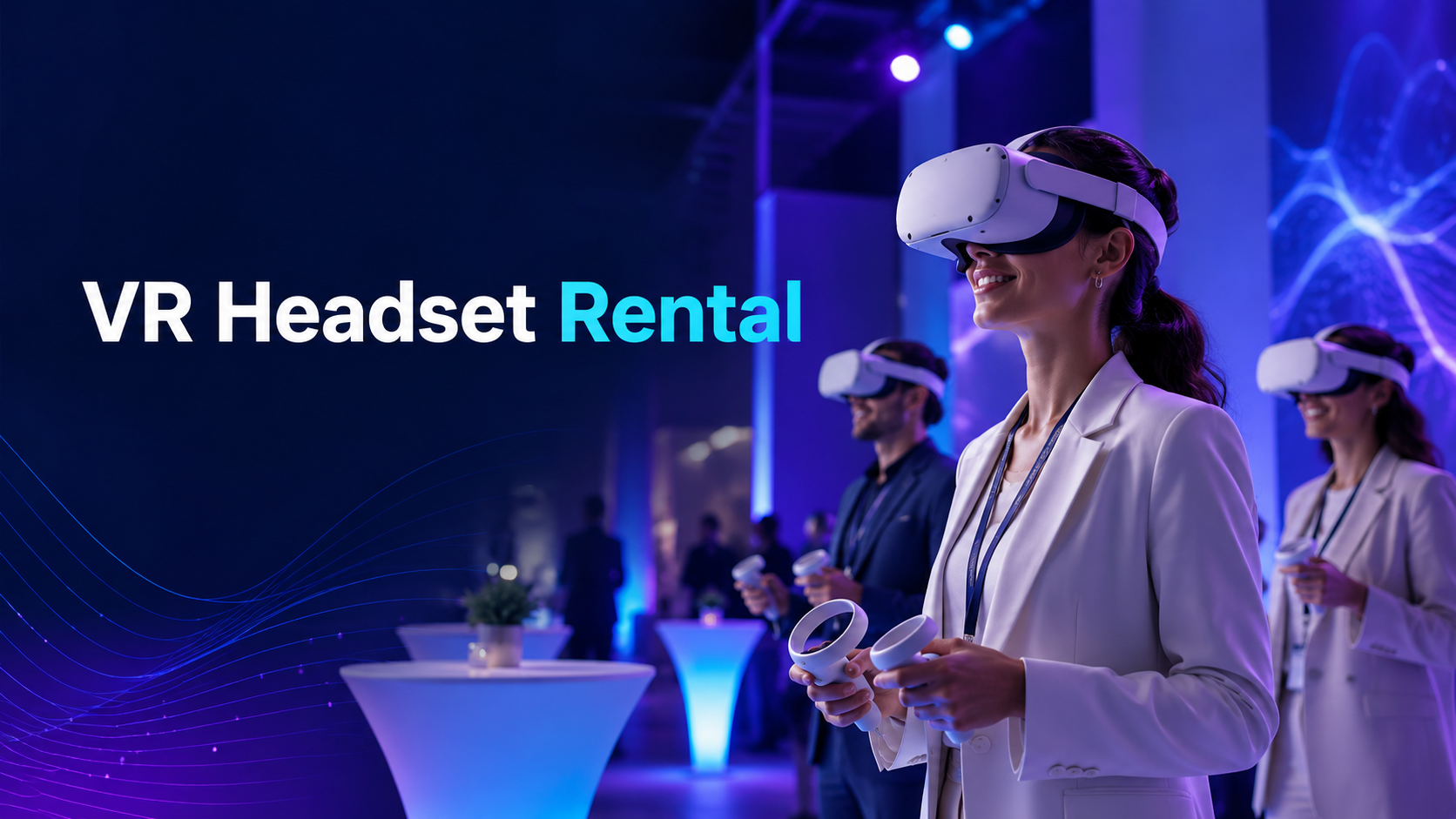
VR headset rental is one of the easiest ways to bring an immersive, memorable experience to a corporate event, trade show, product launch, school activation, birthday party, or private celebration without buying expensive equipment outright.
Instead of purchasing headsets, configuring software, managing hygiene, troubleshooting devices, and figuring out how many stations you need, a VR rental provider can supply ready-to-use equipment for the exact dates of your event. For event planners, that means less technical guesswork and more focus on the guest experience.
Whether you are looking to rent VR equipment for a one-day activation, a week-long conference, a team-building event, or a party, the key is choosing the right headset type, rental package, support level, and content for your audience.
This guide explains how VR headset rental works, what it usually costs, what to plan before your event, and how to choose a vendor that makes virtual reality feel effortless for your guests.
VR Headset Rental Options for Events
Not every VR rental setup is the same. The right choice depends on your venue, audience size, content goals, budget, and how much technical support you want on-site.
Most event VR rentals fall into two categories: standalone VR systems and premium PC-powered setups.
Standalone VR Systems: Meta Quest, Pico, and Similar Headsets
Standalone VR headsets are the most popular option for events because they do not require a gaming PC, external tracking sensors, or complicated cabling. Devices such as Meta Quest and Pico headsets are self-contained, wireless, and relatively easy to deploy across multiple stations.
For event logistics, that simplicity matters. A standalone VR headset can be shipped pre-configured, loaded with selected apps or custom content, and used in a small activation space with minimal setup. IGIVU’s Meta Quest rentals, for example, include sanitized headsets, controllers, charging cables, pre-installed VR experiences, and a prepaid return shipping label.
Standalone VR systems are usually best for:
- Trade show booths
- Corporate events
- Team-building activities
- Brand activations
- School and university events
- Mobile demonstrations
- Parties and entertainment experiences
They are also easier to scale. If you need five, ten, or twenty headsets across a venue, standalone systems are usually more practical than PC-powered VR stations.
Premium VR Setups: Vive Pro, Varjo Aero, and PC-Powered Systems
Premium VR setups are designed for experiences that require higher-end graphics, advanced tracking, specialist simulations, or complex interactive environments. These setups may include a headset such as HTC Vive Pro or Varjo Aero, a VR-ready gaming PC, external tracking hardware, monitors, cabling, and on-site setup support.
This type of VR equipment hire can be worth it when visual quality is central to the event. For example, an architectural walkthrough, high-end product visualization, medical simulation, or enterprise training demo may benefit from the extra performance.
However, premium setups are more complex. They typically require more space, more power access, more setup time, and a technician who can manage calibration, content launch, troubleshooting, and guest flow.
Premium VR is usually best for:
- High-end product demonstrations
- Training simulations
- Engineering or design reviews
- Architectural visualization
- Enterprise showcases
- Sponsored activations where visual quality is a priority
For most general event use cases, standalone VR will be the faster, simpler, and more cost-effective option.
VR Rental Pricing and Package Structures
VR rental pricing depends on the headset model, rental duration, number of units, shipping requirements, configuration needs, content, and whether you need on-site staff.
As a benchmark, IGIVU lists Meta Quest rental pricing from $60/day for Quest 2, $80/day for Quest 3S, $100/day for Quest 3, and $150/day for Quest Pro, with lower pricing available for longer rental periods and larger quantities.
Daily vs Weekly Rental Rates
Daily rentals are common for one-day events, trade shows, parties, and short activations. Weekly rentals are often better for conferences, roadshows, school programs, training sessions, or multi-day brand experiences.
Typical price factors include:
- The headset model
- Number of headsets rented
- Rental duration
- Shipping speed
- Pre-configuration requirements
- Content loading
- Insurance or damage protection
- Whether accessories are included
- Whether on-site support is needed
If you are renting five or more headsets, ask about multi-unit discounts. Many providers reduce the per-headset rate as quantity increases, especially for longer rental windows.
Hidden Costs to Ask About
A VR rental quote may look simple at first, but the final cost can change depending on what is included.
Before booking, ask whether the quote includes:
- Shipping to and from your location
- Return shipping label
- Device sanitization
- Headset charging cables
- Controllers
- Carrying cases
- Setup instructions
- Pre-installed content
- Device pre-configuration
- Damage waiver or insurance
- Replacement support if a headset fails
- On-site technician support
IGIVU’s Meta Quest rental page states that rentals include nationwide delivery, sanitized and tested headsets, pre-installed VR experiences, and prepaid return shipping; custom branded content and on-site technicians are available as add-ons.
Full-Service vs Equipment-Only Rentals
There are two main ways to rent VR equipment: equipment-only rental and full-service VR event rental.
An equipment-only rental is best when your team is comfortable receiving, charging, launching, and managing the headsets. The provider ships the equipment, and your team runs the experience.
A full-service rental usually includes delivery coordination, setup, breakdown, guest management, troubleshooting, and an on-site technician or event manager. This is the better choice for high-traffic events, VIP audiences, brand activations, or corporate events where the experience needs to run smoothly from start to finish.
Choose full-service VR rental if:
- You expect a large number of users
- You need multiple VR stations
- The event has a tight schedule
- You are using custom or branded content
- You do not want your internal team managing devices
- You need someone to clean headsets between users
- You want the VR area to feel professionally hosted
Choose equipment-only rental if:
- Your event is small
- The content is simple
- You have a technically comfortable team member
- You want the most cost-effective option
- You only need a few headsets
Planning Your VR Event Rental
A successful VR activation starts before the headsets arrive. You need to plan space, safety, power, internet, staffing, hygiene, and guest flow.
Space and Safety Requirements
For room-scale VR, Meta recommends a safe, unobstructed play area of at least 6.5 feet by 6.5 feet, or 2 meters by 2 meters. For events, it is often wise to allow more space than the minimum, especially when guests are unfamiliar with VR.
As a practical rule, plan for:
- At least 6.5 x 6.5 feet per active VR station
- Additional space for waiting guests
- A check-in or instruction area
- Clear boundaries around each player
- Staff positioned close enough to guide users
- A table for charging, cleaning, and storing headsets
- No loose cables in guest walkways
For seated or stationary VR experiences, you may need less space. These can work well for product demos, 360-degree videos, virtual tours, and educational content.
Boundary Marking and Crowd Control
VR users cannot see the physical space around them while inside the headset. That makes crowd control essential.
Use stanchions, floor tape, mats, signage, or branded booth elements to separate the VR play area from the audience. Keep bags, chairs, drinks, and loose décor away from the active zone.
For busy events, assign one staff member or technician to each active headset station. Their job is to help guests put on the headset, explain controls, launch content, monitor safety, clean equipment, and keep the line moving.
Insurance and Liability Considerations
Ask your rental provider about insurance, damage protection, and liability policies before the event. VR equipment is durable enough for event use, but controllers can be dropped, straps can break, and lenses can be scratched.
You should understand:
- What counts as normal wear and tear
- What happens if a headset is damaged
- Whether damage waivers are available
- Whether the venue requires a certificate of insurance
- Whether your organization needs event liability coverage
- Who is responsible for equipment during shipping and return
This is especially important for public events, school events, and high-traffic corporate activations.
Technical Setup Checklist
Even standalone VR headsets are easier to manage with a clear setup plan.
Before your event, confirm the following:
Power Access
Map out where headsets will be charged before and during the event. If the activation runs for several hours, you may need backup headsets, battery packs, or scheduled charging rotations.
Make sure you have:
- Enough outlets
- Extension cords if allowed by the venue
- Power strips
- A charging table
- A safe cable-management plan
- Time to fully charge devices before guests arrive
WiFi and Internet
Some VR experiences run offline after installation. Others require WiFi for multiplayer, cloud content, analytics, updates, or login verification.
Ask your rental vendor whether your chosen content needs an internet connection. If it does, confirm:
- Venue WiFi strength
- Guest network restrictions
- Login portal requirements
- Bandwidth needs
- Whether a private network is available
- Whether the headset content can be tested before the event starts
For high-profile events, do not rely on public venue WiFi without testing.
Hygiene and Cleaning
VR headset hygiene is a major part of the guest experience. Nobody wants to put on a headset that feels sweaty or poorly maintained.
Plan for:
- Disposable face covers
- Antibacterial wipes approved for equipment use
- Microfiber lens cloths
- Hand sanitizer
- Staff cleaning between users
- A separate area for used vs cleaned devices
A good rental provider should send sanitized equipment and explain how to clean headsets safely during the event.
VR Content Selection for Events
The headset is only part of the experience. The content is what guests remember.
The best VR rental providers help you match content to your event goal, audience type, and available space.
Corporate Event Applications
Corporate VR rental can be used for more than entertainment. It can support learning, collaboration, product storytelling, recruiting, and brand engagement.
Common corporate VR applications include:
- Team-building games
- Training simulations
- Safety demonstrations
- Product demos
- Virtual venue tours
- Real estate walkthroughs
- Onboarding experiences
- Recruiting booth activations
- Conference entertainment
- Trade show lead generation
For team building, choose experiences that are easy to understand and fun to watch from outside the headset. Games like rhythm challenges, mini golf, puzzle-solving, or cooperative communication experiences can work well because they create conversation and friendly competition.
For product demos, prioritize clarity. A short, focused VR experience is usually better than a long, complex one. Most event attendees will only spend a few minutes in the headset, so the content should deliver value quickly.
Party and Entertainment Options
For parties, guests usually want something fun, fast, and social. VR works best when people can rotate in and out easily while others watch, cheer, or compete.
Popular event formats include:
- Beat Saber-style rhythm challenges
- Short arcade games
- Multiplayer mini golf
- Racing or sports experiences
- 360-degree travel experiences
- Family-friendly exploration games
- Tournament-style leaderboards
For birthdays, school events, and family gatherings, ask about age-appropriate content filtering. Not every VR game is suitable for every age group, and some experiences may include intense motion, combat, or mature themes.
Custom Branded VR Content
For brand activations, product launches, and enterprise events, custom VR content can make the experience more relevant. Instead of renting headsets with standard games, you can create a branded product demo, virtual showroom, training module, or immersive story.
Custom VR content usually adds cost and production time, but it can be worthwhile when the event goal is education, lead capture, product explanation, or brand impact. IGIVU notes that custom branded content is available as an add-on from $2,000.
Choosing a VR Rental Vendor
Price matters, but it should not be the only factor. A low-cost VR rental can become expensive if devices arrive late, content is not installed, headsets are outdated, or no one is available when something goes wrong.
Use the criteria below to compare VR rental vendors.
Equipment Quality and Maintenance
Ask what headset models are available and how often they are maintained. Newer standalone headsets generally offer better visuals, more reliable tracking, and a smoother guest experience than older systems.
Look for:
- Current-generation headsets
- Clean facial interfaces
- Working controllers
- Fully tested devices
- Fresh batteries or charging accessories
- Clear setup instructions
- Protective shipping cases
Avoid vendors that cannot clearly tell you which headset model you are renting.
Geographic Coverage and Delivery
For events, timing is everything. Ask how far in advance equipment arrives and what happens if shipping is delayed.
IGIVU states that Meta Quest rentals are shipped nationwide and typically arrive 2–3 days before the event date, with rush delivery available in many U.S. cities.
Before booking, confirm:
- Delivery date
- Return process
- Shipping carrier
- Rush delivery options
- Hotel or venue delivery compatibility
- Whether return shipping is prepaid
- What to do if equipment arrives late or damaged
Technical Support
Even simple VR rentals can raise questions during setup. Make sure support is available when your team is actually preparing for the event, not only during standard office hours.
Ask:
- Is phone or chat support available?
- Are setup instructions included?
- Can the vendor walk your team through setup?
- Is on-site support available?
- How quickly can they respond during the event?
- Can they troubleshoot headset pairing, WiFi, app launch, or controller issues?
For large events, full-service support is often worth the additional cost.
Content Library and Licensing
A good VR vendor should help you choose content that is appropriate for your event format. They should also be clear about licensing. Consumer VR apps may not always be appropriate for commercial or public event use without the right permissions.
Ask whether:
- Content is included
- You can choose from a content library
- Multiplayer content is available
- Corporate use is licensed
- Custom content can be loaded
- Branded experiences are available
- Age-appropriate filtering is supported
Red Flags to Avoid When Renting VR Equipment
Not all VR rental companies offer the same level of service. Be cautious if you notice any of these warning signs.
Outdated Equipment
Older systems such as Oculus Rift CV1, original HTC Vive, or mobile-phone-based headsets may still work, but they are not ideal for most modern events. They can require more setup, more cabling, more troubleshooting, and may feel dated compared with current standalone devices.
No Clear Support Plan
If the vendor simply ships hardware without instructions, support, or a contact person, your team may be left troubleshooting under pressure. For events, that risk is rarely worth it.
No Hygiene Process
VR headsets touch users’ faces. If a vendor cannot explain how devices are sanitized before shipment or how you should clean them between guests, choose another provider.
Unclear Damage Policy
Accidents happen at events. A good vendor should have a clear process for damage, lost accessories, replacement equipment, and insurance options.
Content Is an Afterthought
Hardware alone does not create a great VR event. If the vendor cannot recommend content based on your audience and goals, you may end up with an experience that feels random or difficult for guests to enjoy.
How Many VR Headsets Do You Need?
The number of VR headsets you need depends on your event length, number of attendees, and average session duration.
As a simple planning formula:
Number of guest sessions per headset = event minutes ÷ average session minutes
For example, if your event runs for 3 hours and each VR session lasts 5 minutes, one headset can support around 36 guest sessions before allowing for cleaning, instructions, and changeover time. In real event conditions, you may want to reduce that estimate by 20–30%.
A rough guide:
- Small party: 1–2 headsets
- Small corporate event: 2–4 headsets
- Trade show booth: 2–6 headsets
- Large corporate activation: 6–20+ headsets
- School or public event: 4–15+ headsets, depending on flow
If you want short queues and high participation, rent more headsets than the bare minimum.
Why Rent VR Headsets Instead of Buying?
Buying VR headsets can make sense for companies that use them every week. But for one-off events, rentals are usually easier and more cost-effective.
VR headset rental gives you:
- Lower upfront cost
- Access to newer headset models
- No long-term storage
- No maintenance burden
- Pre-configured devices
- Flexible quantities
- Support options
- Shipping and return logistics
- Content recommendations
- Event-ready setup
For most event planners, the biggest benefit is confidence. You get the technology without having to become a VR expert.
FAQs About VR Headset Rental
How many VR headsets do I need for my event?
It depends on the number of attendees, event length, and session duration. For small events, 1–4 headsets may be enough. For trade shows, conferences, and larger activations, 5–20+ headsets may be more appropriate. As a rule, shorter experiences and more headsets mean shorter lines.
Can VR headsets be used outdoors?
VR headsets are generally better suited to indoor or covered environments. Bright sunlight can interfere with tracking, and direct sunlight can damage headset lenses. If your event is outdoors, use a shaded, covered, controlled area and confirm the setup with your rental provider before booking.
What happens if equipment is damaged during rental?
Damage policies vary by vendor. Some companies offer damage waivers or insurance options, while others charge for repairs or replacement. Before your rental starts, ask what is covered, what counts as normal wear and tear, and how lost controllers, damaged straps, or scratched lenses are handled.
Do rental companies provide VR content or just hardware?
Many VR rental companies provide both hardware and content. Some include a library of pre-installed experiences, while others offer custom content, branded demos, multiplayer experiences, or training simulations for an additional fee. IGIVU’s Meta Quest rentals include selected pre-installed VR experiences, with custom branded content available as an add-on.
How far in advance should I book VR equipment?
For simple headset rentals, booking at least 2–4 weeks in advance is a good target. For large events, custom content, branded activations, or on-site staffing, book earlier so there is enough time for planning, testing, shipping, and setup coordination.
Is VR suitable for all age groups at events?
VR can work for many age groups, but content selection matters. Some experiences are better for adults, while others are suitable for families, students, or younger guests. Always check headset manufacturer guidance, event rules, and content ratings. For mixed-age events, choose simple, comfortable, age-appropriate experiences and have staff supervise usage.
Make VR the Easiest Part of Your Event
VR should feel exciting for guests, not stressful for planners. The right VR headset rental package gives you clean, tested, pre-configured equipment, suitable content, clear setup instructions, and support when you need it.
Whether you are planning a corporate event, trade show, team-building session, product demo, school activation, or private party, renting VR equipment lets you create an immersive experience without buying hardware or managing the technical details alone.
For a hassle-free setup, choose a VR rental partner that can help you match the right headsets, content, support level, and delivery plan to your event. That way, your guests get the wow factor, and your team gets a smoother event day.